A step-by-step checklist covering P60s, tax codes, NI contributions, pension verification, and HMRC submission deadlines. Download the PDF and work through it before 5 April.
 TimeTally Software
The easiest way to handle year-end payroll is to track hours accurately from the start. TimeTally gives you verified timesheet data every week, so when April arrives, your records are already in order.
Tap any card for the detail.
14-day free trial · No credit card needed
Step-by-step checklist for preparing and issuing P60s to all employees by the 31 May deadline
Verify all employees have the correct tax codes from HMRC and update records for the new tax year
Confirm National Insurance contributions are calculated at the right category letter and recorded correctly
Verify auto-enrolment pension contributions match minimum rates and have been remitted to your provider
Identify all benefits in kind and prepare P11D submissions ahead of the 6 July deadline
Timeline of every year-end submission deadline, from the final FPS on 19 April to P11Ds on 6 July
The UK tax year runs from 6 April to 5 April. Every employer operating PAYE must close out the year correctly and meet a series of HMRC deadlines. Getting this wrong can mean penalties, incorrect employee tax calculations rolling into the new year, or failed reconciliations with your payroll software.
Under HMRC's Real Time Information system, employers submit a Full Payment Submission (FPS) every time they run payroll. Your final FPS of the tax year must be submitted on or before 19 April and must include a "final submission" indicator. If you owe statutory payment reclaims or need to claim the Employment Allowance, you also need to file an Employer Payment Summary (EPS) by 19 April.
| Deadline | Requirement |
|---|---|
| 5 April | Tax year ends |
| 19 April | Final FPS and any EPS submitted to HMRC |
| 31 May | P60s issued to all employees on payroll at 5 April |
| 6 July | P11D and P11D(b) forms submitted for benefits in kind |
| 22 July | Class 1A NI on benefits in kind paid to HMRC (19 July if paying by post) |
Year-end payroll reconciliation depends on having reliable hours data. If your timesheets are incomplete or inconsistent, you will spend days cross-referencing rotas, emails, and manager recollections to verify that employees were paid for the hours they actually worked. Overtime calculations, holiday pay, and statutory payments all flow from the hours recorded throughout the year.
Keeping accurate, approved timesheets throughout the year is not just good practice — it is your primary defence if HMRC queries your PAYE figures or an employee disputes their P60. HMRC requires employers to keep payroll records for at least three years, and clean timesheet data forms a critical part of that audit trail.
Start in February — don't leave it to April.
Click the download button above to get the year-end payroll audit checklist as a PDF.
Begin working through the checklist in February or March to catch issues before 5 April.
Complete tax code, NI, pension, and benefits sections in order, checking off items as you go.
Flag discrepancies, correct records, and submit amended FPS returns to HMRC before final submission.
Store the completed checklist alongside payroll records as evidence of due diligence for 3+ years.
The checklist helps you survive year-end. TimeTally prevents the problems from building up in the first place — with verified timesheet data every week, automatic pay calculations, and direct payroll export. From £3/employee/month.
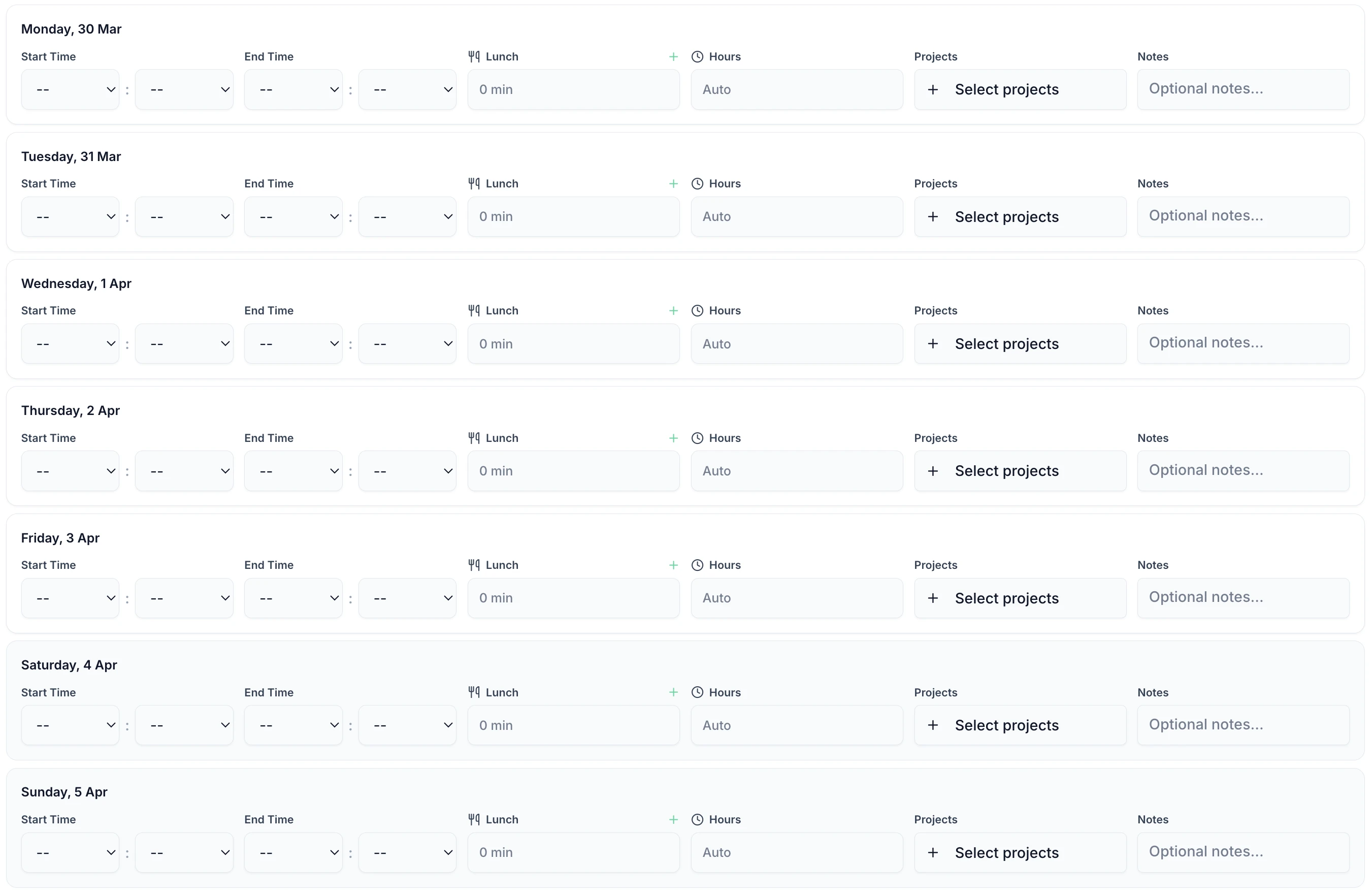
Employees submit hours via the iOS app every week. Hours are accurate from the moment they are logged — no transcription, no end-of-year guesswork, no reconciliation against paper records.
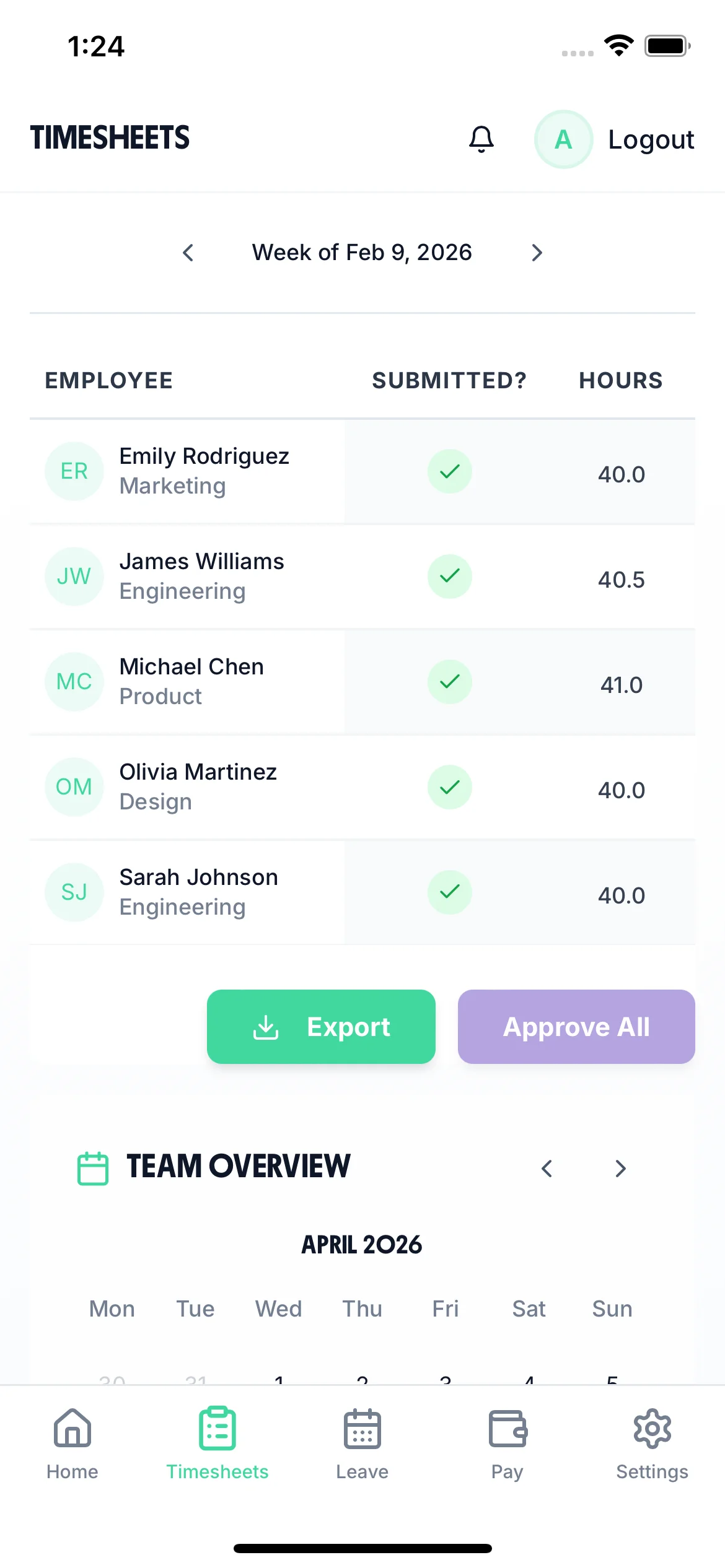
Every timesheet is reviewed and approved by a manager before it counts. Each approval is timestamped — giving you a permanent, tamper-evident audit trail that satisfies HMRC and protects you in any dispute.
Set hourly rates, overtime thresholds, and holiday pay rules once. TimeTally calculates the correct gross pay for every employee every week — so your payroll data is always consistent and auditable.
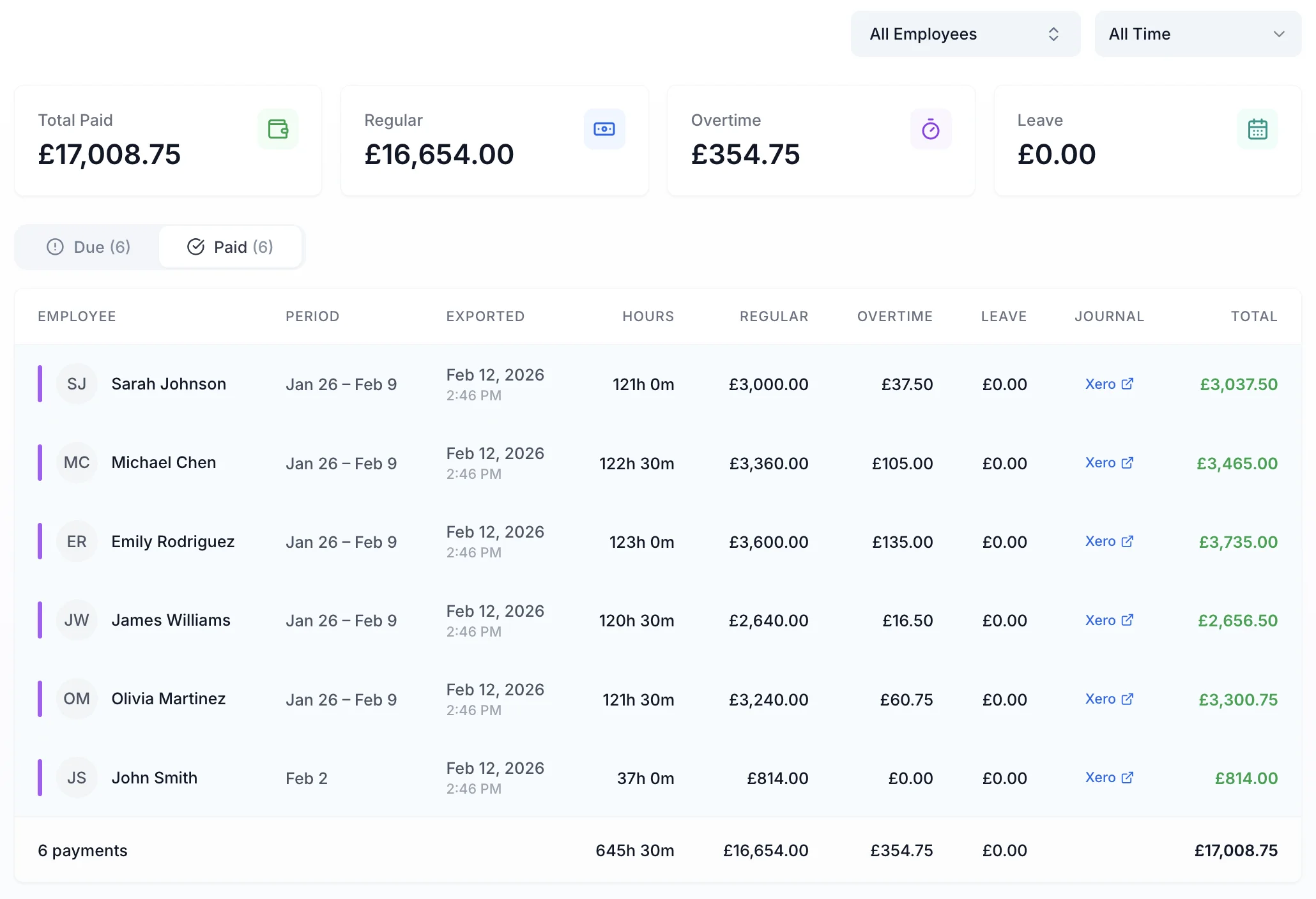
Once timesheets are approved, export approved hours and gross pay directly to Xero, QuickBooks, or CSV. Your payroll software receives clean source data — no re-keying, no errors, no year-end scramble.
The easiest way to handle year-end payroll is to track hours accurately from the start. TimeTally gives you verified timesheet data every week, so when April arrives, your records are already in order.
No credit card required • £3/employee/month after trial
Clock in/clock out, break tracking, and overtime calculated against each employee's rate and threshold. No end-of-year guesswork.
Send verified hours data to Xero, QuickBooks, or download as CSV. Your payroll software handles tax and NI from clean source data.
Manager approval workflow means every timesheet is reviewed before payroll runs. A clear audit trail for every hour logged.
“TimeTally has been excellent for our business. The app is simple to use, reliable, and makes managing staff records straightforward. The system has saved us a significant amount of administration time. Highly recommended for any business looking for an easy-to-use workforce management solution.”
 Jordan Ingoe, CLI Manchester
The tax year ends on 5 April. Your final Full Payment Submission (FPS) to HMRC must be filed on or before 19 April. P60s must be issued to all employees who were on your payroll on 5 April by 31 May. If you need to file P11D forms for benefits in kind, the deadline is 6 July.
HMRC requires employers to keep records of all payments made to employees, tax and NI deductions, reports and payments made to HMRC, employee leave and absences, and any benefits or expenses. These records must be kept for at least three years after the end of the tax year they relate to.
A P60 is an annual summary of an employee's total pay and deductions for the tax year, given to anyone on your payroll at 5 April. A P45 is issued when an employee leaves mid-year and shows their pay and deductions up to their leaving date. A P11D reports benefits in kind and expenses that were not processed through payroll, such as company cars or private medical insurance.
At year-end, employers should verify that all eligible employees have been enrolled in a qualifying workplace pension scheme. Check that minimum contribution rates have been applied correctly (currently 3% employer, 5% employee for qualifying earnings). You should also confirm that any postponement periods have been managed properly and that re-enrolment duties for opted-out employees have been met every three years.
Accurate timesheets throughout the year mean your hours data is already verified when year-end arrives. This reduces the risk of pay discrepancies, makes it straightforward to reconcile overtime and holiday pay, and gives you a clear audit trail if HMRC queries any figures. Businesses that track time consistently tend to spend far less time on year-end corrections.
Common errors include applying incorrect tax codes when HMRC issues updates, missing the P60 deadline of 31 May, failing to report benefits in kind on P11Ds, not reconciling actual hours worked against payroll records, overlooking statutory payment reclaims (such as statutory maternity or sick pay), and forgetting to reset cumulative NI calculations for the new tax year.
RTI is the system HMRC uses to collect income tax and NI information from employers. Under RTI, you submit a Full Payment Submission (FPS) every time you pay employees, rather than waiting until year-end. At year-end, your final FPS must flag that it is the last submission of the tax year. Getting RTI right throughout the year makes your year-end process significantly smoother, since HMRC already holds accurate data.
You need to submit an EPS if you are reclaiming statutory payments (such as statutory maternity pay or statutory sick pay), claiming the Employment Allowance, or if you did not pay any employees in a particular tax month. If none of these apply, your final FPS for the year is sufficient.
Still have a question? See all FAQs
More guides for payroll accuracy and compliance
