
Remote and hybrid workers need a way to submit timesheets without being in the office. TimeTally lets your team log their hours from any device with a browser — home office, coworking space, or wherever they work. Managers review and approve timesheets remotely, and approved hours export straight to Xero, QuickBooks, or CSV. From £2 per employee per month.
Working from home does not change an employer's legal obligations. The same employment laws apply whether your team is in the office or on the sofa.
The Working Time Regulations 1998 (WTR) apply equally to remote workers. Employers must ensure staff do not exceed the 48-hour weekly average (calculated over a 17-week reference period), take at least 11 consecutive hours of rest between working days, and receive a 20-minute break for shifts exceeding 6 hours. When your team works from home, it becomes harder to monitor these requirements informally — which makes accurate timesheet records more important, not less.
Remote working also blurs the boundary between work and personal time. Acas has published guidance on the right to disconnect, encouraging employers to set clear expectations about when staff are and are not expected to be available. While this is currently guidance rather than law, having timesheet records that show actual hours worked helps both parties understand working patterns and identify when someone is consistently working beyond their contracted hours.
For payroll, remote working adds complexity. Employees with flexible schedules may work different hours each week. Without a system for submitting and approving hours, payroll staff end up chasing timesheets by email, WhatsApp, or Slack — and errors creep in. Overpayments, underpayments, and missed overtime cost time and trust.
There is also the question of home working expenses. While HMRC allows employers to pay up to £6 per week tax-free to employees who work from home (under the homeworking allowance), accurate records of days worked from home versus office are needed to support this. Timesheets provide that evidence.
TimeTally works for any team where people are not all in the same place every day. See how it works in practice.
Teams where everyone works from home or their own location, with no central office
Staff who split time between office and home, often on different days each week
Employees spread across multiple UK locations without a shared office
Managers who approve timesheets and holiday requests without being in the same building
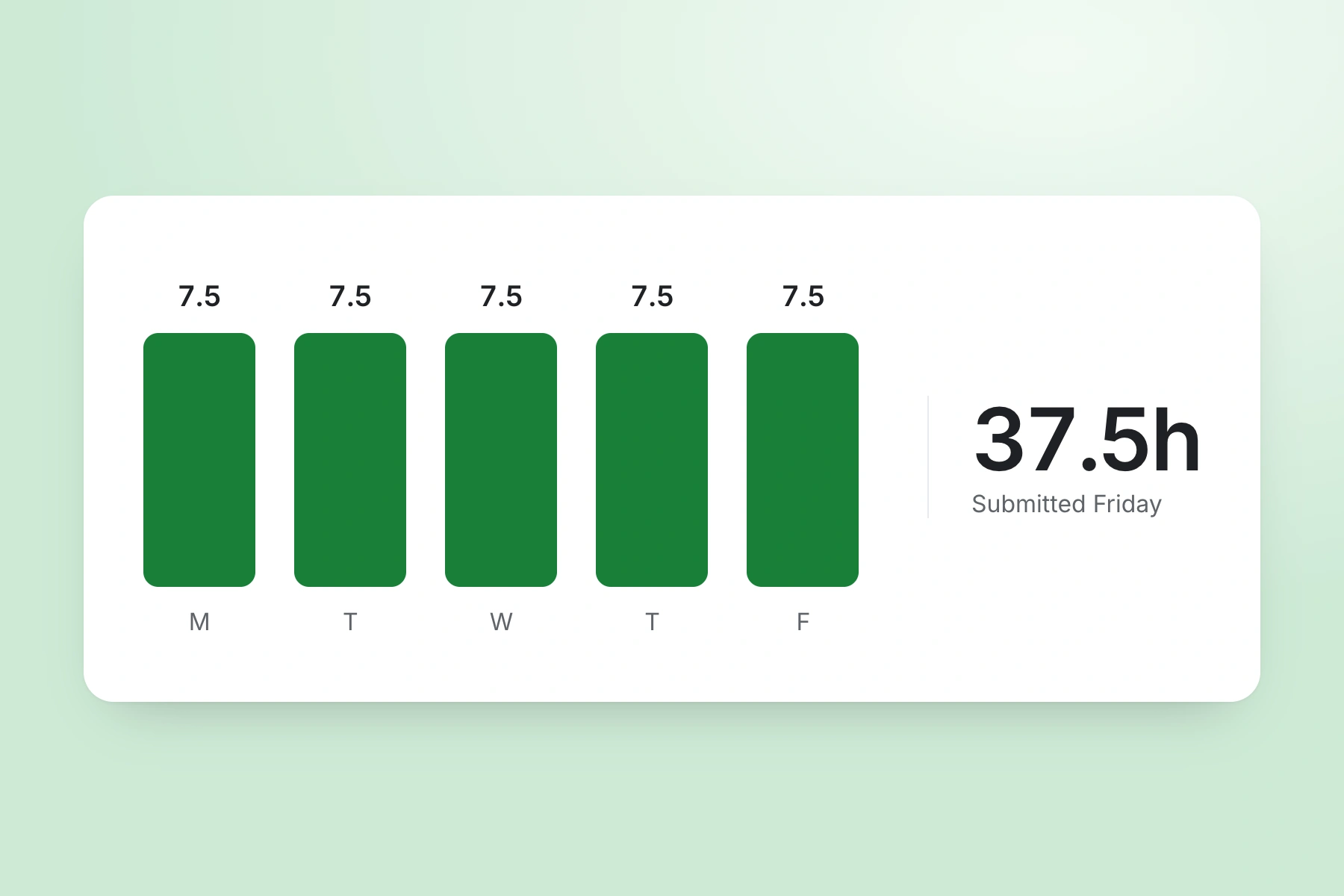
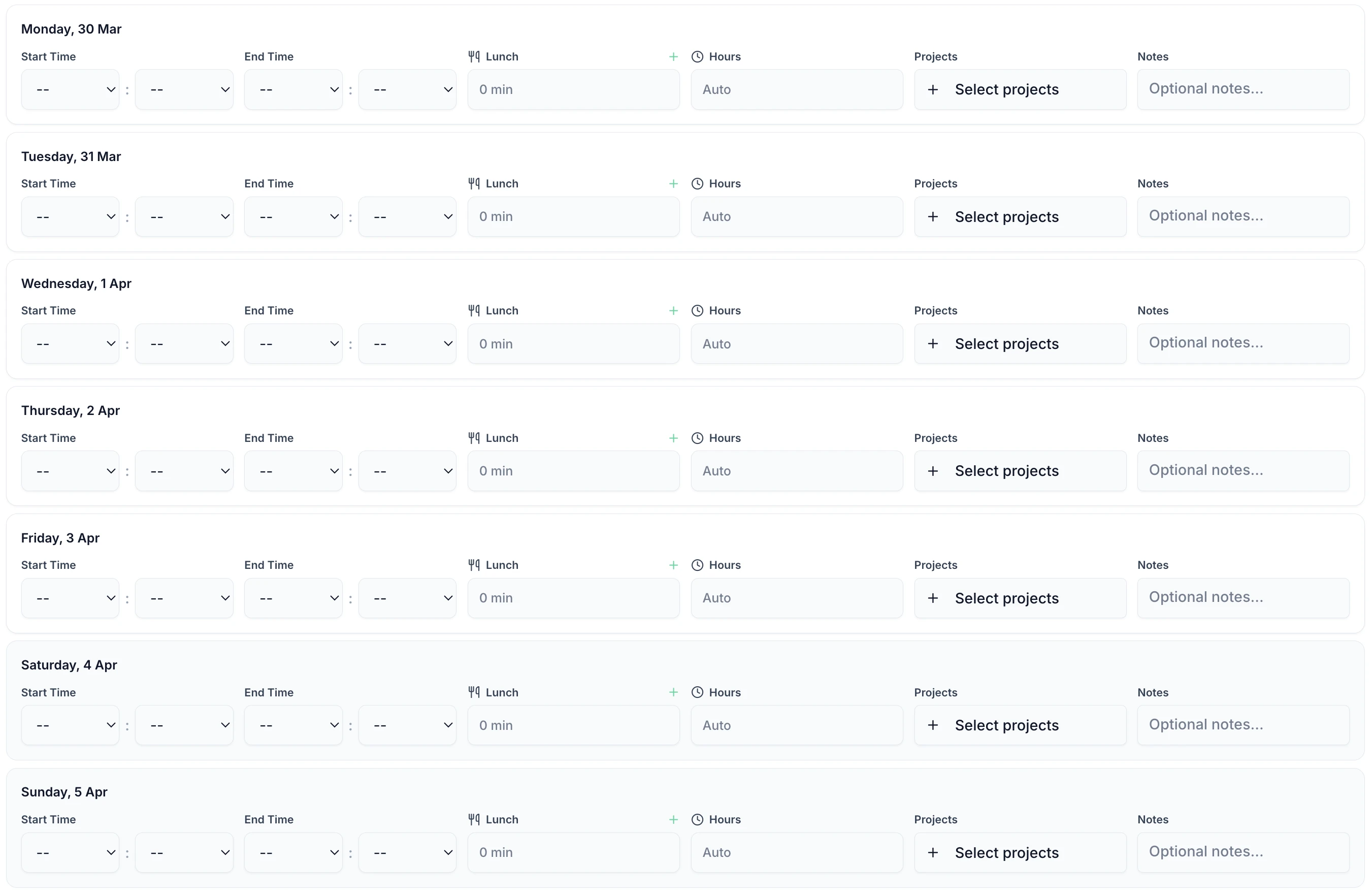
Staff enter their start time, end time, and breaks. It takes less than 60 seconds. Works in any mobile browser — no app download required. There is also a native iOS app for those who prefer it.

TimeTally is a timesheet and holiday management tool. Here is what it actually does and how each feature helps when your team works remotely.
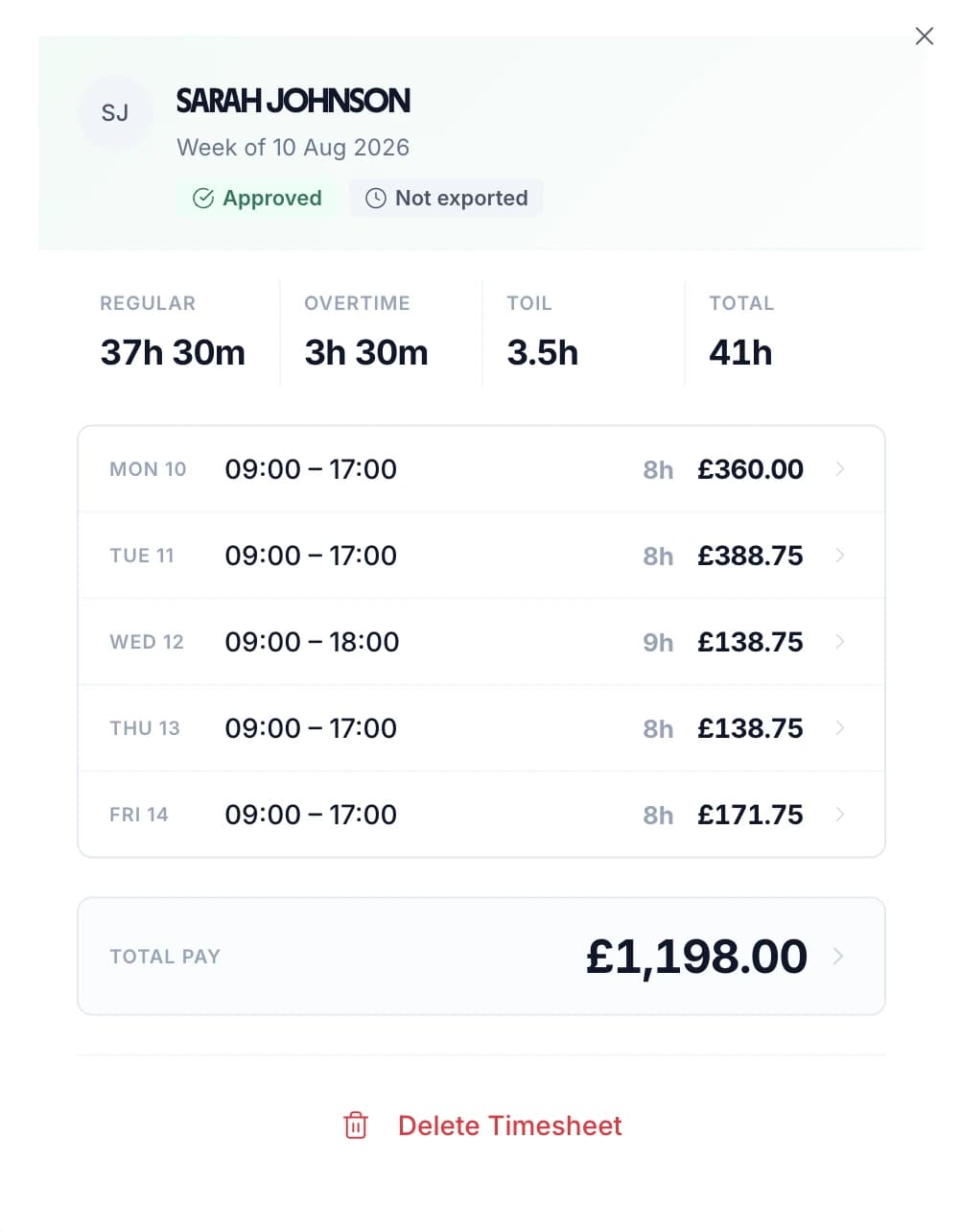
Staff enter their start time, end time, and breaks each day. They can add notes to explain what they worked on. Timesheets are submitted to their manager for approval. This works the same whether they are at home, in the office, or anywhere else with an internet connection.
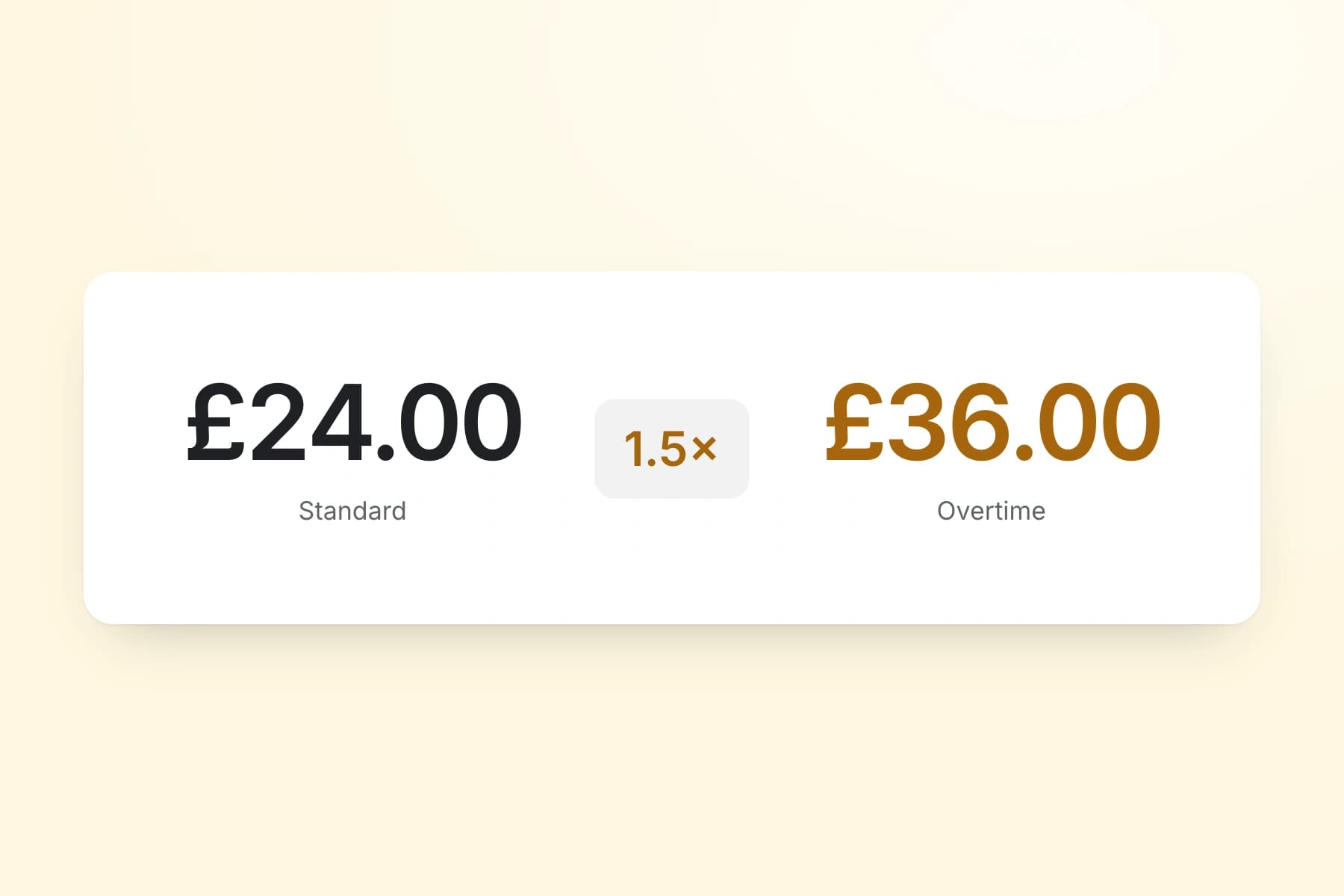
Set an hourly rate and overtime rate for each employee. When timesheets are submitted, TimeTally calculates standard pay and overtime pay automatically. You can configure daily or weekly overtime thresholds to match your contracts.
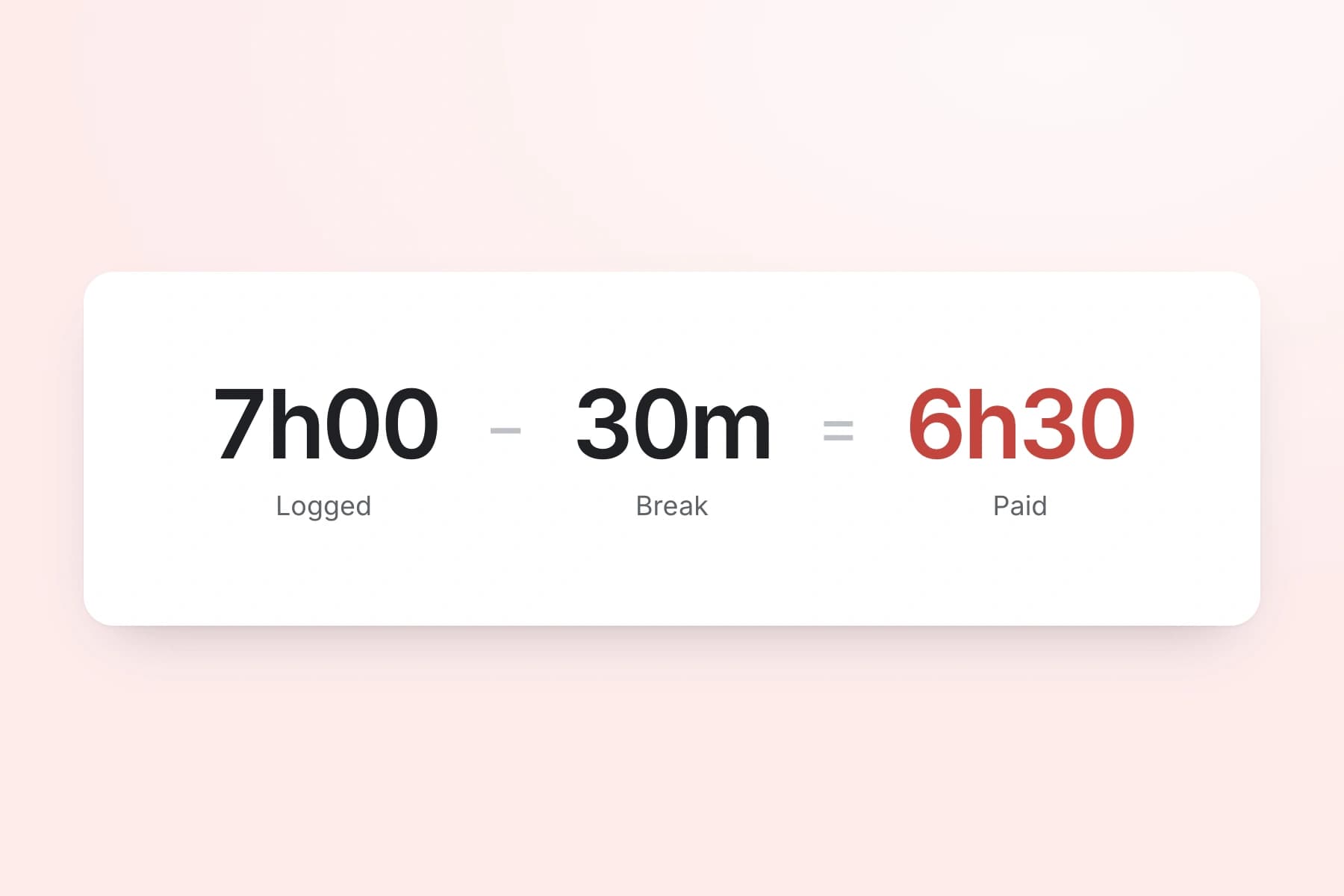
Remote workers are entitled to the same breaks as office workers — a 20-minute uninterrupted break for shifts over 6 hours under UK law. Check your obligations with our break time compliance calculator. TimeTally records breaks and deducts them from total hours so payroll is accurate.
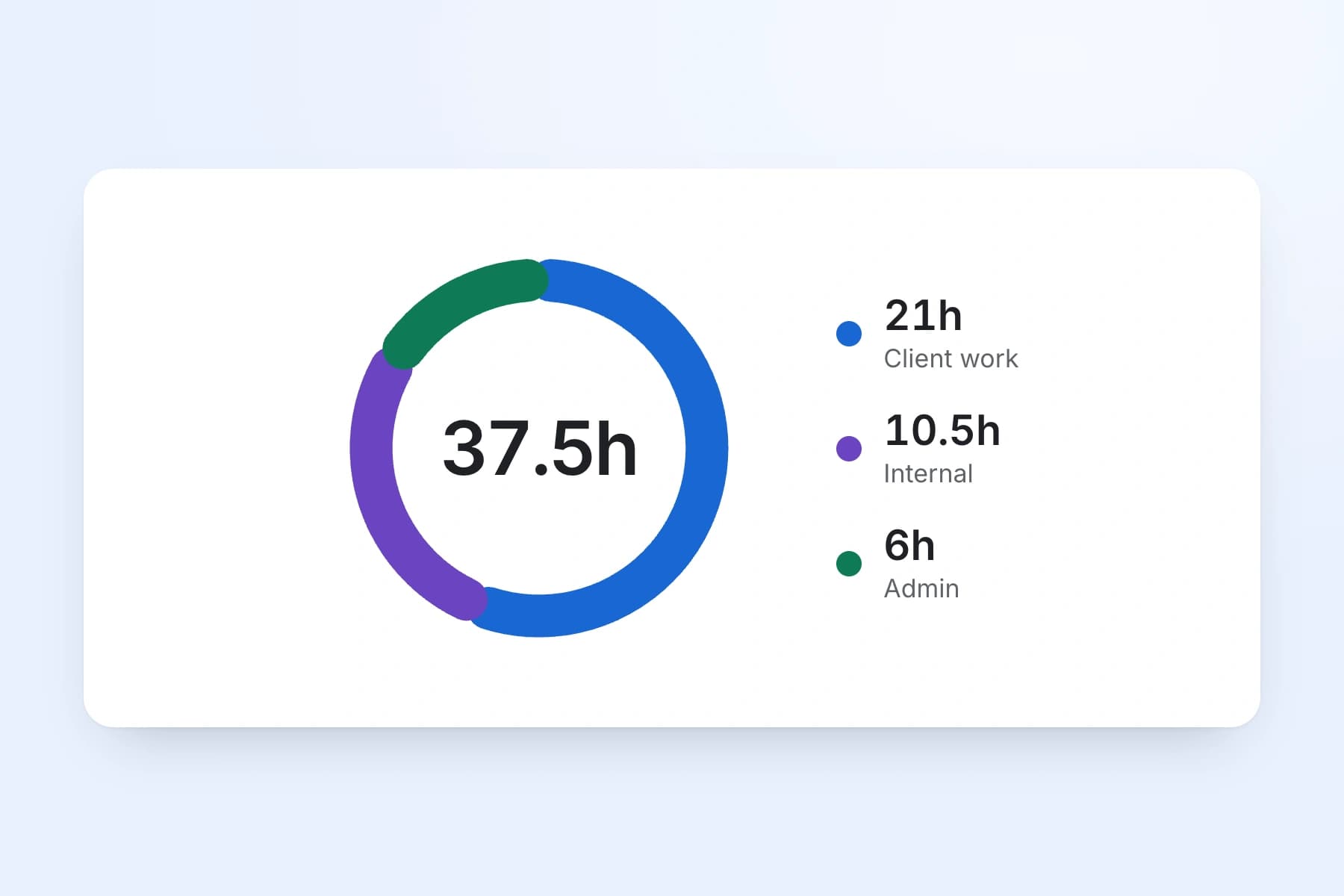
Assign hours to specific projects, clients, or departments. Remote workers can split their hours across multiple projects in a single day. Reports show total hours and costs per project, which is useful for client billing or departmental budgets. This is especially relevant for consulting firms and professional services.
Export approved timesheets to Xero, QuickBooks, or CSV with one click. The export includes employee names, standard hours, overtime hours, pay amounts, and break deductions. No manual re-entry into your payroll system.
TimeTally works in any mobile browser — no app download needed. Staff can bookmark the page on their phone. There is also a native iOS app on the App Store. Both give the same experience: submit timesheets, request holiday, and check balances.
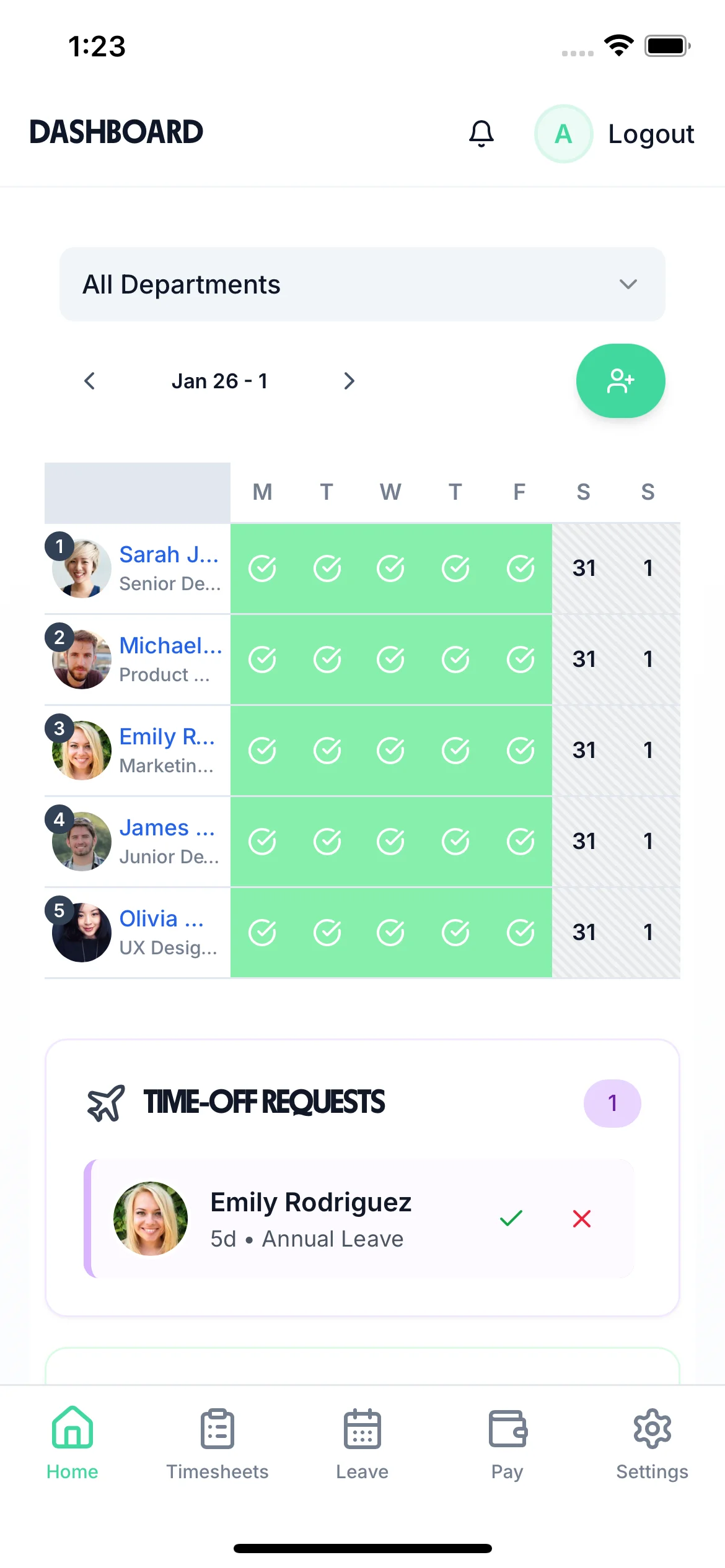
When your team is spread across different locations, managing holiday requests by email or Slack is a recipe for double-bookings and missed approvals. TimeTally lets remote staff request time off from their phone. Managers see the team calendar and approve or decline with one tap. Remaining holiday entitlement is calculated automatically.
Staff select dates and submit from anywhere. Managers get a notification and can see who else is off before approving. Remote workers have the same statutory holiday rights as office-based staff under the Employment Rights Act 1996.
See your whole team's availability at a glance. Check for clashes before approving requests. Particularly useful when you cannot just look around the office to see who is in.
Statutory holiday allowance (5.6 weeks) is calculated automatically, including pro-rata for part-time staff and mid-year starters. UK bank holidays are pre-loaded.
Create categories for annual leave, sick leave, compassionate leave, or any other type your organisation uses. Each with its own colour and allowance.

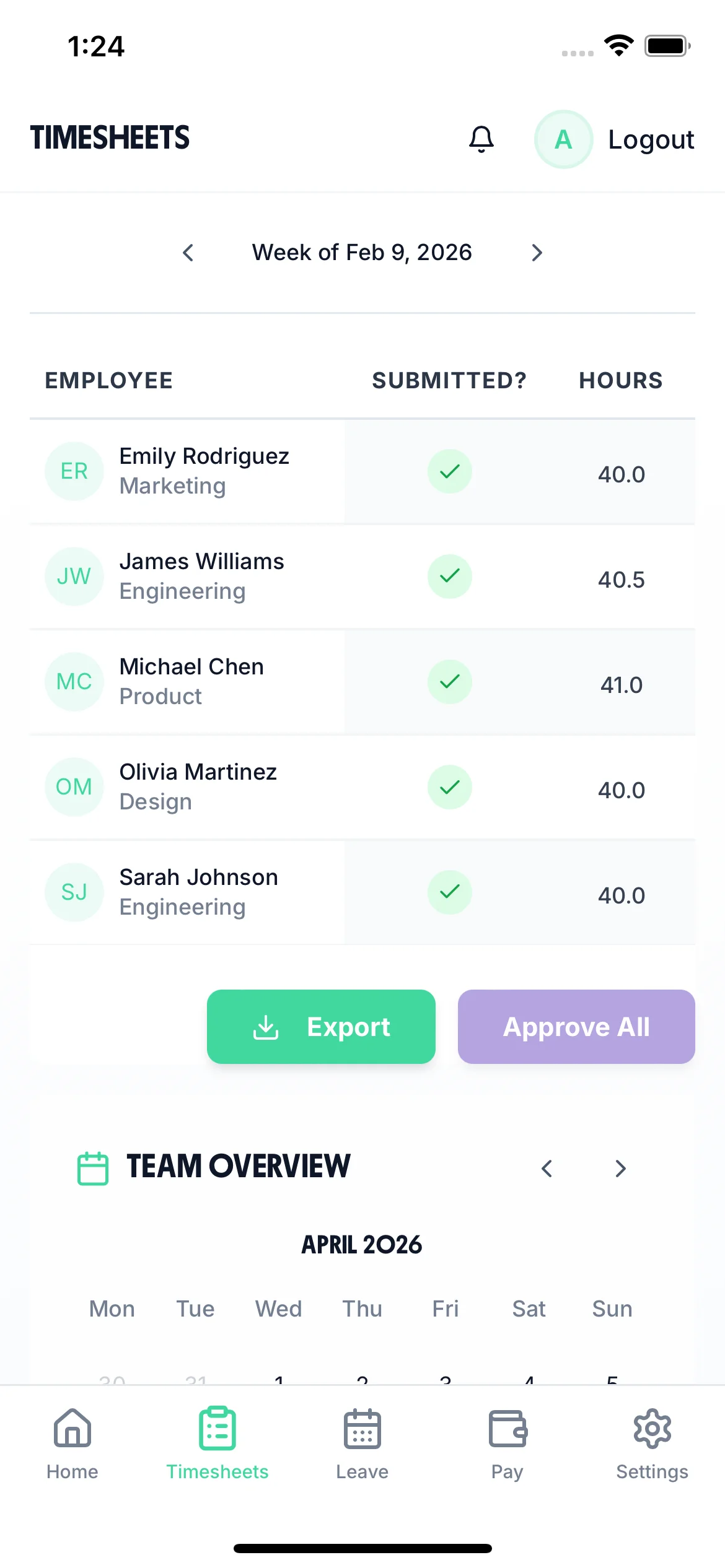
In an office, you can glance around and see who is at their desk. Remote teams do not have that. The team calendar gives managers a clear view of submitted timesheets, approved holidays, and absences across the entire team. Plan ahead, spot coverage gaps, and avoid scheduling meetings when half the team is on leave.

TimeTally is a timesheet tool, not a compliance system — but accurate timesheet records are the foundation of meeting your obligations. Here is how the data TimeTally captures supports compliance for remote teams.
The WTR 1998 apply regardless of where your staff work. TimeTally records all hours submitted, including overtime. This gives you the data to monitor the 48-hour weekly average (over a 17-week reference period) and the requirement for 11 hours daily rest. You can export records at any time if HMRC or the HSE request them.
Acas has published guidance on the right to disconnect, which encourages employers to set boundaries around out-of-hours contact. While not yet law, timesheet data showing consistent late finishes or weekend work can help you identify problems early. TimeTally does not enforce disconnect policies, but it gives you visibility into working patterns.
HMRC requires employers to keep records of hours worked for at least two years. TimeTally stores all timesheet data digitally with timestamps and approval records — a complete audit trail that you can export whenever needed.
Accurate hours tracking ensures your effective hourly rate does not fall below the National Minimum Wage (£12.21/hour for workers aged 21+ from April 2025). For remote workers on flexible schedules, this is particularly important — unrecorded overtime can push the effective rate below the legal minimum.
All UK workers get 5.6 weeks statutory holiday (28 days for full-time), regardless of where they work. TimeTally calculates entitlement automatically, including pro-rata for part-time staff and mid-year starters, and tracks remaining allowance.
HMRC allows employers to pay up to £6 per week tax-free to home workers. Timesheet records showing which days an employee worked from home can support these claims. TimeTally does not calculate the allowance itself, but the data is there if you need it.
We would rather you know exactly what you are getting before you sign up.
Lets remote staff submit timesheets from any device with a browser
Managers review and approve timesheets remotely
Calculates pay, overtime, and break deductions automatically
Manages holiday requests and calculates statutory entitlement
Exports approved timesheets to Xero, QuickBooks, or CSV
Team calendar shows who is off and when
Tracks hours by project or department for reporting
Rewards system to encourage timely submissions
No real-time tracking of who is currently working — it is timesheet submission, not a clock-in system
No screen monitoring, keystroke logging, or activity tracking
No GPS location tracking or geofencing
No automatic WTR compliance alerts or enforcement
No time zone support beyond UK (GMT/BST)
No integration with Slack, Teams, or other communication tools
No task management or project management features
One price. Every feature. No surprises.
No. TimeTally is a timesheet submission tool. Staff enter their start time, end time, and breaks — typically at the end of their working day or week — and submit for manager approval. It does not track real-time status or show who is currently online.
No. TimeTally does not include screen monitoring, keystroke tracking, GPS tracking, or any form of surveillance. Staff self-report their hours, and managers approve them. It is designed for trust-based working relationships.
Yes. TimeTally works in any mobile browser — no app download needed. Staff can bookmark the page on their phone. There is also a native iOS app on the App Store for those who prefer it.
Yes. The Working Time Regulations 1998 apply regardless of where your staff work. Employers must still ensure remote workers do not exceed the 48-hour weekly average, take 11 hours rest between working days, and receive proper breaks. TimeTally records the hours to help you monitor this.
Staff tap 'Book Time Off', select their dates, and submit. Their manager gets a notification and can see the team calendar to check for clashes before approving. Remaining holiday allowance is shown automatically. Statutory entitlement (5.6 weeks) is calculated including pro-rata for part-time staff.
Yes. Each employee has their own hourly rate and overtime rate. When timesheets are submitted, TimeTally calculates standard pay and overtime pay based on these rates. You can update rates at any time from the employee settings.
Yes. TimeTally has project tracking where you can create projects, clients, or departments. Staff assign their hours to the relevant project when submitting their timesheet. Reports show total hours and costs per project.
TimeTally exports to Xero, QuickBooks, and CSV/Excel. The export includes employee names, standard hours, overtime hours, pay amounts, and break deductions. Most payroll systems can import CSV files if a direct integration is not available.
No. TimeTally is built for UK businesses and uses GMT/BST. If your remote team is based entirely within the UK, this is fine. If you have staff working from other countries, TimeTally may not be the right fit — all times are recorded in UK time.
TimeTally records which days each employee submits timesheets, which can support evidence of home working. However, TimeTally does not specifically track work location (home versus office) or calculate the £6/week tax-free allowance. You would use the timesheet data as supporting evidence alongside your own records.
Guides and tools for UK employers managing remote teams