

Construction workers move between job sites, work variable hours, and earn overtime that needs calculating correctly. TimeTally is a straightforward timesheet tool that lets your team log hours from their phone, assign time to specific projects, and submit for approval. It is not construction management software — but accurate hour records are the foundation of job costing, CIS reporting, and paying your workers correctly. Approved timesheets export to Xero, QuickBooks, or CSV. From £2 per worker per month.
UK construction has a unique combination of regulatory, financial, and practical reasons to track hours properly. Workers move between sites, overtime is common, and several pieces of legislation touch on how hours are recorded.
The Construction Industry Scheme (CIS) requires contractors to deduct tax from payments to subcontractors and report those deductions to HMRC monthly. While TimeTally does not generate CIS returns or verify subcontractor status, having accurate, auditable records of hours worked per subcontractor is the foundation of any CIS reporting process. Without reliable timesheet data, your accountant or payroll provider cannot produce accurate CIS submissions.
The Working Time Regulations 1998 limit average weekly working hours to 48 (calculated over a 17-week reference period) and require at least 11 consecutive hours of rest between shifts. Construction workers can opt out of the 48-hour limit, but employers must still keep records of hours worked. These records can be requested by HMRC or the HSE at any time.
The CDM Regulations 2015 place duties on contractors to manage health and safety risks on construction sites. While CDM does not specifically mandate timesheet software, keeping clear records of who was on site and when supports your duty to manage worker welfare — particularly around fatigue and working hours.
Beyond compliance, accurate timesheets are simply good business. If you are quoting for jobs and do not know how many hours your last three projects actually consumed, you are guessing at margins. Project tracking lets you see labour costs per site, identify which jobs are profitable, and quote more accurately in future — use our ROI calculator to see the potential savings. For payroll, getting hours and overtime calculations right means fewer disputes with workers and fewer corrections at month end.
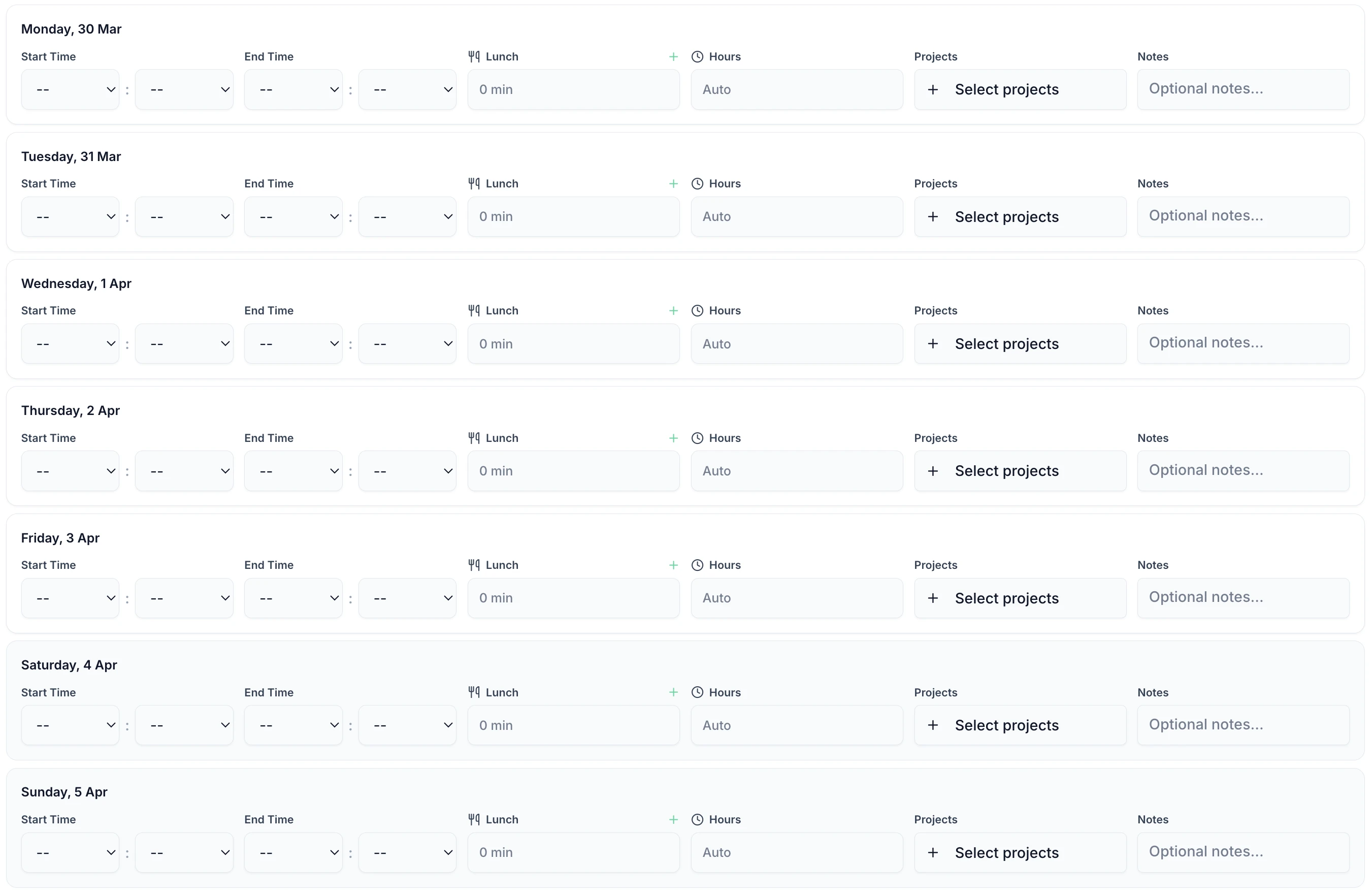
Construction workers log their hours in under 60 seconds. Enter start time, end time, and breaks — assign hours to a project — done. Works on any phone browser, so there is nothing to install. No more chasing paper forms from the back of vans. Replace your paper timesheet templates with a digital solution.

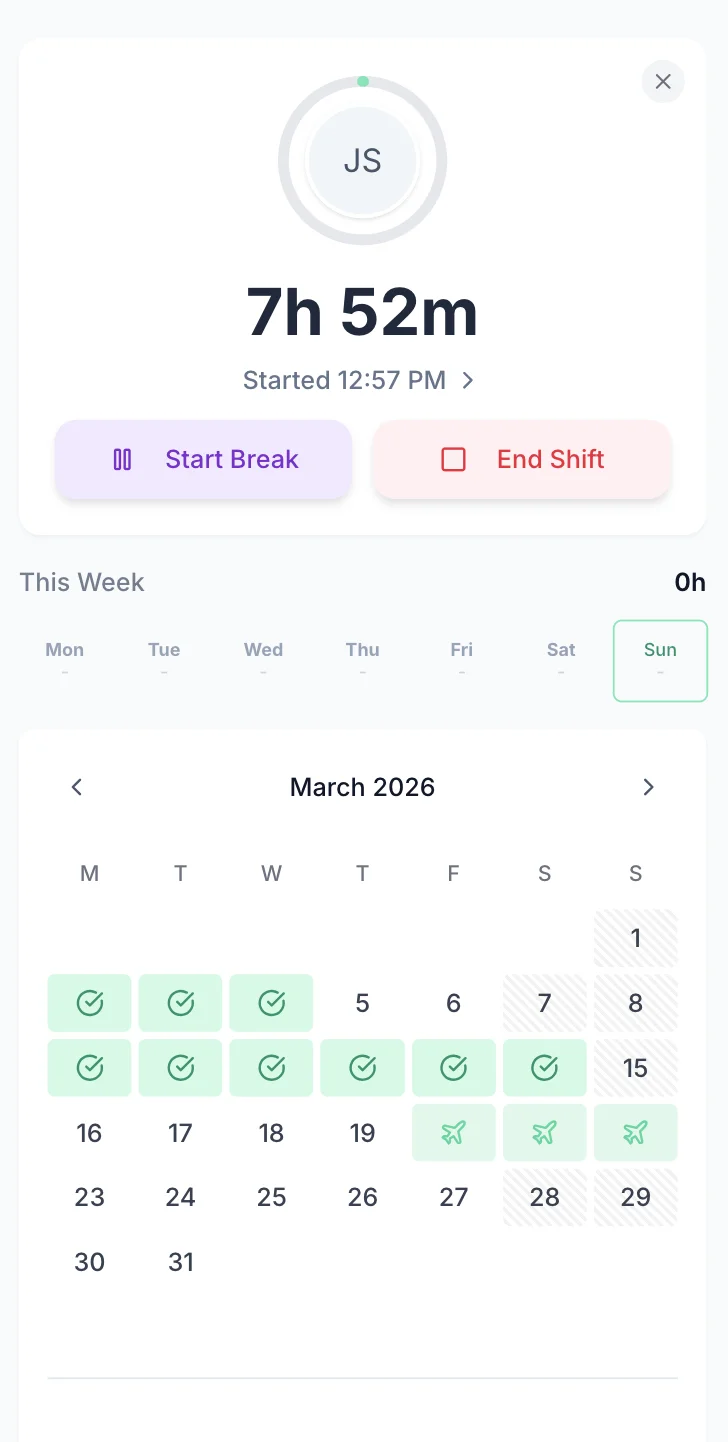
Weekly Calendar View
See all working days at a glance
Flexible Time Entry
Enter start/end times or total hours
Automatic Break Deduction
Break times deducted from total hours
Job Site Tracking
Assign hours to specific projects
Work Notes
Add details about tasks completed
Instant Calculations
Total hours updated in real time
TimeTally is a timesheet and holiday management tool. Here is what it actually does and how it helps construction companies.
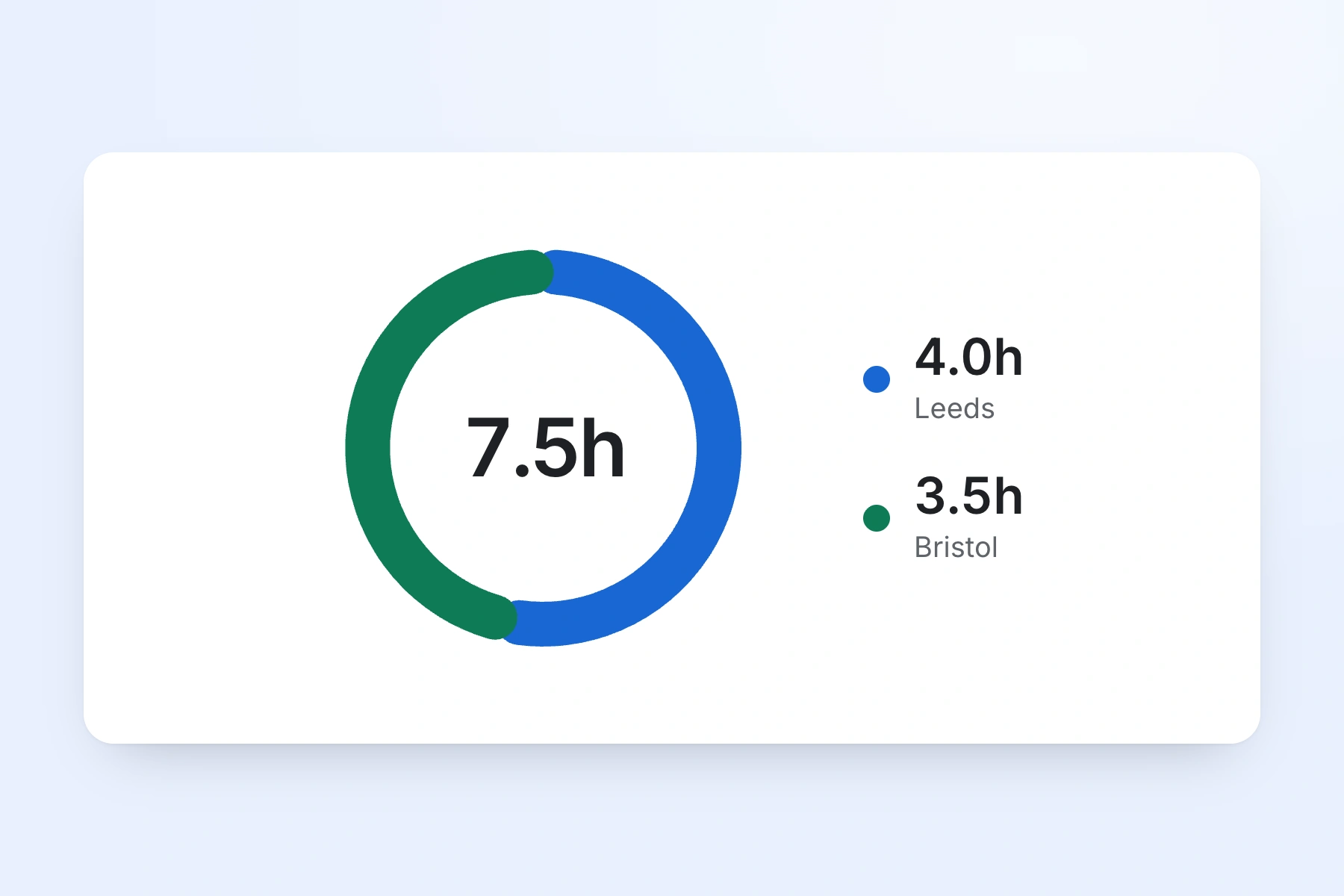
Workers enter their start and end times and assign hours to a project. Create a project for each job site, client, or contract. If a worker splits their day across two sites, they can log hours against each one separately. Reports show total hours and labour costs per project — useful for job costing and quoting future work.
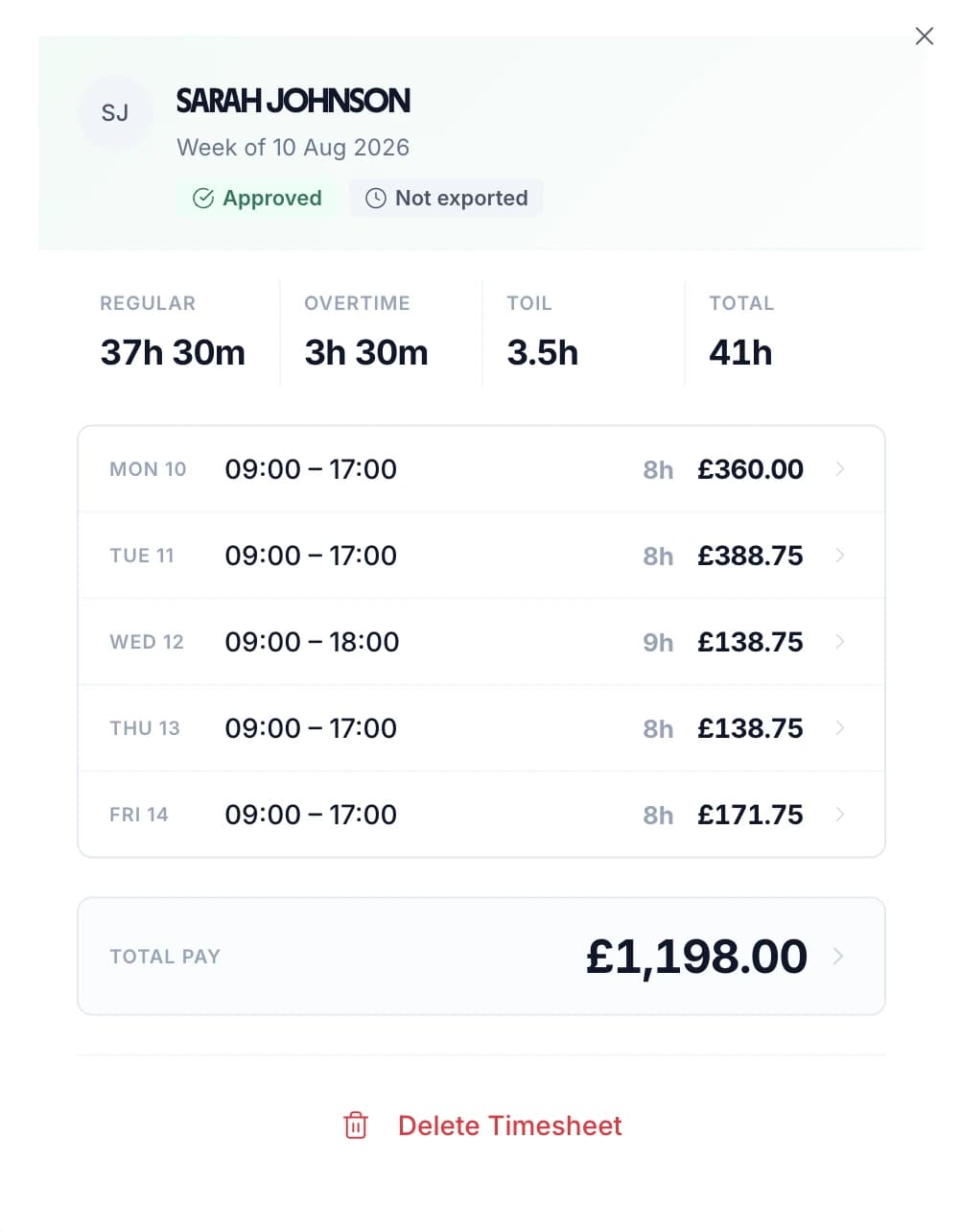
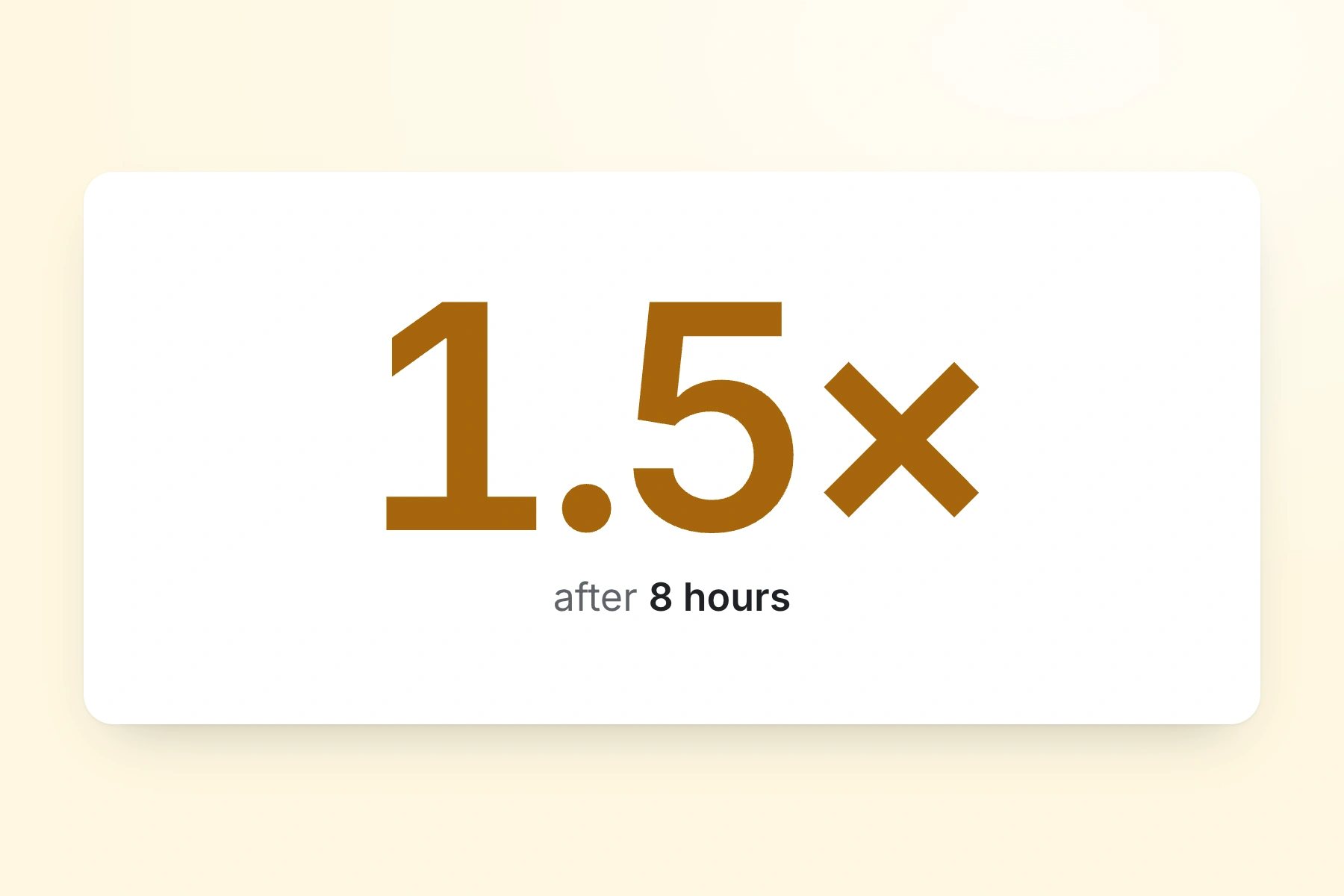
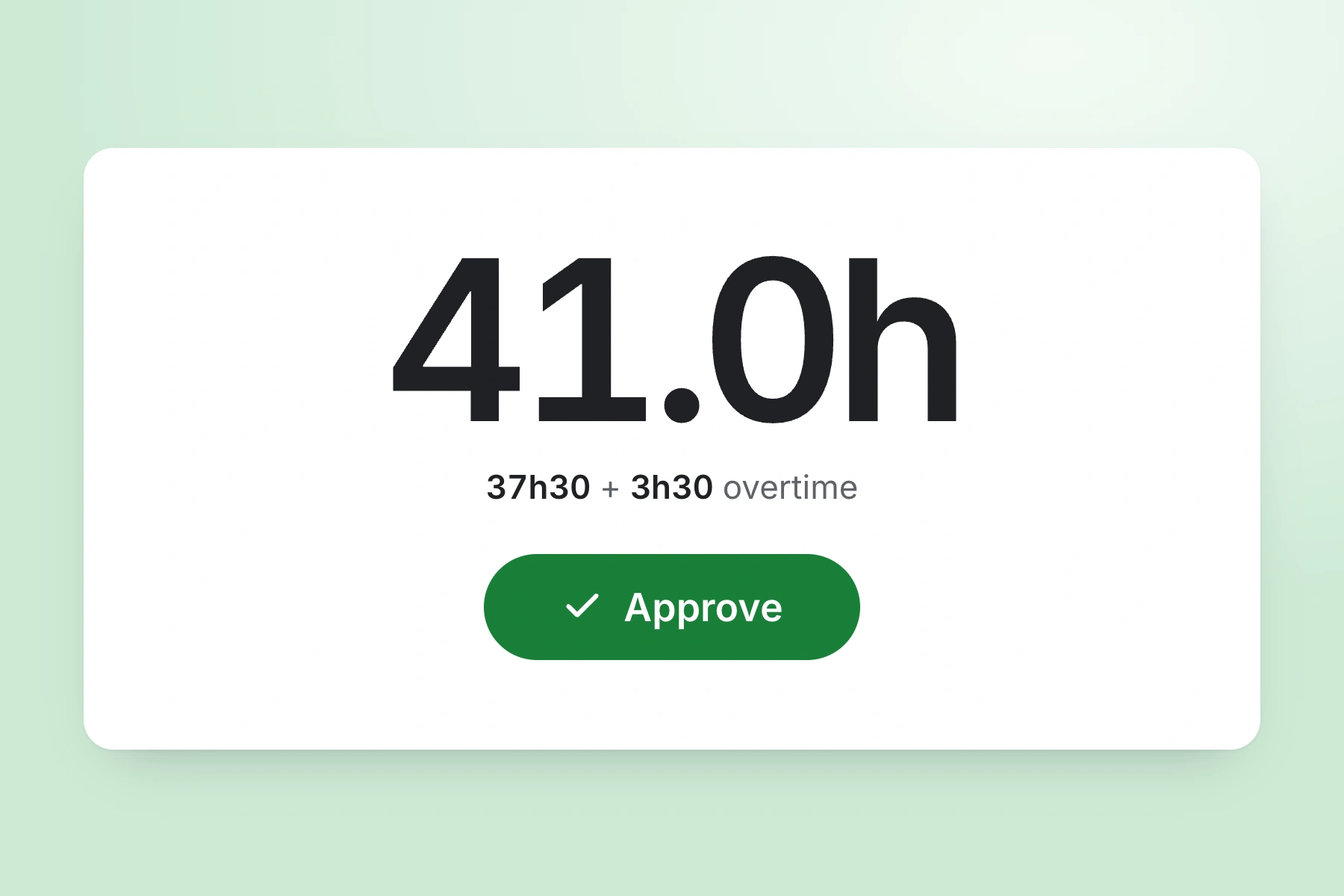
Set an hourly rate and overtime rate for each worker. TimeTally calculates standard pay and overtime pay automatically when timesheets are submitted. You can set daily or weekly overtime thresholds to match your contracts — for example, time-and-a-half after 8 hours per day or after 40 hours per week.
TimeTally works in any mobile browser. Workers do not need to download an app or create an account on their personal phone — they can bookmark the page and log hours in under a minute. There is also a native iOS app for those who prefer it. Works on site with a basic phone signal.
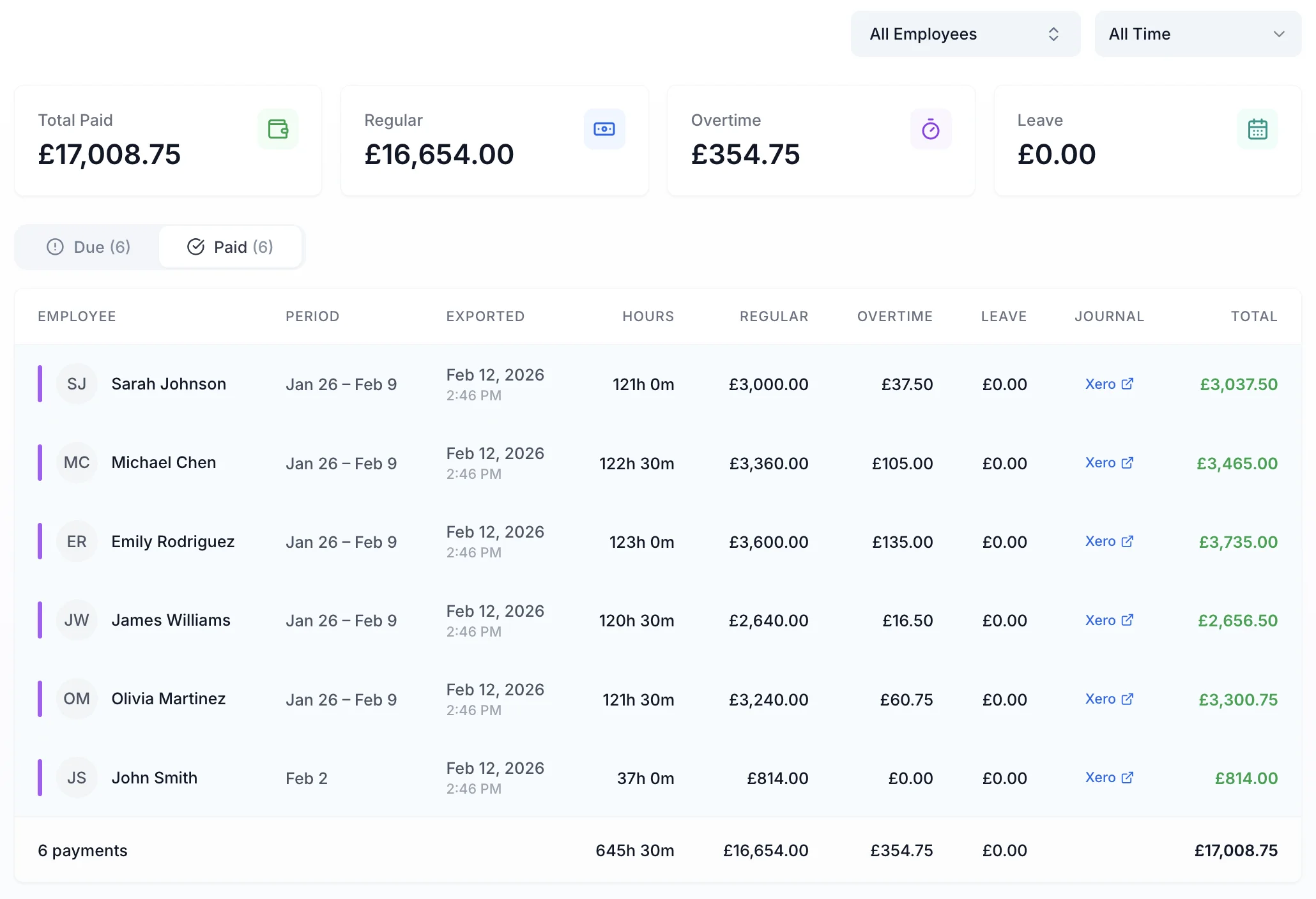
Export approved timesheets to Xero, QuickBooks, or CSV with one click. The export includes employee names, standard hours, overtime hours, pay amounts, and break deductions. Your payroll provider or accountant can use these figures directly — no manual re-entry needed.
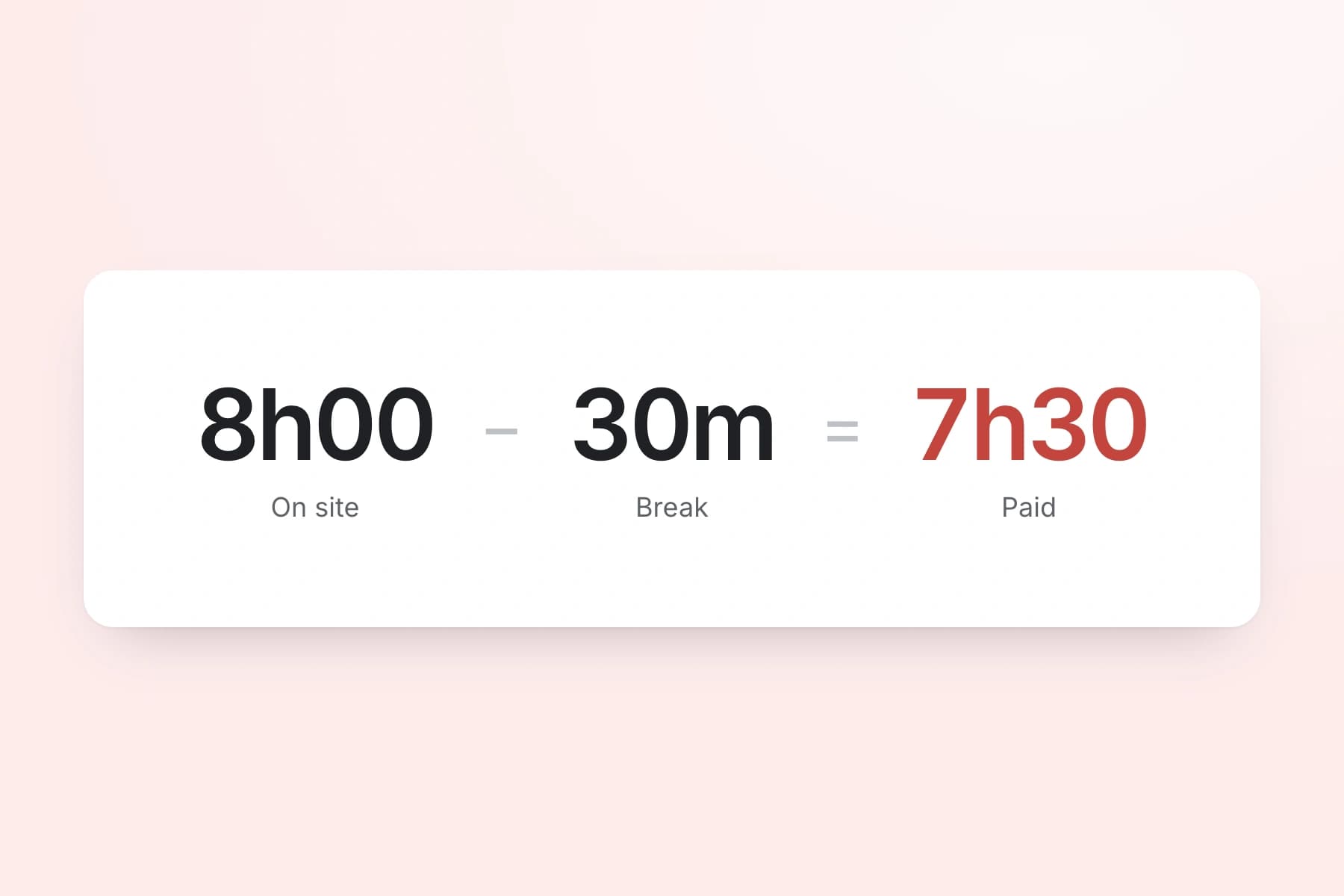
Track lunch breaks and rest breaks separately. Under UK law, workers on shifts over 6 hours are entitled to a 20-minute uninterrupted break — use our break time compliance calculator to check. TimeTally records breaks and deducts them from total hours so pay calculations are accurate. You can also set automatic break deductions if your site has standard break times.
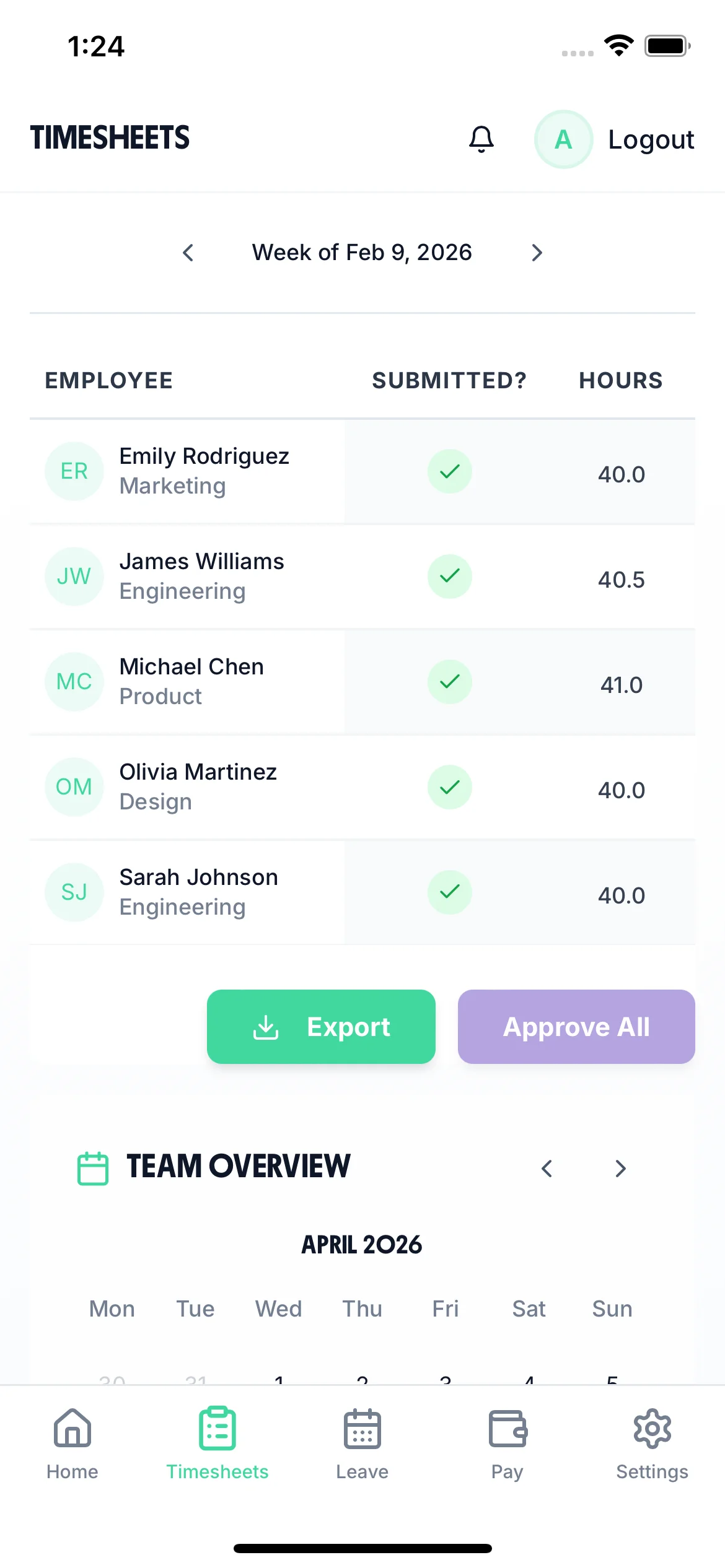
Workers submit their timesheets for the week. Site managers or office staff review and approve or reject each submission. Approved timesheets feed into payroll exports. This gives you a clear compliance audit trail of who approved what and when — useful if queries arise later.
Managing holiday requests across multiple sites by phone or WhatsApp is slow and easy to get wrong. TimeTally lets workers request time off from their phone. Managers see the team calendar, check who else is off, and approve or decline with one tap. Remaining holiday entitlement is calculated automatically.
Workers select dates and submit. Managers get a notification and can see who else is off before approving.
See your whole team's availability at a glance. Avoid approving leave that leaves a site short-staffed.
Statutory holiday allowance (5.6 weeks) is calculated automatically, including pro-rata for part-time workers and mid-year starters. UK bank holidays are pre-loaded.

Stop manually re-entering worker hours into payroll software. TimeTally exports approved timesheet data to Xero, QuickBooks, or CSV. The export includes hours worked, overtime, pay amounts, and project breakdowns — everything your accountant needs to run payroll and prepare CIS submissions.

See which projects consumed the most labour hours. Use this data for job costing, future quotes, and identifying which contracts are profitable.
Standard hours and overtime are separated automatically based on the thresholds you set per worker. No manual calculation needed for time-and-a-half or double-time rates.
TimeTally records hours worked per subcontractor — data your accountant needs when preparing CIS returns. The tool does not generate CIS returns itself, but it provides the underlying hour records.
The team calendar gives managers a clear view of submitted timesheets, approved holidays, and absences across the whole team. When you are managing workers across multiple sites, knowing who is available next week matters for planning and avoiding project delays.

TimeTally is a timesheet tool, not a compliance system. But accurate hour records are the starting point for meeting several regulatory obligations in UK construction. Here is what the data supports — and what it does not do.
The Construction Industry Scheme requires contractors to report subcontractor payments to HMRC. TimeTally records hours worked per subcontractor and calculates pay, giving your accountant the data they need to prepare CIS returns. TimeTally does not generate CIS returns, verify subcontractor tax status, or submit anything to HMRC — that remains with your accountant or payroll software.
TimeTally records all hours worked, including overtime. This gives you the data to check the 48-hour weekly average (over a 17-week reference period) and 11-hour daily rest requirements. You can export these records if HMRC or the HSE request them. TimeTally does not actively monitor or alert you to breaches — you need to review the data yourself.
CDM Regulations require principal contractors to manage health and safety risks. While CDM does not mandate timesheet software specifically, having a digital record of who worked on which site and for how long supports your welfare management obligations. It is more reliable than paper sign-in sheets.
HMRC requires employers to keep records of hours worked for at least two years. TimeTally stores all timesheet data digitally with timestamps and approval records — a complete audit trail that you can export whenever needed.
Accurate hours tracking ensures your effective hourly rate does not fall below the National Minimum Wage. This is relevant where incorrect break deductions or unrecorded overtime could push the effective rate below the legal minimum.
All UK workers — including construction workers — get 5.6 weeks statutory holiday (28 days for full-time). TimeTally calculates entitlement automatically, including pro-rata for part-time workers and mid-year starters, and tracks remaining allowance in real time.
One price. Every feature. No surprises.
TimeTally records hours worked per subcontractor and calculates pay — this is the data your accountant needs when preparing CIS returns for HMRC. However, TimeTally does not generate CIS returns, verify subcontractor tax status, or submit anything to HMRC. Those tasks sit with your accountant or dedicated CIS software. What TimeTally does is give them accurate, auditable hour records to work from.
Yes. TimeTally works in any mobile browser — workers just need a basic phone signal. They can bookmark the page on their phone and log hours in under 60 seconds. No app download is required, though there is also a native iOS app on the App Store. It works on any smartphone.
Yes. You create projects in TimeTally (one per job site, client, or contract). Workers select which project they worked on when submitting their timesheet. If they split their day across two sites, they can log hours against each one separately. Reports show total hours and labour costs per project.
You set an hourly rate and overtime rate for each worker, along with a daily or weekly overtime threshold. TimeTally automatically calculates standard pay and overtime pay based on these settings. For example, you could set overtime at time-and-a-half after 8 hours per day, or after 40 hours per week.
TimeTally records all hours worked, which gives you the data to check the 48-hour weekly average and rest period requirements under the Working Time Regulations 1998. You can export records at any time for inspections. However, TimeTally does not actively monitor or alert for WTR breaches — it provides the data, and compliance decisions remain with you.
Yes. You can add both employees and subcontractors to TimeTally. Each person gets their own hourly rate and overtime settings. The hours data can then be used for both payroll (for employees) and CIS reporting (for subcontractors).
No. TimeTally does not produce CITB-specific reports. However, it does record total hours and labour costs by project, which is useful data when your accountant calculates your CITB levy return. You can export all timesheet data to CSV for further analysis.
Workers tap 'Book Time Off', select their dates, and submit. Their manager gets a notification and can see the team calendar to check for clashes before approving. Remaining holiday allowance is shown in real time. Statutory entitlement (5.6 weeks for full-time) is calculated automatically, including pro-rata for part-time workers.
TimeTally exports to Xero, QuickBooks, and CSV/Excel. The export includes employee names, standard hours, overtime hours, pay amounts, and break deductions. Your accountant or payroll provider can import the CSV if a direct integration is not available.
Yes. Managers can review and approve or reject timesheets from their phone. They see each worker's submitted hours, project assignments, and any notes. Approval is per individual timesheet — managers review each one and approve or reject.
Guides and tools for UK construction companies