

Consultants work across multiple clients and projects, and knowing where the hours go matters for both payroll and profitability. TimeTally gives your team a simple way to log hours against specific clients or projects from their phone, and gives you a clear record of who worked on what. Approved timesheets export straight to Xero, QuickBooks, or CSV. From £2 per consultant per month.
Consulting is a time-based business. Whether your firm bills by the hour or runs fixed-fee engagements, knowing how consultants spend their time is fundamental to understanding profitability.
Most UK consulting firms — management, IT, strategy, HR, or operational — juggle multiple client engagements at once. A senior consultant might split a week between two clients and internal work. Without a clear record of those hours, it is difficult to know which engagements are profitable, which are consuming more time than expected, and where to focus resources.
For firms that employ consultants on payroll, the Working Time Regulations 1998 still apply. The 48-hour average weekly limit (over a 17-week reference period) and rest break entitlements do not disappear because the work is project-based. Consultants who regularly work long hours across client sites are just as protected as any other worker.
For firms that engage contractors or freelance consultants, the off-payroll working rules (commonly called IR35) add another layer of complexity. Under the Finance Act 2021, medium and large businesses (those meeting two of: annual turnover above £10.2 million, balance sheet above £5.1 million, or more than 50 employees) are responsible for determining whether a contractor falls inside or outside IR35. TimeTally does not make IR35 determinations — that requires assessing factors such as personal service, control, and mutuality of obligation, typically with the help of HMRC's CEST tool or legal advice. However, having accurate records of hours worked and projects assigned can be useful evidence if HMRC queries an engagement.
Beyond compliance, there is a practical reason: payroll accuracy. Missed overtime, incorrect break deductions, or misallocated project hours lead to underpayments, overpayments, or both. Getting the data right at the point of entry — before it reaches payroll — saves time and avoids disputes. Our ROI calculator shows the potential savings from eliminating these errors.
TimeTally works for any consulting firm that needs to track staff hours by project and manage holiday requests.
Strategy, operations, change management, and organisational consulting firms
Technology consulting, software implementation, infrastructure, and cybersecurity firms
HR consulting, talent advisory, and executive search firms
Environmental, sustainability, health and safety, and niche sector consultancies
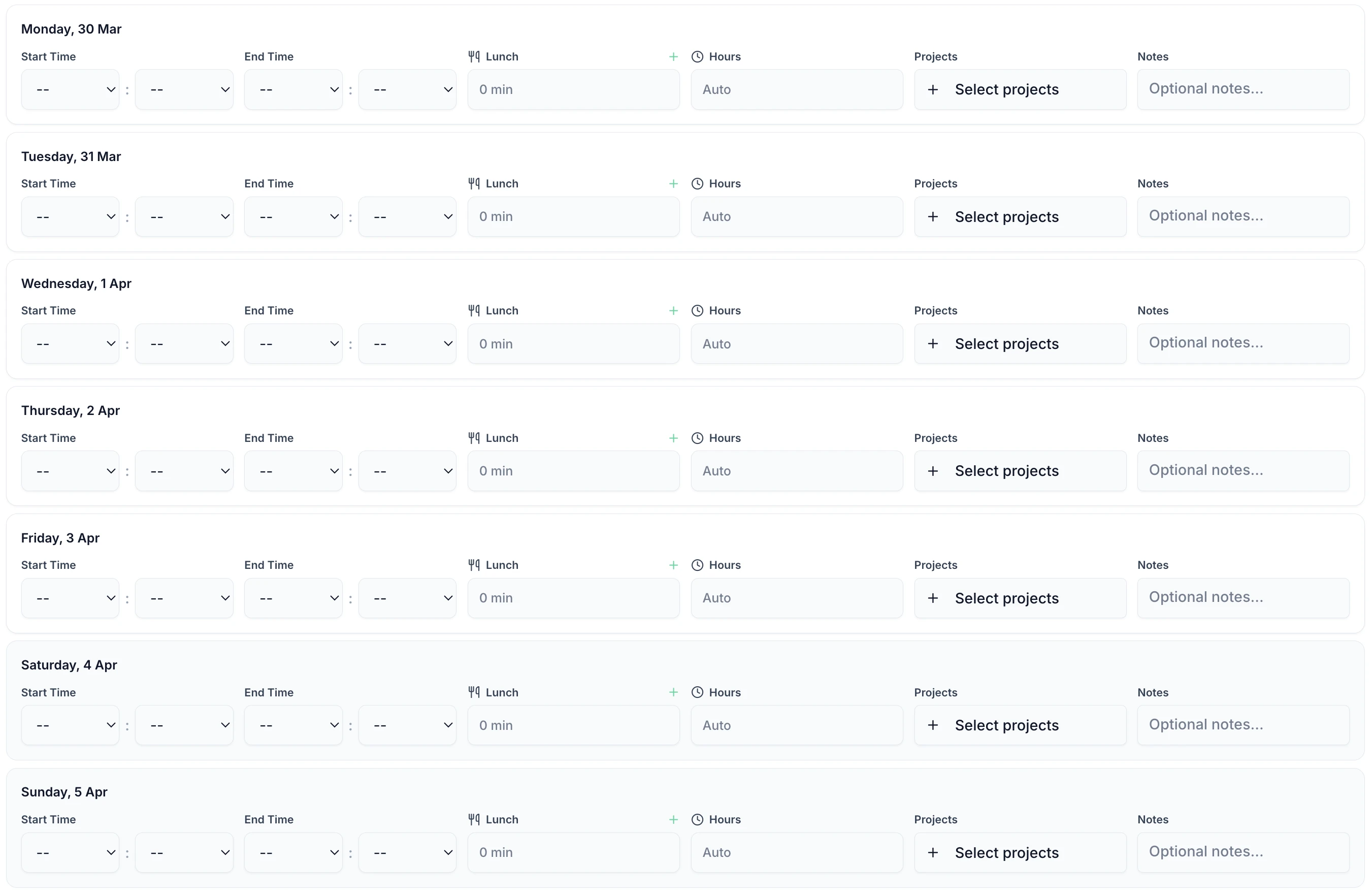
Consultants are busy with client deliverables. TimeTally is designed to take less than 60 seconds per day. Enter start time, end time, select the project, and add a note if needed. Works on any phone, tablet, or laptop.

TimeTally is a straightforward timesheet and holiday management tool. Here is what it does and how it helps consulting firms.
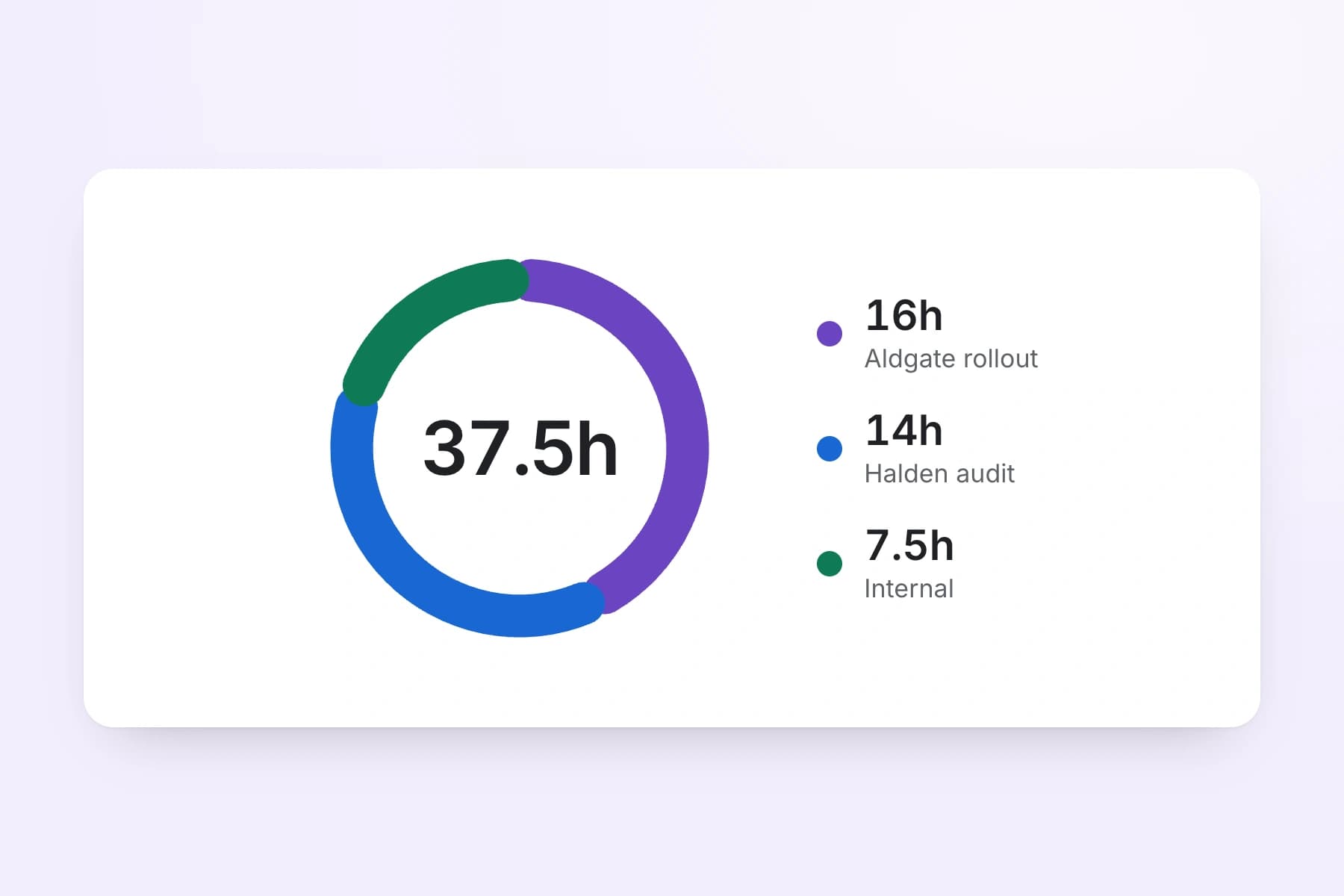
Create projects for each client engagement. Consultants select the project when logging their hours, so you can see exactly how much time was spent on each client. If a consultant splits a day between two clients, they log separate entries for each. Reports show total hours and costs per project.
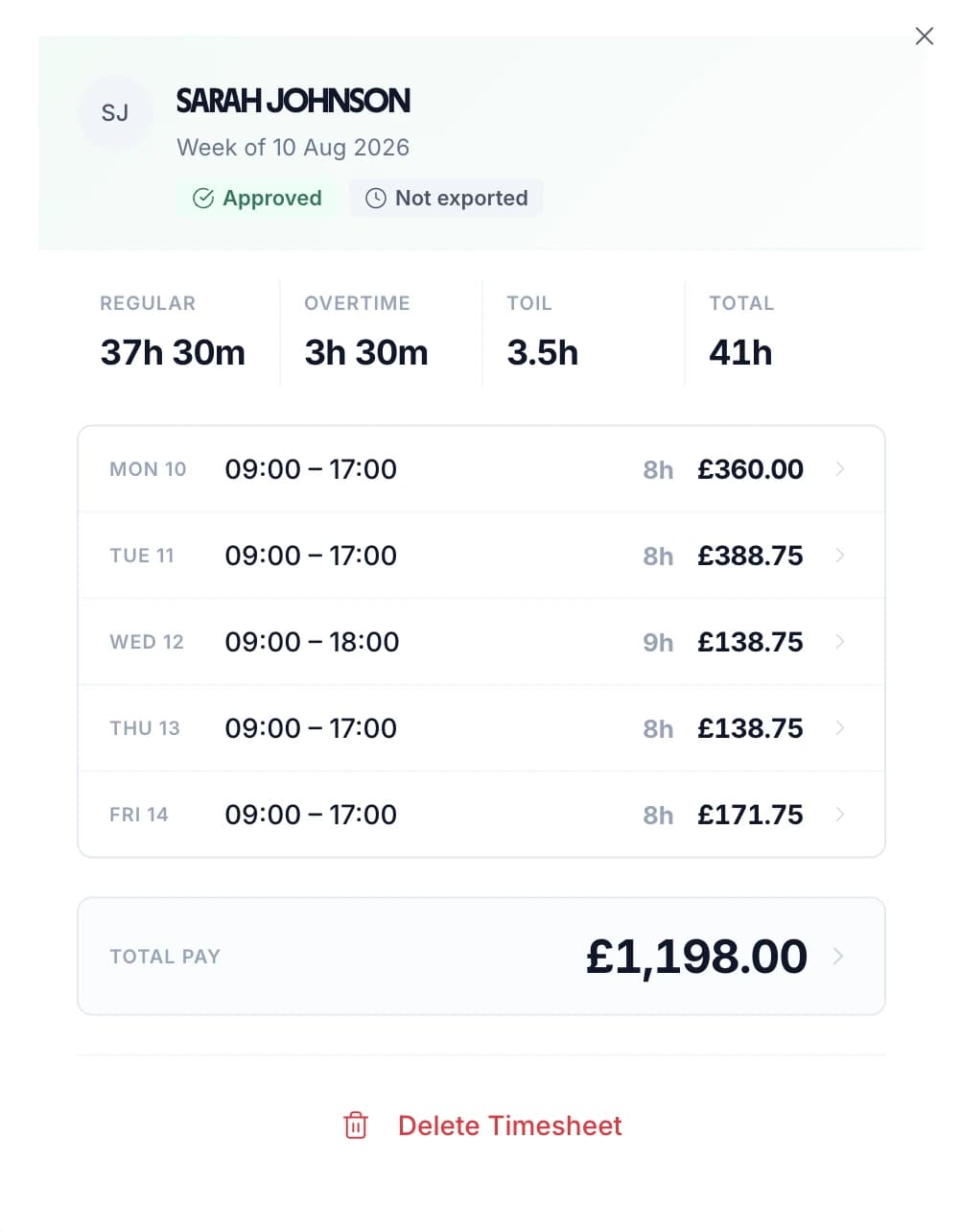
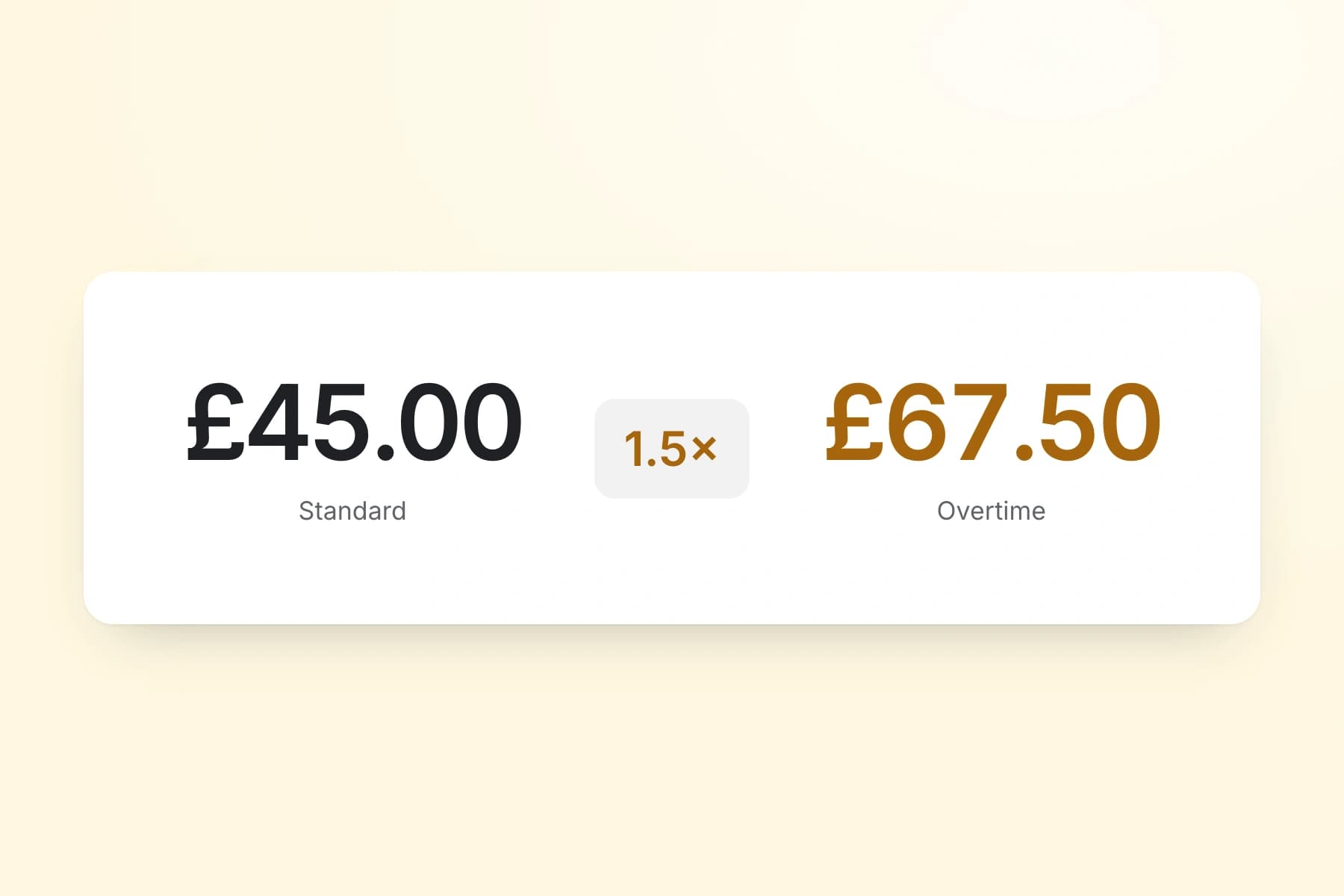
Set an hourly rate and overtime rate for each consultant. TimeTally calculates standard pay and overtime pay automatically when timesheets are submitted. You can set daily or weekly overtime thresholds to match your firm's policies.
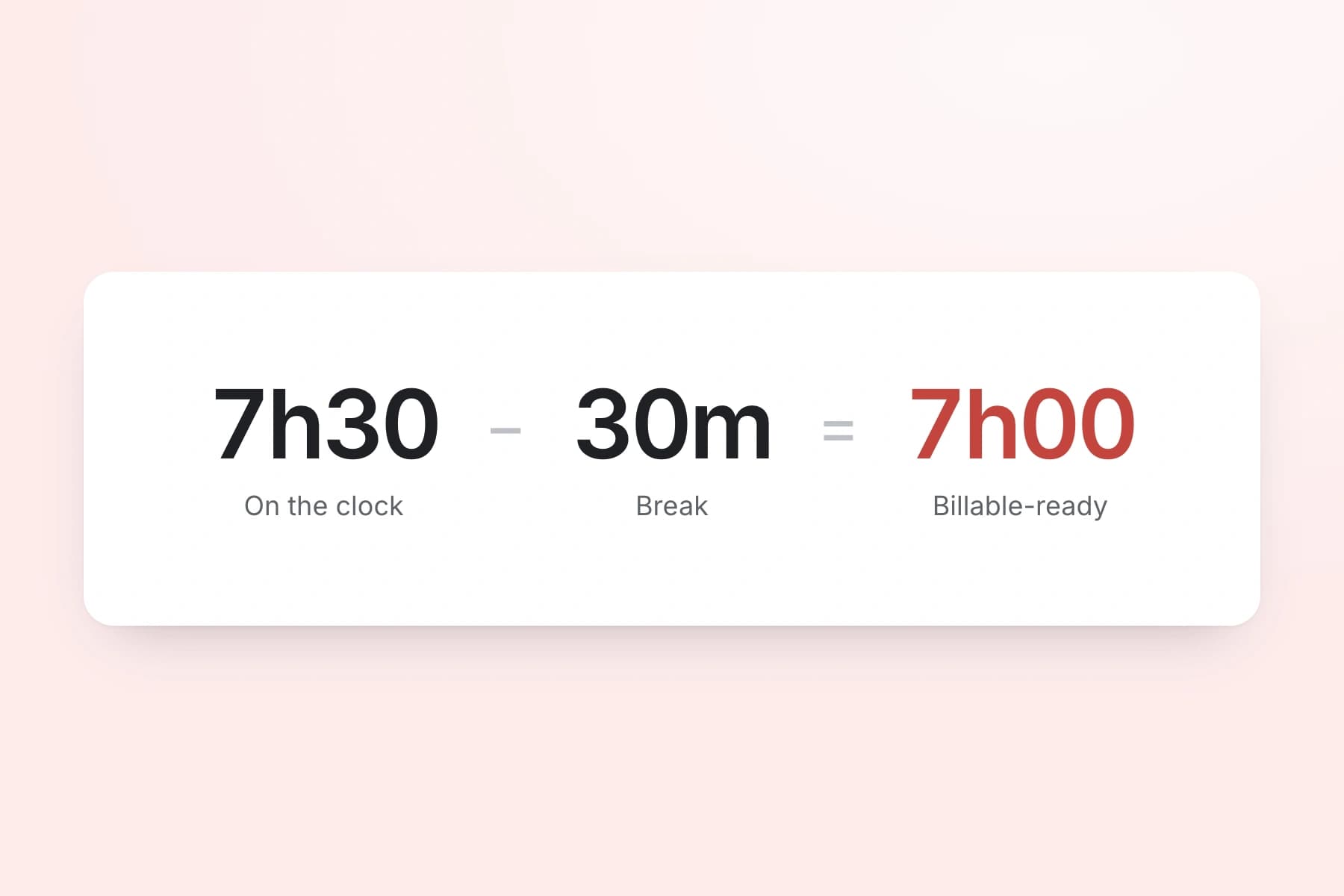
Track lunch breaks and rest breaks separately. Under UK law, workers on shifts over 6 hours are entitled to a 20-minute uninterrupted break — check your obligations with our break time compliance calculator. TimeTally records breaks and deducts them from total hours so payroll figures are accurate.
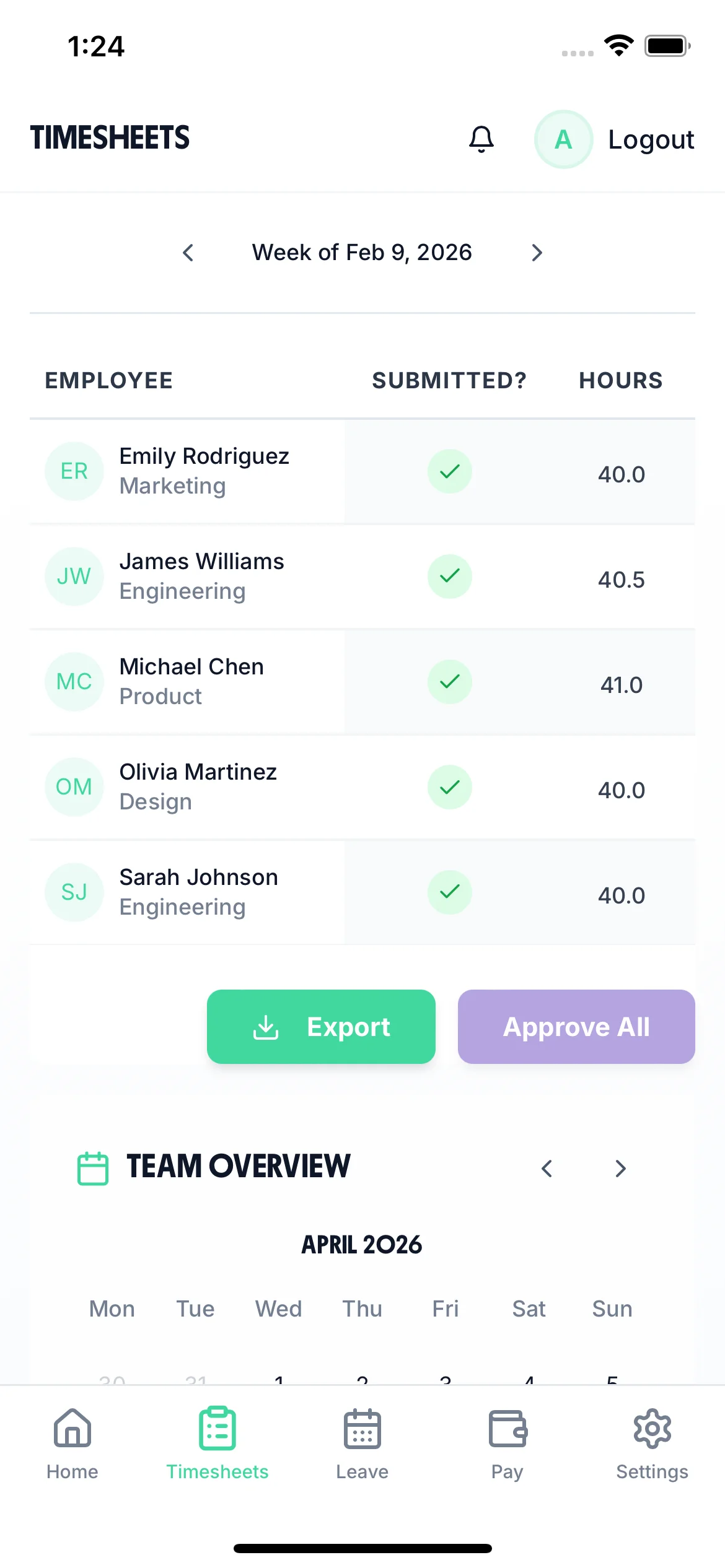
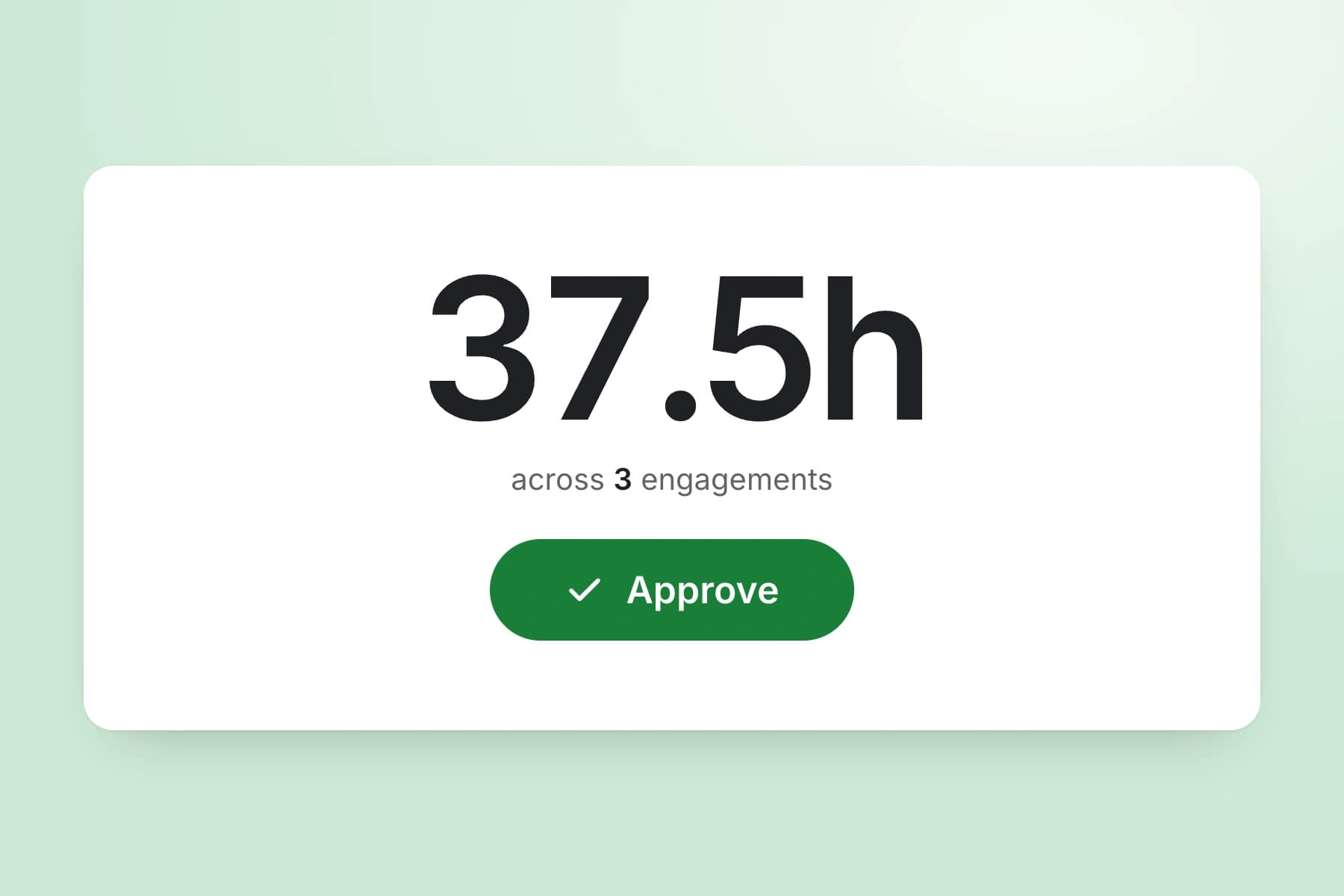
Consultants submit timesheets. Managers or partners review and approve them before payroll export. Every approval is recorded with a timestamp, giving you a clear audit trail of who approved what and when.
Export approved timesheets to Xero, QuickBooks, or CSV with one click. The export includes employee names, standard hours, overtime hours, pay amounts, and break deductions. No manual re-entry needed.
TimeTally works in any mobile browser. Consultants working at client sites or working remotely do not need to download an app or install anything on their devices. They can bookmark the page and log hours in under a minute. There is also a native iOS app for those who prefer it.
TimeTally is a timesheet and holiday management tool. It is genuinely useful for consulting firms, but it is not a billing platform, a utilisation tracker, or a project management suite. Here is the honest picture.
Tracks hours worked by each consultant, with start time, end time, and breaks
Assigns hours to projects (which you can name after clients, engagements, or internal work)
Calculates pay based on hourly rates and overtime thresholds per employee
Manages holiday requests with statutory entitlement calculations and team calendar
Exports approved timesheets to Xero, QuickBooks, or CSV for payroll
Allows notes on timesheet entries (useful for recording what was worked on)
Does not calculate utilisation rates or billable percentages — you would need to do this yourself from the exported data
Does not generate client invoices or billing reports — it exports to CSV/payroll, not to clients
Does not have a built-in billable vs non-billable toggle — though you can create separate projects for client work and internal work to achieve a similar result
Does not determine IR35 status — that requires legal or specialist assessment, not timesheet software
Does not track project budgets, burn rates, or profitability dashboards
If your consultancy needs a full professional services automation (PSA) tool with utilisation dashboards, client invoicing, and project budgeting, TimeTally is probably not the right fit. But if you need a simple, affordable way to track consultant hours by project, manage holiday requests, and get the data into payroll — without paying £15-30 per user per month for features you will never use — TimeTally does exactly that.
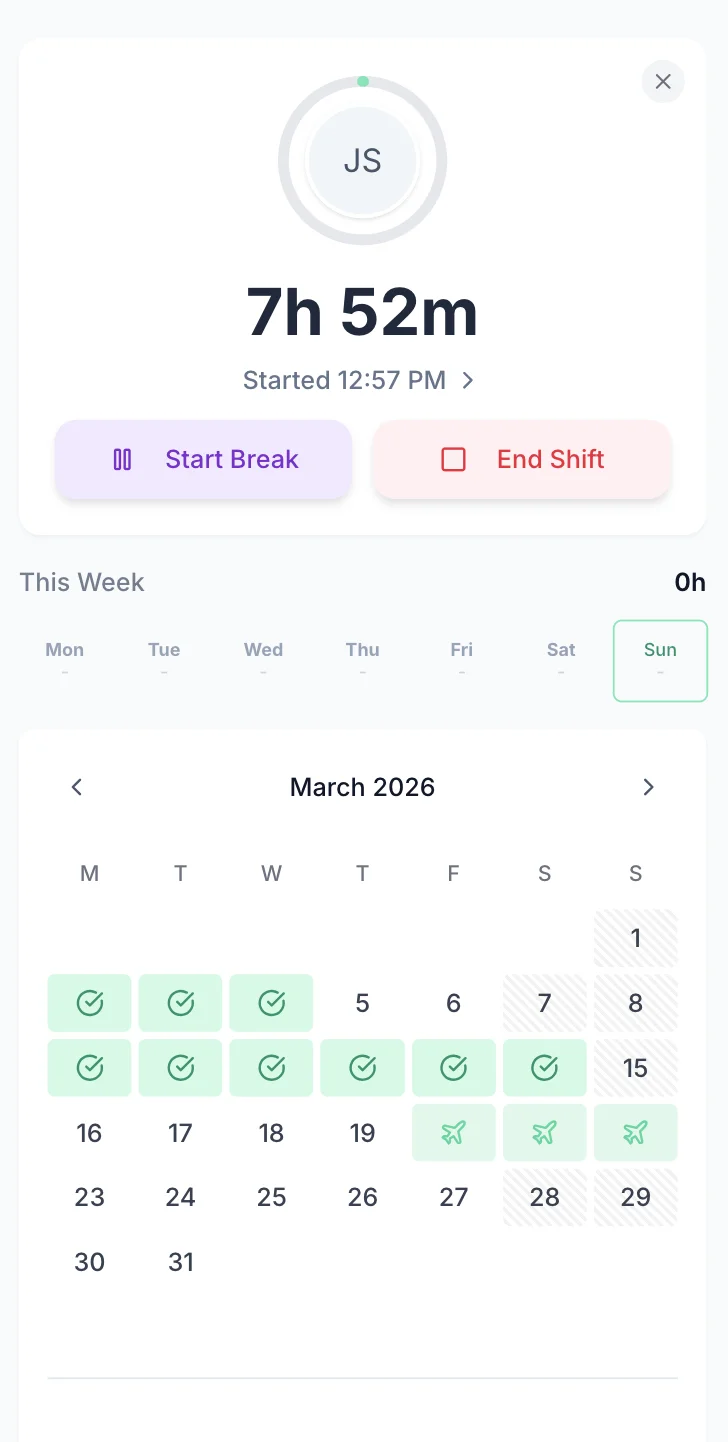
Managing consultant holiday requests by email or Slack is slow and error-prone — especially when you need to check client engagement coverage before approving. TimeTally lets consultants request time off from their phone. Managers see the team calendar and approve or decline with one tap. Remaining holiday entitlement is calculated automatically.
Consultants select dates and submit. Managers get a notification and can see who else is off before approving.
See your whole team's availability at a glance. Check for clashes before approving requests — useful when multiple consultants are assigned to the same client.
Statutory holiday allowance (5.6 weeks) is calculated automatically, including pro-rata for part-time consultants and mid-year starters. UK bank holidays are pre-loaded.
Create categories for annual leave, sick leave, study leave, compassionate leave, or any other type your firm uses. Each with its own colour and allowance.

The team calendar gives managers a clear view of the entire team's status — submitted timesheets, approved holidays, and absences — all in one place. When a client asks if you can staff a project next week, you can answer with confidence instead of sending round a group email.

TimeTally is a timesheet tool, not a compliance system — but accurate timesheet records support your legal obligations. Here is how the regulations apply to consulting firms and what role timesheet data plays.
The WTR 1998 limit average weekly working hours to 48 (over a 17-week reference period) and require 11 consecutive hours of rest between working days. These rules apply to employed consultants. TimeTally records all hours worked, giving you the data you need to monitor these limits. You can export this data at any time if HMRC or the HSE request records.
IR35 determines whether a contractor is effectively an employee for tax purposes. Since April 2021, medium and large businesses must make this determination for their contractors. TimeTally does not assess IR35 status — you need HMRC's CEST tool or specialist advice for that. But having accurate records of hours worked, projects assigned, and working patterns can be useful supporting evidence if a determination is queried.
HMRC requires employers to keep records of hours worked for at least two years. TimeTally stores all timesheet data digitally with timestamps and approval records — a complete audit trail that you can export whenever needed.
Accurate hours tracking ensures your effective hourly rate does not fall below the National Minimum Wage (£12.21/hour for workers aged 21+ from April 2025). This can be relevant for junior consultants or administrative staff where unpaid overtime could push the effective rate below the legal minimum.
All UK workers get 5.6 weeks statutory holiday (28 days for full-time). This applies to employed consultants regardless of their seniority or the nature of their client work. TimeTally calculates entitlement automatically, including pro-rata for part-time staff and mid-year starters.
Under UK law, workers on shifts over 6 hours are entitled to a 20-minute uninterrupted break. TimeTally tracks breaks separately, so you have a record that breaks were taken. This applies even when consultants are working long days at client sites.
One price. Every feature. No surprises.
Yes. You create projects in TimeTally for each client engagement (or internal activity). When consultants log their hours, they select the relevant project. Reports show total hours and costs per project, so you can see how much time was spent on each client.
No. TimeTally does not calculate utilisation percentages or billable ratios. It records hours by project, which you can export to CSV and use to calculate utilisation yourself in a spreadsheet. If you need built-in utilisation dashboards, you would need a dedicated PSA tool.
TimeTally does not have a built-in billable/non-billable toggle. However, you can create separate projects for client work and internal activities (e.g., 'Client A - Strategy Review' and 'Internal - Business Development'). The project-level reports then give you a breakdown of where time went.
No. TimeTally exports approved timesheets to Xero, QuickBooks, or CSV for payroll purposes. It does not generate client-facing invoices or billing reports. You would use your accounting software for invoicing, with TimeTally's exported data as the source for hours worked.
TimeTally does not determine IR35 status — that requires assessing personal service, control, and mutuality of obligation using HMRC's CEST tool or specialist legal advice. However, TimeTally's records of hours worked and projects assigned can serve as supporting evidence of working patterns if HMRC queries an engagement.
Yes. TimeTally works in any mobile browser — no app download needed. Consultants can bookmark the page on their phone and log hours in under a minute between meetings. There is also a native iOS app on the App Store for those who prefer it.
Consultants submit their timesheets. Their manager (or partner) gets a notification and can review the entries — hours, projects, breaks, and notes. They approve or reject with one tap. Every approval is timestamped, creating an audit trail.
Yes. Each consultant has their own hourly rate and overtime rate in TimeTally. When timesheets are submitted, standard pay and overtime pay are calculated automatically based on these rates. You can update rates at any time from the employee settings.
TimeTally exports to Xero, QuickBooks, and CSV/Excel. The export includes employee names, standard hours, overtime hours, pay amounts, and break deductions. Most payroll systems can import CSV files if a direct integration is not available.
Yes — and at £2 per person per month, it is particularly well-suited to smaller firms that do not need (or want to pay for) a full PSA platform. A 10-person firm pays £20 per month for timesheet tracking, holiday management, and payroll export. No contracts, cancel anytime.
Guides and tools for UK consulting firms