
Track overtime hours automatically. See who worked beyond their contracted hours, designate it as TOIL or paid overtime, and export to payroll — all in one system.
TimeTally combines timesheet tracking with TOIL management — so overtime is tracked, approved, and converted to leave or pay correctly.
Click any feature to learn more.
14-day free trial · No credit card needed
TimeTally handles the full overtime lifecycle — from timesheet entry to TOIL approval or payroll export.
Employees record actual hours worked via the TimeTally app. Contracted hours are set per employee, so overtime is identified automatically.
Overtime hours are submitted for approval. Managers designate them as TOIL accrual (with an applicable rate) or flag for paid overtime processing.
TOIL accruals are added to the employee's balance. Paid overtime is included in payroll exports to Xero, QuickBooks, or CSV.
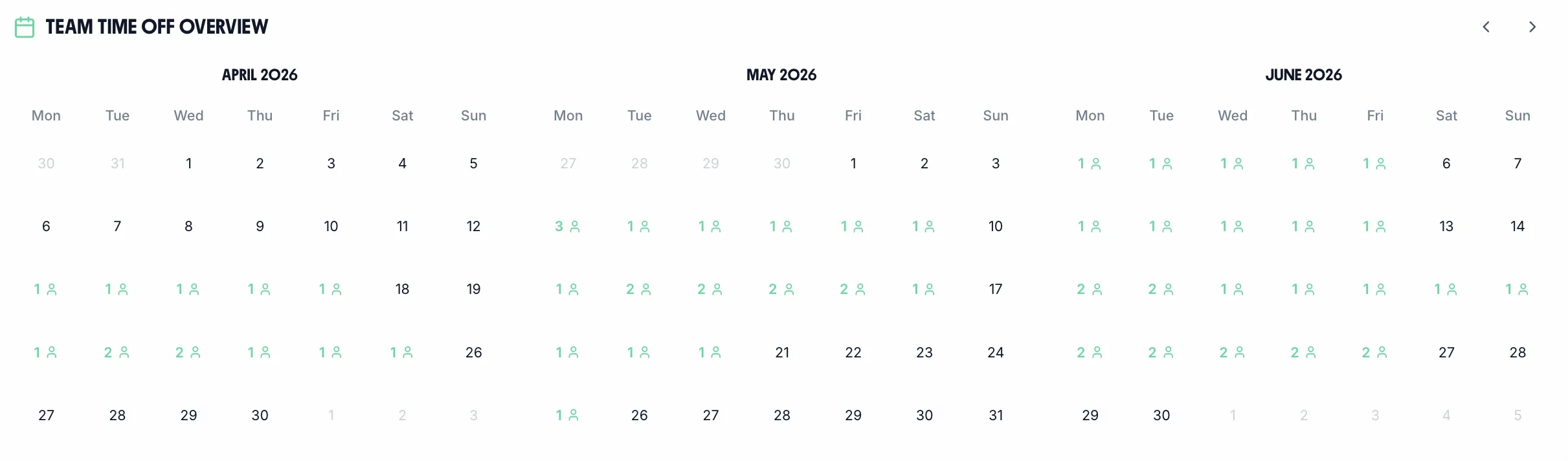
The team calendar shows TOIL bookings from overtime alongside annual leave. Managers see who has accumulated overtime TOIL, who has used it, and what the team's total liability is — in real time. Approved overtime hours are included in payroll exports automatically.
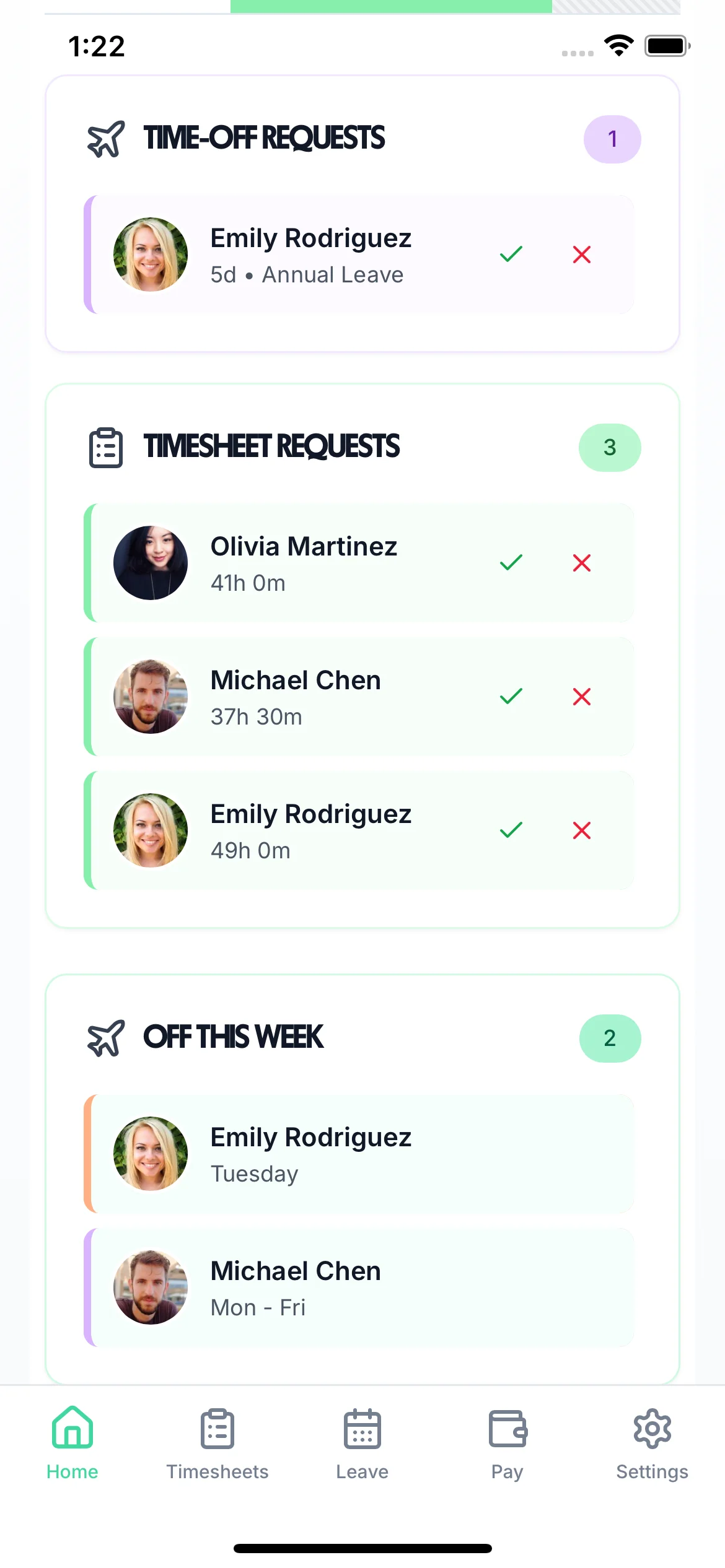
See who has worked overtime and what their TOIL balance is — updated in real time
See who else is off before approving TOIL from overtime — maintain team coverage
Export overtime hours to Xero, QuickBooks, or CSV for payroll processing


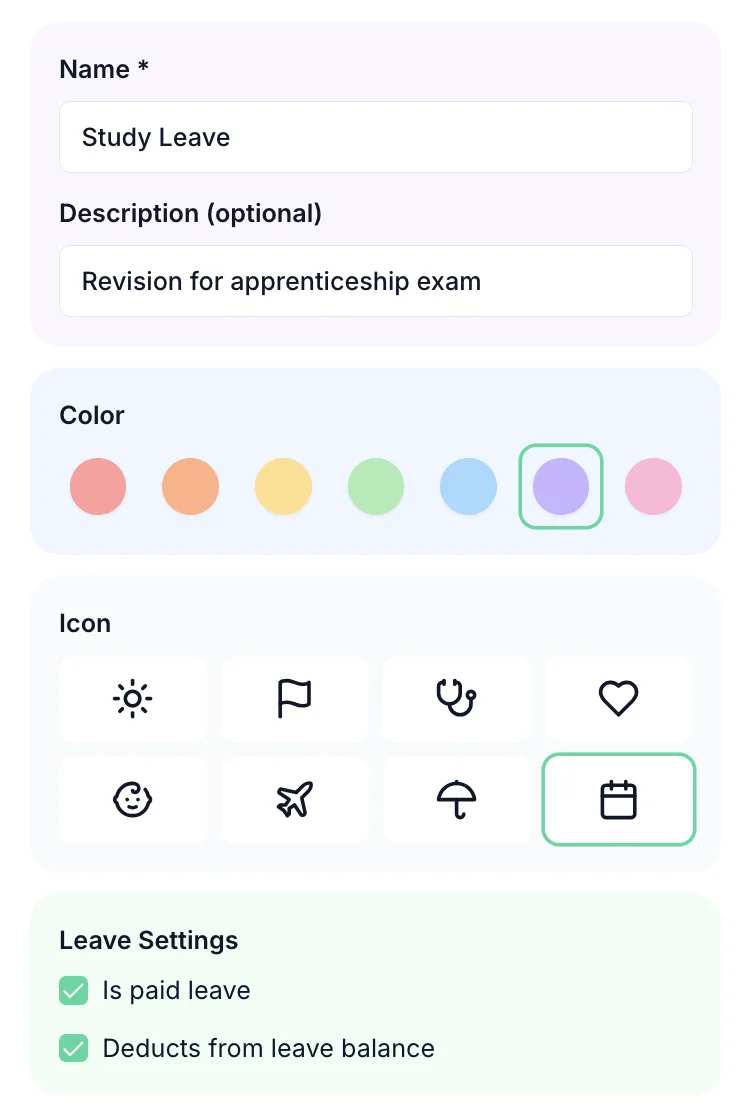
Define how overtime converts to TOIL — set accrual rates, caps, and expiry periods. Create separate TOIL types for weekday overtime, weekend working, and bank holiday cover — each applied consistently. Overtime recorded against your rota is automatically compared to contracted hours so you know exactly what's extra.
One price. Every feature. No surprises.
Overtime law in the UK is more complex than it appears. Here is what the rules say — and where employers most commonly get caught out.
The Working Time Regulations 1998 limit the average working week to 48 hours, calculated over a 17-week reference period. Employers have a legal duty to track hours worked and ensure employees do not exceed this limit — unless an employee has signed a written opt-out agreement. Failing to monitor hours is not a defence: if an employee suffers health consequences from excessive hours, the employer may face liability. Overtime tracking software gives managers a real-time view of who is approaching the limit before it becomes a problem.
For salaried employees, working overtime without additional pay can inadvertently push their effective hourly rate below the National Minimum Wage — which is illegal regardless of the contract wording. HMRC enforcement has increased significantly in recent years, with arrears, fines, and public naming all possible outcomes. Tracking actual hours worked against contracted hours makes it straightforward to identify employees whose total pay divided by total hours approaches the NMW threshold before a breach occurs. Use our free overtime pay calculator to check.
There is no statutory TOIL accrual rate in the UK — the rate employees earn time off for working overtime is a matter of contract or policy. Common rates are 1:1 (one hour off for one hour worked), 1.25:1 for evening and weekend overtime, and 1.5:1 for bank holiday working. Whatever rate is chosen, it must be applied consistently to avoid discrimination claims. Setting clear rates in a written policy — and enforcing them through TOIL management software — removes ambiguity and protects both employer and employee.
Accumulated TOIL that has not been taken represents a real financial liability for an employer. When an employee leaves, any outstanding TOIL balance that cannot be taken during the notice period must typically be paid out — at the employee's normal rate of pay. Large unmonitored TOIL balances can therefore create significant unexpected costs at the point of termination. Overtime tracking software with live balance visibility helps managers actively encourage TOIL usage before balances build to a level that becomes a payroll risk.
Employees can voluntarily sign a written opt-out from the 48-hour weekly limit under Regulation 5 of the Working Time Regulations. This opt-out must be in writing, cannot be a condition of employment, and can be withdrawn at any time with seven days' notice (or a longer agreed period up to three months). Employers must still keep records of hours worked — the opt-out removes the 48-hour cap but does not remove the record-keeping obligation. Overtime tracking software provides the audit trail required to demonstrate compliance if challenged by an employee or by an Employment Tribunal.
Certain sectors face specific overtime pressures that make tracking especially important. In healthcare, the Working Time (Amendment) Regulations apply additional rules for junior doctors and other clinical staff, with strict rest period requirements. In hospitality and retail, overtime frequently clusters around peak periods — Christmas, bank holidays, summer — making TOIL balances hard to manage without dedicated software. In construction, project-deadline overtime can accumulate quickly and unpredictably. Explore our guides for healthcare and construction teams.
Overtime rules are more complex than they first appear — especially when it comes to holiday pay and the National Minimum Wage.
Whether overtime is compulsory depends entirely on the employment contract. A contract that says 'the employee may be required to work reasonable additional hours' creates an obligation; one that says 'overtime is available on a voluntary basis' does not. Employers cannot compel voluntary overtime without a contractual basis to do so, and attempting to do so risks constructive dismissal claims. Contracts should make the compulsory or voluntary nature of overtime unambiguous.
Overtime hours must still be paid at a rate that keeps the employee at or above the National Minimum Wage for their age band. This is most commonly an issue for salaried employees who regularly work significant overtime — HMRC calculates the effective hourly rate by dividing total pay in the pay period by total hours worked, including overtime. A salaried manager earning £30,000 but regularly working 60-hour weeks may fall below NMW. HMRC NMW enforcement carries penalties of up to £20,000 per underpaid worker.
The Employment Appeal Tribunal's ruling in Bear Scotland v Fulton [2014] established that regular, recurring overtime must be reflected in holiday pay, at least for the four weeks of leave derived from the EU Working Time Directive. Overtime that forms a normal part of an employee's working pattern — even if technically voluntary — must be included in the 52-week pay average used to calculate holiday pay. Paying holiday pay at basic rate only, where regular overtime is worked, is one of the most common and costly payroll errors in UK employment.
In Bear Scotland v Fulton, decided by the Employment Appeal Tribunal in 2014, the court held that non-guaranteed overtime — overtime that the employer is not obliged to offer but the employee is obliged to accept if offered — must be included in holiday pay. The ruling applies to overtime that recurs with sufficient regularity to be considered a normal part of the employee's work. One-off or genuinely irregular overtime that does not form a pattern need not be included. Employers should analyse actual overtime records over the 52-week reference period rather than relying on contractual labels.
The Working Time Regulations 1998 impose a cap of an average 48 hours per working week, measured over a 17-week reference period. Voluntary overtime counts toward this limit — an employee cannot exceed the 48-hour average even if they are willing to do so, unless they have signed a written individual opt-out. Opt-outs may be withdrawn by the employee at any time with reasonable notice. Employers should monitor cumulative hours for employees who regularly work overtime to identify potential breaches.
There is no statutory overtime rate in UK law — above the National Minimum Wage floor, the overtime rate is purely contractual. Common arrangements include plain time (same rate as normal hours), time-and-a-half, and double time. Some contracts specify different rates for different circumstances — for example, plain time for weekday overtime and double time for Sundays. Whatever rate is agreed must be honoured and applied consistently, as deviating from it constitutes an unlawful deduction from wages.
Under the Part-Time Workers (Prevention of Less Favourable Treatment) Regulations 2000, part-time workers are only entitled to enhanced overtime rates once they have exceeded the normal full-time hours for the role — not from their first additional hour. A part-timer contracted to 20 hours per week does not become entitled to time-and-a-half from hour 21; they reach the overtime threshold at hour 37.5 (or whatever the full-time equivalent is). Paying part-time workers enhanced rates from their first overtime hour is a matter of contract generosity, not legal obligation.
Unauthorised overtime — where an employee works additional hours without prior approval — can lawfully be refused for payment by the employer, provided the employer did not know about it and would not have agreed to it. However, employers who are aware of overtime being worked and do nothing to stop it may be deemed to have impliedly authorised it, creating a pay obligation. Best practice is to require written pre-authorisation of all overtime and to record it accurately through a time-tracking system so that disputes about hours worked are resolved by evidence rather than argument.
Swipe to see more →
Different sectors generate overtime in different ways. TimeTally tracks it all — shift extensions, callouts, emergency cover, and seasonal peaks.
Late venue close times, private hire events, and busy weekend services generate significant overtime in hospitality. TimeTally tracks every minute worked beyond contracted hours, calculates the correct overtime rate per employee, and includes regular overtime in holiday pay calculations as required by UK law.
Security overtime is generated by alarm callouts, shift extensions, and emergency post coverage. TimeTally logs each callout separately, distinguishes planned overtime from emergency cover, and gives security managers a running total of TOIL or overtime pay owed to each operative.
Delivery deadlines, vehicle turnarounds, and warehouse loading windows drive regular overtime in logistics. TimeTally tracks driver and warehouse overtime separately, enforces Working Time Regulations driving limits, and exports overtime hours to payroll for accurate driver remuneration every pay period.
Staffing shortages in care and healthcare mean overtime is often mandatory rather than optional. TimeTally tracks mandatory and voluntary overtime separately, converts care overtime to TOIL where contracted, and maintains the records needed for CQC compliance and workforce oversight.
Employees log their actual hours in TimeTally's timesheet. The system compares actual hours against contracted hours and shows the excess as overtime. Managers can then designate overtime as TOIL (time off in lieu) or flag it for paid overtime processing at the applicable rate.
Yes. You can create separate leave types for TOIL (compensatory time off) and flag additional hours for paid overtime processing through the timesheet export. Payroll exports to Xero, QuickBooks, or CSV include the overtime hours for your payroll provider to process.
You can designate overtime hours for different rates in the timesheet and create corresponding TOIL types with different accrual rates (e.g. 1.5:1 for weekends). For paid overtime, the rate calculation is handled by your payroll provider using the exported hours data.
Yes. TimeTally tracks hours worked for all employee types. Salaried employees typically work a standard contracted hours target. Hours beyond this are recorded and can be designated as TOIL, even if salary employees aren't paid extra for overtime.
Yes. The TOIL accrual flow requires manager approval before overtime converts to TOIL balance. This means employees cannot self-designate overtime as TOIL without their manager's agreement.
A basic timesheet app records hours worked. Overtime tracking software goes further by comparing actual hours to contracted hours, identifying overtime automatically, and providing tools to designate it as TOIL or paid overtime. TimeTally does both — timesheet tracking and overtime management — in one system.
Real reviews from TimeTally customers
“Setup was dead simple and the team just got on with it. Got everyone up and running in an afternoon with no help needed. Does everything we need for timesheets and holidays without the faff.”
S.M.
“Has completely changed how I handle timesheets. Used to dread it every week — now it takes me minutes. Really easy to get around and my staff picked it up straight away.”
J.T.
“Started using it just for rotas but quickly realised it does loads more. The timesheets and leave management are great, and it even handles TOIL and overtime which I wasn't expecting. Use it for everything now.”
R.K.