
Replace clocking-in machines, paper sign-in sheets, and manual shift logs with a phone-based clock in app. Employees clock in from their iPhone or any browser, managers see who's in right now, and shifts flow automatically into timesheets for approval and payroll. No hardware, no fobs, no IT setup — just a simple app.
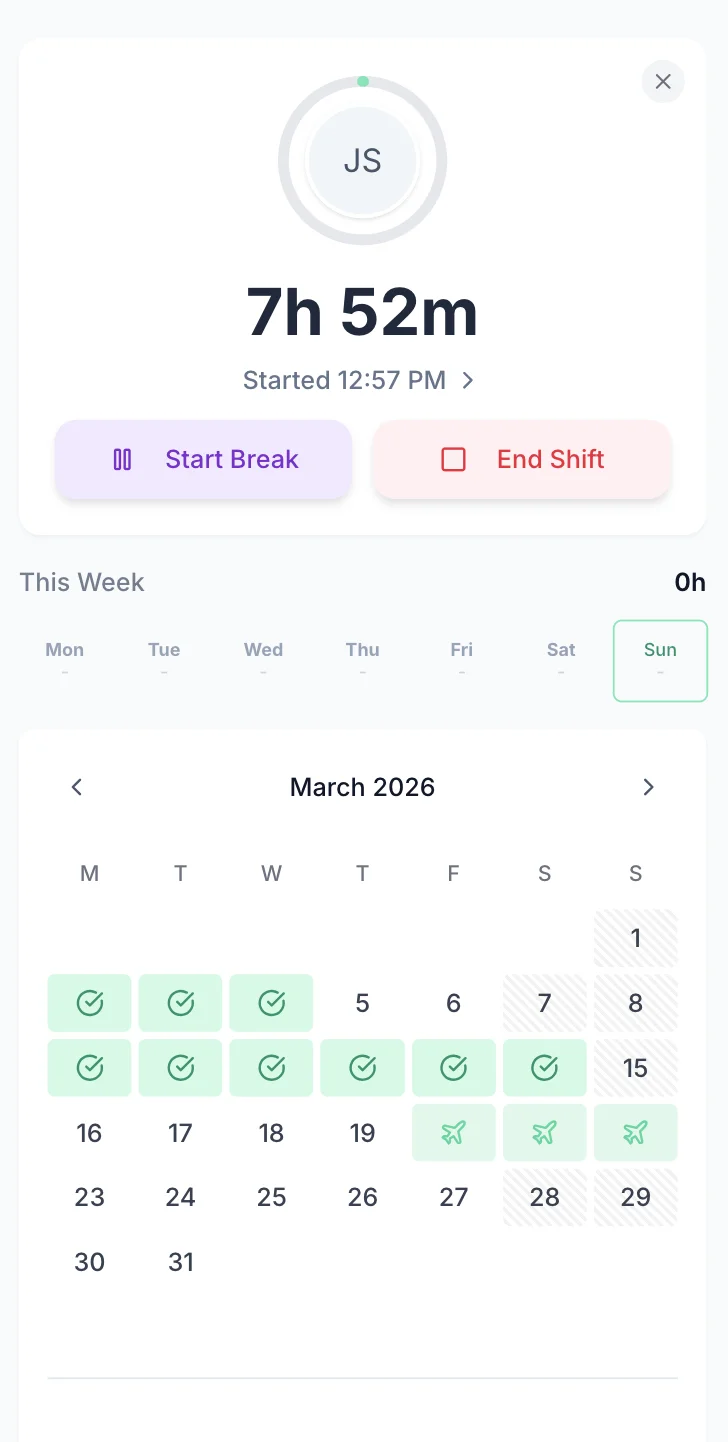
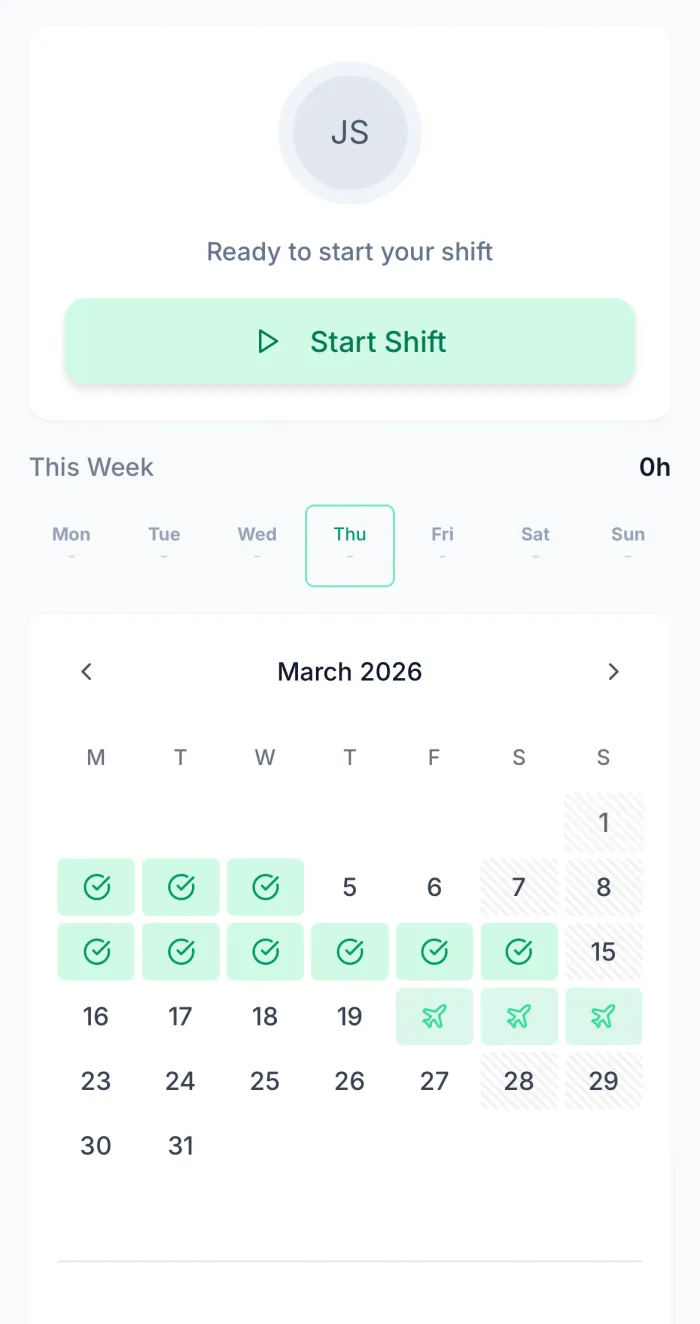
Employees open the app and tap the big green button to clock in. They tap again to clock out at the end of their shift. That's it — their hours are logged, breaks are tracked, and their timesheet is ready for submission. No complicated setup, no codes to remember, no terminal queues. For mobile clock-in with GPS verification, enable location checking to confirm employees are on site when they clock in.
One tap to start, one tap to stop. The exact time is recorded on the server — employees can't change it after the fact
Employees can clock out for a break and clock back in. Breaks are tracked separately and deducted from total hours automatically
Enable location checking to verify employees are at the right site when clocking in. Ideal for multi-site operations

Traditional clocking machines cost £200-£800 each. A clock in app costs nothing to install — just £2/employee/month
Server-side timestamps mean clock-in times are precise and tamper-proof. No rounding to nearest 15 minutes
Employees at different locations all clock in to the same system. One manager dashboard for all sites

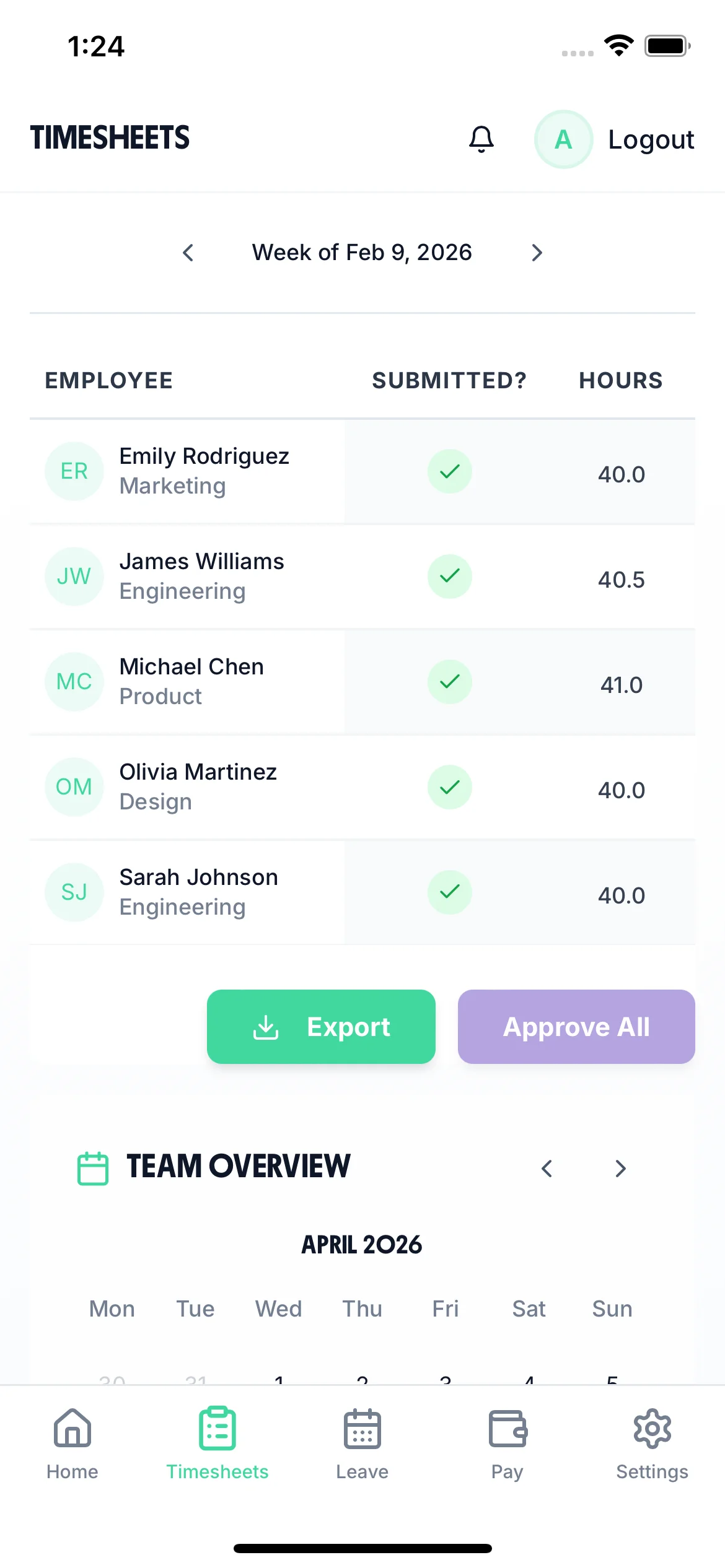
The manager dashboard shows who's currently clocked in, who clocked in late, and who hasn't arrived. No more calling the site to check if everyone's in — the clock in app gives managers real-time visibility from anywhere. At the end of the week, clock-in data becomes timesheets ready for approval.
See who's currently clocked in across all locations. Identify latecomers and absences immediately
The system flags employees who clock in after their scheduled start time. Track lateness patterns over time
Reports on attendance rates, average start times, overtime, and total hours per employee or team
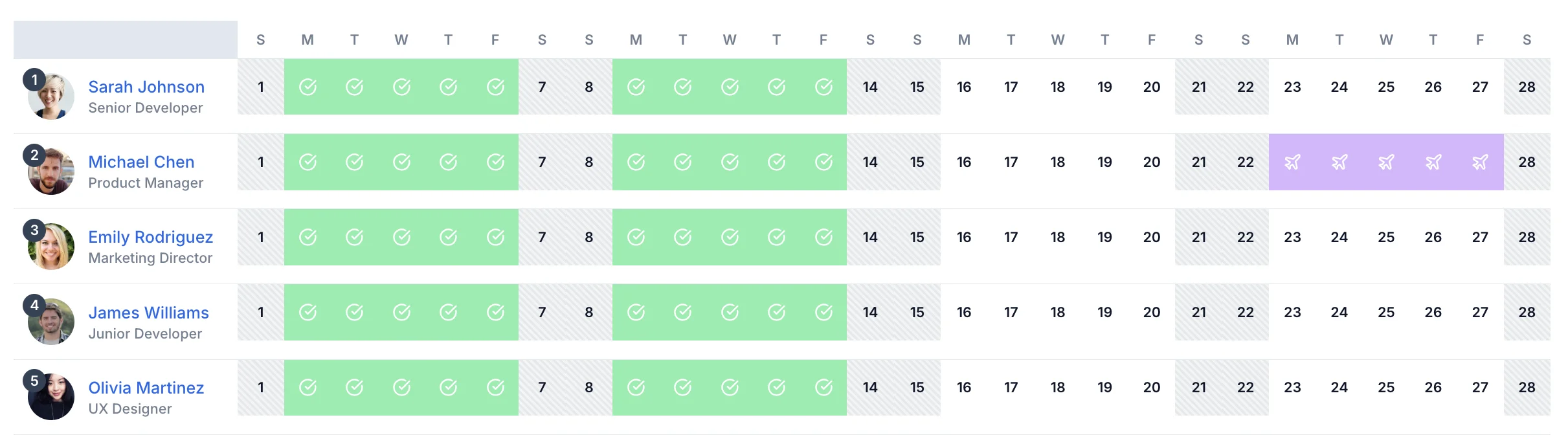
Clock-in records feed into the employer calendar alongside leave, holidays, and absences. Managers get a complete picture of who's working and who's off — useful for scheduling, payroll, and Working Time Regulations compliance. See patterns over time to identify attendance issues early.

See shifts, hours worked, and time off in one calendar view. Spot gaps in coverage and plan ahead
No clock-in for a scheduled employee? The system flags the absence automatically and you can record the reason
Monthly and weekly summaries of total hours worked per employee. Export to payroll in one click
No hardware to buy, no maintenance contracts. Just a simple monthly subscription.
A clock in app is a mobile or web-based system that lets employees start and stop tracking their working time from their phone or computer. Employees tap a button when they arrive at work and tap again when they leave. The app records the exact time, calculates hours worked, logs any breaks, and generates a timesheet automatically. TimeTally is a clock in app that also handles timesheet approvals, leave management, and payroll export.
Ideally yes — each employee uses their own phone to clock in, which also verifies who is doing the clocking in. However, TimeTally can also be used on a shared tablet or computer if employees don't have personal phones. Each employee logs in with their own credentials, so records remain accurate and individual.
Yes. When employees clock in from their own phone, only they can initiate that clock-in — unlike physical fob systems where one person can swipe for another. With the optional GPS verification feature enabled, TimeTally also records the location at clock-in, providing an additional layer of verification that the employee was physically at the right site.
Each time an employee clocks in and out, TimeTally records the start and end time. Over the course of a week, these clock-in/out records are assembled into a complete timesheet showing each day's hours, total weekly hours, and any overtime. The employee reviews and submits this auto-generated timesheet at the end of the week, and the manager approves it.
TimeTally will send the employee a notification if they appear to still be clocked in when their shift should have ended. Managers can also see who is still clocked in and flag unusual situations. If an employee genuinely forgot to clock out, their manager can manually adjust the clock-out time with a note in the audit trail explaining the correction.
Yes. Because TimeTally is cloud-based, employees at different sites all clock into the same system. Managers can see the whole team's attendance regardless of location. GPS verification lets you confirm each employee is at the correct site when they clock in, which is particularly useful for care workers, cleaning staff, or other mobile workers.
Yes. Mobile clock-in apps create more robust employment records than paper sign-in sheets or manual timesheets. Under the Working Time Regulations 1998, employers must keep adequate records of working time. Timestamped clock-in records with a full audit trail are ideal for this purpose. TimeTally also tracks hours against the 48-hour weekly average so you can demonstrate compliance with the working time opt-out rules.