
Clear the Pending Requests in One Sitting
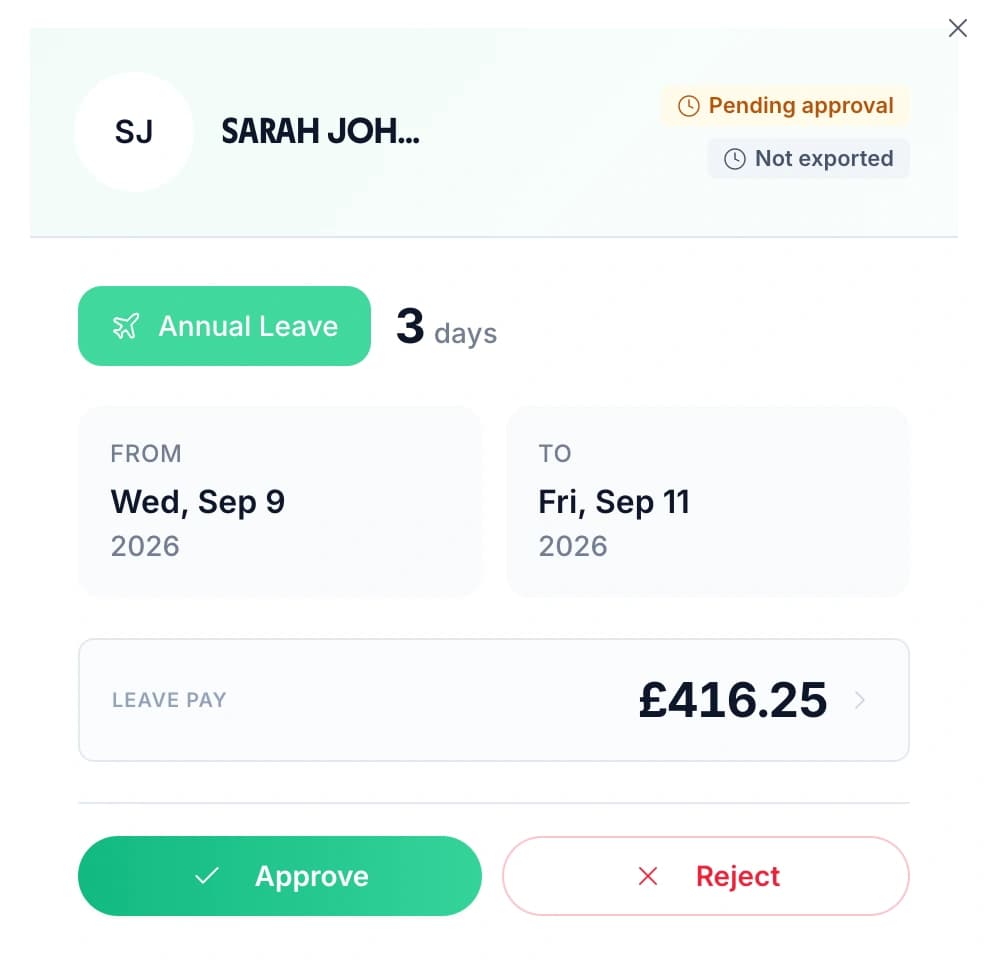
Pending requests sit in one list. Each row shows who asked, the dates, how many days it comes to, and which leave type it is — annual leave, sick leave, or a type you added yourself. A tick approves it and a cross declines it, so a chief officer with fifteen other things on can clear the queue in a few minutes.
- Open a request to see the full detail before deciding: the person, their job title, the leave type, the day count and any reason they added.
- A rejection can carry a written reason. A project worker who asked for the week of a funder visit knows why, and can resubmit for a different week without starting again.
- Every request, approval, rejection and deletion is logged with a timestamp and the person who made it, which is the record a trustee or an auditor asks for.
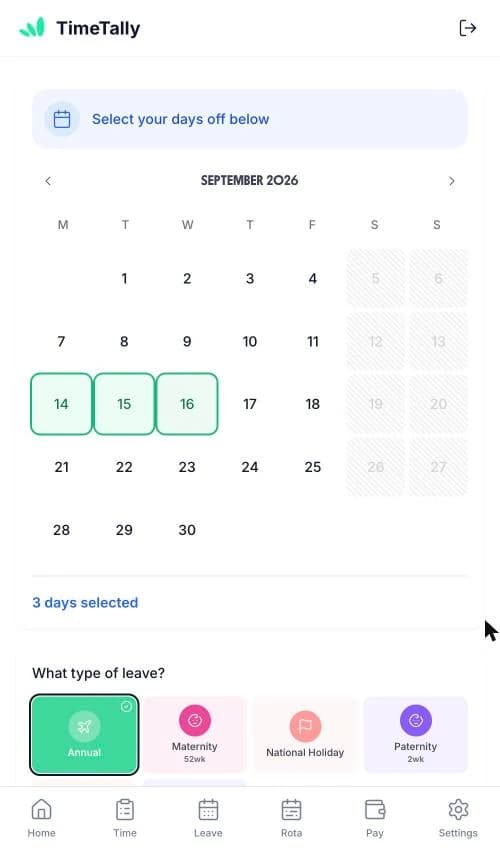
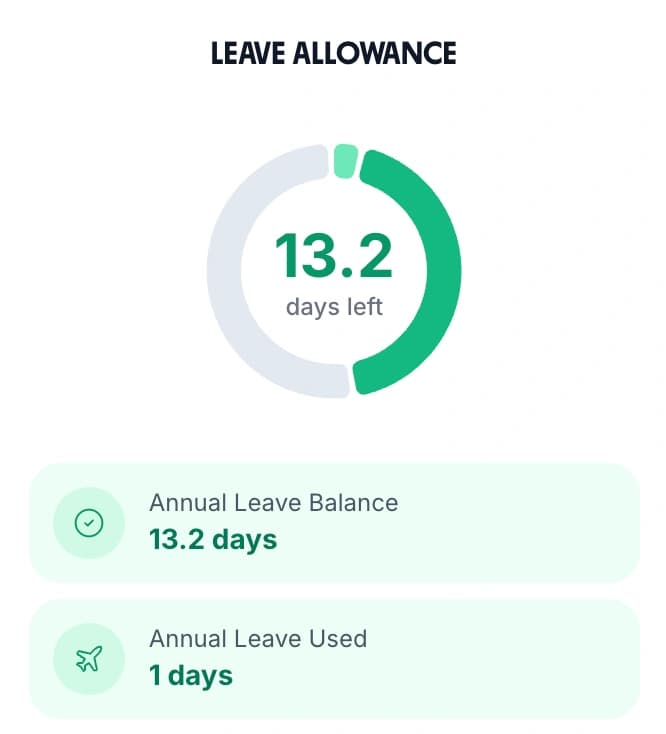
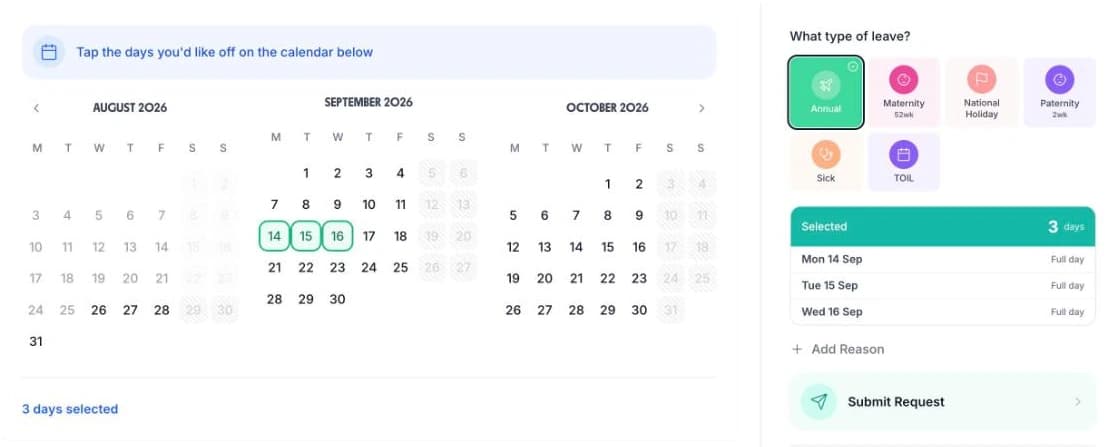
- Book leave for several people at once when the office closes between Christmas and New Year. Select all, pick the dates, and TimeTally skips anyone whose pattern says they do not work those days and names anyone short of allowance.