
Clear the Pending Requests Before Service
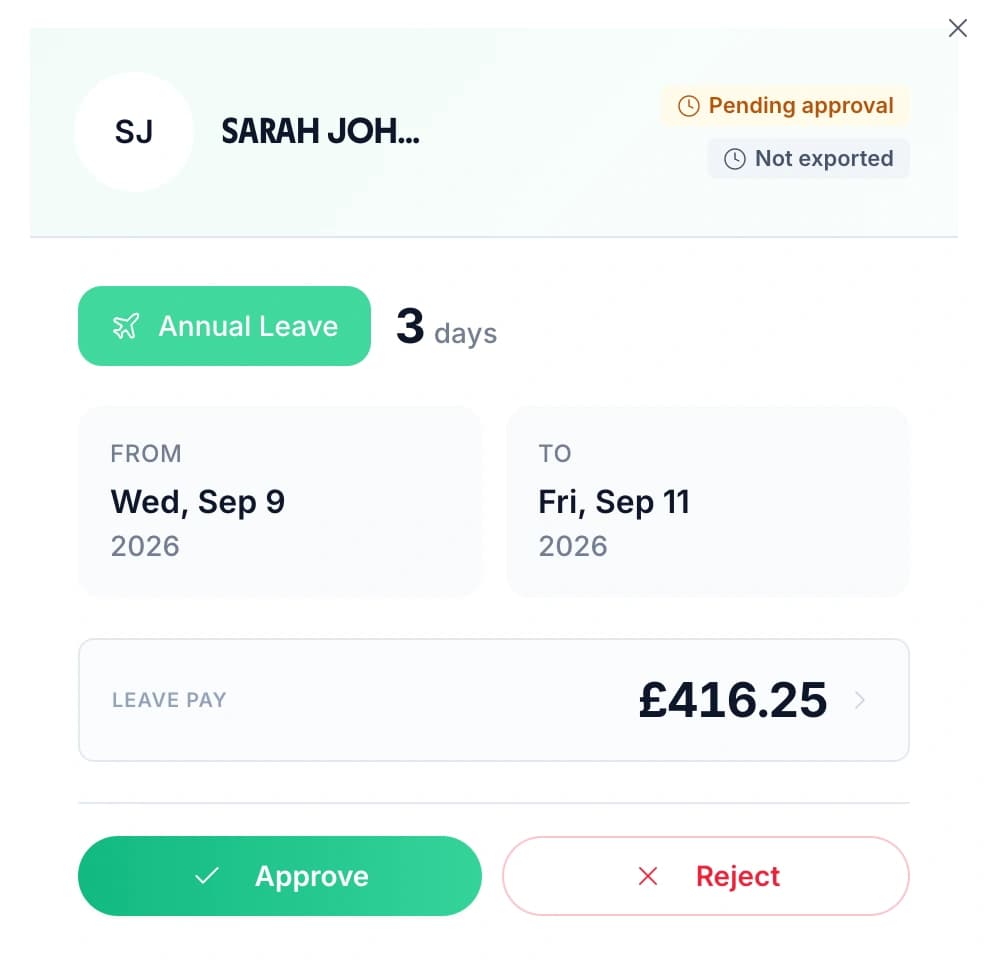
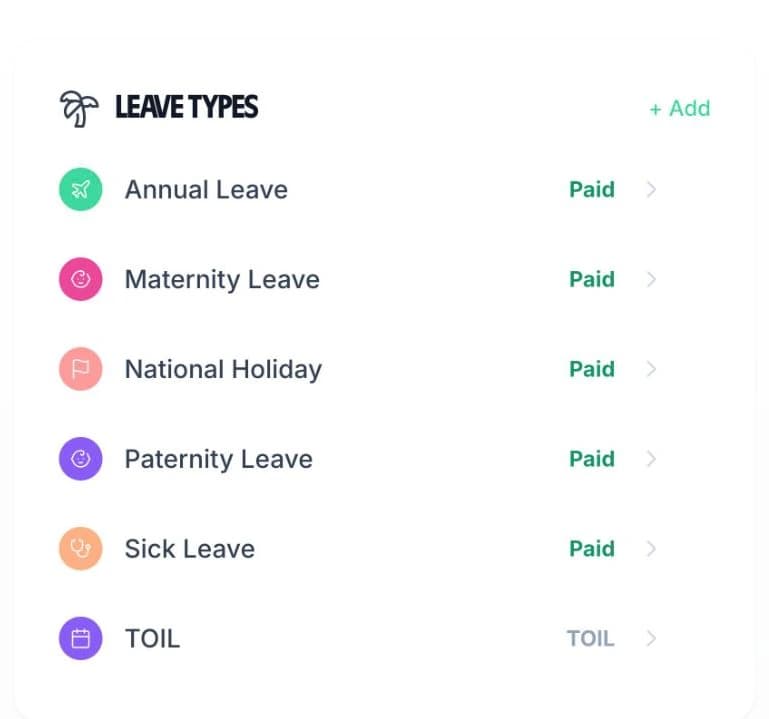
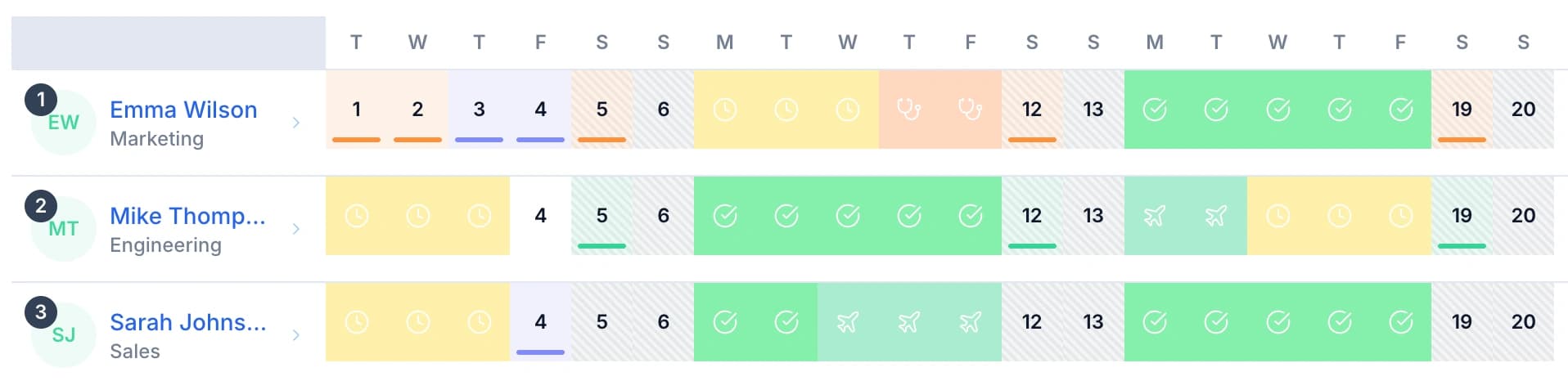
Pending requests sit in one list on the manager's dashboard. Each row shows who asked, the dates, how many days it comes to, and which leave type it is — annual leave, sick leave, or a type you added yourself. A tick approves it and a cross declines it, so a general manager can clear the queue on a phone before doors.
- Open a request to see the full detail before deciding: the person, their job title, the leave type, the day count and any reason they added.
- A rejection can carry a written reason. A commis chef who asked for the Saturday of a beer festival knows why, and can resubmit for a different week without starting again.
- Every request, approval, rejection and deletion is logged, which ends the “I thought you said yes” argument on a Friday night.
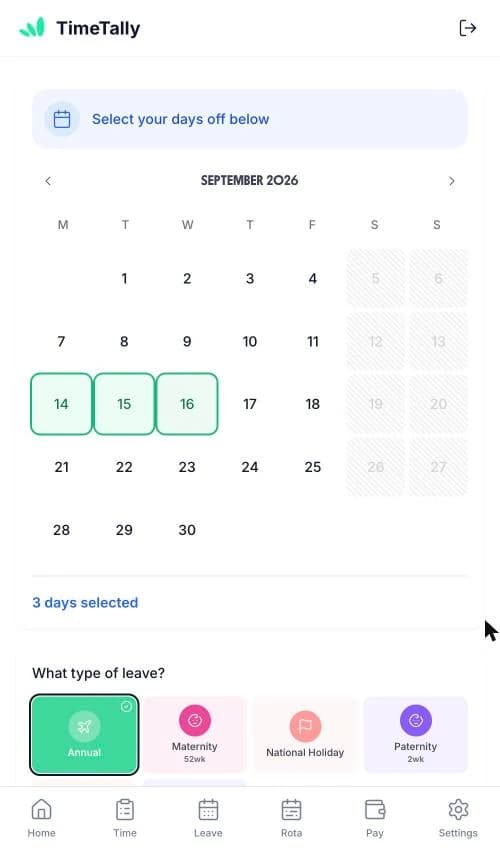
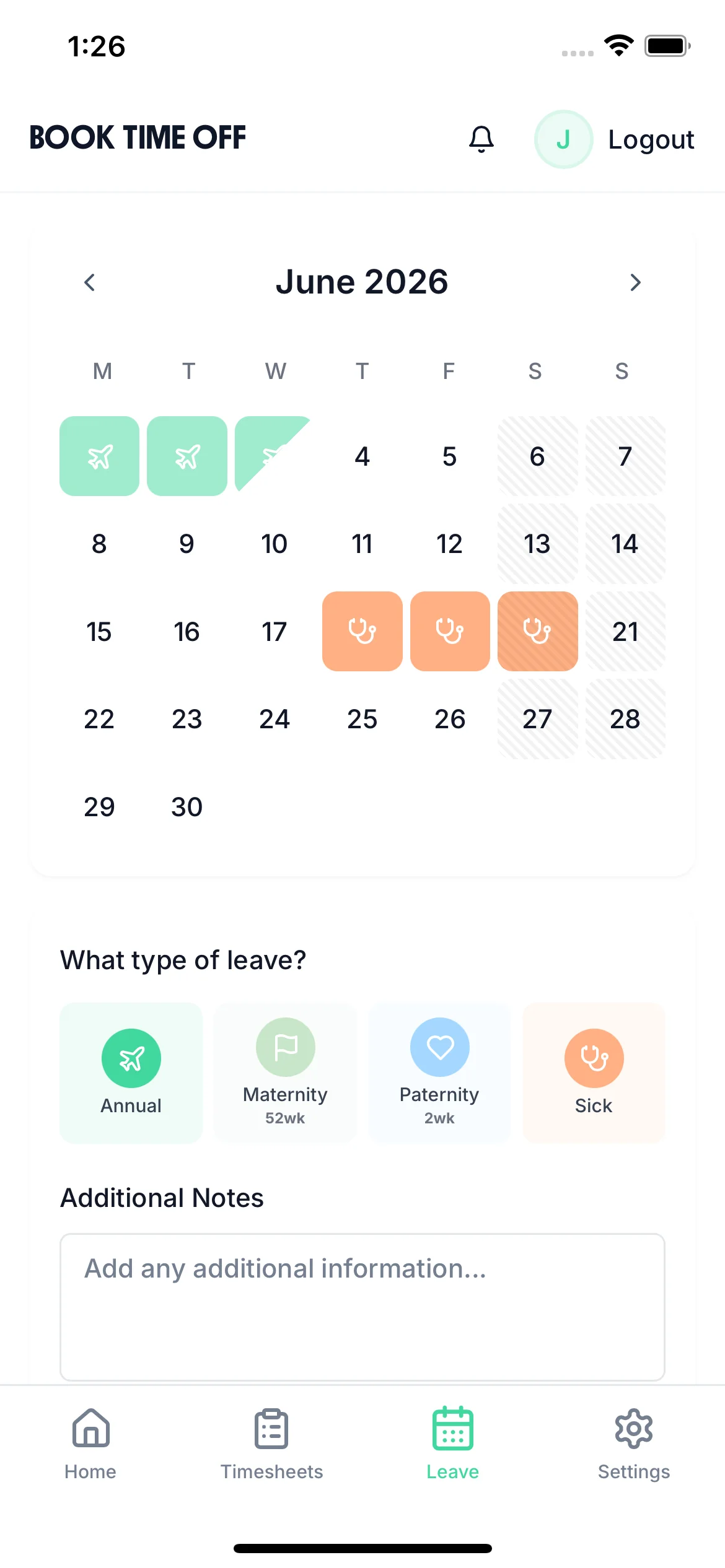
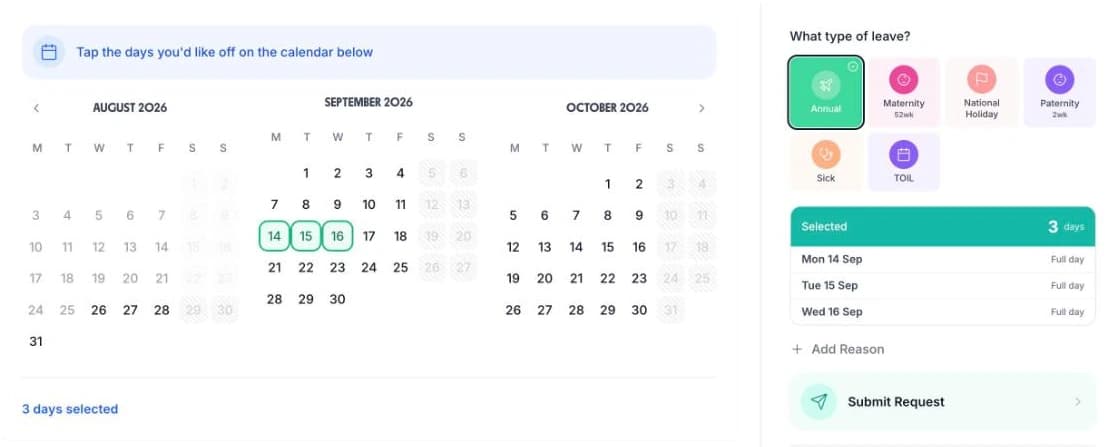
- Managers can book leave on behalf of anyone, for the member of staff who phones a request in during service.