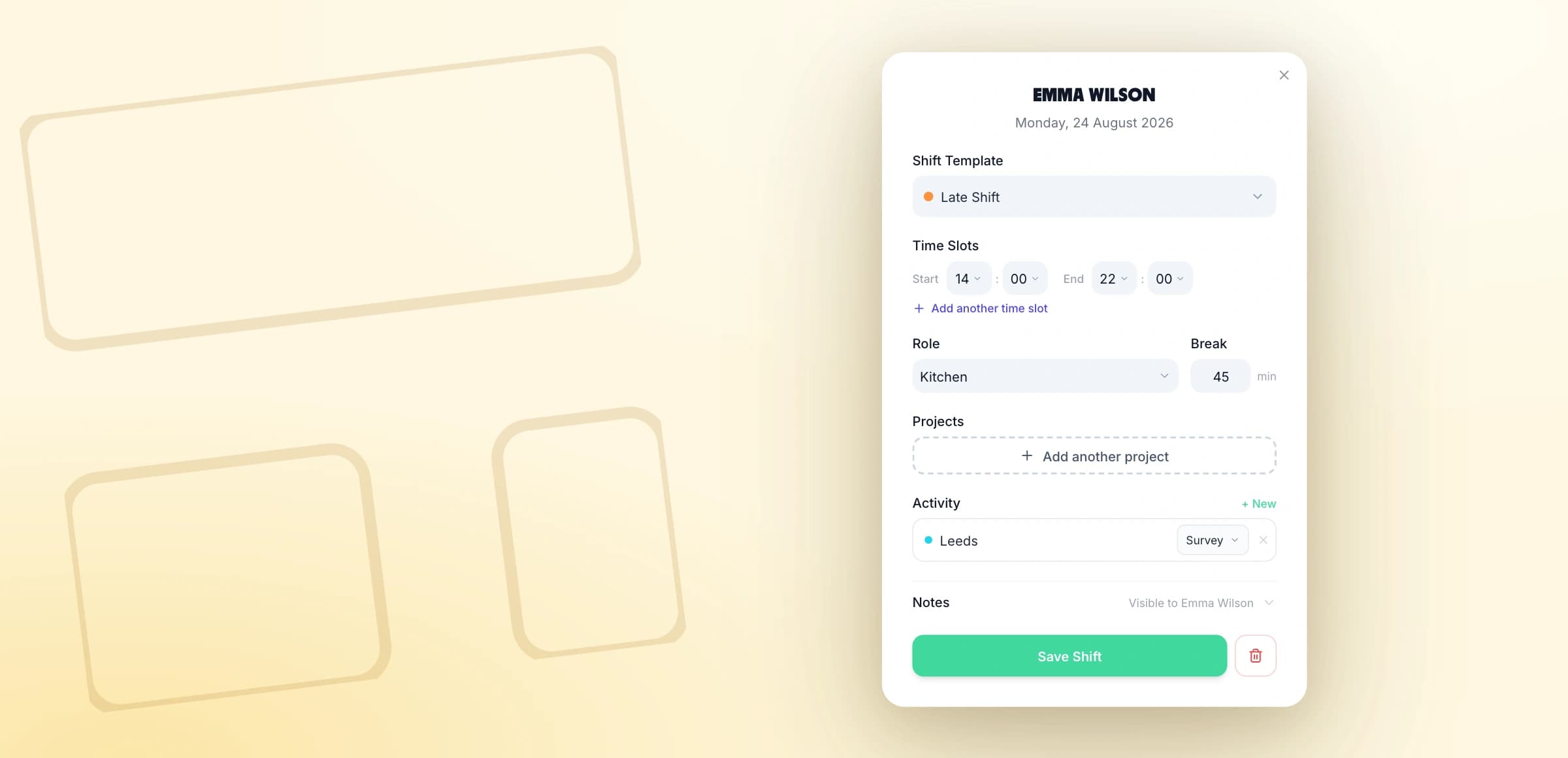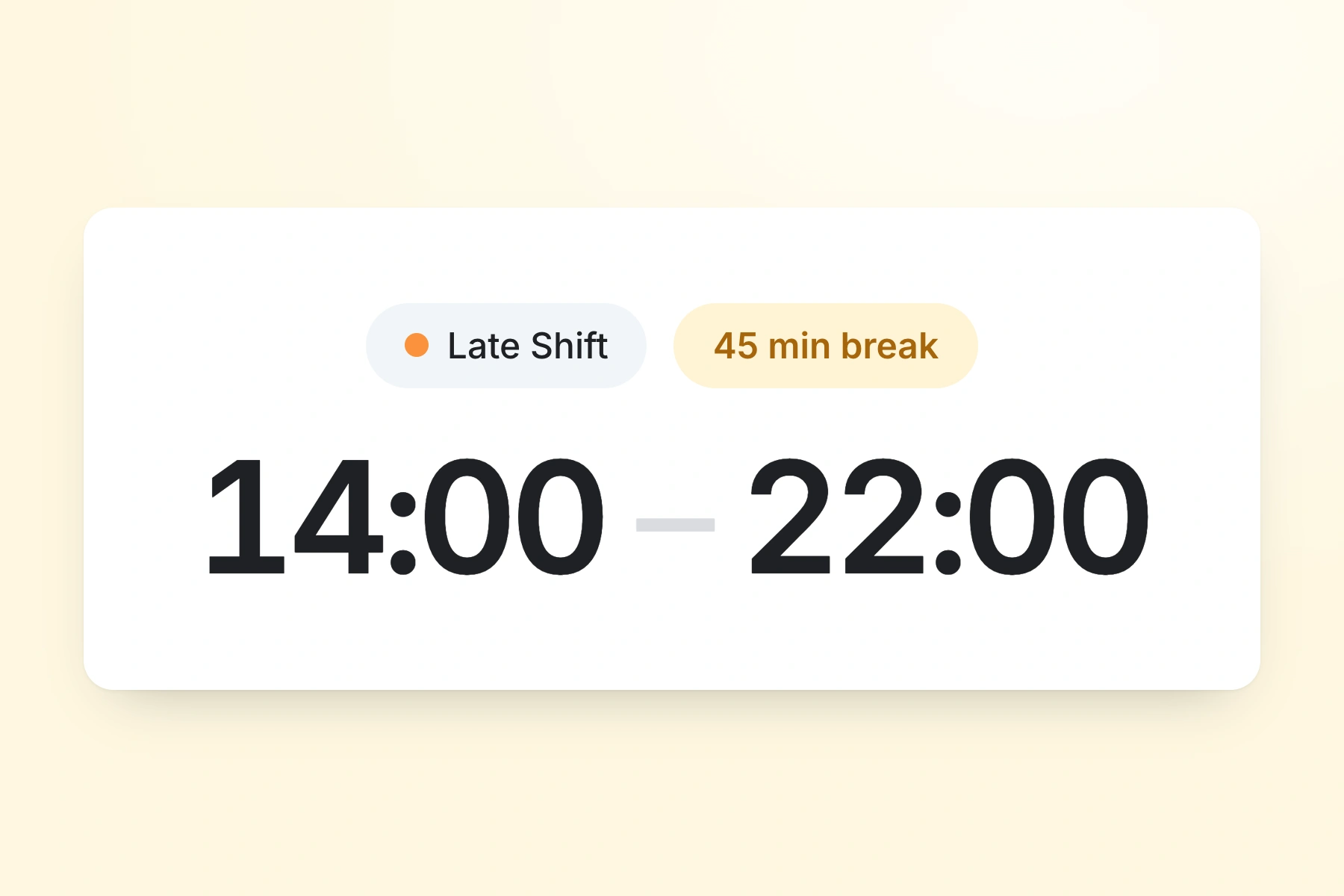
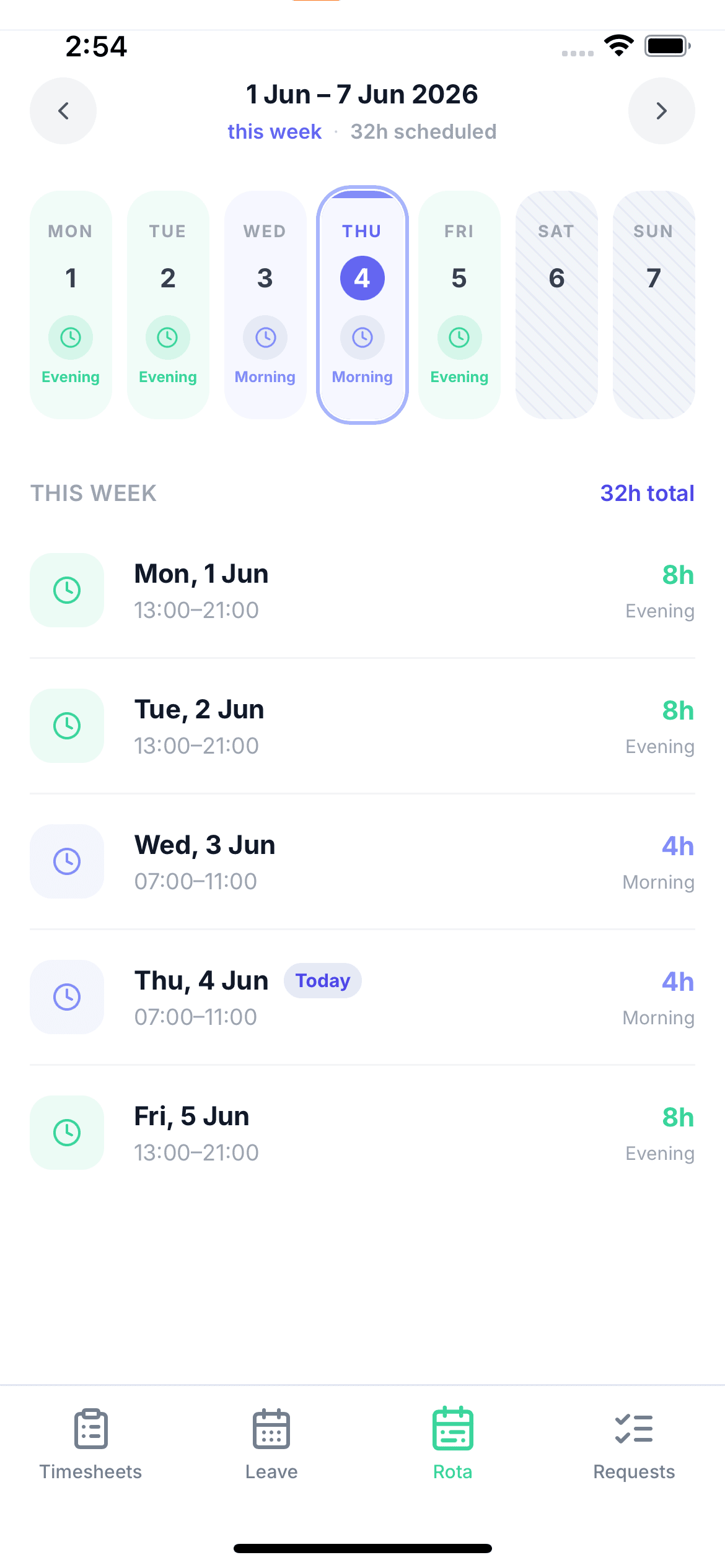
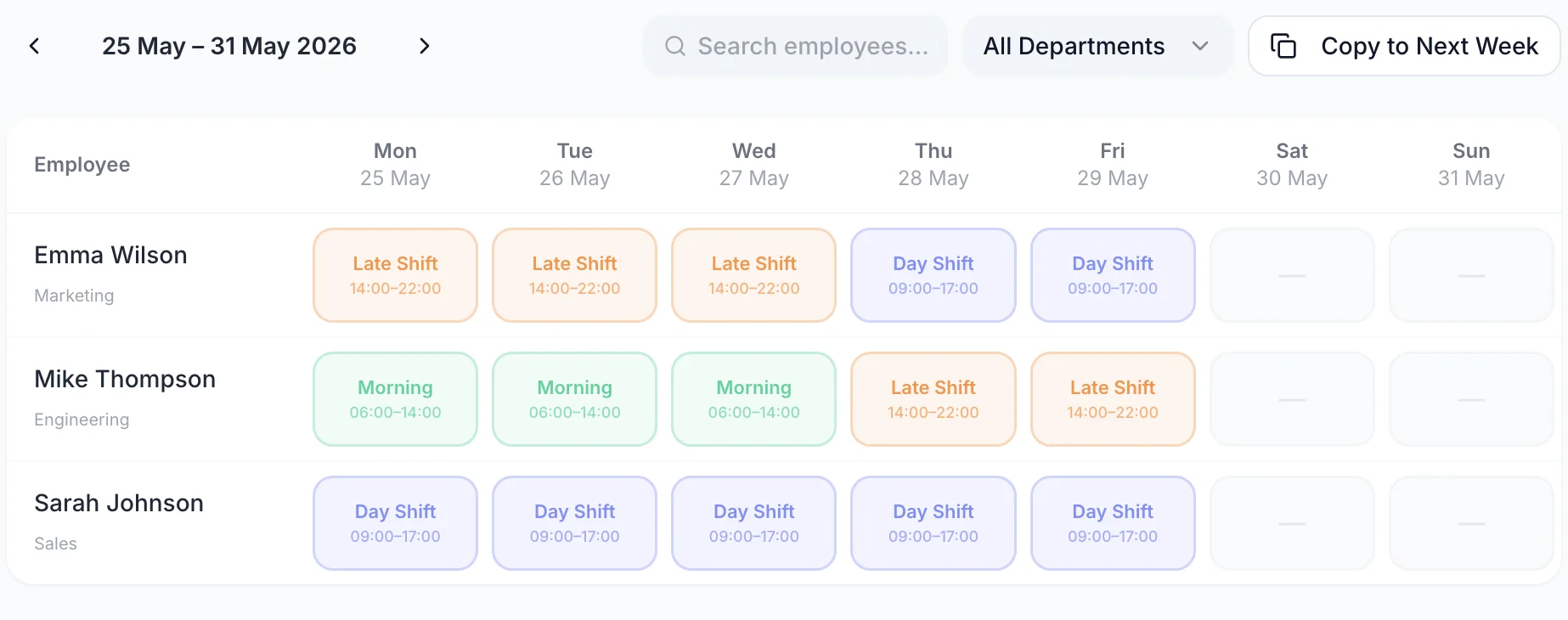
Plan your staff rota with full visibility of leave, availability, and shift coverage. Build weeks ahead, publish instantly, and give every team member their schedule on their phone.
Unlike a spreadsheet planner, TimeTally shows confirmed leave bookings while you plan — so rotas are always built on accurate availability.

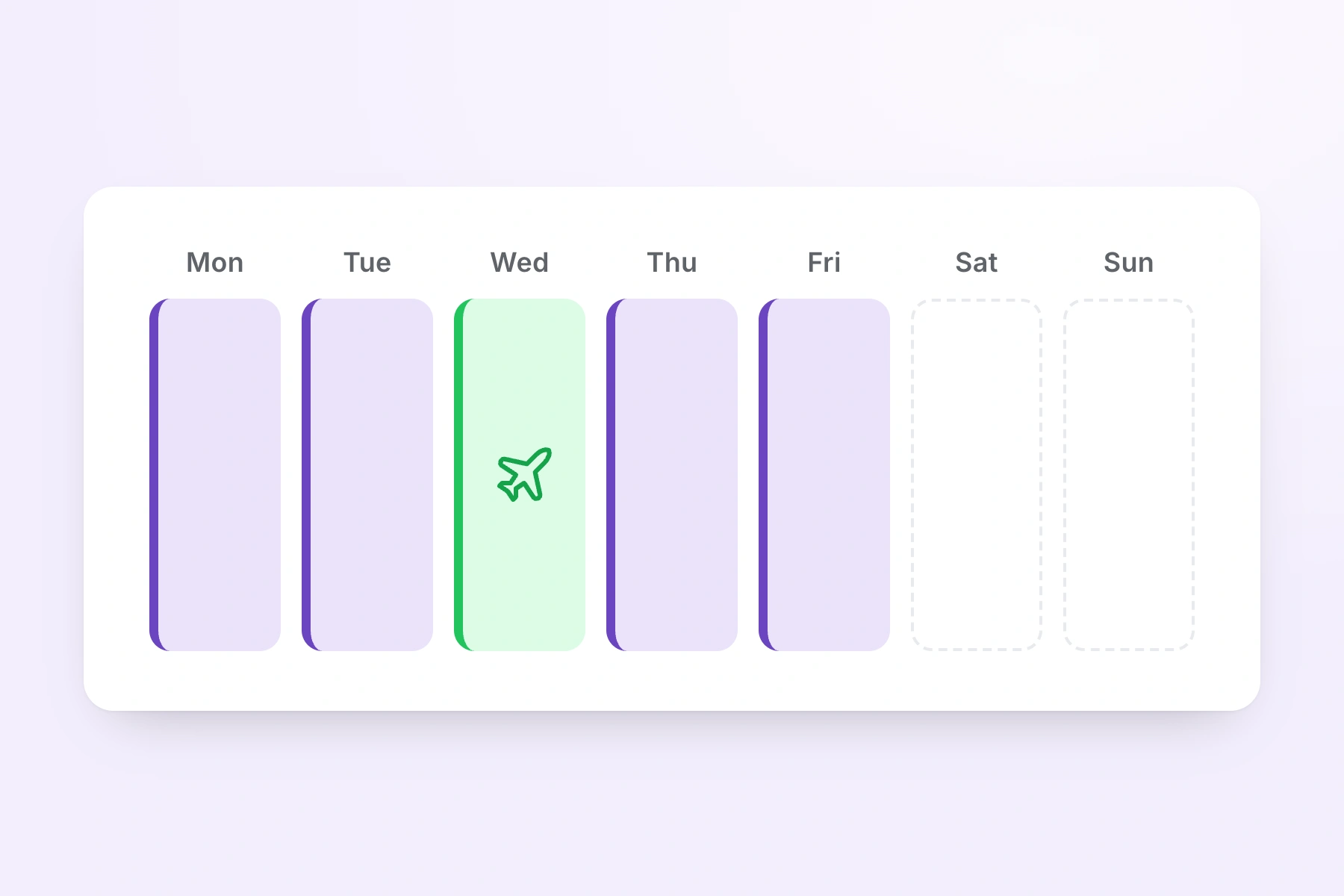
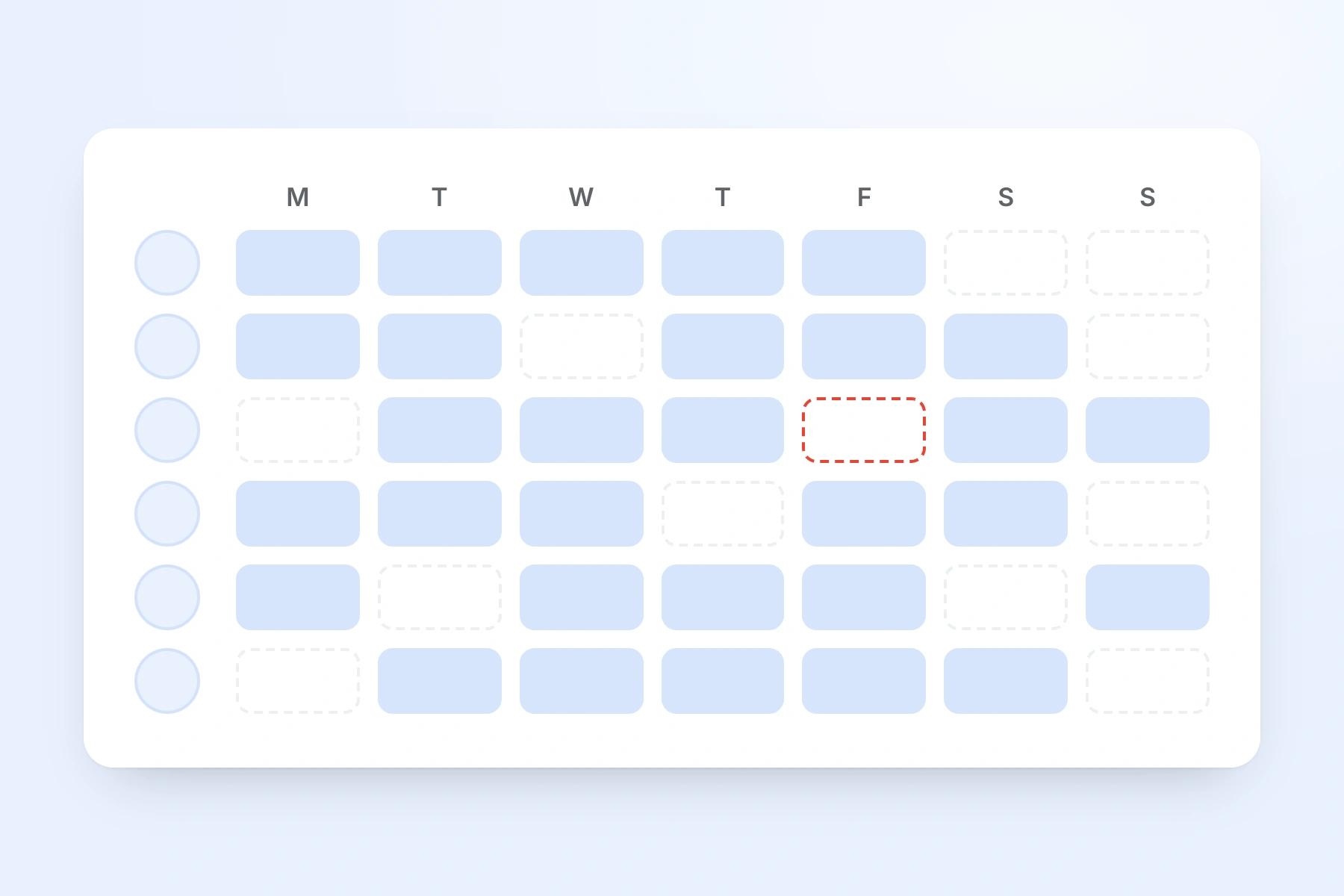
Build your rota while seeing confirmed leave bookings, existing shifts, and team availability in the same view. No more cross-referencing a separate leave spreadsheet — everything is integrated.
Plan weeks or months ahead
Create shifts far in advance — particularly useful for predictable rotating patterns
Copy and reuse patterns
Start from last week's rota and adjust — faster planning every time
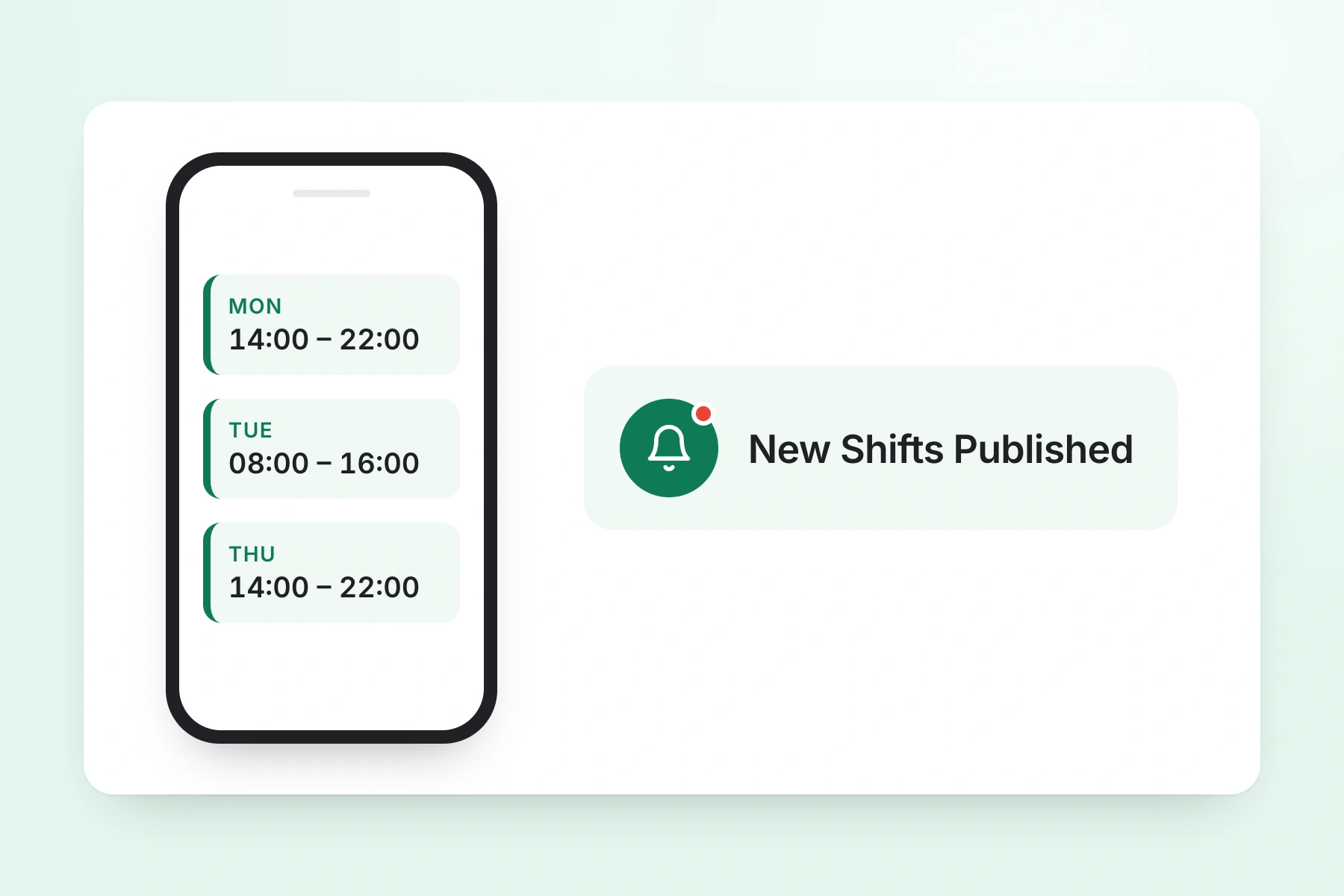
Publish with instant notifications
Staff notified immediately when you publish — no more chasing to confirm receipt

The integrated calendar shows future shifts alongside approved annual leave and sick leave. Plan with confidence — knowing exactly who is available before you assign shifts.
Confirmed leave shows up in the planning calendar — no blind spots or double-bookings
Plan based on who's actually available — not on assumptions that turn out to be wrong
Share planned rotas or export for payroll and HR reporting at any time

One price. Every feature. No surprises.
You can create shifts as far in advance as you like in TimeTally. Many managers plan two to four weeks ahead to give staff adequate notice, and some build patterns months in advance for predictable shift cycles.
Yes. The team calendar shows confirmed annual leave, sick leave, and TOIL bookings alongside the rota. When planning ahead, you can see who's already booked off and build shifts around actual confirmed availability.
Yes. You can copy an existing week's rota and use it as the starting point for the next. For teams with consistent shift patterns, this makes rota planning very quick — just adjust for leave or cover.
Yes. Each employee can have their own contracted hours and shift pattern. Part-time staff, zero-hours workers, and full-time employees all appear in the same rota planner so you can see the full picture.
Staff submit leave requests through the TimeTally app, which managers approve from the same system. Approved leave automatically appears on the calendar, so the rota planner always reflects current confirmed availability.
A spreadsheet rota is static — it doesn't link to leave bookings, doesn't notify staff of changes, and can't be accessed from a phone. TimeTally's rota planner connects shifts to real-time leave data, pushes notifications automatically, and is accessible from any device.