

Free Shift Pattern Calculator

Calculate shift pattern hours and pay

Select a preset — 4-on-4-off, 3-on-3-off, 5-on-2-off and more — or enter a custom pattern to instantly calculate average weekly hours, annual hours, and gross pay.

Used by hundreds of UK businesses
  • Free to use
  • No sign-up required
  • UK shift patterns built in
Rota softwareRun this pattern for your whole team: publish it to staff phones and turn the shifts into timesheet hours. £3 per employee a month.On your team's phones · £3 per employee
Select your shift pattern

Enter to see annual and monthly gross pay

Hours/week
42.0h
Hours/year
2,184h
Days/year
182

3.50 days/week avg · 42.0h/week · 2,184h/year

Working Time Regulations: This pattern averages under the 48-hour limit. Overtime and cover shifts count towards the 17-week average, so check it if staff pick up extra shifts.

Put this pattern on a rota

Free rota maker, the next 4 weeks filled in. No sign-up needed.

Your pattern on a calendar

4-on-4-off on a calendar

An 8-day cycle moves through the week, so the hours change from week to week: some weeks are 48h, others 36h. It takes eight weeks to start on a Monday again, and across them it averages 42.0h a week.

  1. Week 1
    1. Monday: 12h
    2. Tuesday: 12h
    3. Wednesday: 12h
    4. Thursday: 12h
    5. Friday: Off
    6. Saturday: Off
    7. Sunday: Off
    48h
  2. Week 2
    1. Monday: Off
    2. Tuesday: 12h
    3. Wednesday: 12h
    4. Thursday: 12h
    5. Friday: 12h
    6. Saturday: Off
    7. Sunday: Off
    48h
  3. Week 3
    1. Monday: Off
    2. Tuesday: Off
    3. Wednesday: 12h
    4. Thursday: 12h
    5. Friday: 12h
    6. Saturday: 12h
    7. Sunday: Off
    48h
  4. Week 4
    1. Monday: Off
    2. Tuesday: Off
    3. Wednesday: Off
    4. Thursday: 12h
    5. Friday: 12h
    6. Saturday: 12h
    7. Sunday: 12h
    48h
  5. Week 5
    1. Monday: Off
    2. Tuesday: Off
    3. Wednesday: Off
    4. Thursday: Off
    5. Friday: 12h
    6. Saturday: 12h
    7. Sunday: 12h
    36h
  6. Week 6
    1. Monday: 12h
    2. Tuesday: Off
    3. Wednesday: Off
    4. Thursday: Off
    5. Friday: Off
    6. Saturday: 12h
    7. Sunday: 12h
    36h
  7. Week 7
    1. Monday: 12h
    2. Tuesday: 12h
    3. Wednesday: Off
    4. Thursday: Off
    5. Friday: Off
    6. Saturday: Off
    7. Sunday: 12h
    36h
  8. Week 8
    1. Monday: 12h
    2. Tuesday: 12h
    3. Wednesday: 12h
    4. Thursday: Off
    5. Friday: Off
    6. Saturday: Off
    7. Sunday: Off
    36h

Putting a team on this pattern?

Lay the weeks out in the free rota maker: add your people, drop shifts on each day, and see the hours per person add up as you go. No account needed to build it — and if you sign up to print or download it, the rota comes with you.
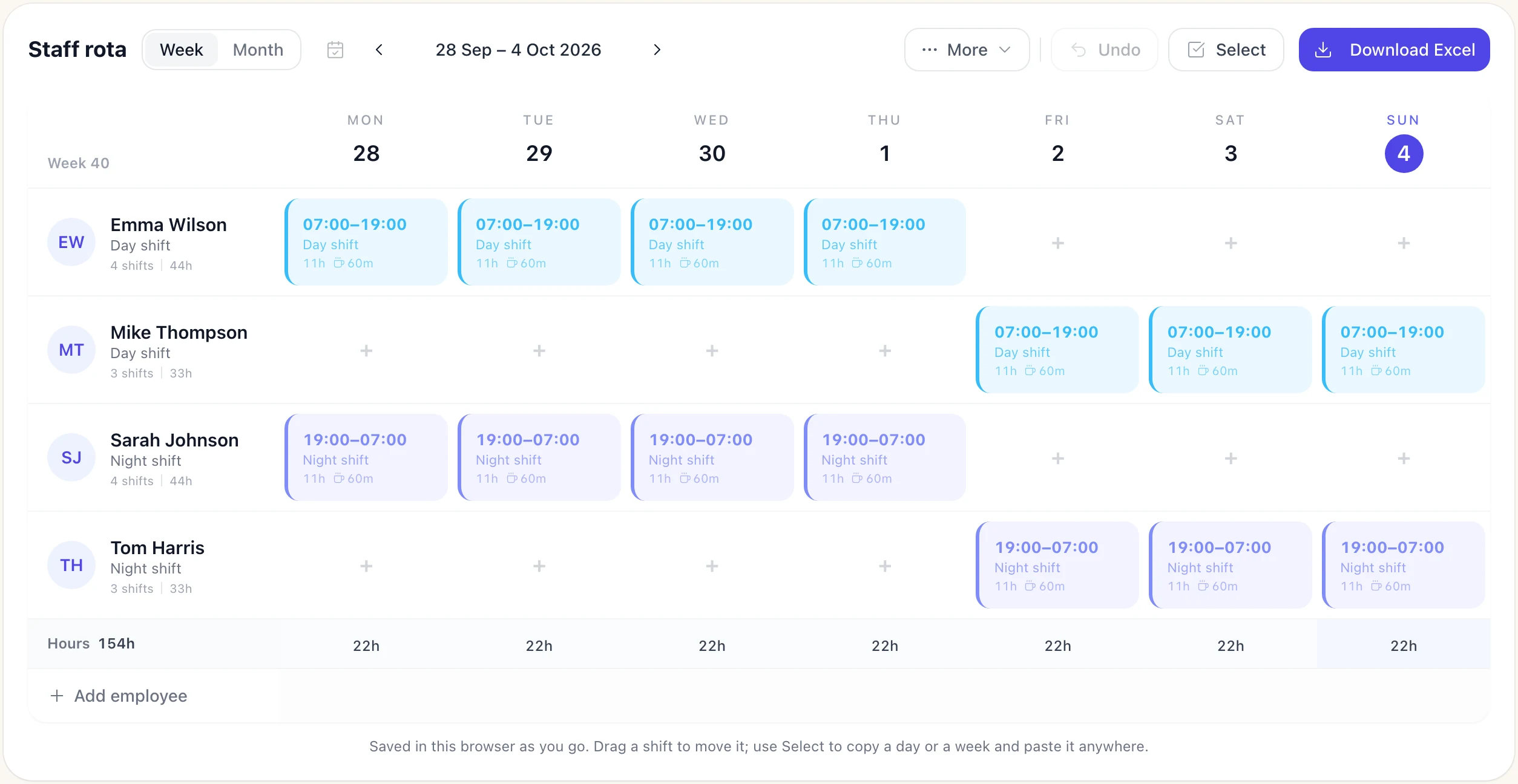
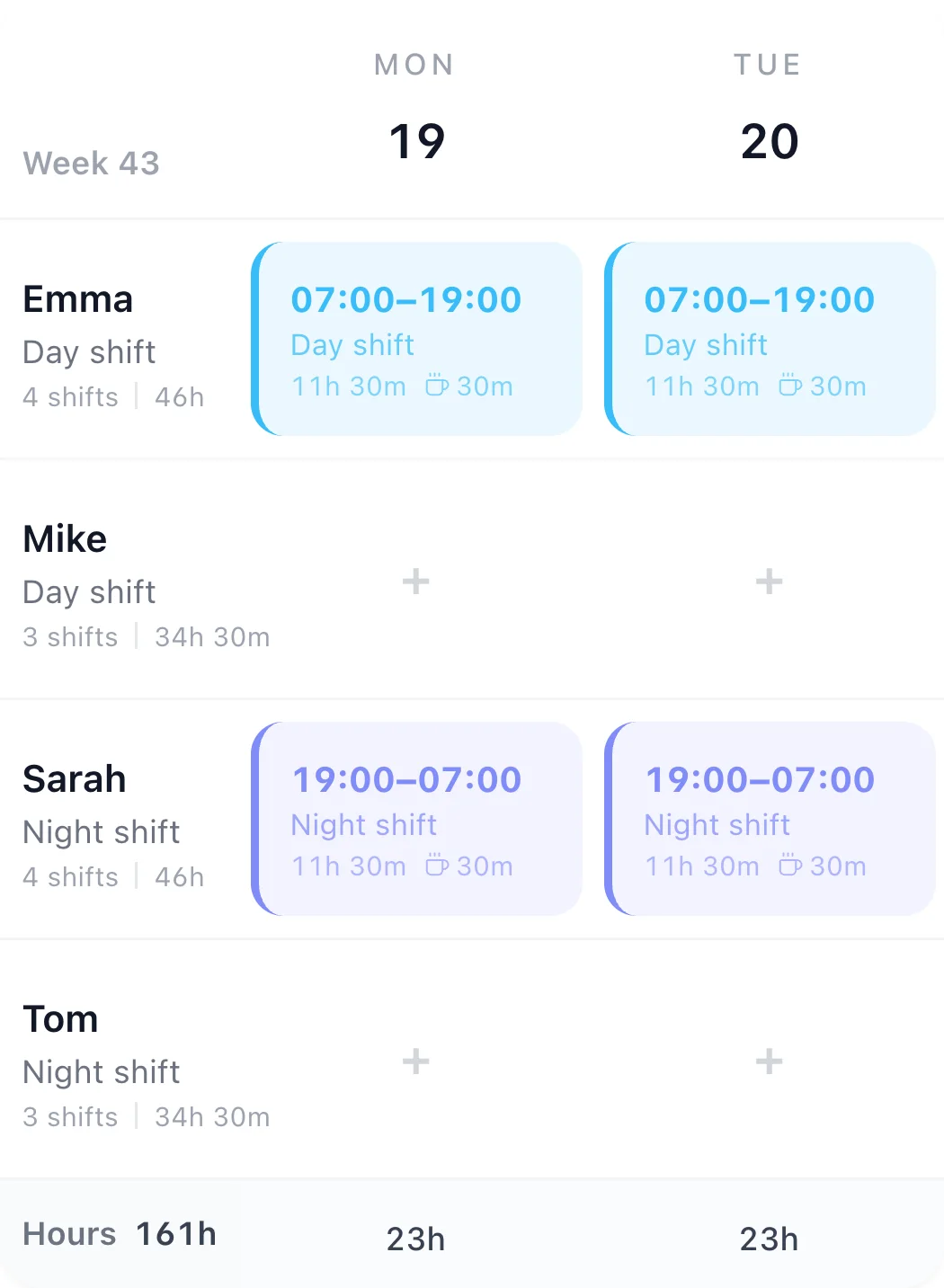
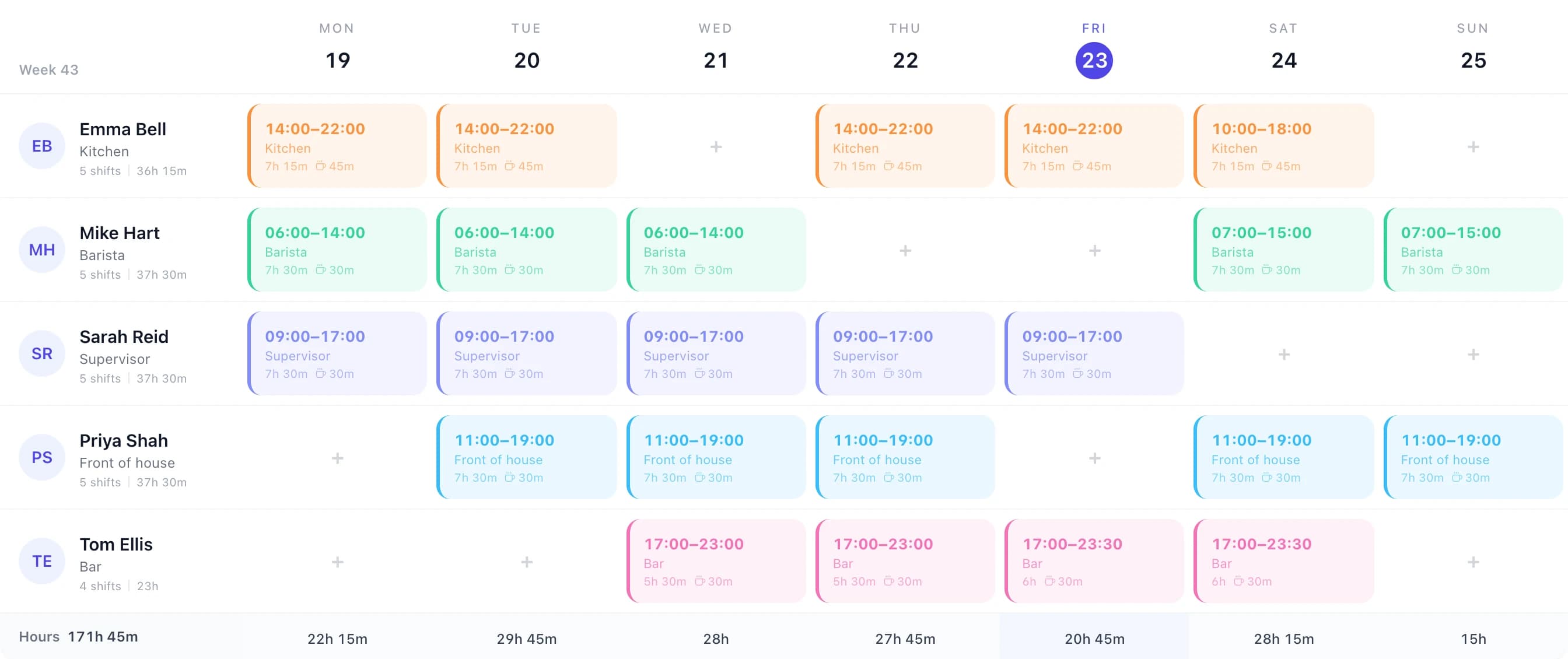
The free rota maker with a 4-on-4-off week: four people on 12-hour day and night shifts, with hours per person and per day

Stop calculating manually — manage shift patterns in TimeTally

This calculator gives you the numbers. TimeTally lets you build the rota, publish it to your team's phones, and turn the shifts they work into timesheet hours. From £3/employee/month. Also see shift management and timesheet app.

  1. Build the rota
  2. Staff see it
  3. Track the hours
  4. Pay them
  1. Build rotas and assign shift patterns

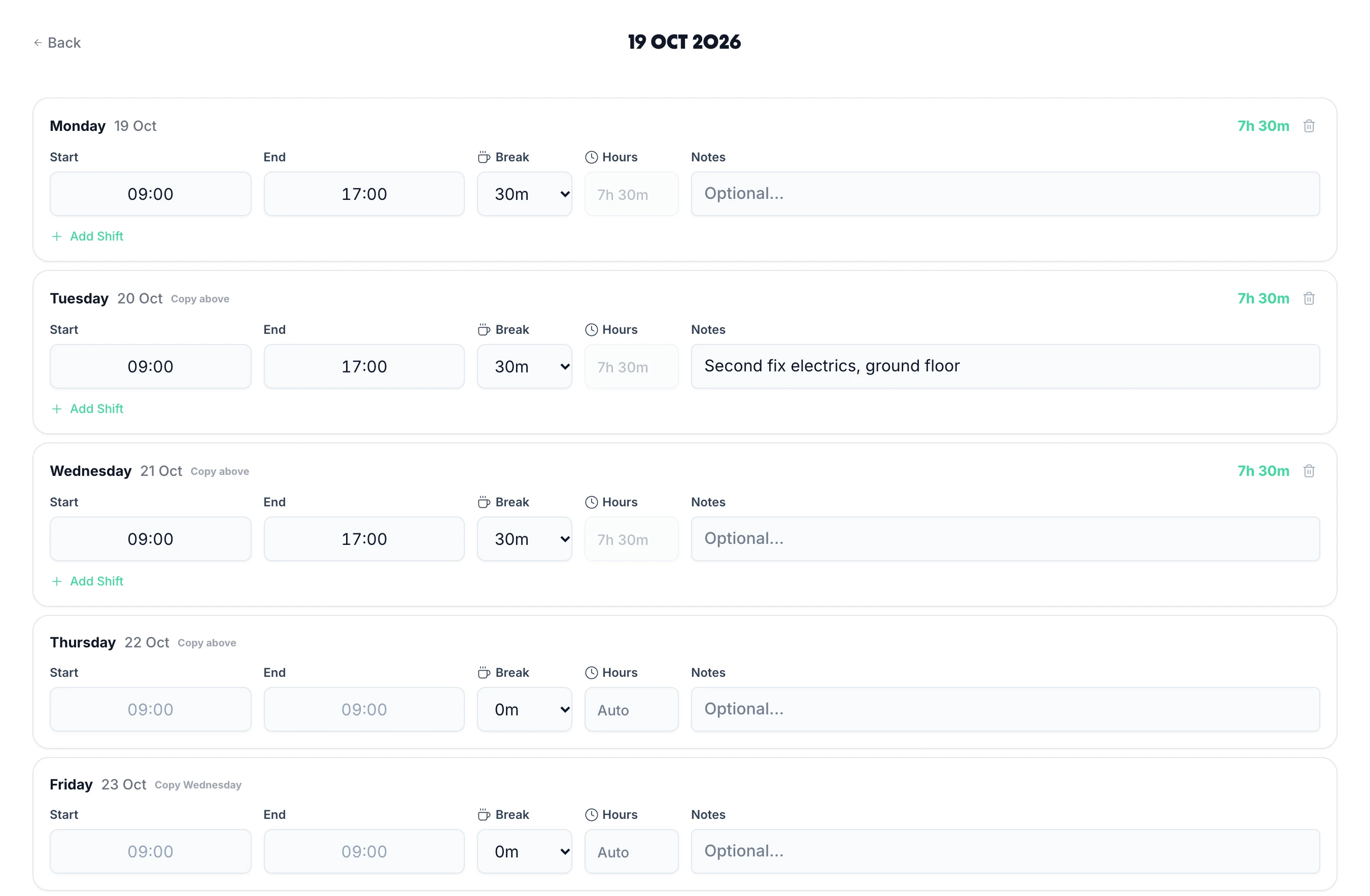
    Save your 12-hour days and nights as shift templates, lay the cycle out on the rota, and save whole weeks as templates to reuse. When you publish, staff see their shifts in the app and can get an email. No spreadsheets.

    • Shift & week templates
    • iOS, Android & web
    • Instant publish
    • Email on publish
    Build rotas with TimeTally
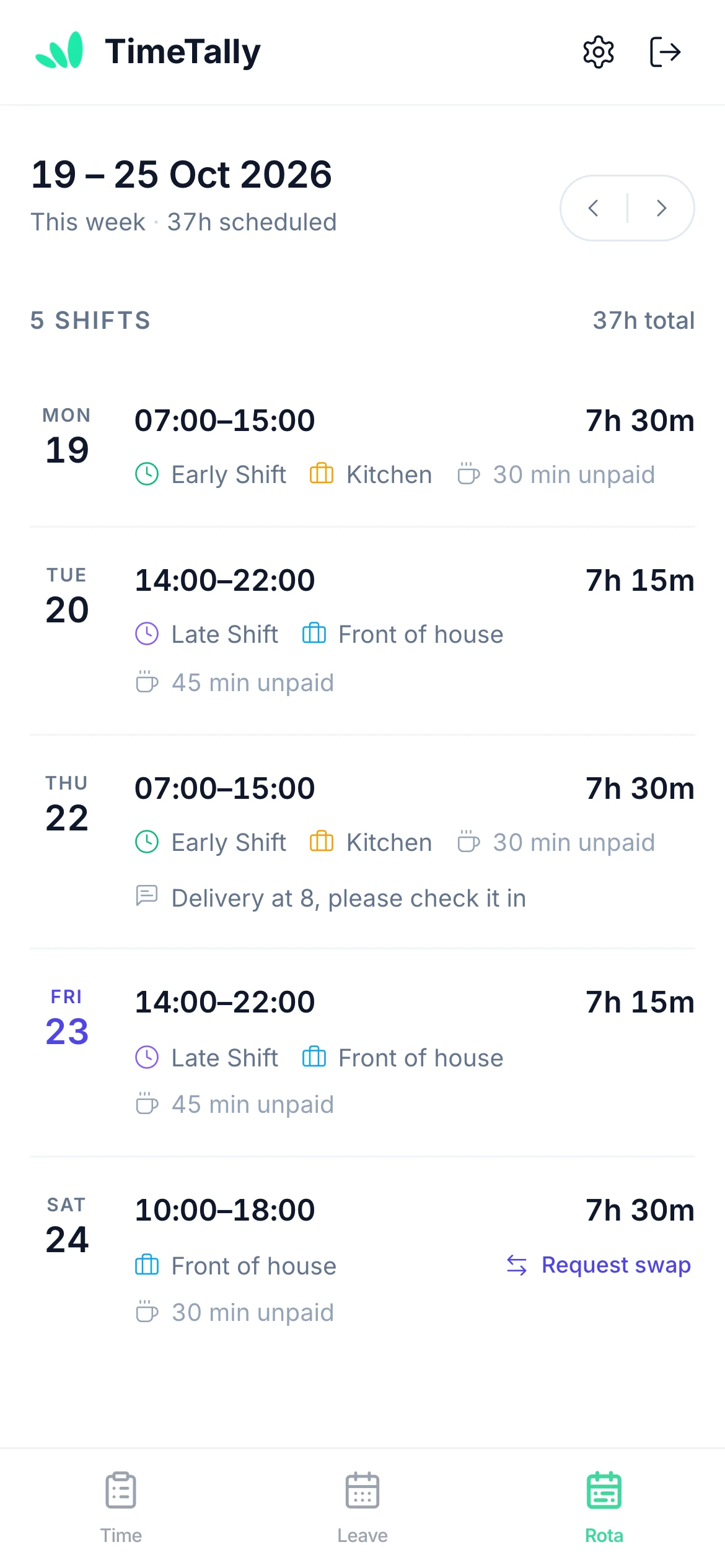
  2. Staff see their shifts in the app

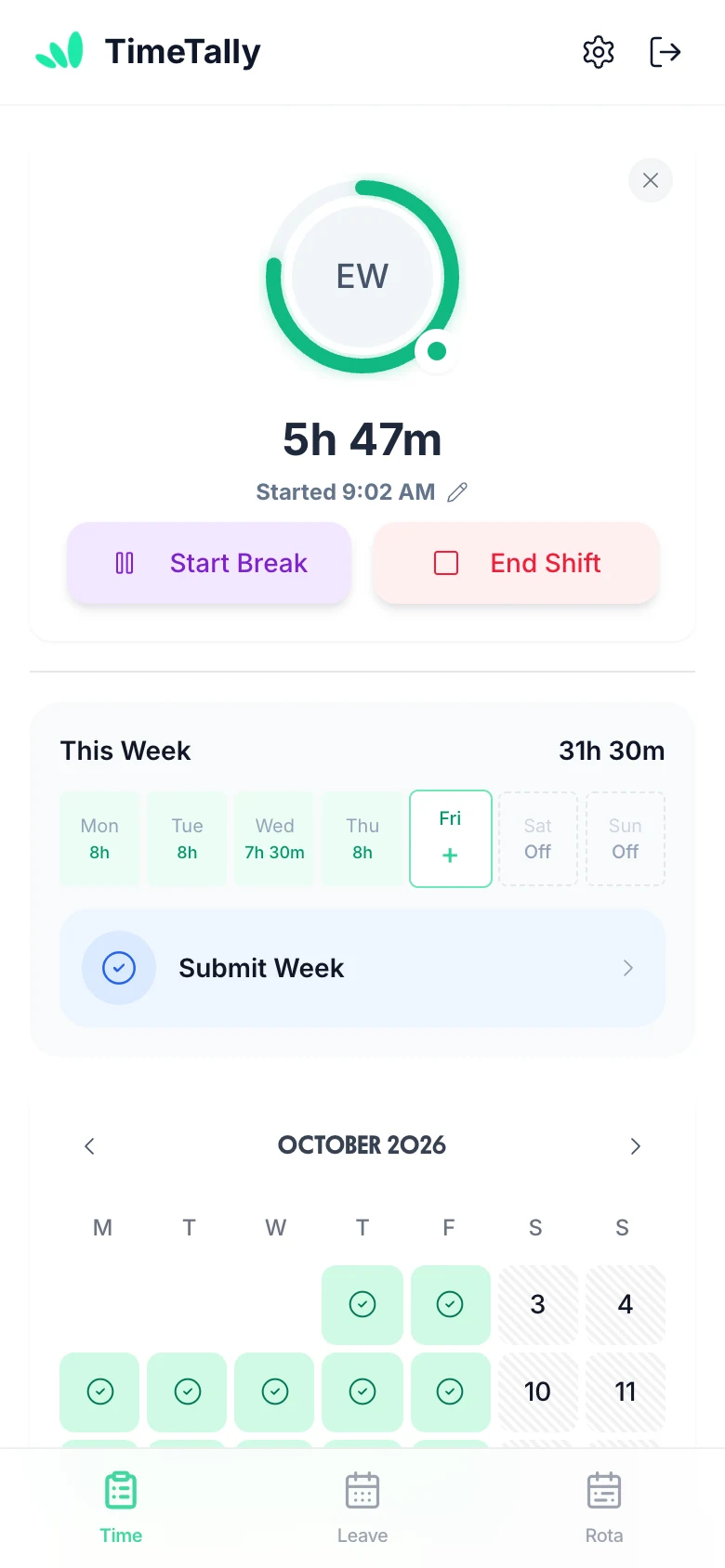
    Employees open the iPhone or Android app and see their shifts week by week: the days they work, start and finish times, breaks, and any changes since you published. No confusion, no missed shifts.

    • Full shift schedule visible at a glance
    • Shifts emailed to staff in one click when you publish
    • Hours for every shift and the whole week
    • Works on iPhone, Android and web browser
    See shift management
  3. Hours tracked automatically from shift patterns

    Staff clock in on their phone against the shift you rostered, and the hours land on their timesheet for you to approve. Running the rota without time tracking? Switch on pay from rota shifts and the published shifts become the hours.

    • Clock in from the staff app
    • Timesheets you approve
    • Or pay straight from rota shifts
    • Clean audit trail
    Automate this with TimeTally
  4. Export to Xero and QuickBooks

    Approved shift hours flow directly into your payroll export. Direct integration with Xero and QuickBooks — no manual data entry, no missed hours, no payroll errors.

    • Direct Xero & QuickBooks integration
    • CSV export for any payroll software
    • Approved shift hours included automatically
    • Clean audit trail for every entry
    See payroll integrations

TimeTally does this for you

Click any feature to learn more.

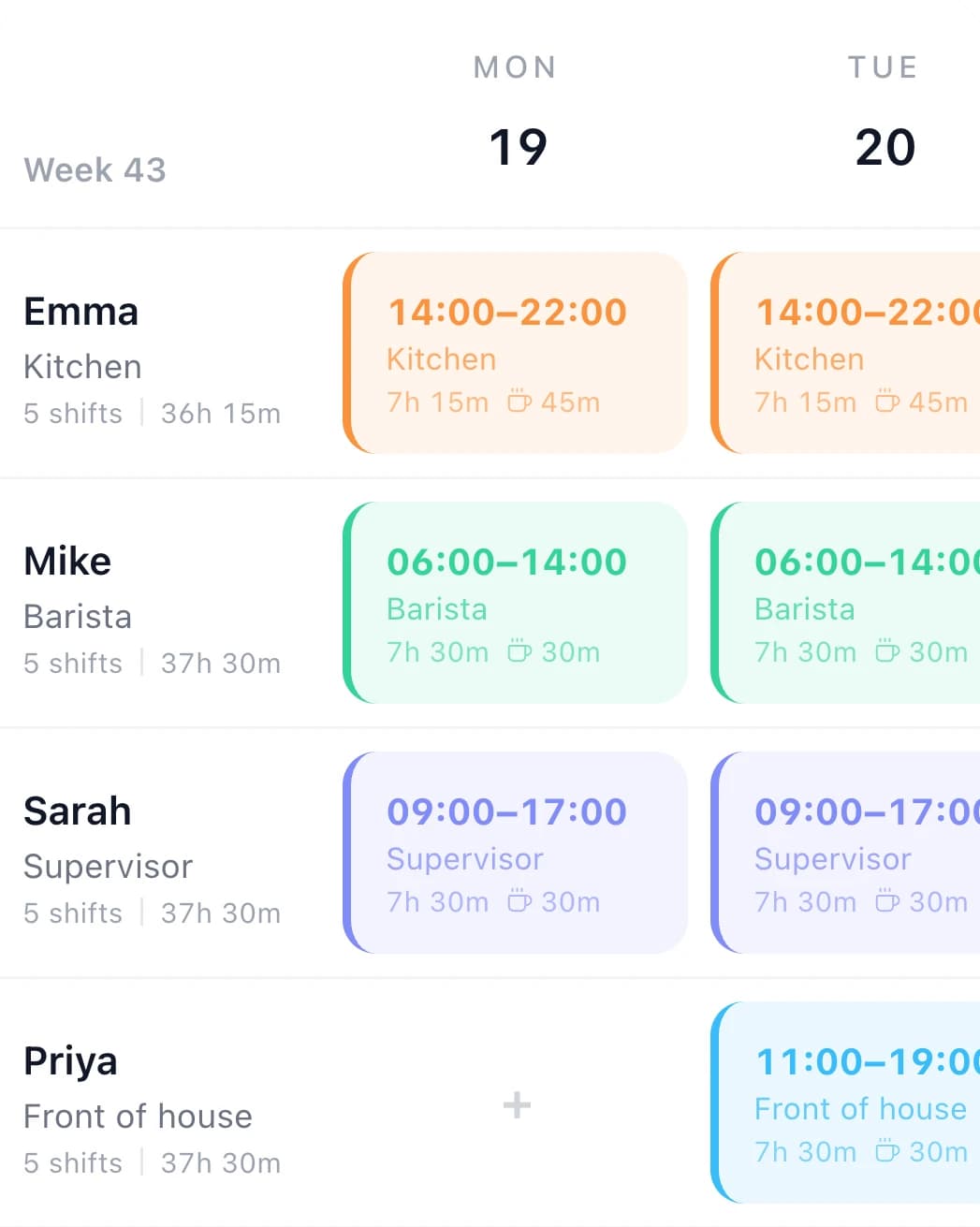
  • Click any empty cell to create a shift — no forms or menus. Drag to move a shift to a different day or time. Drop onto a different employee to reassign it instantly. Building a week's rota or making last-minute changes takes minutes, not half a morning.

  • The rota shows confirmed annual leave, sick leave, and TOIL alongside shifts in the same view — no cross-referencing a separate system. See exactly who's available before you schedule them. Approved leave blocks are visible to all managers on the team, so nothing gets double-booked.

  • Publish a week and it goes live for the team. TimeTally then asks whether to email the staff affected — it is a prompt after publishing, not an automatic send, and it reaches everyone except those who have turned rota emails off in their own notification settings. Staff can view their upcoming shifts and full schedule in the app at any time, published or not.

  • Duplicate any previous week's rota as the starting point for the next — then just adjust for leave or cover. For predictable rotating patterns you can plan weeks or months ahead in one go. Consistent shift cycles go from hours of work to a few clicks.

  • Save your common shift types — e.g. 'Early 6am–2pm', 'Late 2pm–10pm', 'Night 10pm–6am' — and apply them in one click instead of re-entering times every week. Templates keep shift names and hours consistent across your rota and speed up the planning process significantly.

  • Employees request a shift swap with a specific colleague directly in the app — no manager involvement needed to initiate. Once the colleague accepts, the swap appears on the manager's rota to approve or reject in one tap. If approved, the rota updates automatically. No group chats, no manual edits.

  • Every day in the rota carries its own Hours and Cost row, updating as you build. Costs use each employee's hourly rate, and because roles carry an unpaid break that is deducted from paid hours, the figure you see is what you will actually pay — not gross hours. The same breakdown flows through to analytics, CSV export and print, so the rota, your reports and payroll all agree.

  • Run a rota per schedule and switch between them from one dropdown — useful when staff work across more than one venue. Each employee gets a default job role and can belong to several schedules at once, so they only appear where they actually work. Roles define the unpaid break that comes off paid hours, keeping costs consistent everywhere they are shown.

  • Toggle between a week view for building and adjusting shifts in detail, and a month view for seeing cover across the whole period at a glance. Spot thin weeks, clustered leave and patterns that only show up over a longer window — then drop back into the week to fix them.

Meet TimeTally

Stop doing this manually
for every shift worker

TimeTally builds rotas from your shift templates, tracks shift hours, and exports to payroll for your entire team. Explore all features or see how it works.

  • Rota & pattern builderSave a week of shifts as a template and copy it forward to repeat a pattern. Publish to all staff from desktop or mobile.
  • Hours tracked automaticallyClock-ins against rostered shifts, or the shifts themselves, become the hours on each timesheet. Nobody re-types the rota into payroll.
  • Payroll-ready exportsApproved shift hours feed directly into Xero, QuickBooks, or CSV exports — so your payroll run for shift workers is always accurate and on time.

See what we offer

£3/employee/month

No credit card required · Set up in minutes · Cancel anytime

See what we offer
Download on the App StoreGet it on Google Play

“TimeTally has been excellent for our business. The app is simple to use, reliable, and makes managing staff records straightforward. The system has saved us a significant amount of administration time. Highly recommended for any business looking for an easy-to-use workforce management solution.”

CLI ManchesterJordan Ingoe, CLI Manchester

Shift Patterns: Frequently Asked Questions

Everything you need to know about UK shift patterns and hours. For related topics, try our overtime pay calculator or working hours calculator. For how many days a year you work, holiday and a 24/7 crew rota, read how the 4 on 4 off shift pattern works; there are guides to the 3 on 3 off, 2 on 2 off and continental patterns too, and to 4 on 2 off, 4 on 3 off, 4 on 6 off, 5 on 3 off, 6 on 3 off and 6 on 4 off.

How many hours a week is 4-on-4-off?

A 4-on-4-off pattern with 12-hour shifts averages 42 hours per week. The maths: in an 8-day cycle (4 on, 4 off) you work 4 out of every 8 days, which is 4/8 × 7 = 3.5 days per week. At 12 hours per shift that is 3.5 × 12 = 42 hours per week on average.

How many hours a year is 4-on-4-off?

A 4-on-4-off 12-hour shift pattern produces 2,184 hours per year (42 hours/week × 52 weeks). Workers on this pattern typically work around 182–183 shifts per year. Note that this is an average — actual hours in any given week will be either 48 hours (4 shifts) or 36 hours (3 shifts) depending on where the cycle falls.

What is a 3-on-3-off shift pattern?

A 3-on-3-off pattern is a 6-day rotating cycle where employees work 3 consecutive shifts followed by 3 consecutive days off. On 12-hour shifts this produces exactly the same average as 4-on-4-off: 3/6 × 7 = 3.5 days per week × 12 hours = 42 hours per week and 2,184 hours per year. The difference is that the cycle is shorter (6 days rather than 8), so the days worked rotate through the week faster.

Do 12-hour shift workers need a 48-hour opt-out?

Yes, in most cases. Under the Working Time Regulations 1998, workers cannot average more than 48 hours per week over a 17-week reference period unless they have signed a written opt-out agreement. Most 12-hour shift patterns (4-on-4-off, 3-on-3-off, 2-on-2-off) average 42 hours per week — which is under 48 hours — so a formal opt-out is not technically required if the average is verified. However, employers should audit the reference period carefully as bank holiday adjustments and overtime can push the average above 48 hours.

What is a rotating shift pattern?

A rotating shift pattern is one where employees cycle through different shift times — typically days, afternoons, and nights — on a recurring schedule. This distributes unsocial hours fairly across the team rather than permanently assigning some workers to nights. Common examples include continental shifts (a 4-week cycle of days, afternoons, and nights) and 3-shift rotation systems used in manufacturing and healthcare.

How do I calculate annual pay for shift workers?

Multiply the average weekly hours by the hourly rate to get weekly gross pay, then multiply by 52 for annual gross pay. For example, a 4-on-4-off worker on 12-hour shifts at £15/hour earns: 42h/week × £15 = £630/week × 52 = £32,760/year gross (before tax and National Insurance). Use the calculator above to check any pattern and rate instantly.

How is holiday entitlement calculated for shift workers?

Shift workers on irregular patterns accrue holiday in hours rather than days. Under the Working Time Regulations, workers are entitled to 5.6 weeks of paid holiday per year. For a 4-on-4-off worker averaging 42 hours per week, this is 5.6 × 42 = 235.2 hours of holiday per year. Holiday pay must reflect the average pay over the last 52 weeks, including any regular shift premiums or overtime.

What is a continental shift pattern?

A continental shift pattern is a 4-week rotating schedule typically used in manufacturing and process industries. It covers 24/7 operations by rotating teams through morning shifts, afternoon shifts, and night shifts with rest days in between. A common version runs a 28-day cycle with four teams covering three 8-hour shifts. The pattern balances unsocial hours fairly across all workers.

How does 4-on-4-off affect overtime calculations?

On a 4-on-4-off pattern, the contracted average is typically 42 hours per week. Any hours worked above the contracted hours — whether due to an extended shift, additional callouts, or covering absent colleagues — may attract overtime pay, depending on the employment contract. Because the pattern produces alternating weeks of 48 hours and 36 hours, overtime thresholds should be assessed over the full cycle rather than week by week. Check the contract to confirm whether overtime is calculated daily, weekly, or per cycle.

What is a compressed working week?

A compressed working week is when an employee works their contracted hours across fewer days than the standard five. Common examples include four 10-hour days (4-on-3-off at 8 hours gives 32 hours/week, but a compressed week might be 4 × 10 = 40 hours over 4 days). Unlike a rotating shift pattern, a compressed week typically has consistent start and finish times. Under UK law, employees can make a flexible working request for a compressed week after 26 weeks of employment.

Still have a question? See all FAQs →

Book a Demo

Now put that pattern on a real rota

Lay the pattern out in the rota planner with shift templates, see what each day costs as you build, and publish the finished week to staff phones.

14-day free trial · No credit card needed · Cancel anytime