
Manage annual leave, sickness absence, and staffing coverage for care workers, nurses, and support staff. Replace paper forms with a simple system that keeps your leave management organised and your residents safe.
If any of these sound familiar, it is time to replace paper forms and spreadsheets with a proper staff holiday tracker.
CQC compliance requires adequate staffing at all times. Without a clear view of who is already off, managers risk approving leave that drops staffing below safe levels.
Care workers on rotating shifts, day shifts, and night shifts all need leave managed fairly. Paper systems make it almost impossible to balance requests across different shift patterns.
The care sector has some of the highest sickness absence rates in the UK. Without proper tracking, patterns go unnoticed and return-to-work conversations lack data.
Approving too many day shift carers off at once is obvious, but night shift coverage is often overlooked until it is too late to find cover.
Many care homes rely on part-time staff and those with variable hours. Calculating correct holiday entitlements for these workers manually is time-consuming and error-prone.
Managers cannot see leave across the whole care home at a glance. Decisions are made in isolation, leading to clashes and dangerous staffing gaps.
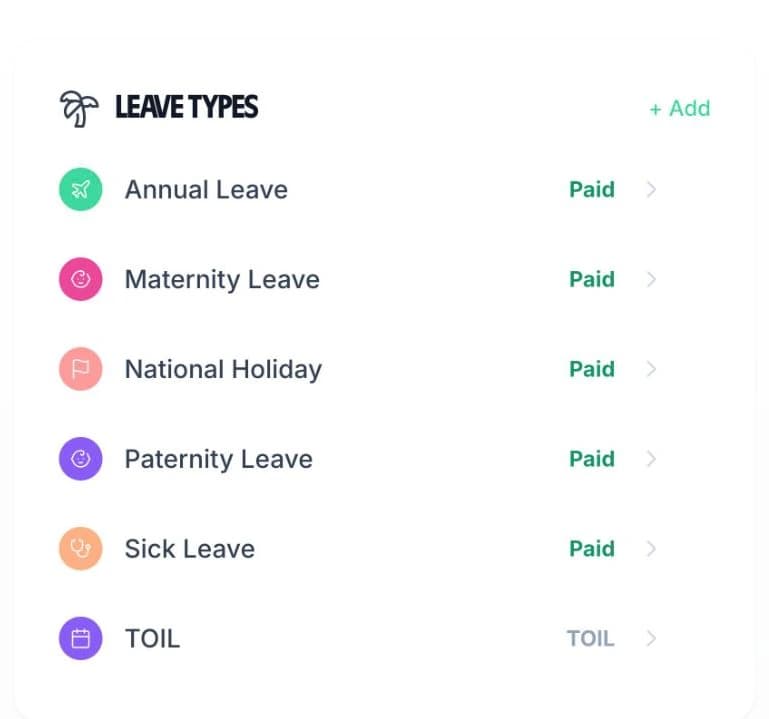
Care homes need more than just “annual leave” and “sick leave”. With TimeTally, you can create unlimited custom leave types to match your care home's policies — training days, compassionate leave, TOIL, or anything else you need. Each type gets its own colour on the team calendar.
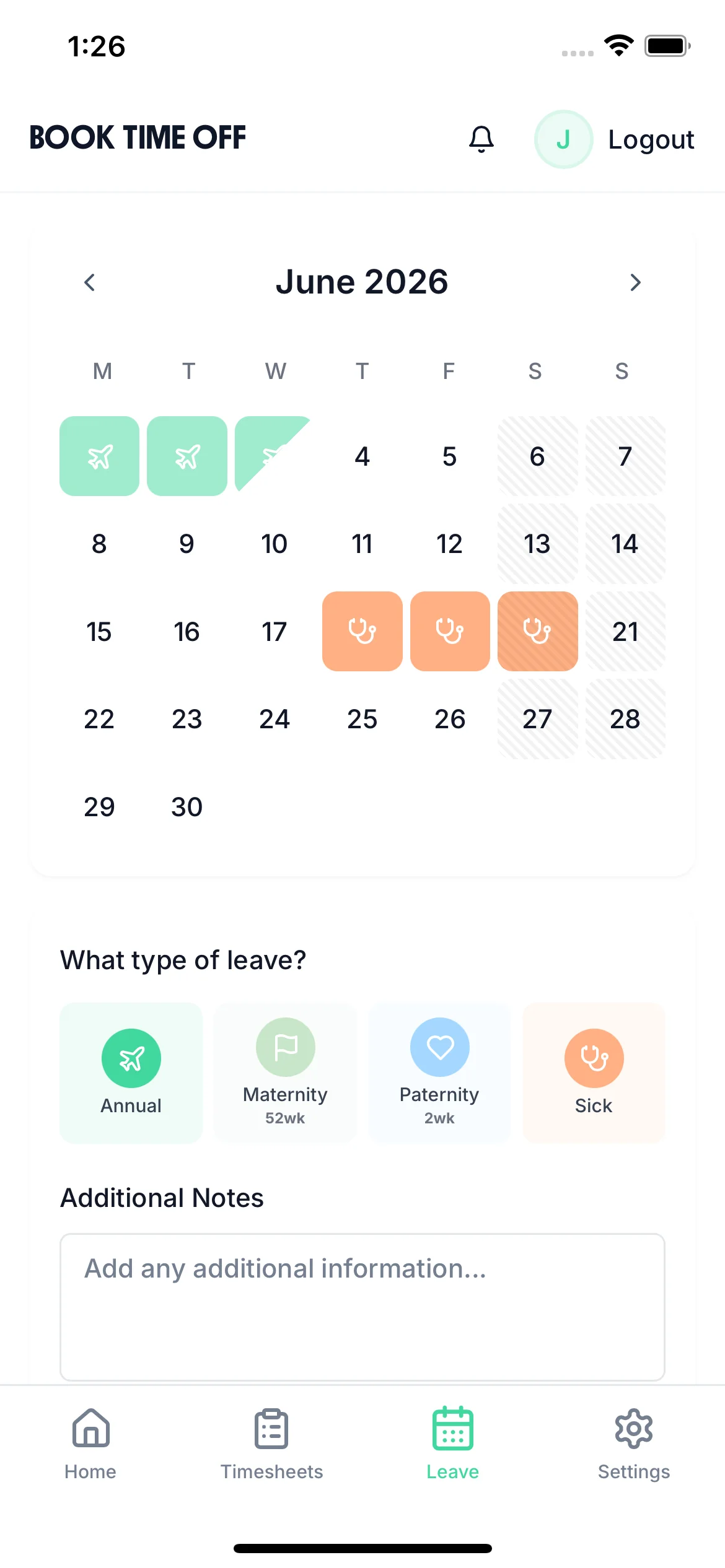
Colour-coded by absence type
Instantly see whether someone is on annual leave, off sick, or on a training day from the calendar view
Set allowances per leave type
Give staff training day allowances, compassionate leave, or whatever your care home policy requires
Export for payroll and reporting
Export leave data via CSV, or sync with Xero or QuickBooks to process holiday pay correctly

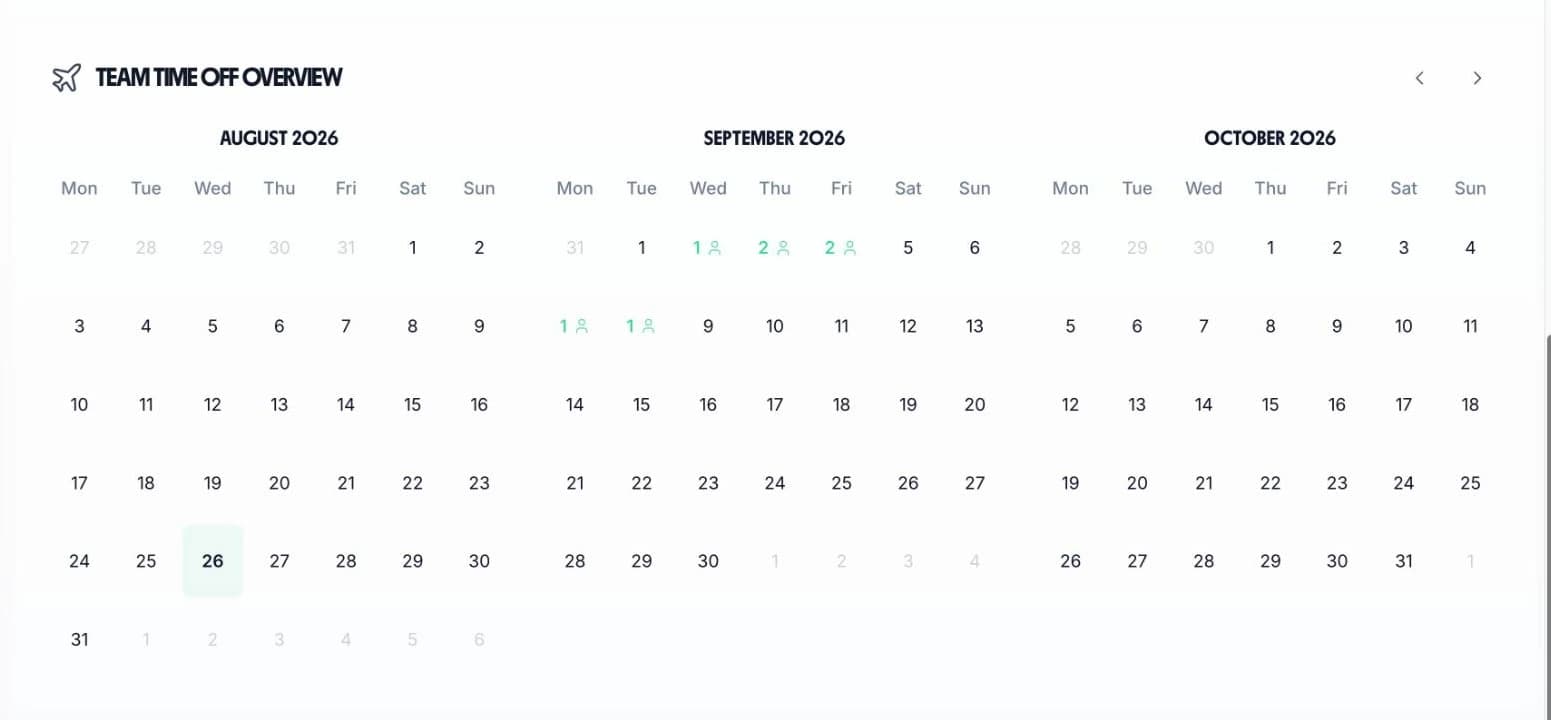
The team calendar gives care home managers a single view of all leave. See annual leave, sick leave, and training days side by side so you can ensure safe staffing levels every day.

See who is off across your entire care home to maintain safe staffing levels at all times
Annual leave, sick leave, training days, and custom types all visible on one calendar
Check the calendar before approving leave to make sure you have enough carers on every shift
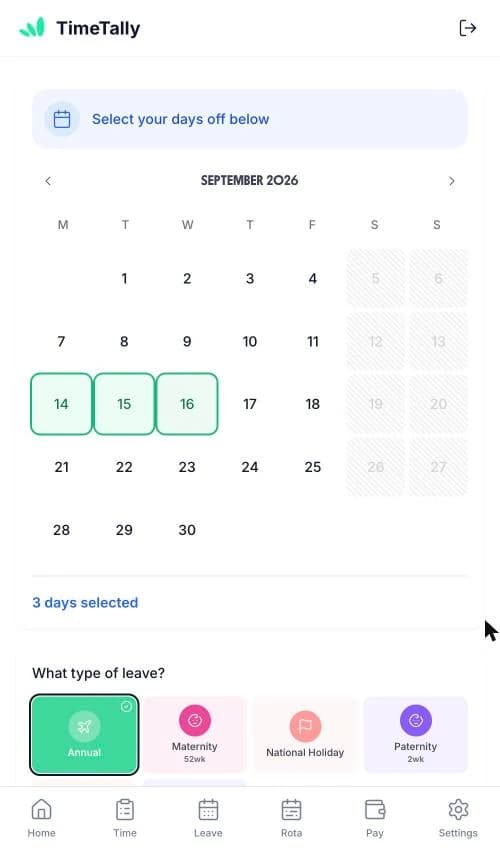
View the team calendar and approve requests on the go via the iOS app — no need to be at a desk
Everything you need to manage leave across your care home, from request to approval to payroll export.
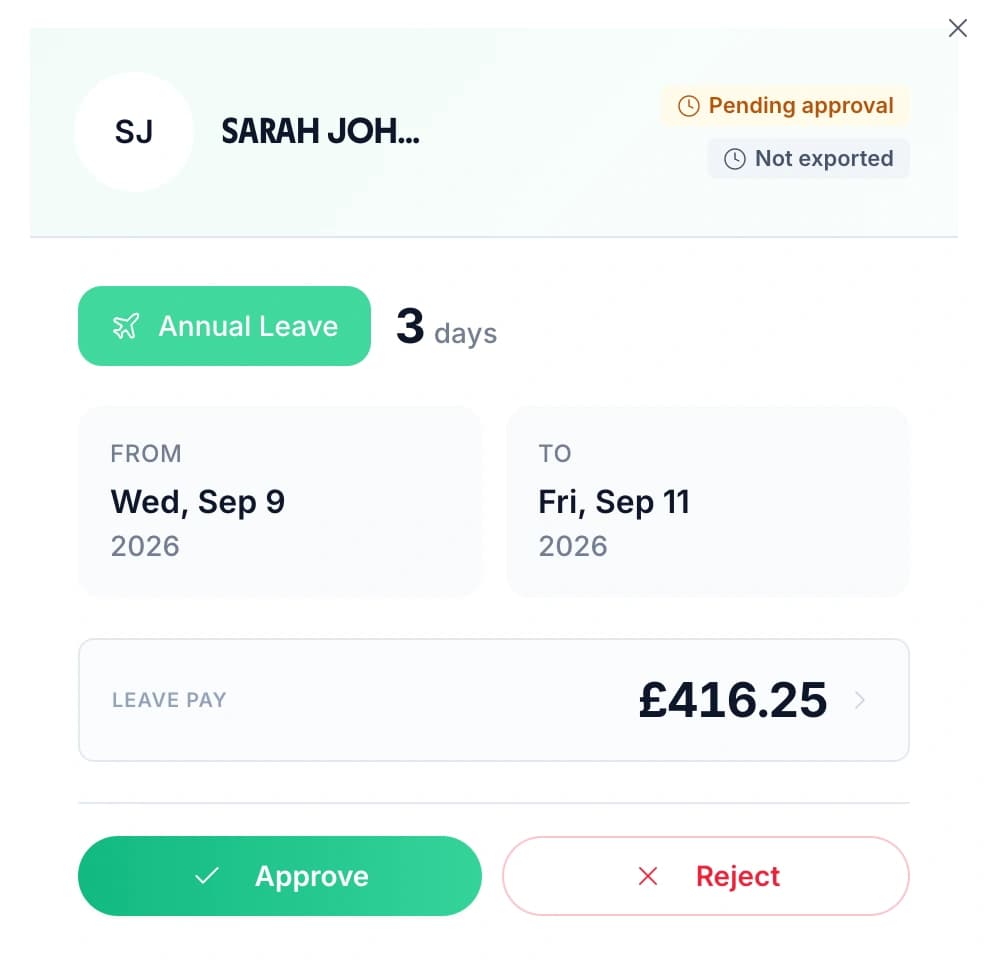
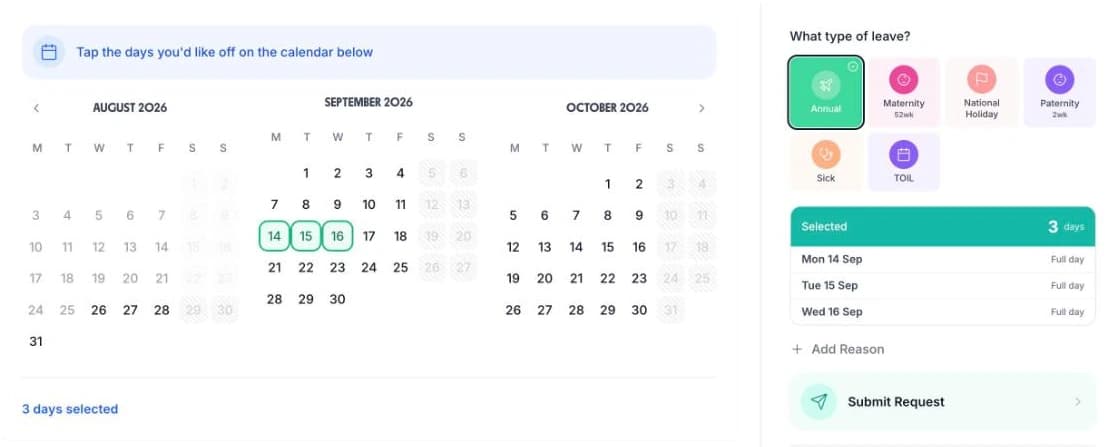
Staff submit leave requests online. Managers get notified and approve or reject with one tap — no more paper forms or chasing signatures.
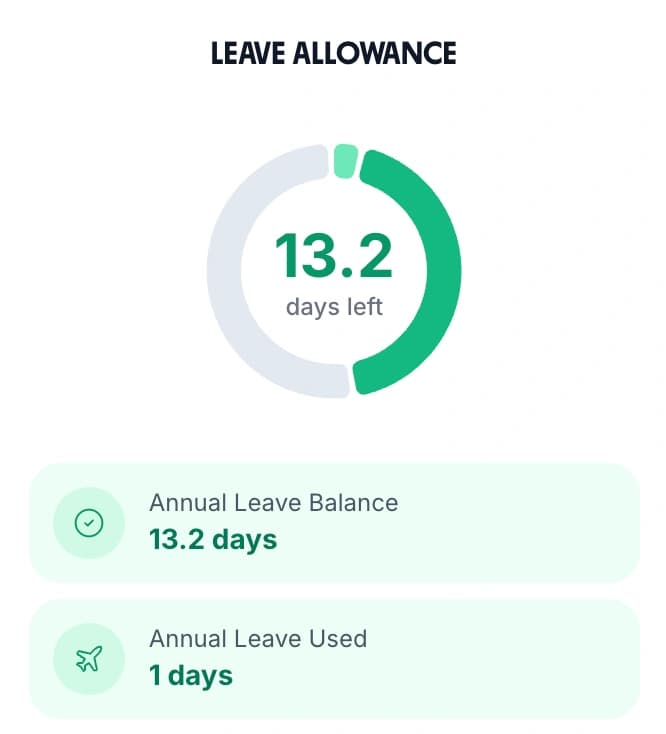
Automatically calculate correct annual leave entitlements for part-time carers, variable hours workers, and mid-year starters. UK statutory rules built in.
Track every sick day with a complete history per employee. Export records for SSP calculations, return-to-work meetings, or HR reviews.

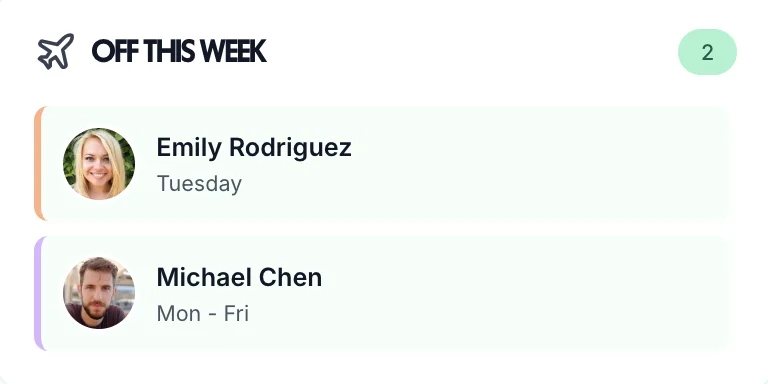
In a care home, knowing who is available is not a nice-to-have — it is essential for resident safety. TimeTally's “Who's Off” widget gives you an instant snapshot of staff availability so you can plan rotas and arrange cover before gaps become a problem.
Whether you manage a residential care home, a nursing home, or a supported living facility, having a clear view of who is off and when makes all the difference to the quality of care you provide.
Tip: Use TimeTally alongside your rota system. Check the staff holiday tracker before building next week's rota to avoid scheduling staff who are on leave.
Leave management and timesheets in one affordable tool
No hidden fees. No setup costs. Cancel anytime.
Sick leave tracking
Complete sickness absence records
Team calendar view
See who is off across your care home
Unlimited leave types
Annual, sick, training, compassionate, and more
Timesheet tracking included
No extra charge
TimeTally's team calendar shows all approved leave across your care home in one view. Before approving any new request, managers can see exactly who is already off on those dates. This makes it straightforward to check whether approving the request would leave you short-staffed, helping you maintain the staffing levels your residents need.
Yes. You can create a custom sick leave type and every sickness absence is recorded against the employee's profile, giving you a complete history. You can export this data via CSV for analysis or payroll processing. Having accurate records makes it easier to spot patterns and have informed return-to-work conversations.
TimeTally lets you set up different working patterns for each employee. Night shift carers can submit leave requests just like day shift staff, and their absence appears on the same team calendar. Managers can filter the view to check coverage across both day and night shifts before approving requests.
TimeTally automatically calculates pro-rata holiday entitlement based on each employee's working pattern. Whether a carer works 3 days a week, has variable hours, or is on a zero-hours contract, the system works out their correct statutory entitlement, including the option to include or exclude bank holidays.
Yes. TimeTally has an iOS app that lets employees submit leave requests from anywhere. Managers receive a notification and can approve or reject with one tap. This is particularly useful for care workers who are on the floor with residents all day and rarely sit at a computer.
TimeTally costs £2 per employee per month with no setup fees or hidden costs. Admin and manager-only users are free, so your registered manager or care home owner can use the system without adding to the cost. For a care home with 25 staff, that is just £50 per month. There is a free 14-day trial with no credit card required.