
Build Each Shift From a Template, Not From Scratch
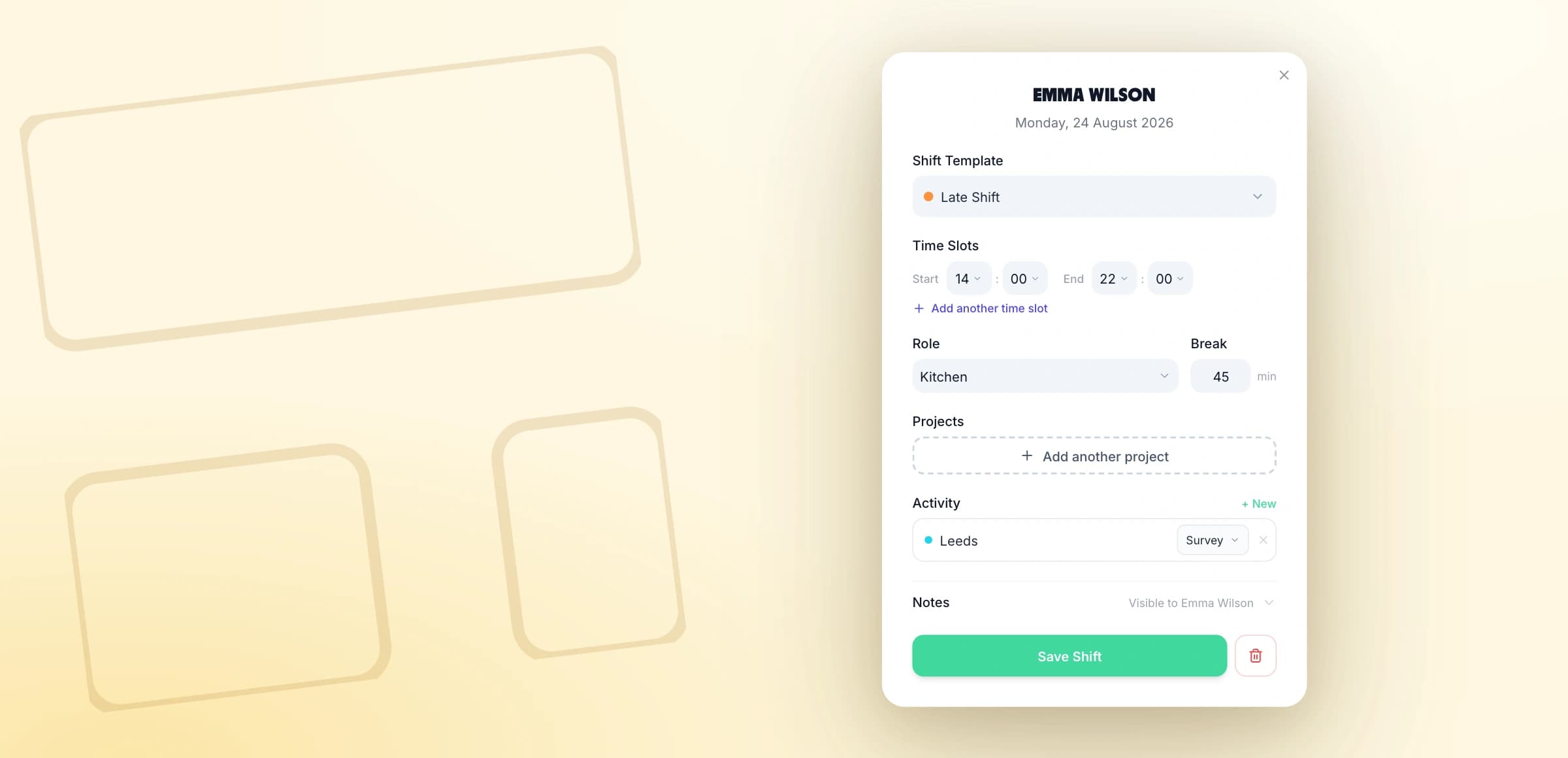
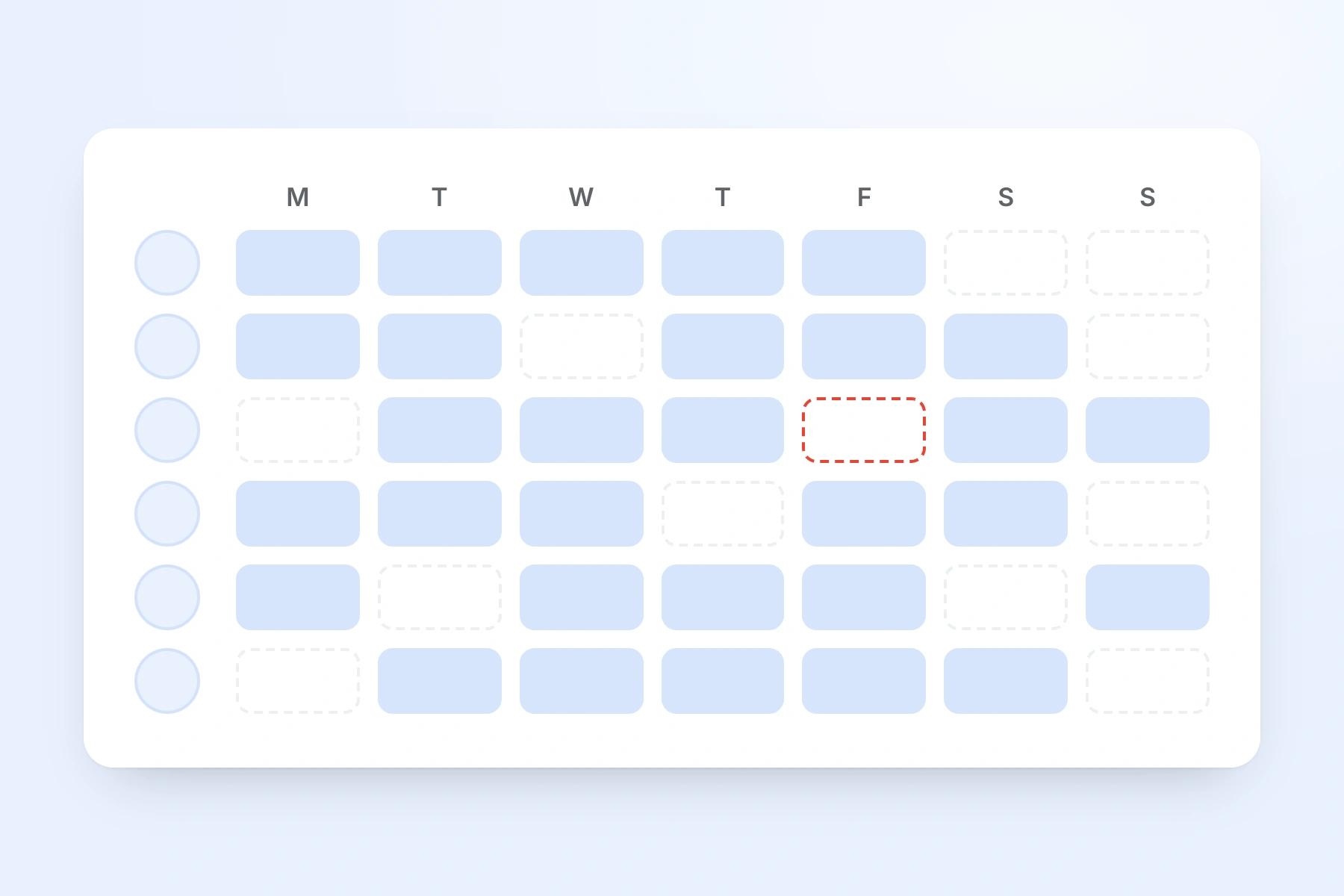
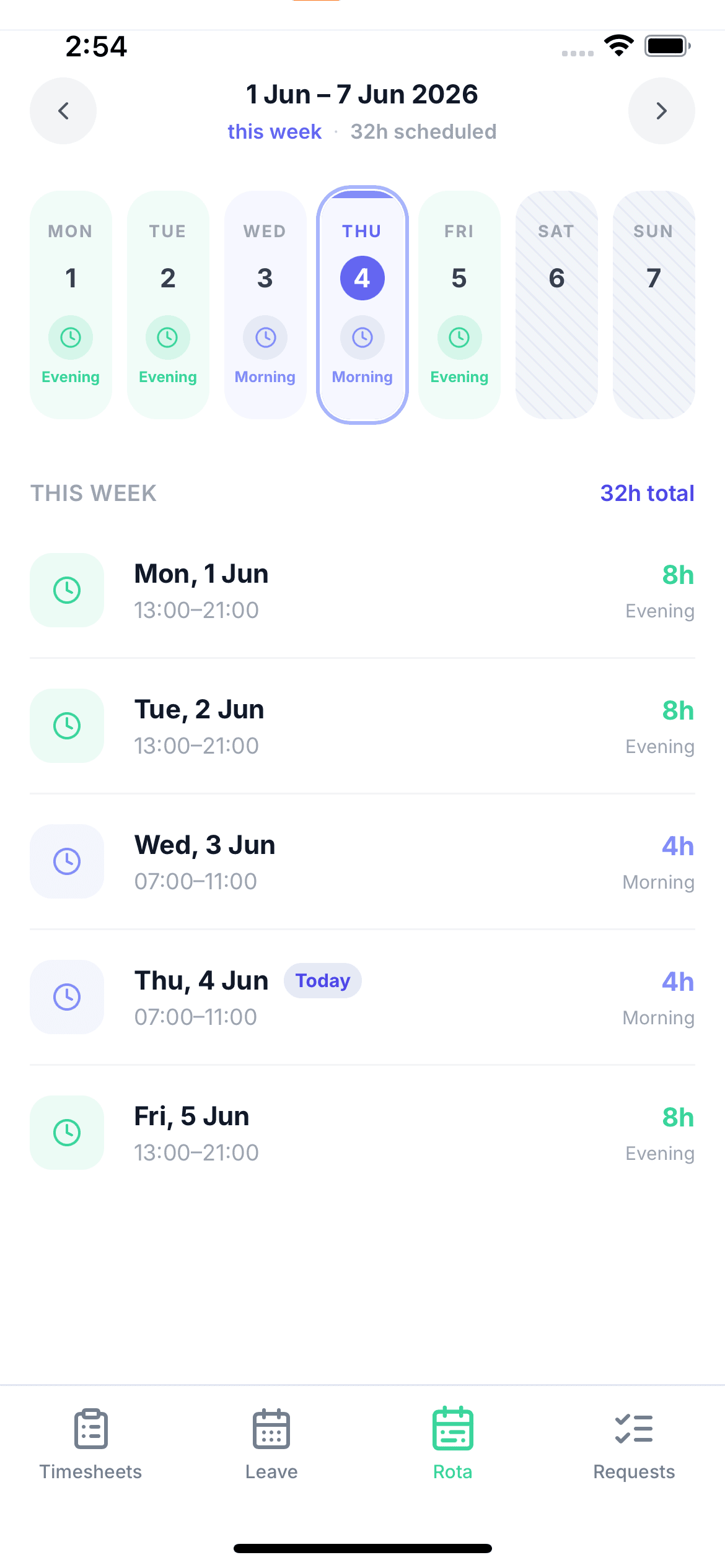
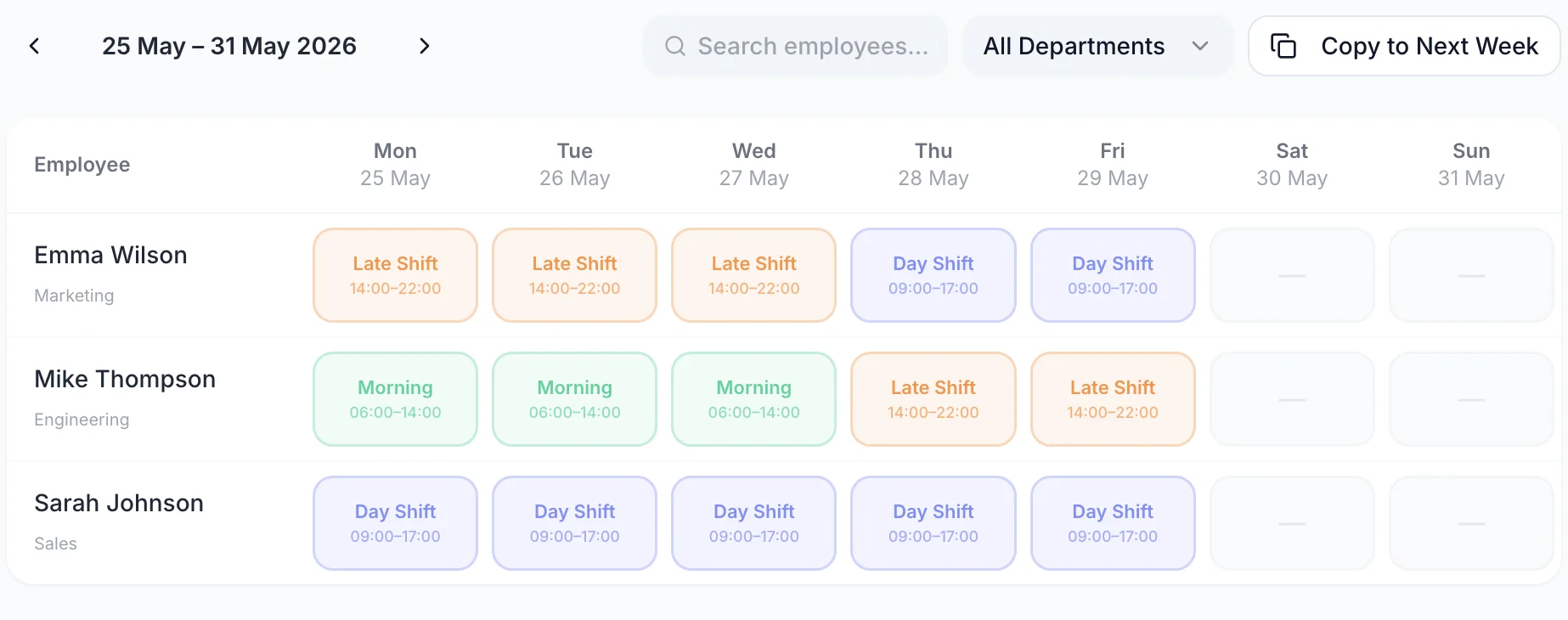
Click an empty cell on the rota grid and the shift form opens on the spot. Pick a shift template and it fills in the start and end times, the job role, the break and any standing note — each one only where you have not already set something yourself, so changing your mind never wipes what you typed. Everything the shift needs lives in that one form: a second time slot for a split day, the projects the shift is booked against, and a note the employee reads on their own rota.
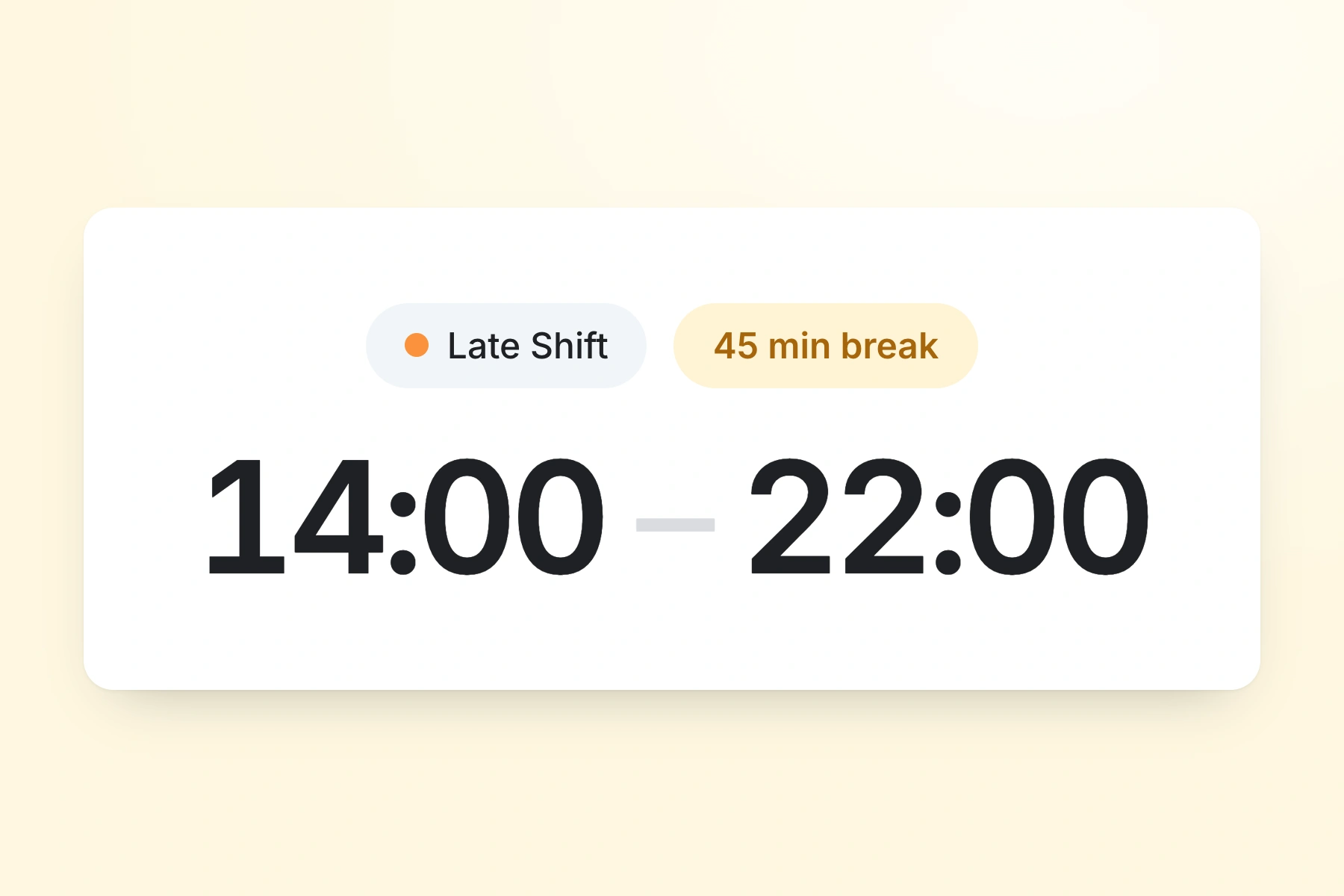
Shift templates fill the times
Set your regular shifts up once, then start every future one from a template instead of typing the same hours each weekRoles bring their own break
Each job role carries a default break in minutes, applied the moment you pick the role — and still editable on the individual shiftSplit shifts stay one shift
Add a second time slot and a split day is a single shift with two blocks of time, not two rows to keep in step