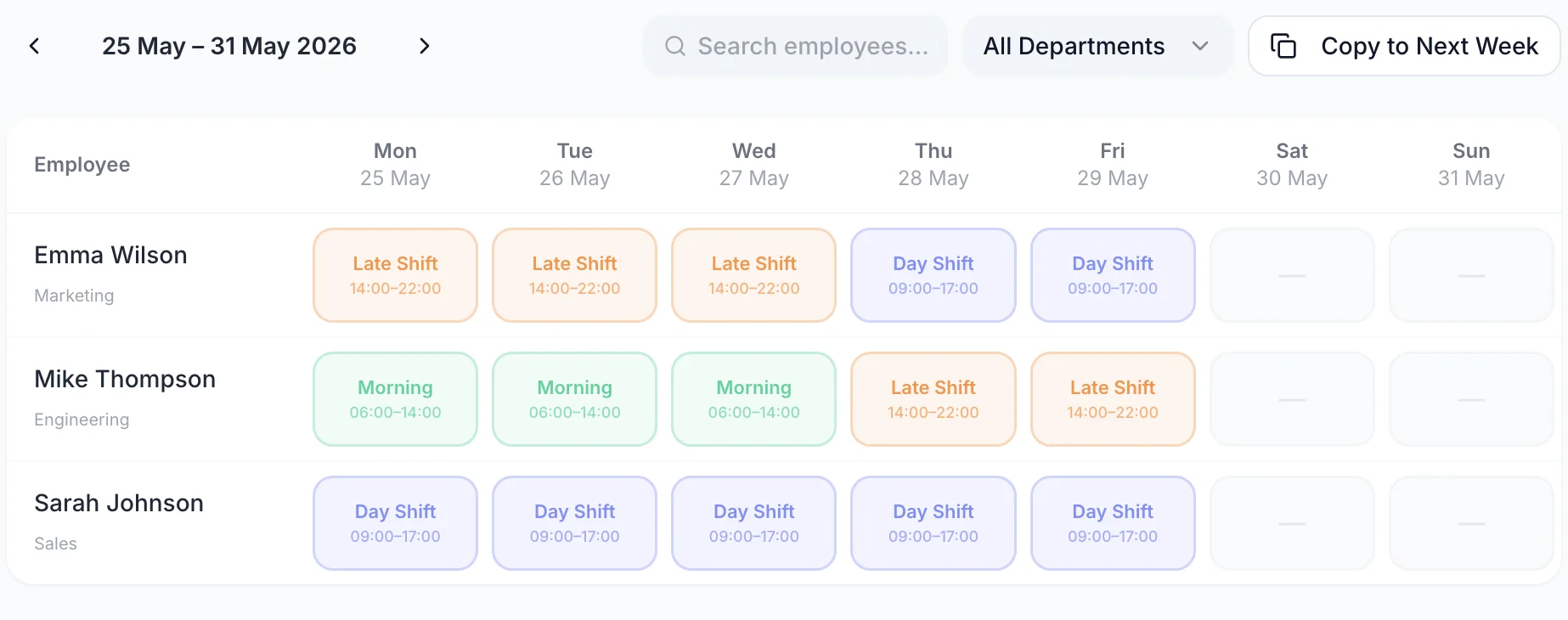
See Who Is on Each Shift Before You Publish
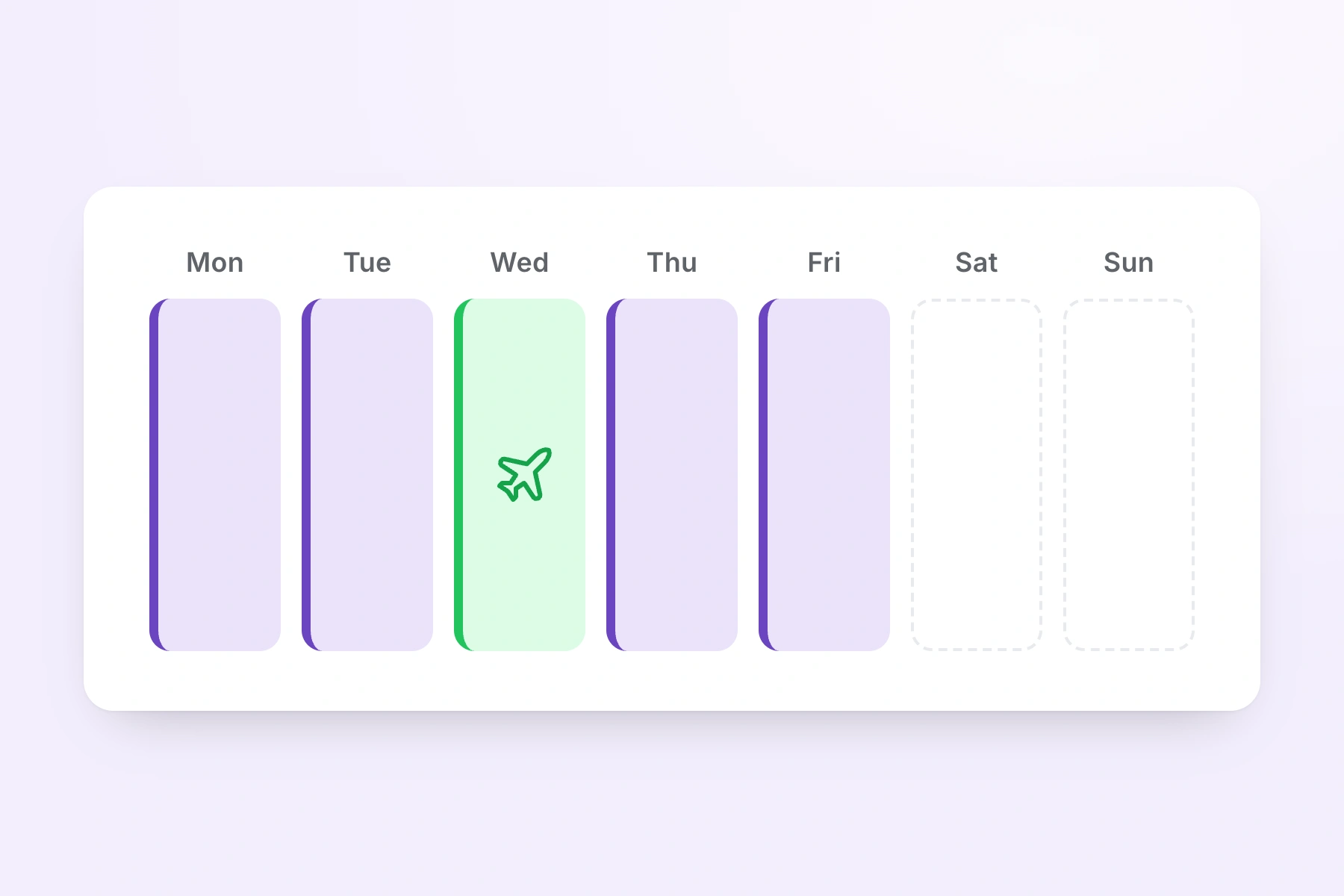
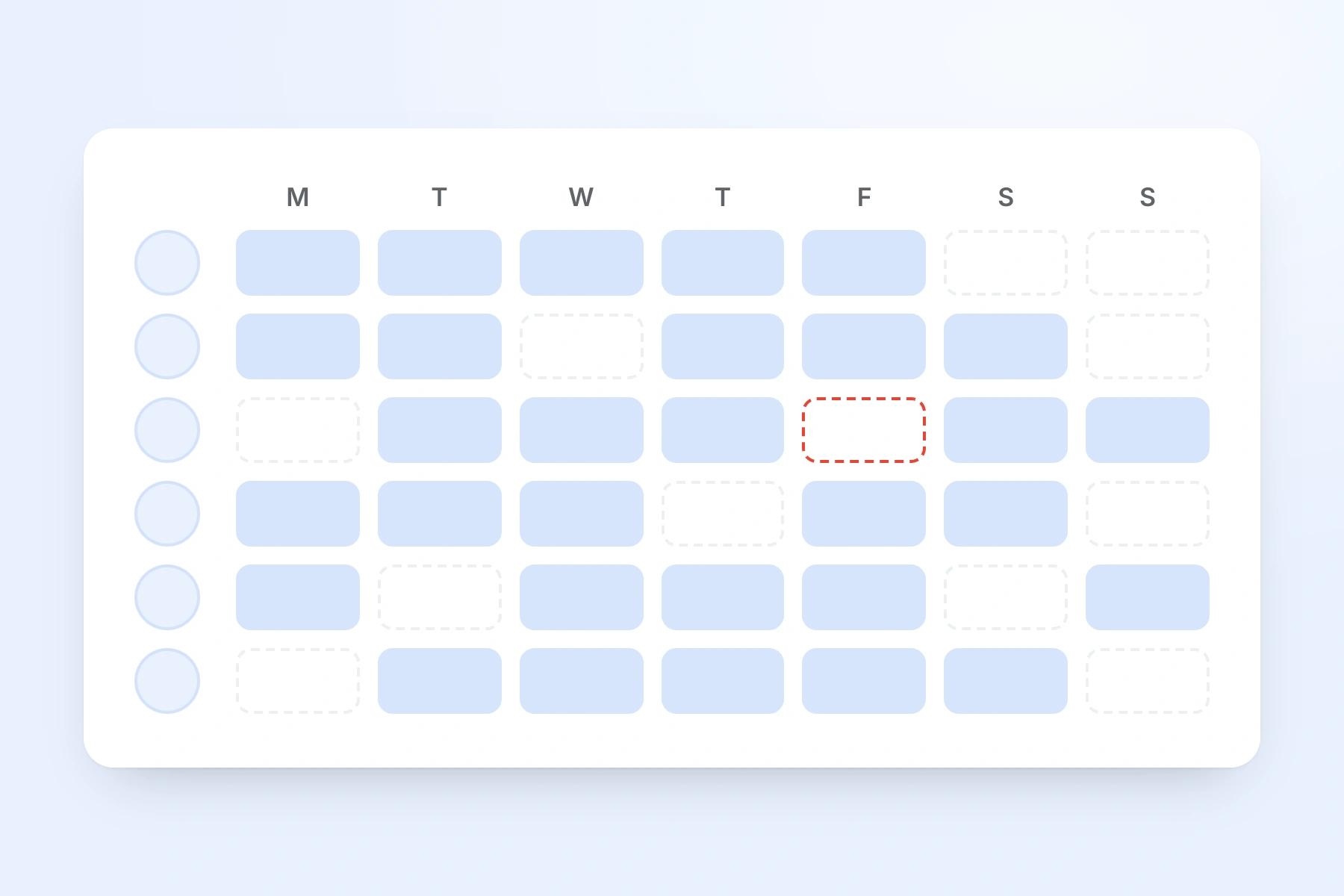
Every member of care staff on the unit has a row, and every day of the week has a column. A covered day carries a coloured shift block with the times on it. An uncovered day carries a dashed outline. Approved annual leave, sick leave and TOIL are drawn in the same grid on the days they fall, so you are not reading a rota in one place and a holiday sheet in another. The picture of the week is one screen.
- Filter the grid to a single job role and only those people are listed — the nurses, the seniors, or the care assistants on their own. The hours total under the columns recalculates to match what is on screen.
- Hide anyone who is not relevant to this week and the grid gets shorter without deleting them from the rota.
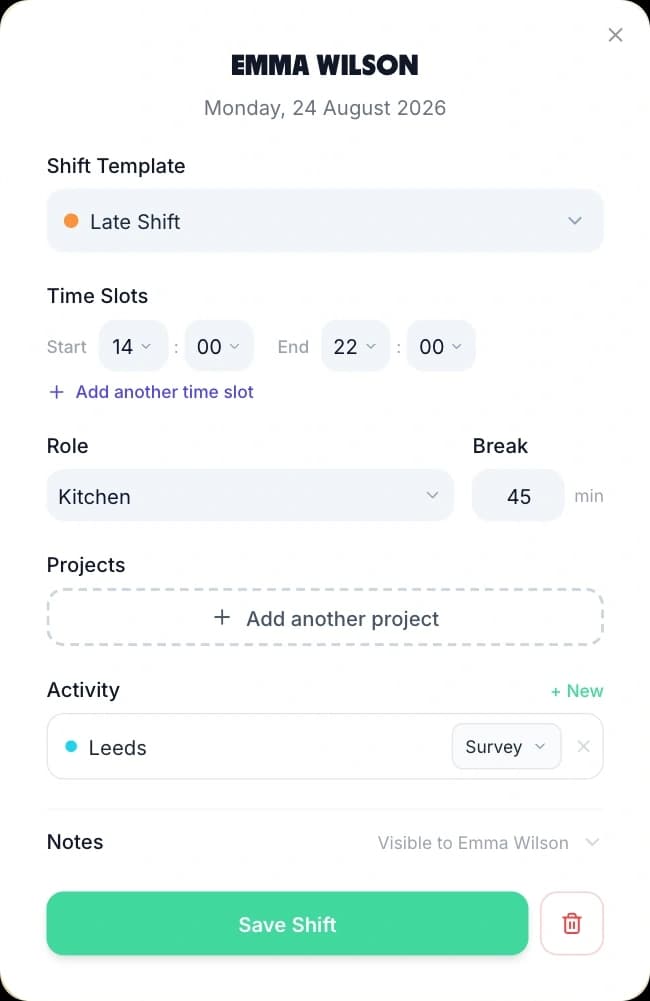
- A shift block shows its job role colour and its location, so a care assistant covering the first floor is distinguishable from one on the ground floor at a glance.
- TimeTally counts hours, not heads. There is no headcount row: the number of people on a Tuesday is what you read off the Tuesday column, and no rule anywhere checks it against a target.