Holiday Request Form Template UK: Free to Print, With the Rules That Go With It

A holiday request form does two jobs: it gets the dates out of a text message and onto paper, and it records what was asked for, when, and what you decided. This free template is a one-page A4 form: the employee fills in the top half, the manager the bottom half, and both keep a copy.
Below it you'll find what each field is for, the UK notice rules, an email version for teams that ask by email, and the signs you've outgrown paper. For planning the year as a whole, see our holiday rota and 2027 planner.
Free download
Holiday request form (PDF, one A4 page)
Employee and manager sections, balance before and after, decision and reason, and the notice rules printed at the bottom. No sign-up needed.
What to Put on a Holiday Request Form
The employee's part
- Name, team and manager, so it reaches the right person.
- Date of request. If two people want the same week, this is what "first come, first served" runs on.
- Type of leave: annual leave, unpaid leave, time off in lieu or other. They come out of different balances.
- First day off, last day off and the day they're back. The return date stops arguments about whether a weekend or bank holiday was included.
- Half days or part days, with morning, afternoon or hours.
- Working days or hours requested. Part-timers and shift workers should count only days or hours they'd normally work.
- Notes, optional. Nobody has to give a reason for annual leave.
The manager's part
- Allowance, already taken or booked, this request, and what's left. Writing the balance down before deciding catches most mistakes.
- Cover arranged: yes, no or not needed.
- Decision: approved, approved in part, or declined.
- Reason and alternative dates if it's declined or changed.
- Date the employee was told, which matters for the notice rules below.
- Added to the leave record, by whom and when. A form in a drawer isn't a record.
The UK Notice Rules for Holiday Requests
Unless your contracts set different rules, these are the defaults:
| Who | Notice | For 5 days off |
|---|---|---|
| Employee asking for leave | Twice the leave, plus 1 day | 11 days |
| Employer refusing it | The length of the leave, plus 1 day | 6 days |
| Employer telling staff to take leave | Twice the leave | 10 days |
Most businesses ask for more notice than this for anything longer than a week, and set a booking window for the busiest periods. Put whatever you decide in your annual leave policy, and print it on the form so nobody can say they didn't know. When two requests collide, our guide to clashing holiday requests covers how to decide fairly.
“The app is simple to use, reliable, and makes managing holidays, absences, and staff records straightforward. The system has saved us a significant amount of administration time.”
 Jordan Ingoe, CLI Manchester
How to Handle a Holiday Request in Five Steps
- Check the balance first. Fill in the allowance, what's already taken or booked, and what this request uses. If it would take them past their allowance, say so now rather than after the leave.
- Check who else is off. Look at the holiday calendar or rota for the same dates. If someone else in the same role is already booked, decide using the rule in your policy (first come, first served is the most common), not by who asks loudest.
- Answer quickly. A week of silence is what makes people book flights first and ask later. Aim to reply within two or three working days, and well inside the notice period if you might say no.
- Put the decision in writing. Approved, approved in part or declined, with the reason and any alternative dates. A short email is enough; so is the bottom half of the form.
- Update the record the same day. Add it to the holiday calendar, the rota and whatever you use to work out pay. Leave that's approved but not recorded is how two people end up off in the same week.
Part-timers and shift workers need one extra check at step 1: count only the days or hours they would normally have worked. Someone who works Monday to Wednesday and asks for a whole week off uses three days of leave, not five. Our pro rata holiday calculator works out their yearly allowance.
An Email Version
If your team asks by email, give them a fixed format so every request has the same details:
Subject: Holiday request: Mon 3 to Fri 7 August 2027
Hi Sarah,
I'd like to book annual leave from Monday 3 August to Friday 7 August 2027, back at work on Monday 10 August. That's 5 working days.
Thanks,
James
Reply: Hi James, that's approved. You had 18 days left and will have 13 after this. I've added it to the holiday calendar. Sarah
The manager's reply does the same job as the bottom half of the form: the decision, the balance and confirmation that it's been recorded.
When to Stop Using Paper Forms
A paper form works well for a handful of staff who book a few weeks a year. These are the signs it's time to move on:
- Forms go missing, or sit in an inbox for a week before anyone answers.
- Staff ask you what their balance is, and you have to work it out.
- Two people are approved for the same week because nobody could see the other request.
- Part-timers, shift workers or carry-over make the balance sums slow.
- Holiday has to be retyped into the rota and into payroll.
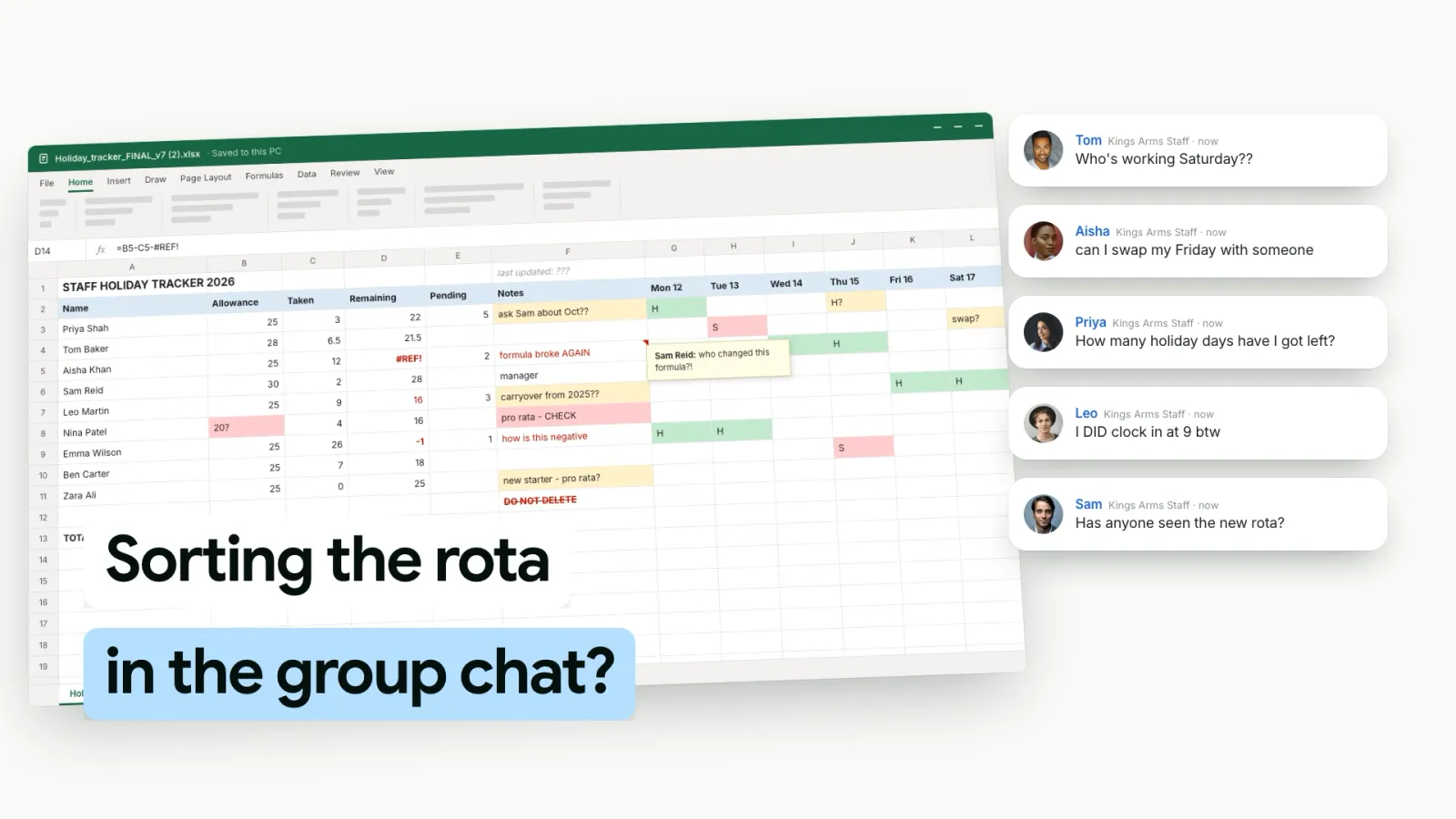
How TimeTally Replaces the Form
- Requests from their phone. Staff pick the leave type, whole days, half days or hours, and add a note if they want to. They see their balance before they send it.
- Emailed to the manager. You approve or decline, and the employee gets an email with the answer.
- Book it for them. For anyone who still asks in person, you can book the leave on their behalf.
- Leave where you need it. Approved holiday appears on the team calendar and the rota, and TimeTally asks before you put a shift on a day someone is off.
It costs £3 per employee per month; the holiday booking app page shows the request screen.
 TimeTally
Holiday Requests Without the Paperwork
Staff ask from their phone and see their balance first. You approve in one tap, and it's on the calendar and the rota.
Free for 14 days • No credit card required
Key Takeaways
- A holiday request form records what was asked for, when, and what was decided
- Include the leave type, first and last day off, return date, half days and the balance before and after
- Default notice: twice the leave plus a day to ask; the leave plus a day to refuse
- Employees don't have to give a reason for annual leave
- Record the decision and the date the employee was told
- Once forms go missing or balances need working out, move requests into an app
Frequently Asked Questions
What should a holiday request form include?
The employee's name, team and manager, the type of leave, the first and last day off, the date they're back, any half days, the number of days or hours, and the date of the request. The manager's part should show the balance before and after, the decision, the reason if it's declined, and when the employee was told.
How much notice do employees have to give for holiday in the UK?
Unless the contract says otherwise, at least twice as long as the leave plus one day. A week off (5 days) needs 11 days' notice. Many employers ask for more for long or popular periods, and set that out in the contract or holiday policy.
Can an employer refuse a holiday request?
Yes, by giving as much notice as the leave requested, plus one day, unless the contract says otherwise. But you can't refuse so often that someone can't take their full entitlement in the leave year.
Do employees have to give a reason for annual leave?
No. Annual leave is the employee's to use, and they don't have to say why they want it. A form can have a notes box, but it should be optional for annual leave.
Is a holiday request form a legal requirement?
No. The law only requires notice, not a particular form. A form (or an app) helps because it records when the request was made and what was decided, which settles disputes about clashes, balances and pay.
Can an employer cancel holiday that has already been approved?
Yes, with notice at least as long as the leave being cancelled, unless the contract says otherwise. Cancelling leave someone has paid for may mean covering their costs, and it's rarely worth the damage to trust.
Sources
- Holiday entitlement: booking time off — GOV.UK
- Working Time Regulations 1998, regulation 15 — legislation.gov.uk
- Holiday and leave — Acas