Clockify is a US-based time tracking tool built for freelancers and agencies worldwide. TimeTally is built from the ground up for UK employers who need employee time tracking, UK holiday management, and payroll-ready exports. Here's an honest look at which one fits your UK business.
Clockify has a free tier, but most UK employers need paid features. Here's what you'll actually pay — and what you don't get.
Free
£0
Forever
Basic
~£4.50
per user/month (approx.)
Standard
~£7.50
per user/month (approx.)
Pro
~£9.50
per user/month (approx.)
| Feature | TimeTally | Clockify |
|---|---|---|
| Pricing per user/month | £3 (all features) | Free-$11.99 (5 tiers) |
| Built for UK businesses | ||
| UK holiday entitlement tracking | ||
| Working Time Regulations (WTR) | ||
| Timesheet approval workflow | ||
| Project time tracking | ||
| UK payroll export (Xero, QuickBooks) | ||
| UK bank holidays built-in | ||
| Invoice integration | ||
| Learning curve | 5 minutes | 30-60 minutes |
| Free trial | 14 days (full access) | Forever free (basic) |
Clockify is a US-headquartered tool designed for agencies billing clients by the hour. It has no awareness of UK holiday entitlements, Working Time Regulations, or HMRC record-keeping requirements. TimeTally is purpose-built for UK employers who need to track employee hours, manage statutory holiday allowances, and export payroll-ready data to Xero or QuickBooks — without features you will never use. See our full comparison matrix for a side-by-side view of all alternatives.
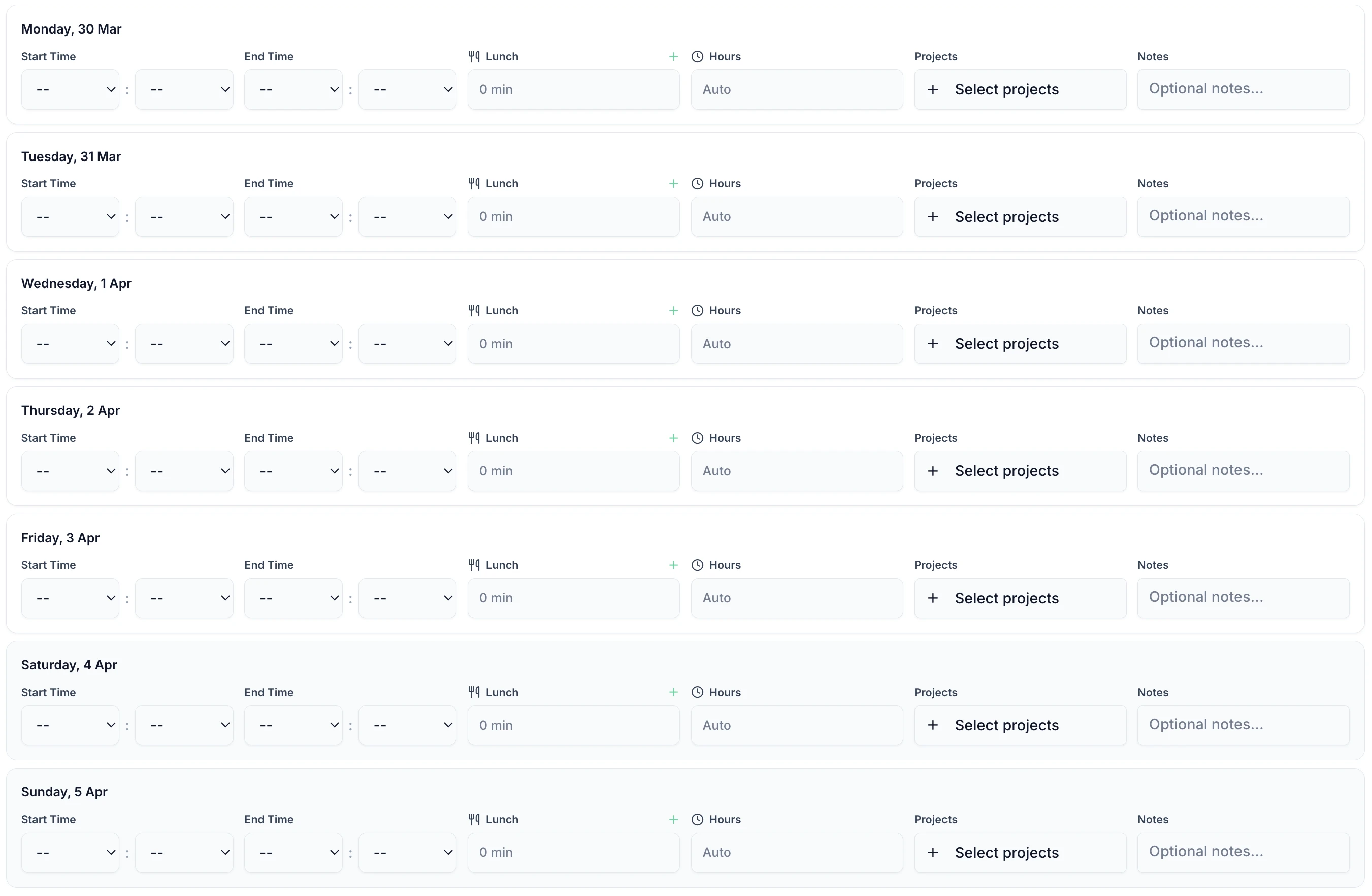
5-minute setup
No configuration overload
UK compliance
Working Time Regulations built-in
Payroll export
One-click to Xero, QuickBooks
HMRC ready
Compliant records
Clockify doesn't track holidays or annual leave — it has no concept of UK statutory entitlements (5.6 weeks for full-time workers), pro-rata calculations for part-time staff, or carry-over rules. If you need both timesheets and holiday management, you'd need Clockify plus a separate tool like Timetastic — paying for two subscriptions and managing two logins.
TimeTally includes both for £3/employee. One tool, one login, one bill.
Example: A team of 15 employees using Clockify Pro ($7.99/user = approx. £95/month) + Timetastic (£1/user = £15/month) = £110+/month for two separate tools.
TimeTally for 15 employees = £30/month for everything in one place.
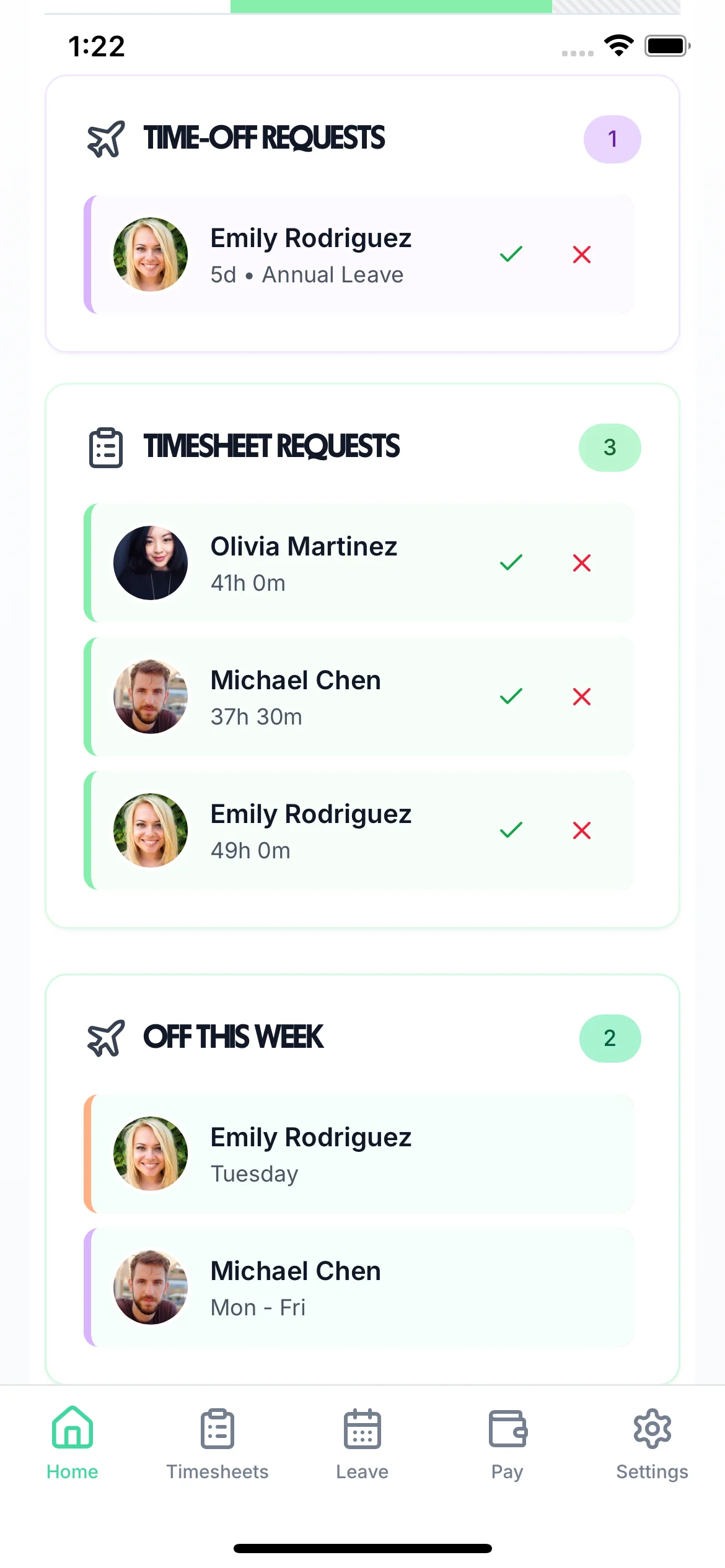
Transparent pricing in GBP vs five USD-priced tiers with features locked behind upgrades
£3
per employee/month (incl. VAT)
Free–$11.99
per user/month
Clockify is designed around invoicing and billing clients for project work. TimeTally is designed around getting approved employee hours into your UK payroll software — Xero, QuickBooks, or CSV for Sage and other providers. For the vast majority of UK employers, payroll is where timesheet data needs to end up, not on a client invoice.
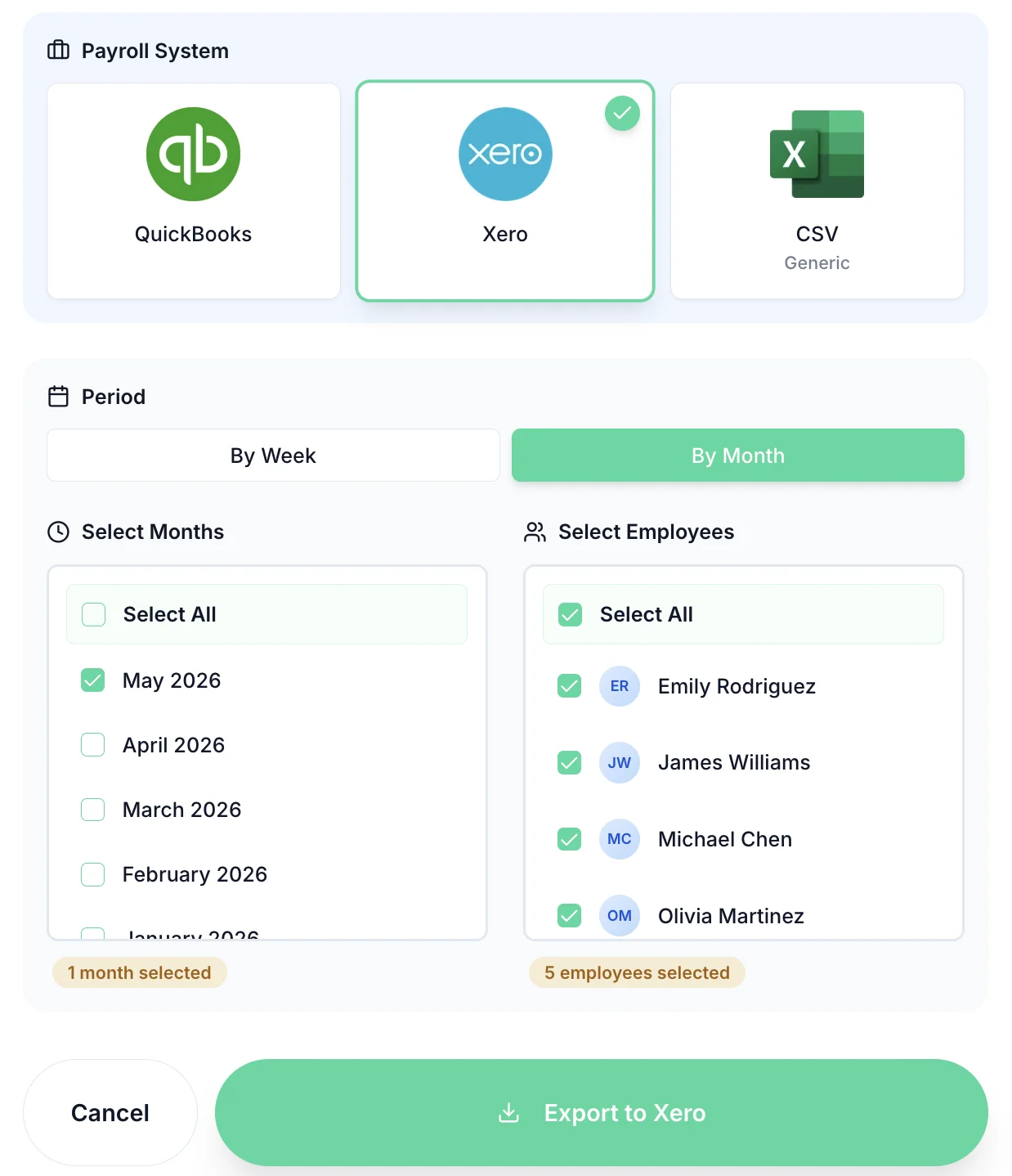
Track time to bill clients → Clockify
Track time to pay employees → TimeTally
For UK businesses that need to track employee hours for payroll, TimeTally is generally the better choice. Clockify is US-based and has no built-in support for UK statutory holiday entitlements, Working Time Regulations monitoring, or direct exports to UK payroll systems like Xero and QuickBooks. TimeTally includes all of these as standard. Clockify is better suited for agencies and freelancers who bill clients by the hour and need invoicing features.
TimeTally costs £3 per employee per month with every feature included — billed in GBP. Clockify has a free tier with basic features, but paid plans range from $3.99 to $11.99 per user per month (billed in USD, so your costs fluctuate with exchange rates). For a team of 20 employees, Clockify Pro costs approximately £127/month, while TimeTally costs £40/month and includes holiday tracking that Clockify doesn't offer at any price.
No, Clockify does not include holiday or annual leave tracking at any tier. There is no way to calculate UK statutory entitlements (5.6 weeks for full-time workers), manage pro-rata allowances for part-time staff, or handle carry-over rules. If you need both time tracking and holiday management, you would need Clockify plus a separate tool like Timetastic — two subscriptions, two logins, no data connection between them. TimeTally includes both in one tool for £3 per employee.
Yes, TimeTally offers one-click exports to Xero, QuickBooks, and CSV format. It automatically tracks overtime hours and calculates totals, and you can export by week, month, or custom date range. This makes payroll processing much faster for UK businesses.
Choose TimeTally if you're a UK business needing holiday tracking, simple timesheet approval, payroll-ready exports, and predictable pricing. Choose Clockify if you need detailed project time tracking, bill clients by the hour, need invoice generation, or want a forever-free plan option.
Still have a question? See all FAQs
Expert guides to help you choose the right timesheet solution
Compare all alternatives side by side
See how TimeTally stacks up against Clockify, Timetastic, BrightHR, and more in our full comparison matrix.
View comparison matrix