

Build the event once
Save a festival weekend as a week template and apply it the next time it comes round. Shift templates hold the times, break and role you always use, such as Bar close 16:00–00:30.
For event, festival and hospitality crews
TimeTally is event staff scheduling software for UK event teams. Build crews, bar staff, stewards and supervisors go on one week grid, with shifts that run past midnight and each event as a project with its own site. Staff see where they're working on their phones, clock in when they get there, and their hours come back for payroll.
An events week
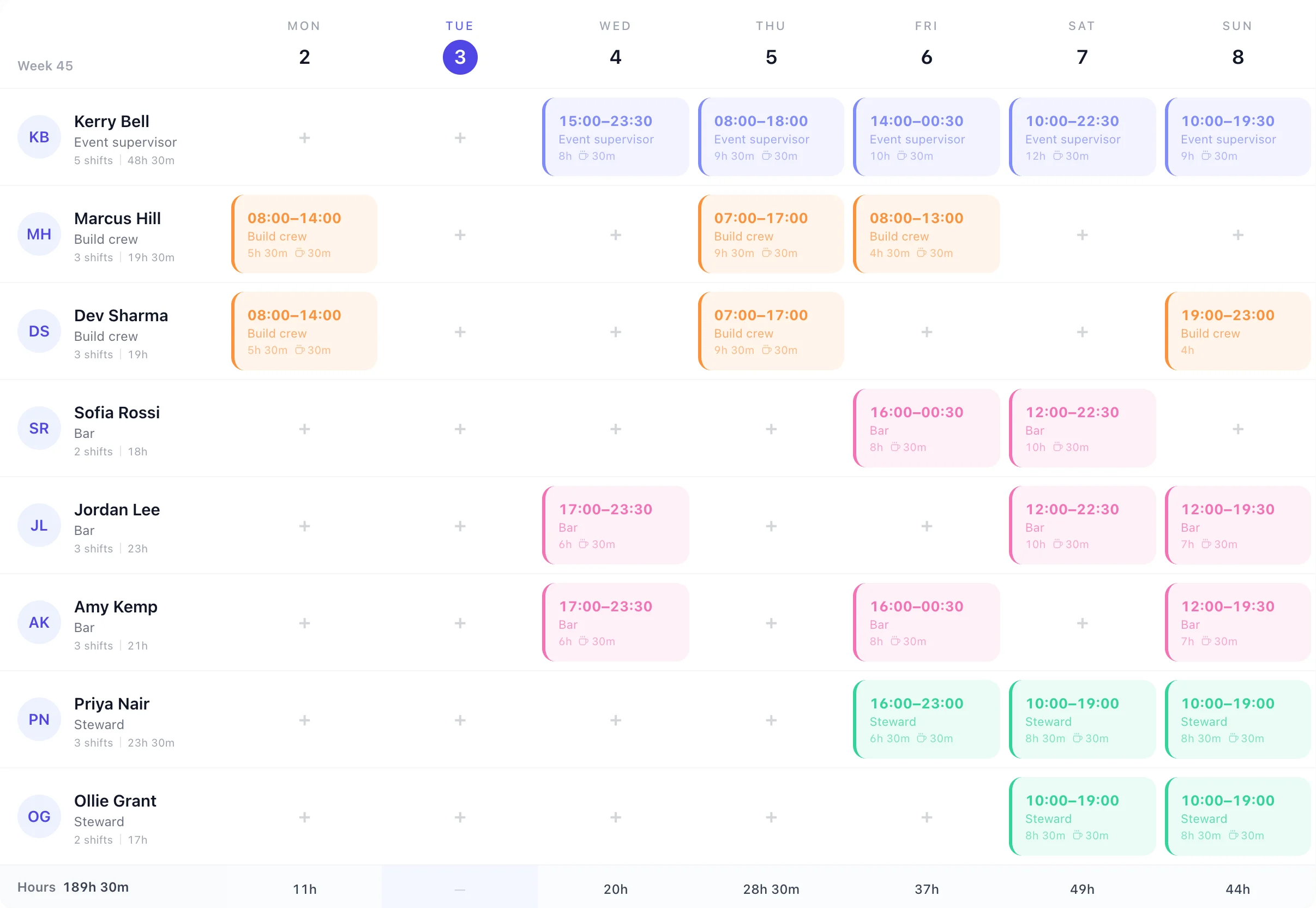
This is the rota above as a call sheet: a get-out on Monday, a dinner on Wednesday, then a festival built on Thursday and open Friday to Sunday. Every line is a shift on the grid.
Save a festival weekend as a week template and apply it the next time it comes round. Shift templates hold the times, break and role you always use, such as Bar close 16:00–00:30.
A shift that ends at 00:30 sits on the day it starts, with its hours counted in full, so Friday's bar doesn't split into two half-shifts.
Move a shift to another day or another person. Someone already working elsewhere that day can't be booked twice.
Each event, its own place
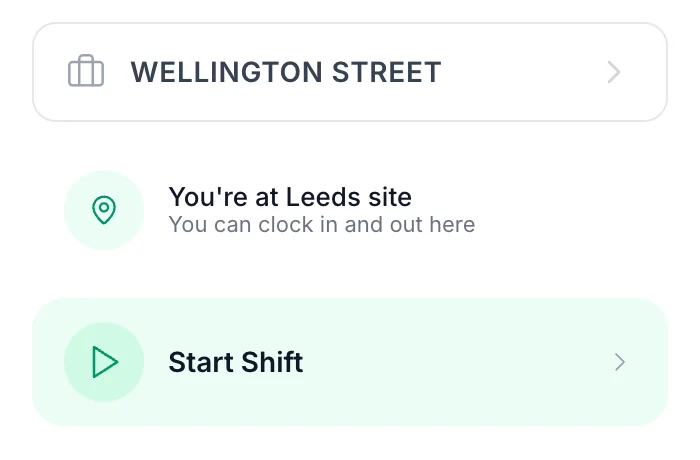
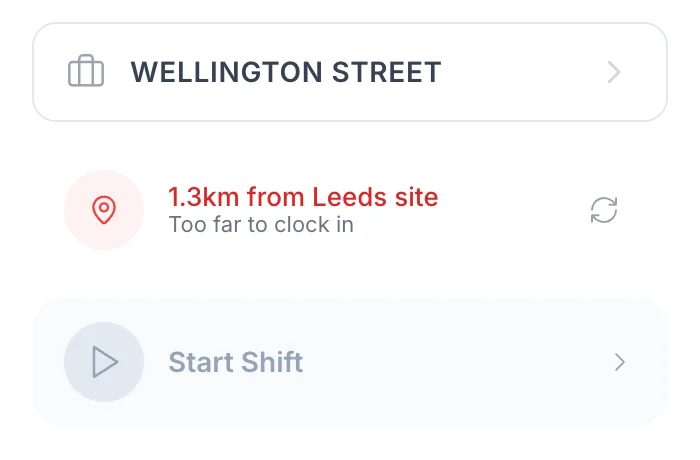
The clock-in card on a building firm's project, on site and 1.3 km away. An event's site works the same way.
More on the map side: GPS clock-in. Hours by event come out in the Projects & jobs report: see project time tracking.
Most event teams are a small core and a long list of people you call when there's work. TimeTally doesn't ask for a contract or a pattern before you can give someone a shift.
Turn on holiday built up from hours worked and each approved timesheet adds 12.07% of its hours, rounded to whole hours, to that person's balance. They see it, and book it, in the app.
Everyone on the account is £3 a month, worked or not. Archive the casuals you won't call this month and they stop counting; restore them when the season starts.
There's no availability calendar: you put people on the shifts you need, or post an open shift and pick from who can do it. They can swap a shift with a colleague, and you approve it.
More on zero-hours contract software, or work out an allowance with the zero-hours holiday calculator.
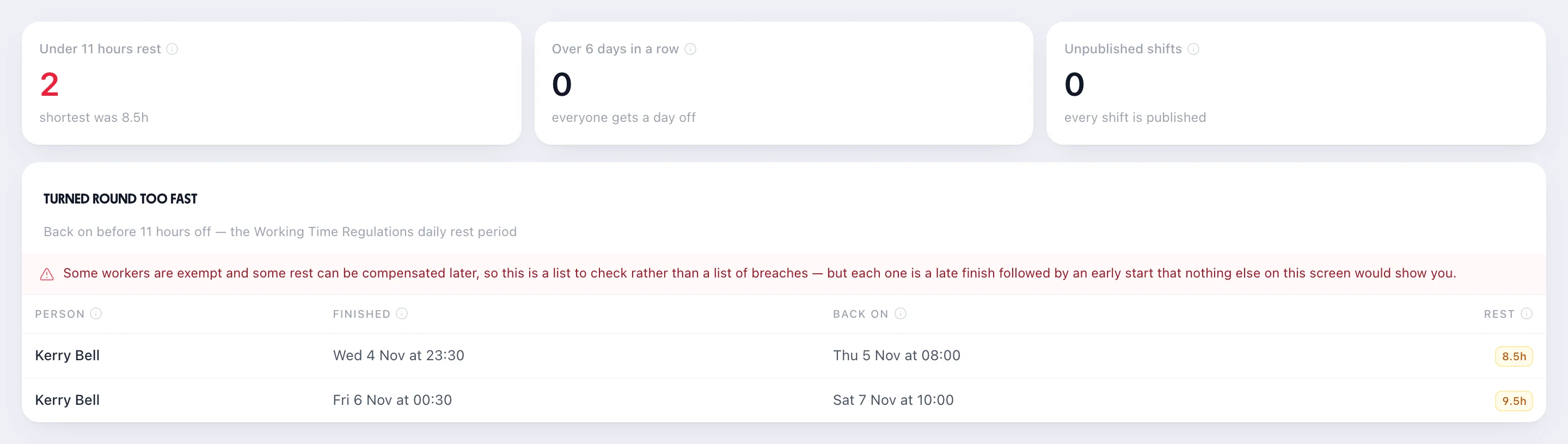
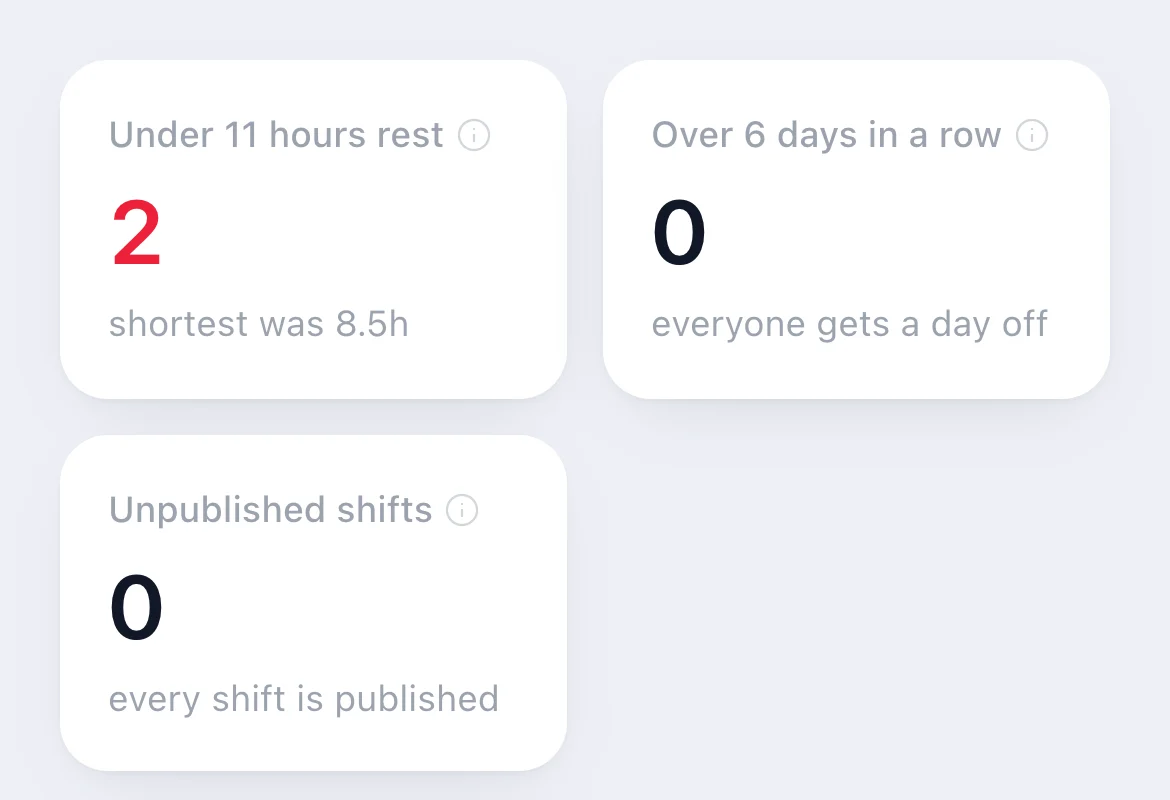
Events are where a close at half past midnight meets a ten o'clock call. Workers are entitled to 11 hours' rest between working days, and the rota's Reports & Analytics lists every turnaround shorter than that. For this week it found two, both Kerry's: 8.5 hours after Wednesday's dinner and 9.5 after Friday's close.
It's a list to check rather than a ruling: some workers are exempt and some rest can be made up later. It doesn't stop you publishing; it shows you before the week happens.
Staff use the free TimeTally app for iPhone and Android, or a browser. Nothing reaches them until you publish.
Publishing asks whether to email the team. Change a published week and only the people whose shifts changed are emailed again. There are no push notifications.
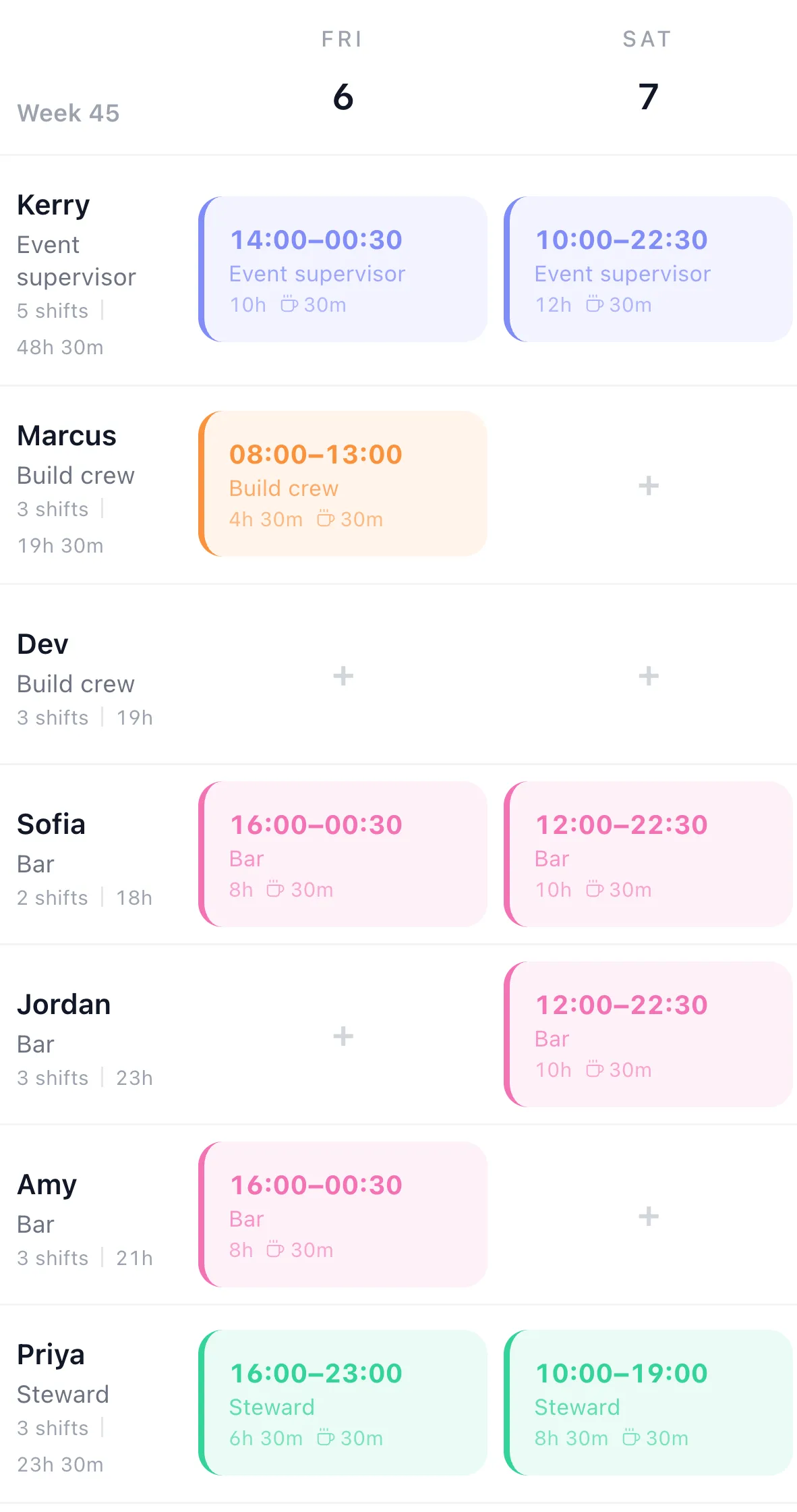
Each shift shows its times, role, break and the event's project and site.
A steward who can't make Sunday asks a colleague; the colleague accepts, then you approve it before the rota changes.
More on the staff side: the staff rota app.
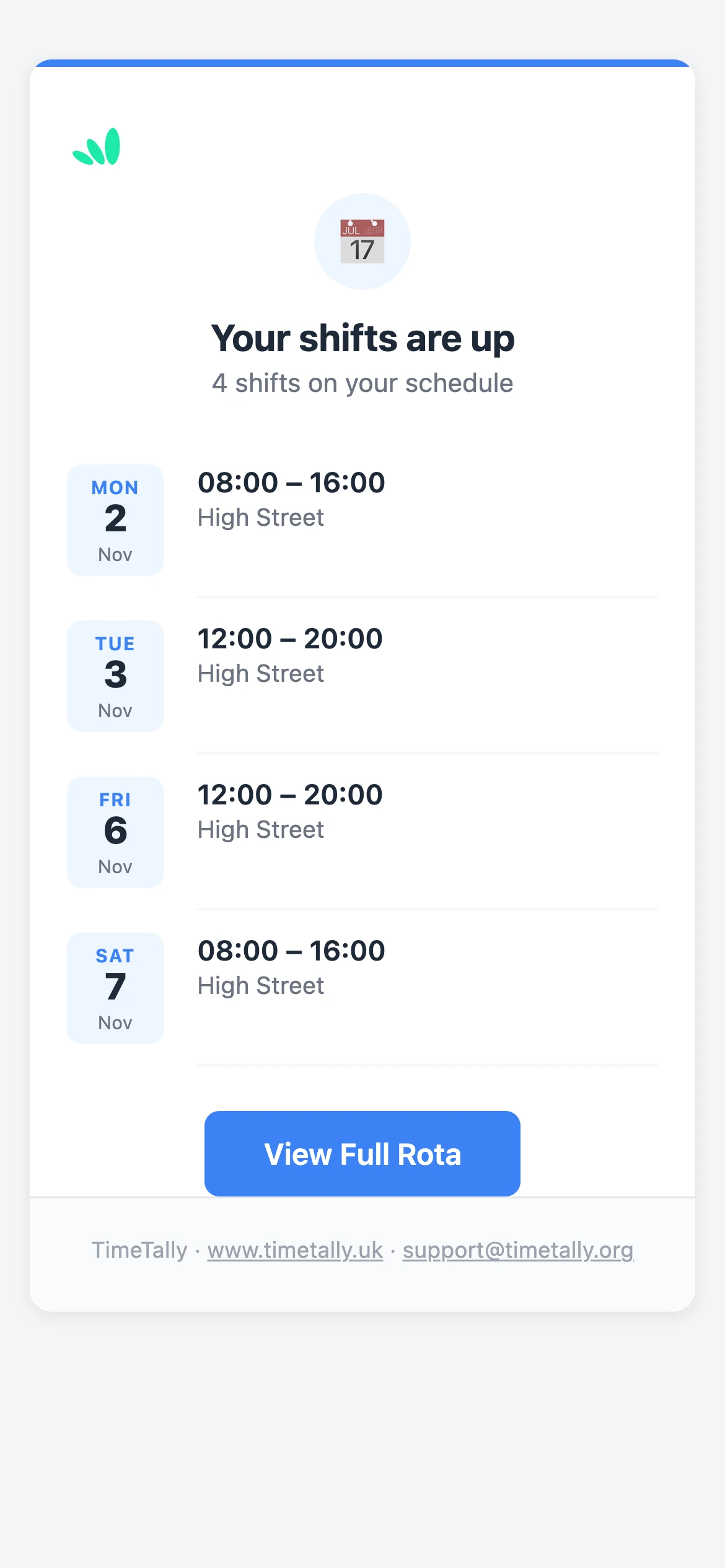
The email as staff get it, from another team's week.
Real reviews from TimeTally customers
TimeTally has been excellent for our business… The system has saved us a significant amount of administration time.
 Jordan IngoeCLI Manchester
Setup was dead simple and the team just got on with it. Got everyone up and running in an afternoon with no help needed. Does everything we need for timesheets and holidays without the faff.
Has completely changed how I handle timesheets. Used to dread it every week — now it takes me minutes. Really easy to get around and my staff picked it up straight away.
Started using it just for rotas but quickly realised it does loads more. The timesheets and leave management are great, and it even handles TOIL and overtime which I wasn't expecting. Use it for everything now.
It plans your staff's shifts and records their hours and holiday. Here's where it stops.
Planning a regular rota rather than events? See the rota planner.
The rota, clock-in, timesheets and holiday together. No setup fee, no contract, billed monthly.
What event managers ask before they move the crew off a spreadsheet and a group chat.
Still have a question? See all FAQs
Event staff scheduling software plans who works at each event, when, and in what role, and gets that to the people working it. In TimeTally your build crew, bar staff, stewards and supervisors go on one week grid; a shift can run past midnight; each event can be a project with its own site and GPS area; and staff see their shifts, and where they are, on their phones. It's £3 per employee a month.
Yes, when you name the event's project on the shift. In the staff app the shift shows the project and the site written on it. If you use GPS clock-in, the project's map area also decides whether they can clock in: outside it, TimeTally either blocks them or lets them through and flags it, as you choose for that site.
Yes. A bar shift from 16:00 to 00:30 is one shift on the day it starts, with its hours counted in full. The rota's Checks report then lists anyone back on before 11 hours' rest, such as a supervisor who closes at half past midnight and is back at ten.
Yes. You put them on the shifts they're working; there's no contract to set up first. Their holiday can build up from the hours on each approved timesheet, at 12.07% by default, rounded to whole hours. Everyone on the account is billed at £3 a month, so archive the people you won't call this month and restore them when you need them.
Yes, when you post them. Add a shift nobody has to the Open shifts row at the top of the rota: staff on that schedule say whether they can do it, and you pick who gets it. It isn't first come, and nobody is emailed about it. Staff answer in the web app now, and in the iPhone and Android apps from their next update. There is no availability calendar. Staff can also ask a colleague to swap a shift they already have; the colleague accepts, then you approve it.
No. TimeTally is for your own staff's shifts, hours and holiday. It doesn't sell tickets, issue passes or accreditation, or manage volunteers' sign-ups.
£3 per employee a month, with no setup fee and no contract. A core team of 8 is £24 a month. If 30 people are on your account in a busy month, that month is £90; archive the casuals you won't use and you stop paying for them. GPS clock-in is £1 per employee a month extra and free during the trial.
Try TimeTally free for 14 days. Add your core team and casuals, make the event a project with its site, and publish the week to their phones. It's the same rota planner hundreds of UK businesses use, at £3 per employee a month.
14-day free trial · No credit card needed · Cancel anytime