Stop chasing paper timesheets. TimeTally automates the entire process — from clock-in/clock-out to timesheet generation, automatic reminders, and one-click approvals. Your team's hours flow straight into payroll without the admin headache.
“Setup took 10 minutes. We haven't manually chased a timesheet since.”
Rachel P., business owner
Tap any card for the detail.
14-day free trial · No credit card needed
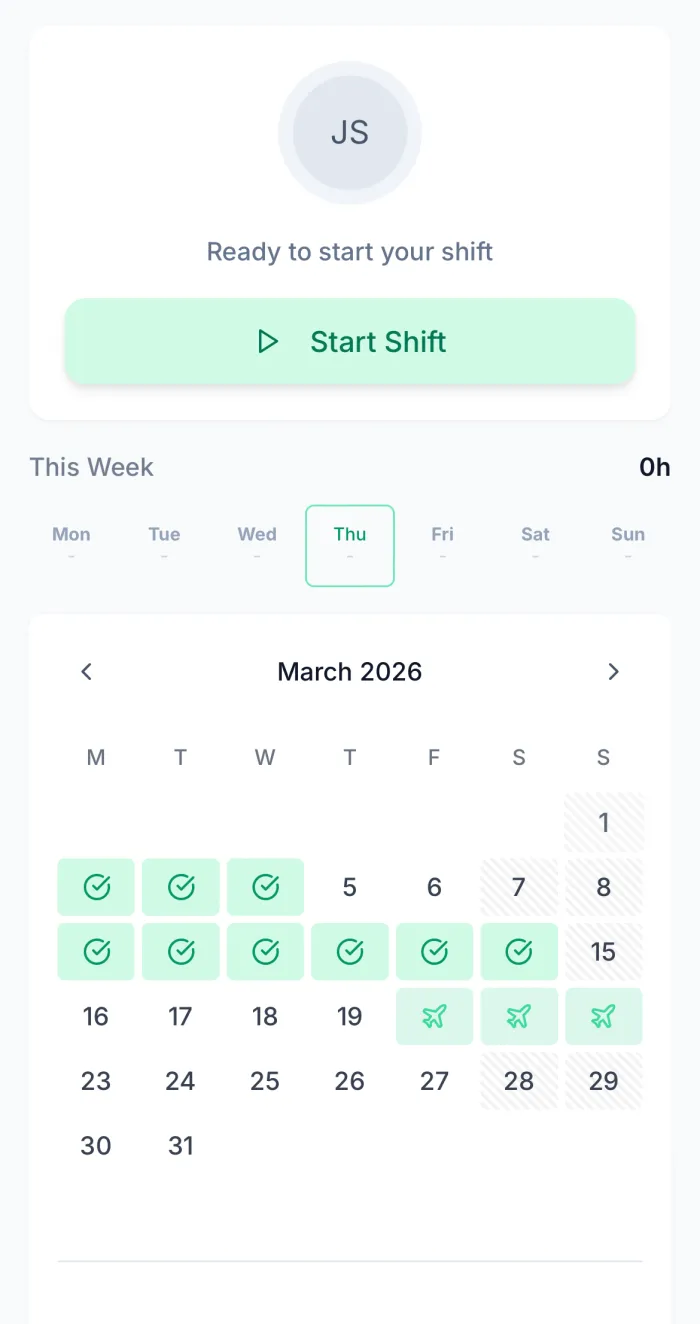
Employees tap "Start Shift" on their phone and TimeTally handles the rest. Hours are logged automatically, breaks are tracked, and at the end of the week a complete timesheet is ready for review. No manual data entry, no forgotten hours, no disputes. Fully compliant with the Working Time Regulations.
One-Tap Clock In
Employees start and end shifts from their phone. Hours are captured to the minute with no rounding errors.
Automatic Break Tracking
Break times are logged separately so you always know net working hours vs total time on site.
Weekly Timesheet Generation
Clock-in data automatically populates weekly timesheets. Employees just review and submit.
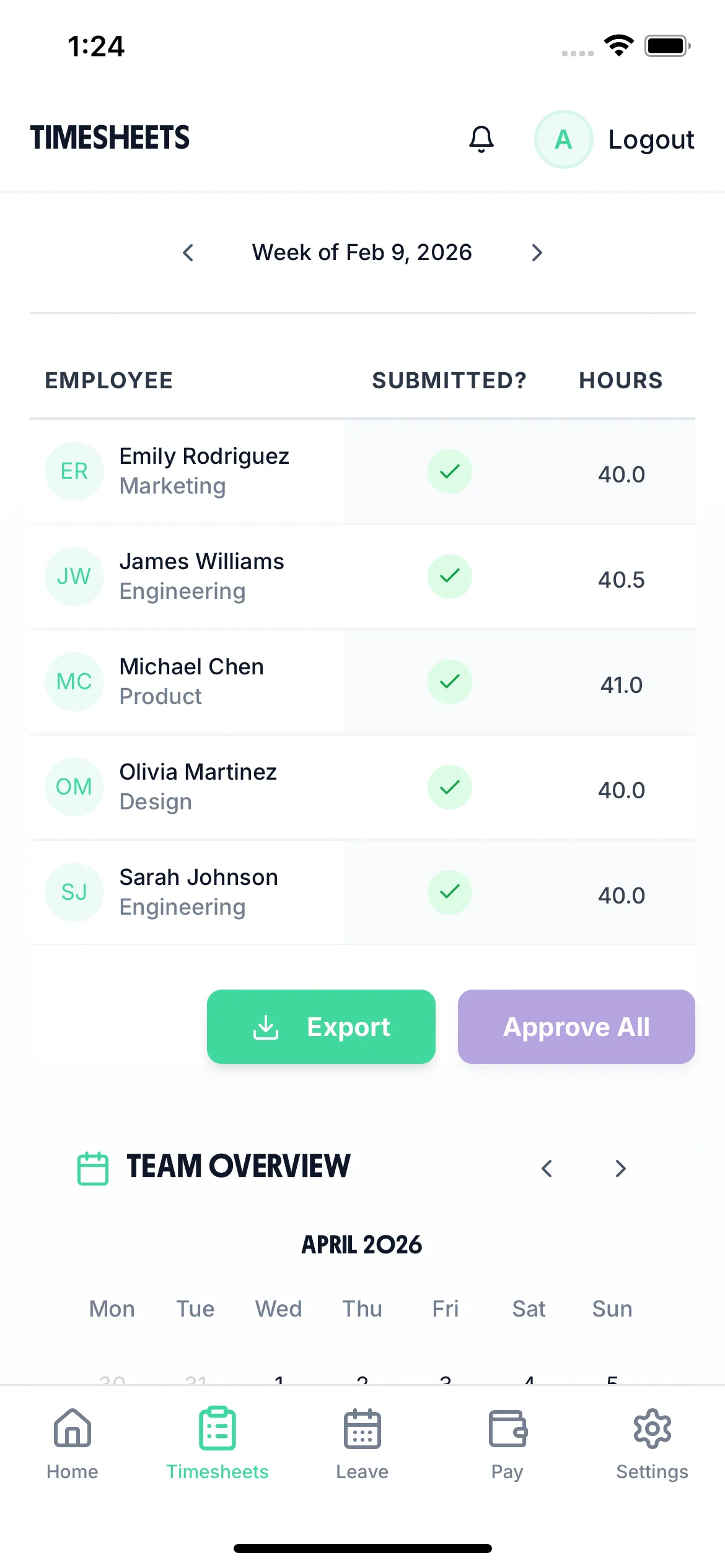
Whether your team clocks in or fills out weekly forms, TimeTally captures every hour automatically. Support for overtime calculations, break tracking, and multiple pay rates — all in one place.
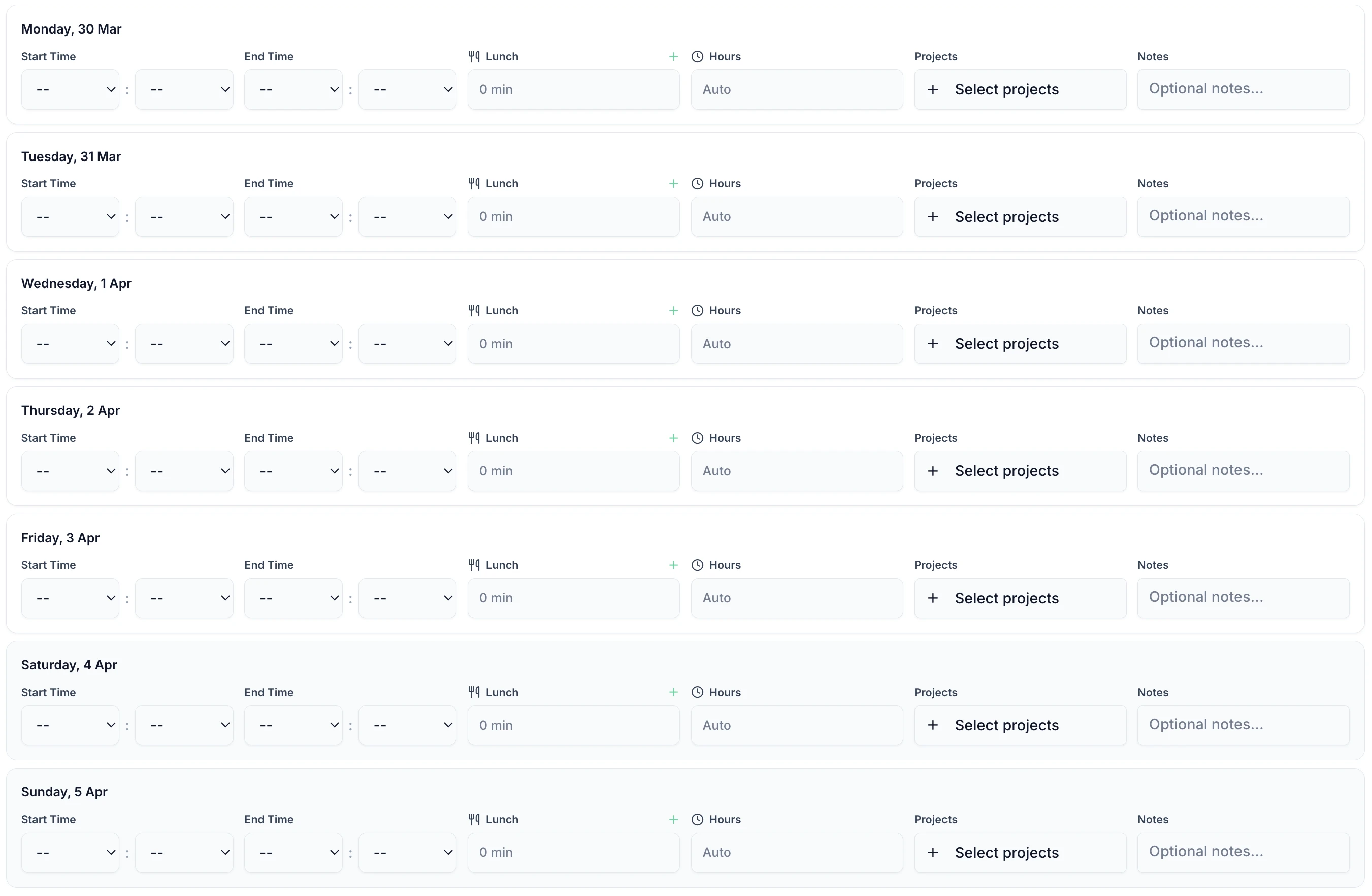
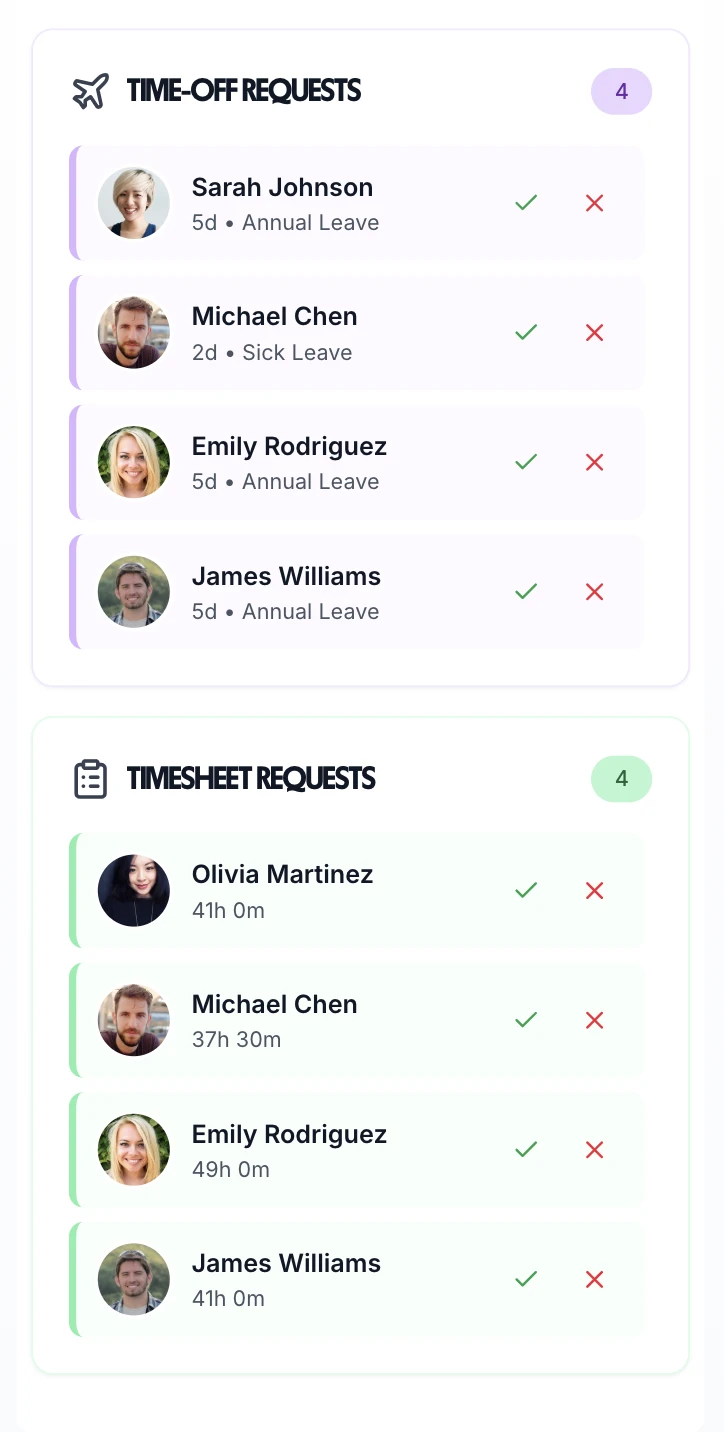
Never chase a late timesheet again. TimeTally automatically reminds employees to submit their hours and notifies managers when timesheets are ready for approval. The entire approval workflow runs on autopilot — keeping everyone accountable and payroll on schedule.
Smart Reminders
Automatic push notifications remind employees to submit timesheets before the deadline. No more chasing.
Instant Manager Alerts
Managers get notified the moment a timesheet is submitted. Review and approve from anywhere.
Audit-Ready Records
Every submission and approval is timestamped and stored. Essential for HMRC compliance and UK employment law.
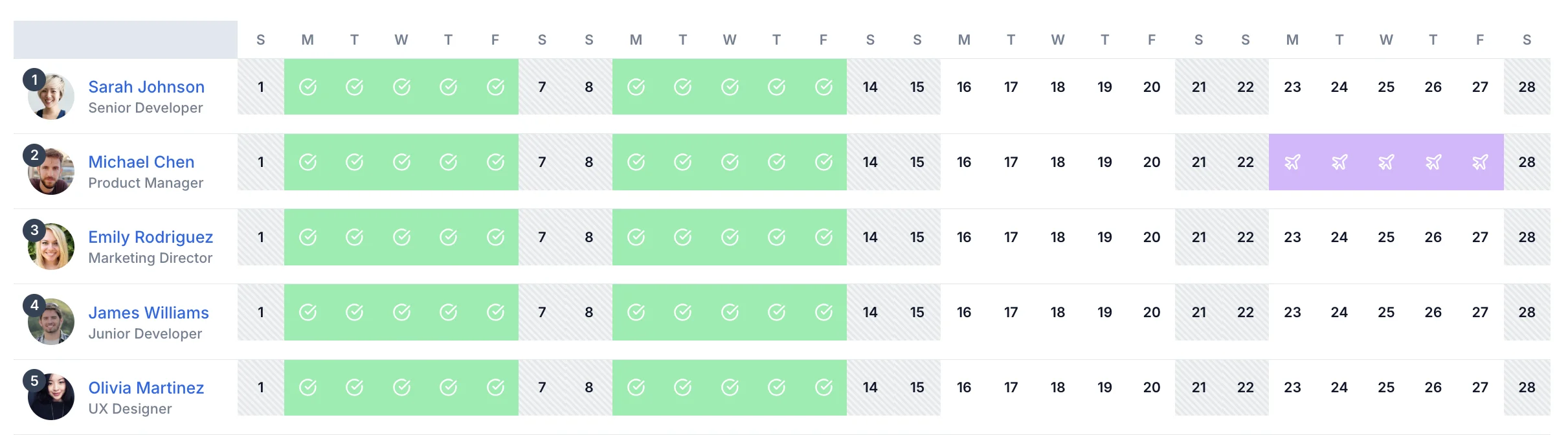
The team calendar shows who's submitted their timesheet, who's on leave, and who needs a nudge — all on one screen. No more switching between spreadsheets and email threads to work out who's done what.
Team Status
See at a glance who has submitted, who's pending, and who needs a reminder — across your whole team.
Leave & Timesheets Together
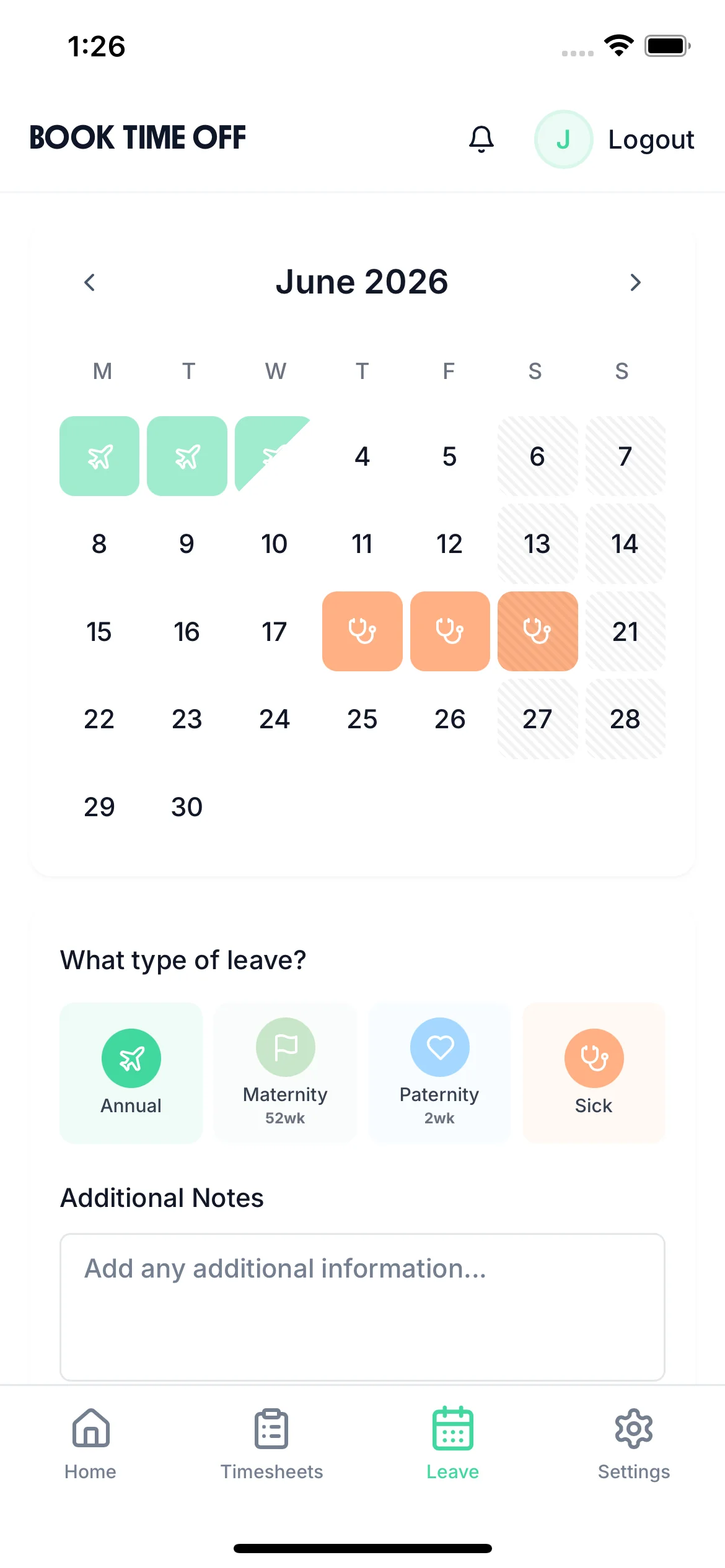
Holiday, sick leave, and timesheets all visible on one calendar. No more cross-referencing systems.
Payroll-Ready Data
Export approved timesheets directly to Xero, QuickBooks, or CSV with one click.
Manual timesheets waste an average of 4+ hours per week on admin. Automatic timesheets eliminate data entry errors, prevent time theft, and ensure every hour is accurately recorded. Whether you manage a small business or a growing team, automation frees you to focus on running your business.
Save 4+ Hours/Week
No more manual data entry, chasing employees, or fixing spreadsheet errors.
100% Accurate
Clock-in times are captured to the minute. No guesswork, no rounding disputes.
Works on Any Phone
No special hardware needed. Works on iPhone and Android — your team already has everything they need.
Set Up in Minutes
Add your team and start tracking today. No training required, no IT department needed.
Three simple steps to eliminate timesheet admin forever.
Your team uses the mobile clock-in button to start shifts, or fills out a weekly timesheet form. Both options work — you choose what suits your team. Hours, breaks, and overtime are all captured automatically.
TimeTally sends push notifications when it's time to submit. Managers see who's submitted and who hasn't — no need to send awkward follow-up messages. Learn more about stopping late timesheets.
Managers approve timesheets with one click and export directly to Xero, QuickBooks, or CSV. The whole process from clock-in to payroll runs automatically.
Guides to help you get the most from automated time tracking.
Everything UK employers need to know about recording working hours and staying compliant.
Read guideUK overtime rules, rates, and how automated timesheets make calculation effortless.
Read guideHow automatic reminders and smart workflows eliminate the problem of late timesheet submissions.
Read guideWhether your team works fixed hours, rotating shifts, or irregular schedules, TimeTally automates the parts that slow payroll down.
Variable-hours workers don't have a predictable weekly schedule — so their timesheets can't be pre-populated from a fixed pattern. TimeTally automatically builds their timesheet from each clock-in and clock-out, calculates the week's total, and sends it for approval without any manual assembly.
For shift workers, the rota IS the timesheet template. TimeTally pre-populates each week's timesheet from the published rota, then uses actual clock-in times to confirm hours. Variance between scheduled and actual hours is flagged automatically for manager review.
Flexitime and compressed-hours workers track against contracted totals, not fixed start/finish times. TimeTally's flexible timesheet mode tracks running weekly and monthly totals, calculates credit and debit time automatically, and flags when an employee is approaching or has exceeded their agreed hours.
Remote workers often forget to submit timesheets because it feels disconnected from their day. TimeTally's automated reminder emails go out to anyone who hasn't submitted by the deadline — and the one-tap mobile submission means there's no excuse not to.
Everything you need to know about automatic timesheets.
