
Rota Planning
Rota PlannerSchedule shifts and manage your teamTime & Attendance
Time TrackingTimesheets, clocking in, and moreView all features One plan · £3 per employee per month
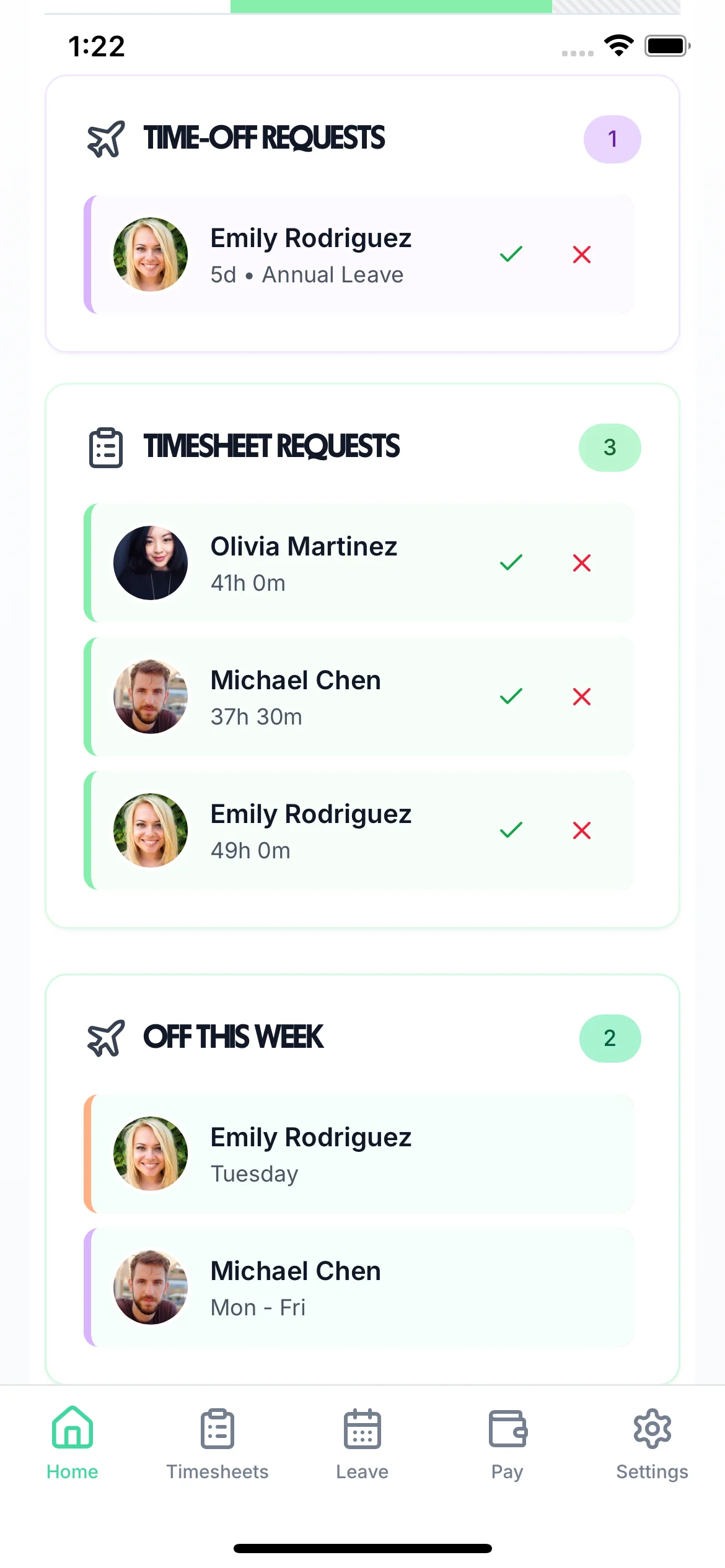
Track per-unit work for your team. Set a rate per delivery, job, or unit — TimeTally calculates pay automatically and exports to payroll. Works alongside hourly staff in the same system.
UK piece-rate rules require total pay ÷ hours to meet the National Minimum Wage. TimeTally tracks both, so you stay compliant. Pairs with zero-hours contract management and a full timesheet app.
Everything you need to manage piece-rate workers alongside your permanent and hourly staff.
Set a rate per delivery, job, or completion on each project. Employees log how many units they completed — pay follows automatically.
Employees record how many units they completed per timesheet entry — via the iPhone or Android app, or web. No paper forms, no chasing.
Quantity × rate computed for every approved record. No manual sums, no spreadsheets — just accurate pay totals ready for payroll.
Total pay is tracked against hours worked to ensure the effective hourly rate meets the National Minimum Wage for piece workers.
Hourly and piece-rate staff managed in the same account. Each project has its own pay mode — no need for separate systems.
Export approved piece-work pay directly to Xero, QuickBooks, or CSV. Gross wages flow straight into your payroll run.
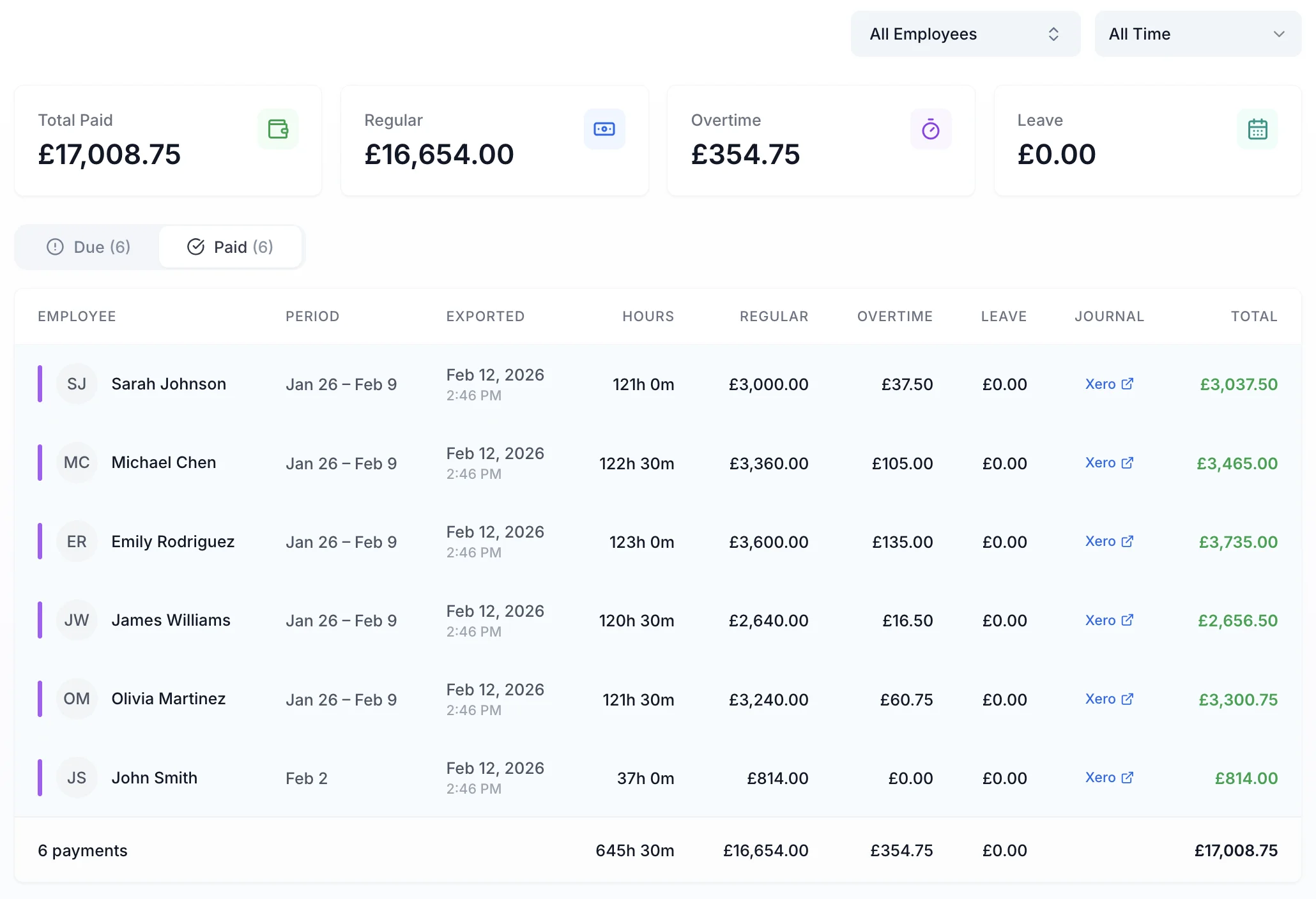
Once a manager approves a piece-work record, pay is calculated automatically. See total pay, effective hourly rate, and NMW status for every employee — all on the pay page. Export to Xero or QuickBooks in one click.
Pay calculated from approved records — no manual sums
Effective hourly rate shown alongside total pay for compliance
Piece-work pay exported as gross wages — Xero, QuickBooks, or CSV
Piece rate is one of several pay modes in TimeTally. Mix and match across your team.
Per unit, delivery, or job. Rate set per project — pay calculated automatically from completed units.
Standard and overtime rates. Clock in/out tracked via the iPhone or Android app, or web.
Hourly rate on top of base pay for specific projects — useful for premium or specialist work.
Including average-pay calculations for piece-rate and variable-hours workers under UK law.
Time off in lieu for extra hours worked — accrued, requested, and approved in the same system.
All pay types exported together — straight to Xero, QuickBooks, or CSV.
One price for all employee types. Piece-rate, hourly, and zero-hours — all included.
Employees log units completed per project in their timesheet — for example, 40 deliveries or 120 items packed. TimeTally applies the rate per unit set on that project and calculates pay automatically as quantity × rate. The pay total appears on the pay page once the record is approved.
Yes. TimeTally supports hourly staff and piece-rate staff in the same account. Each project can have its own pay mode — standard hourly rate, overtime, or per-unit piece rate. You manage the whole team in one place without needing separate systems.
Yes. Because TimeTally tracks both hours worked and total pay, you can see the effective hourly rate for any piece-rate worker in a given pay period. If total pay divided by total hours falls below the National Minimum Wage (£12.71/hr for workers aged 21+ from April 2026), that is flagged. UK law requires total piece-rate earnings to meet NMW when divided by hours worked.
Approved piece-rate pay is exported as gross wages alongside any hourly pay — in exactly the same format as a standard payroll export. TimeTally integrates directly with Xero and QuickBooks, so piece-work earnings flow straight into your payroll run without manual data entry.
Yes. Each project in TimeTally has its own pay rate. You can have one project at £1.50 per delivery, another at £0.50 per item packed, and a third at £25 per job completed — all running simultaneously for the same or different employees.
Piece-rate workers must receive at least the National Minimum Wage when total pay is divided by total hours worked. For workers aged 21 and over, this is £12.71 per hour from 1 April 2026. Lower rates apply for workers aged 18–20 (£10.85/hr) and for under-18s and apprentices (£8.00/hr). Employers who fail to meet NMW are subject to back pay recovery and fines from HMRC.
Still have a question? See all FAQs