
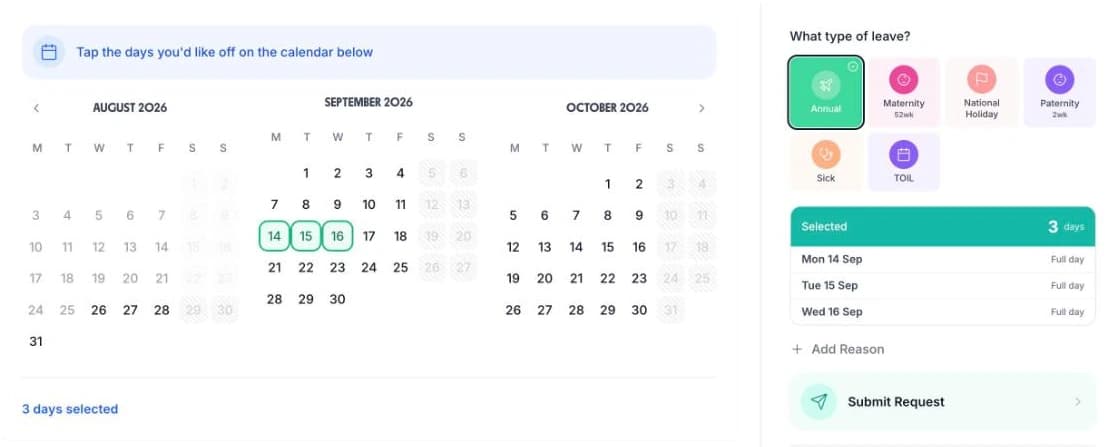
Manage annual leave for facilities management teams across multiple client sites without compromising SLAs. Keep reactive maintenance cover intact, track engineer availability by contract, and give operations managers the full picture. Simple leave management that protects every contract. Works alongside your FM timesheets.
FM operations managers juggle multiple client sites, each with different staffing requirements. TimeTally's dashboard gives you a single view of leave requests, approvals, and team availability across your entire portfolio — so you can make informed decisions without switching between spreadsheets.
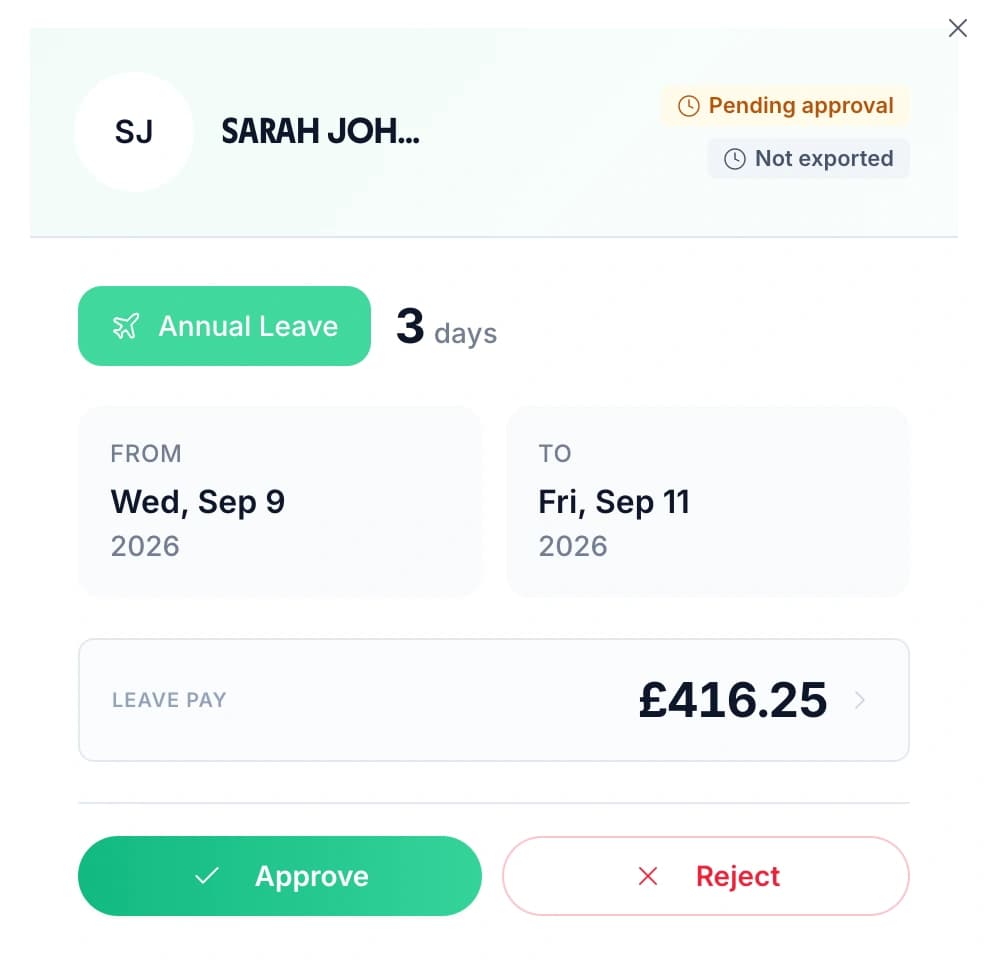
See pending requests, check who is already off at each site, and approve or decline with one click. Whether you manage 3 contracts or 30, everything is in one place.
Organise by site or contract
Group engineers by client site so each contract manager sees their own team's leave
Approve with full context
See the team calendar alongside every request — check coverage before you approve

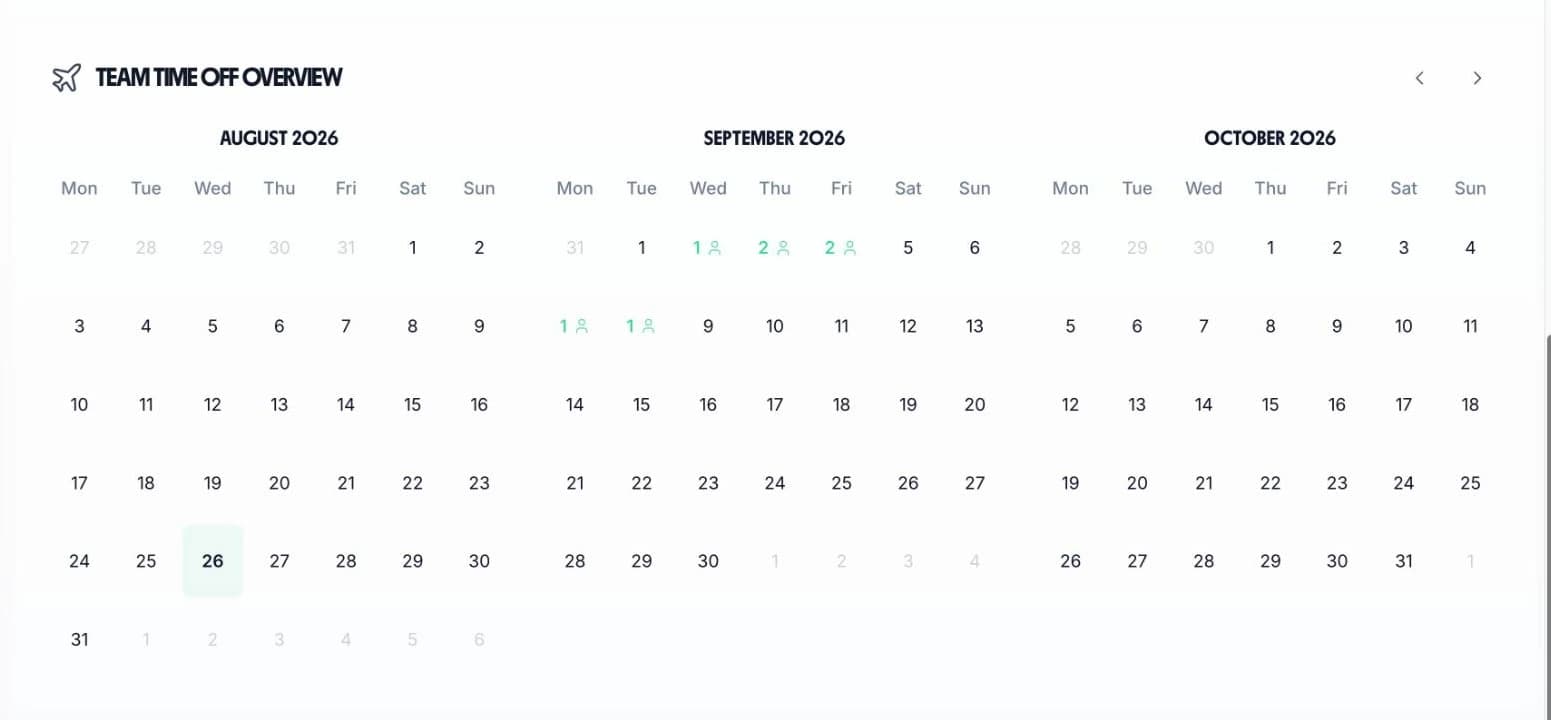
FM managers need fast answers. The “Who's Off This Week” widget shows today's absences at a glance, while the monthly calendar lets you plan reactive and planned maintenance cover weeks ahead.

See who is absent today and this week

Plan cover across the full month
Check engineer availability before approving leave so you never drop below the response capacity your SLAs require.
See thin dates weeks ahead. Arrange cover or adjust subcontractor schedules before a gap becomes a missed SLA.
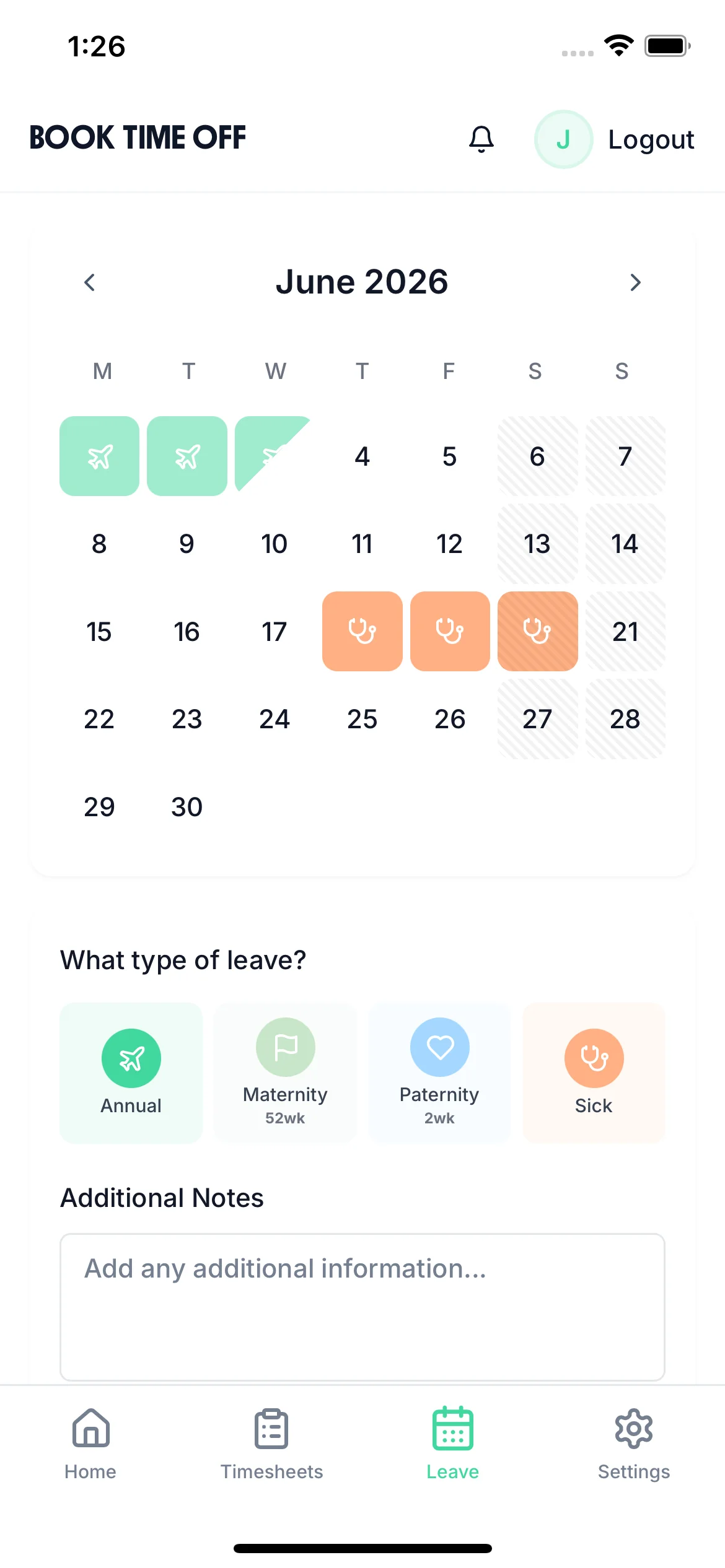
Operations managers can view availability and handle approvals from the iOS app, wherever they are across the portfolio.
If any of these sound familiar, it is time to replace spreadsheets with a proper staff holiday tracker built for multi-site FM operations.
Each client site has its own service level requirements. Managing leave across 20 sites with 20 different expectations is impossible on a spreadsheet.
When engineers take leave, reactive capacity drops. If the right skills are not available, response times suffer and client SLAs are missed.
One site needs an electrical engineer, another needs a plumber. Leave approval needs to account for who has the right skills for each contract.
When direct staff are on leave, subcontractors need briefing and access. Without a clear view of who is off and when, this handover is unreliable.
When a client claims an SLA was missed due to understaffing, there is no clean record of which engineers were on leave and who was covering.
Engineers who split their time across sites or work compressed hours have complex entitlements. Manual pro-rata calculations take time and are often wrong.
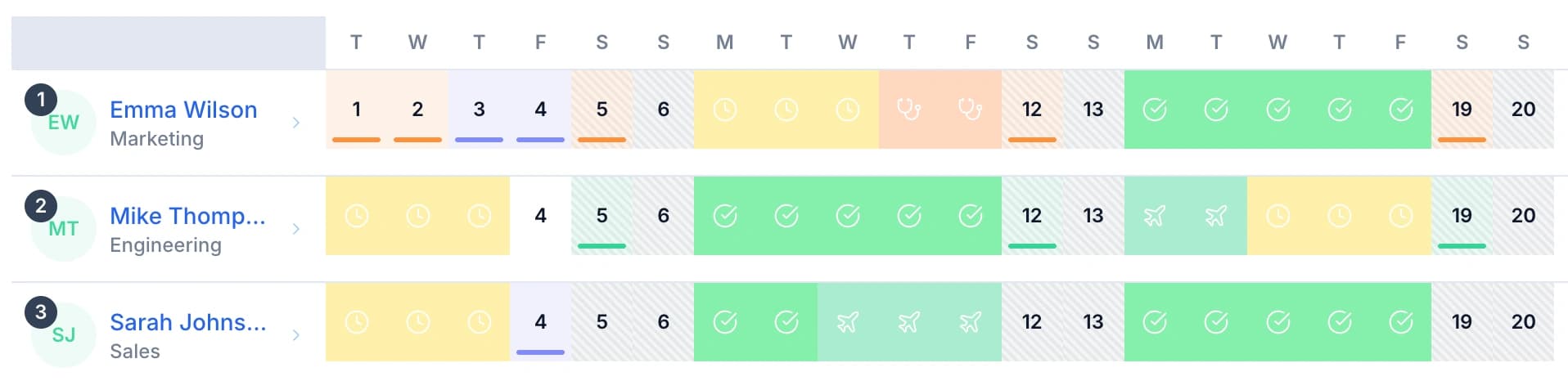
The team calendar gives operations managers a complete view of all leave across every FM contract. Plan reactive maintenance cover, protect SLA response times, and verify that every site has the skills it needs before approving further leave.

Filter by site or contract to check engineer availability at any client location before approving leave
See which engineers are available for reactive and planned maintenance across the whole portfolio
Check the calendar before approving leave to ensure you maintain the response times each client contract requires
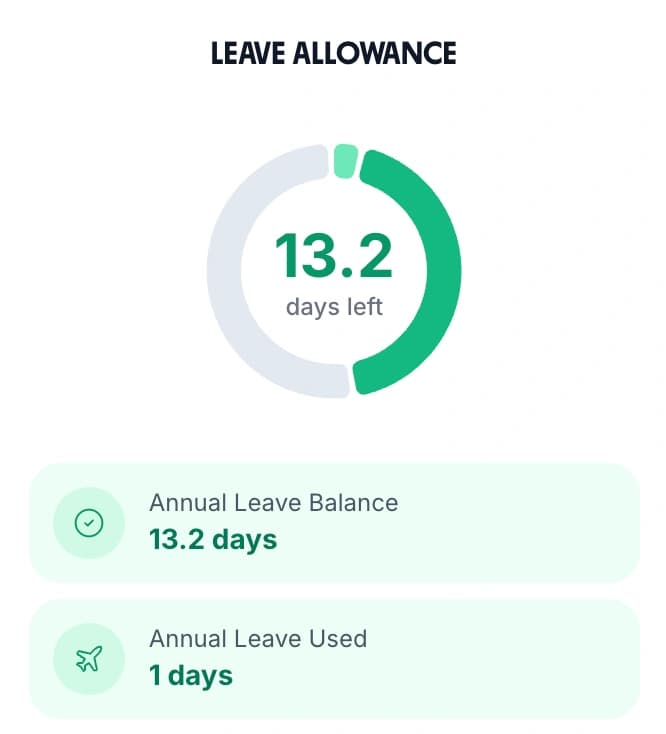
Engineers on different contracts with different hours get their correct pro-rata entitlement calculated automatically
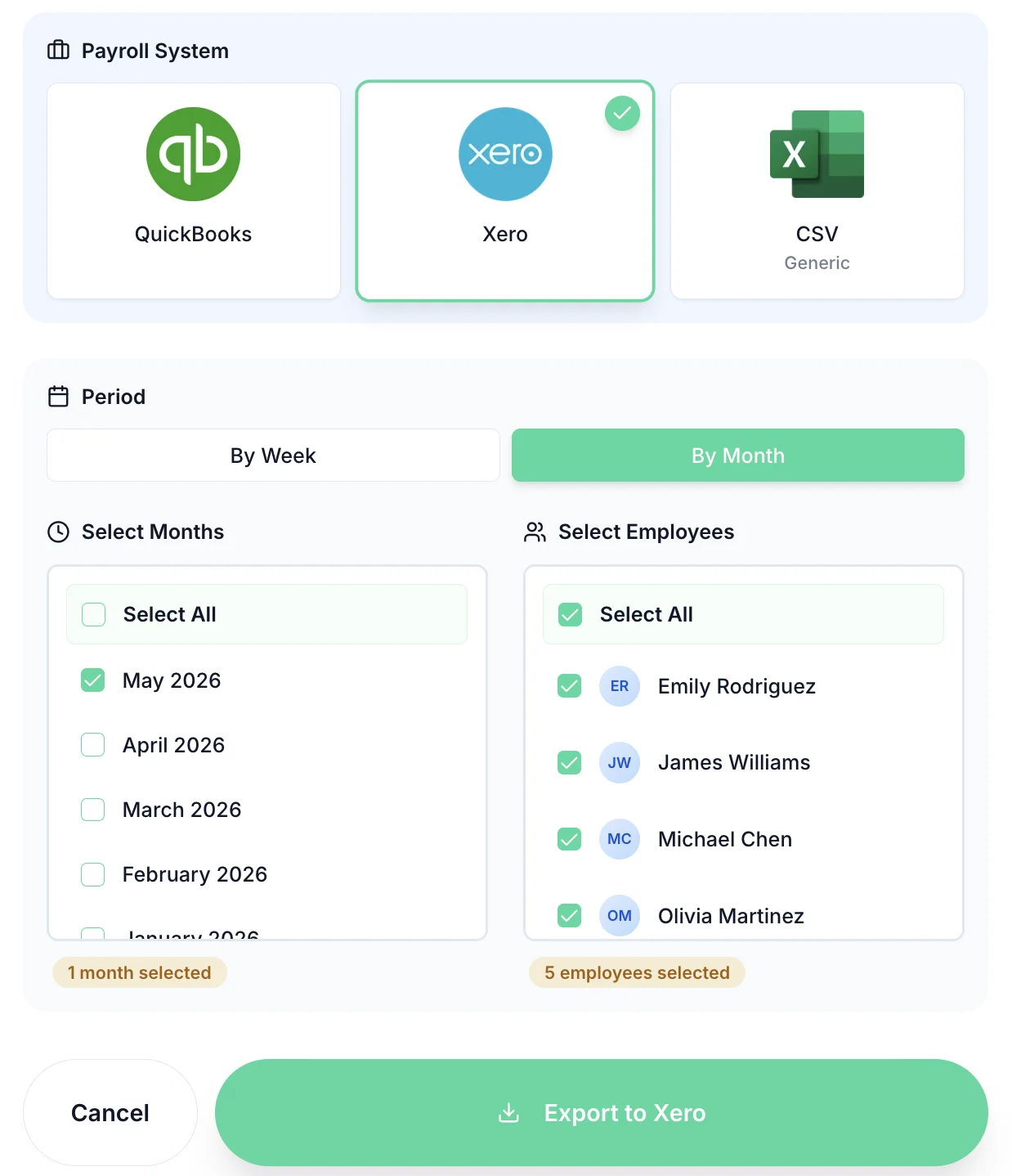
FM businesses run on tight margins. TimeTally makes payroll straightforward by letting you export all leave and timesheet data in one step. Export via CSV or sync directly with Xero or QuickBooks — no more re-keying leave data at month end.
The export includes all absence types: annual leave, sick leave, unpaid leave, and any custom types you have created. Use the same data for client reporting and SLA compliance records.
Timesheets and leave together
Export working hours, overtime, and leave data in one CSV for clean payroll processing
SLA-ready absence records
Pull leave data by site and date range for contract review meetings and client reporting

TimeTally's team calendar gives operations managers a single view of all leave across every contract. You can organise employees by site or contract so managers can check staffing levels at each client location before approving leave. This helps you maintain the service levels each client expects without needing to cross-reference multiple spreadsheets.
TimeTally shows all approved leave across your engineering teams in one place. Before approving a request, managers can see exactly who is already off and what cover is available. For specialist roles — electrical, HVAC, plumbing — you can filter by team to check that the right skills are still available on the days in question.
Yes. Each employee in TimeTally has their own profile with their individual contracted hours and entitlement. Staff dedicated to one client site can have different patterns from those on mobile or shared contracts. TimeTally calculates each person's correct pro-rata entitlement regardless of their working pattern.
TimeTally lets you export all leave and absence data by date range and employee via CSV. This makes it straightforward to produce records showing staffing levels at a client site over a given period — useful when a client challenges whether their SLA was met or for contract review meetings.
TimeTally is designed for employed staff. You can add subcontractors who work regular hours as employees in the system, but TimeTally does not manage subcontractor invoicing or availability rotas. For your directly employed FM workforce, TimeTally handles all leave management end to end.
Yes. TimeTally is used by facilities management businesses of all types — from planned maintenance contractors to total FM providers. At £2 per employee per month with no setup fee, it is affordable whether you have 10 engineers or 200 across multiple disciplines and client sites.