Casual Staff See Their Shifts and Clock In on Their Own Phones
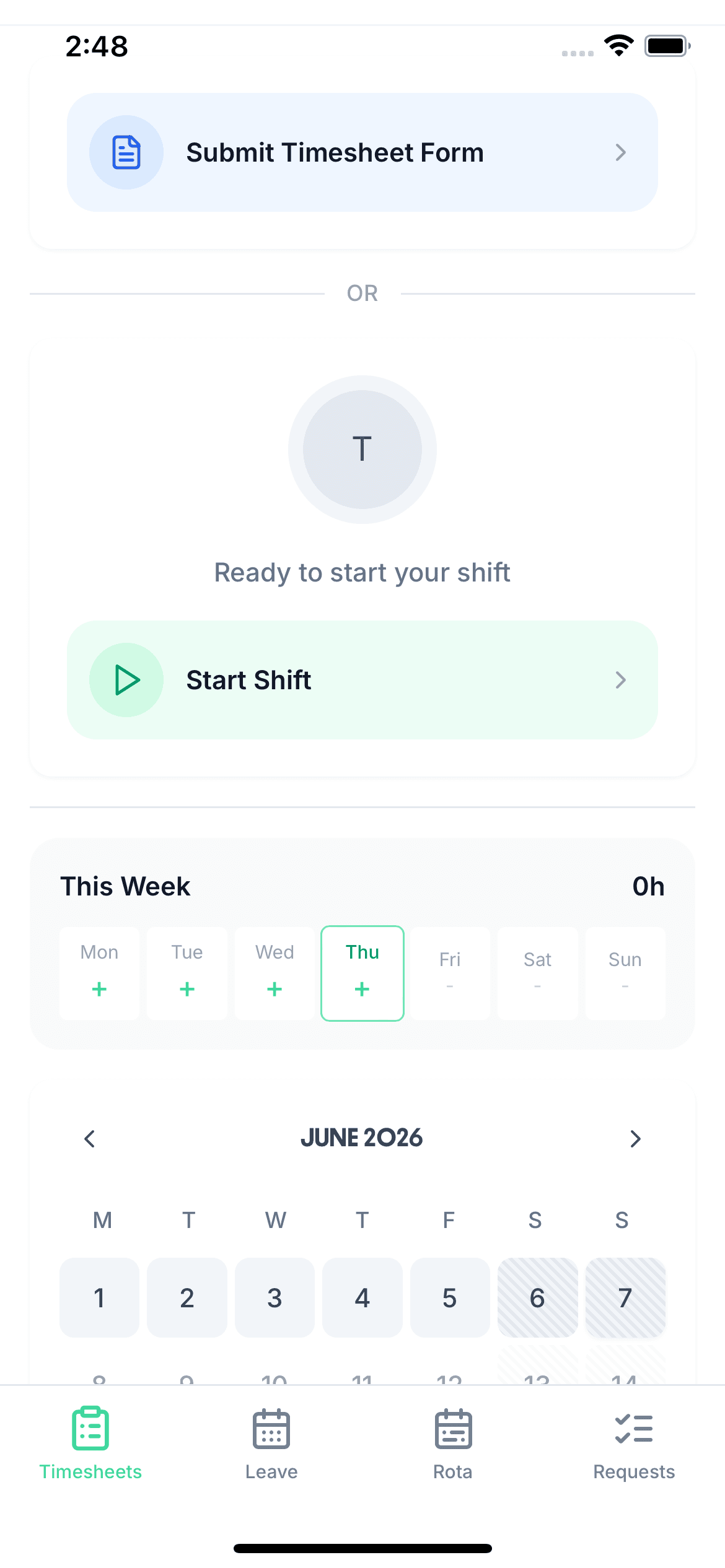
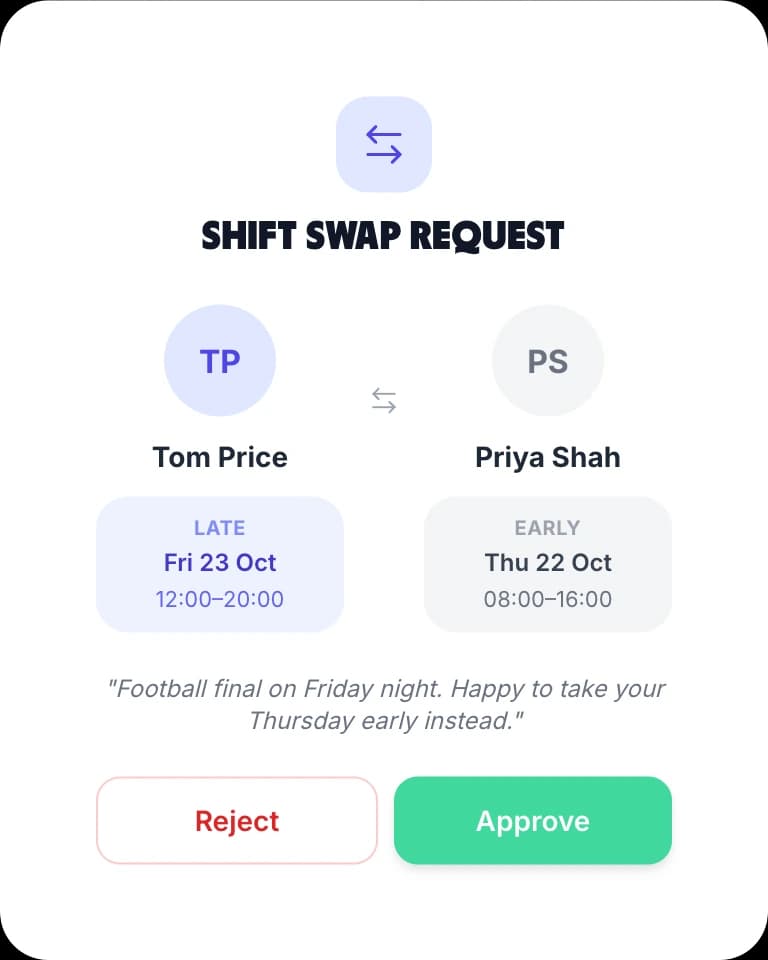
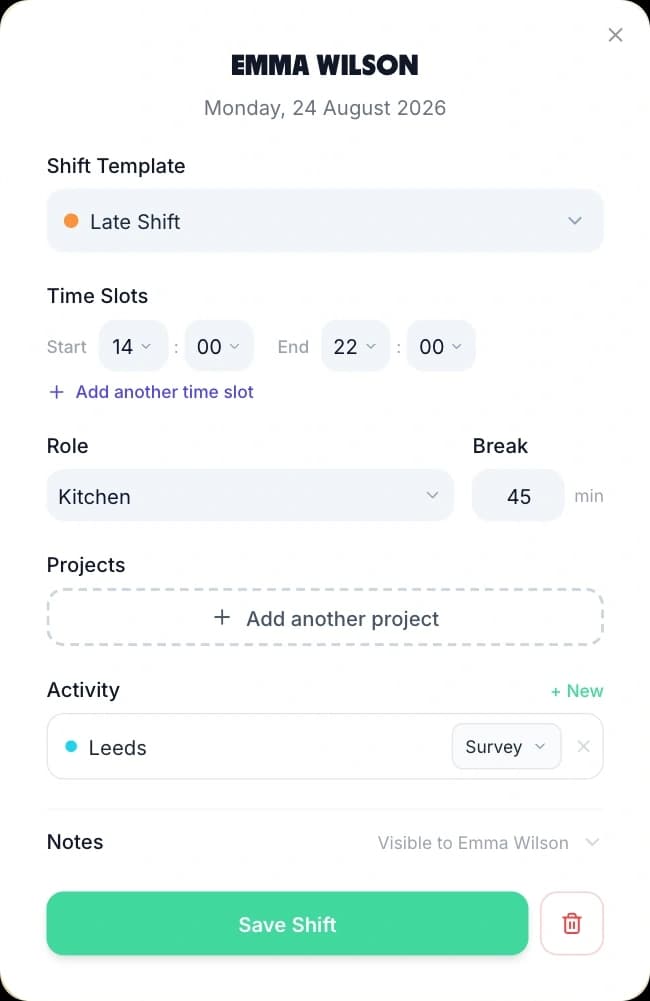
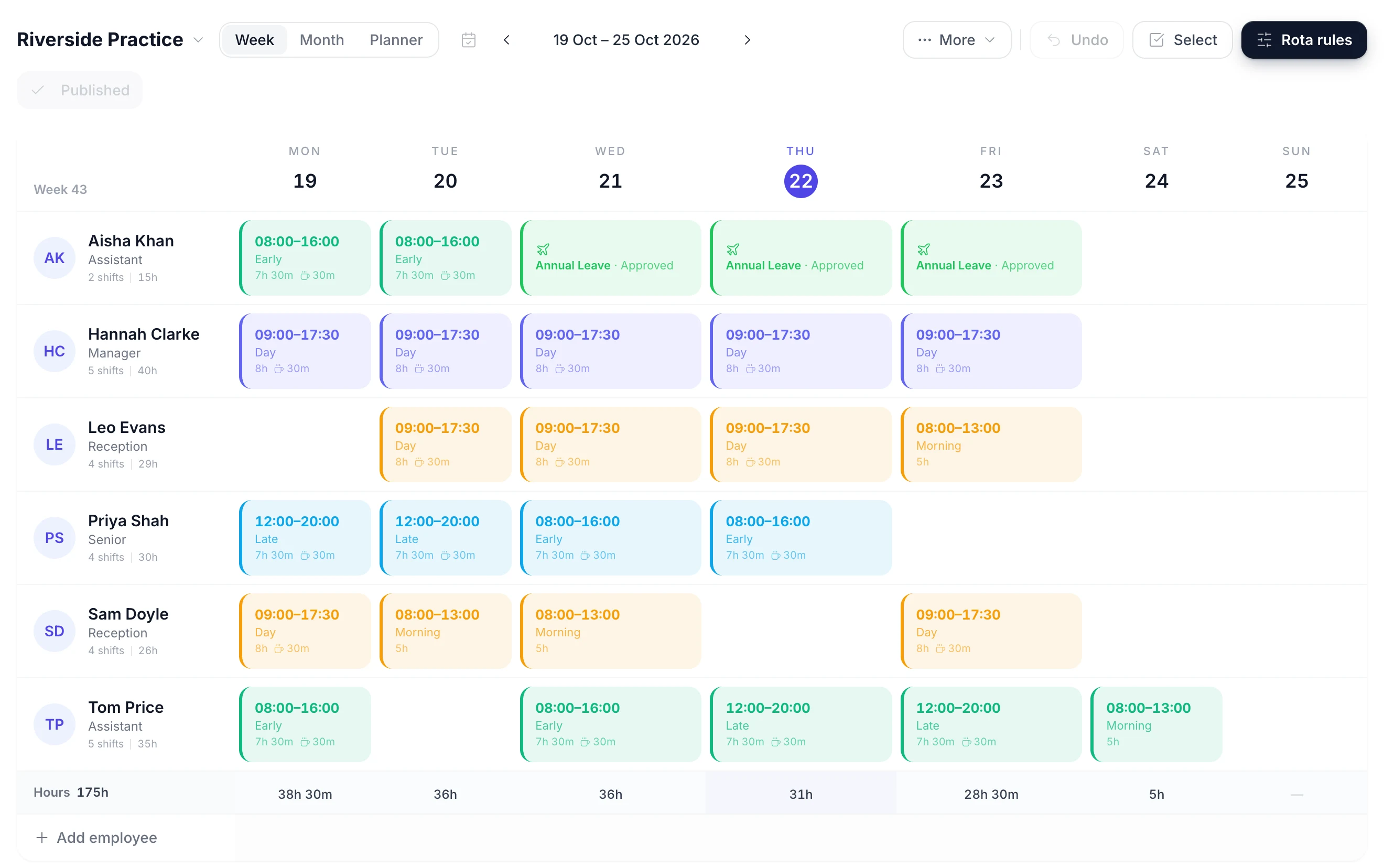
Publish the week and every instructor, lifeguard and receptionist sees their own shifts in the TimeTally app for iPhone or Android, or in a browser. The same app is where they clock in, book holiday and check their hours, so casual staff have one login for all of it.
- Publishing asks whether to email the team. Staff with rota emails on get one, and a week published again emails only the people whose shifts changed. There are no push notifications.
- Staff clock in and out on their own phone with their own login. There is no shared tablet or kiosk mode at reception.
- With the GPS add-on, clock-in can require staff to be within 25 metres to 5 kilometres of the site. Their position is taken only when they clock in.
- A manager approves each timesheet, and approved hours export to Xero, QuickBooks or CSV for payroll.