Employee Scheduling Software That Schedules Itself

Stop spending hours manually assigning shifts. TimeTally fills your schedule based on who's available, what skills are needed, and how much you need to spend — giving you a conflict-free schedule in minutes.
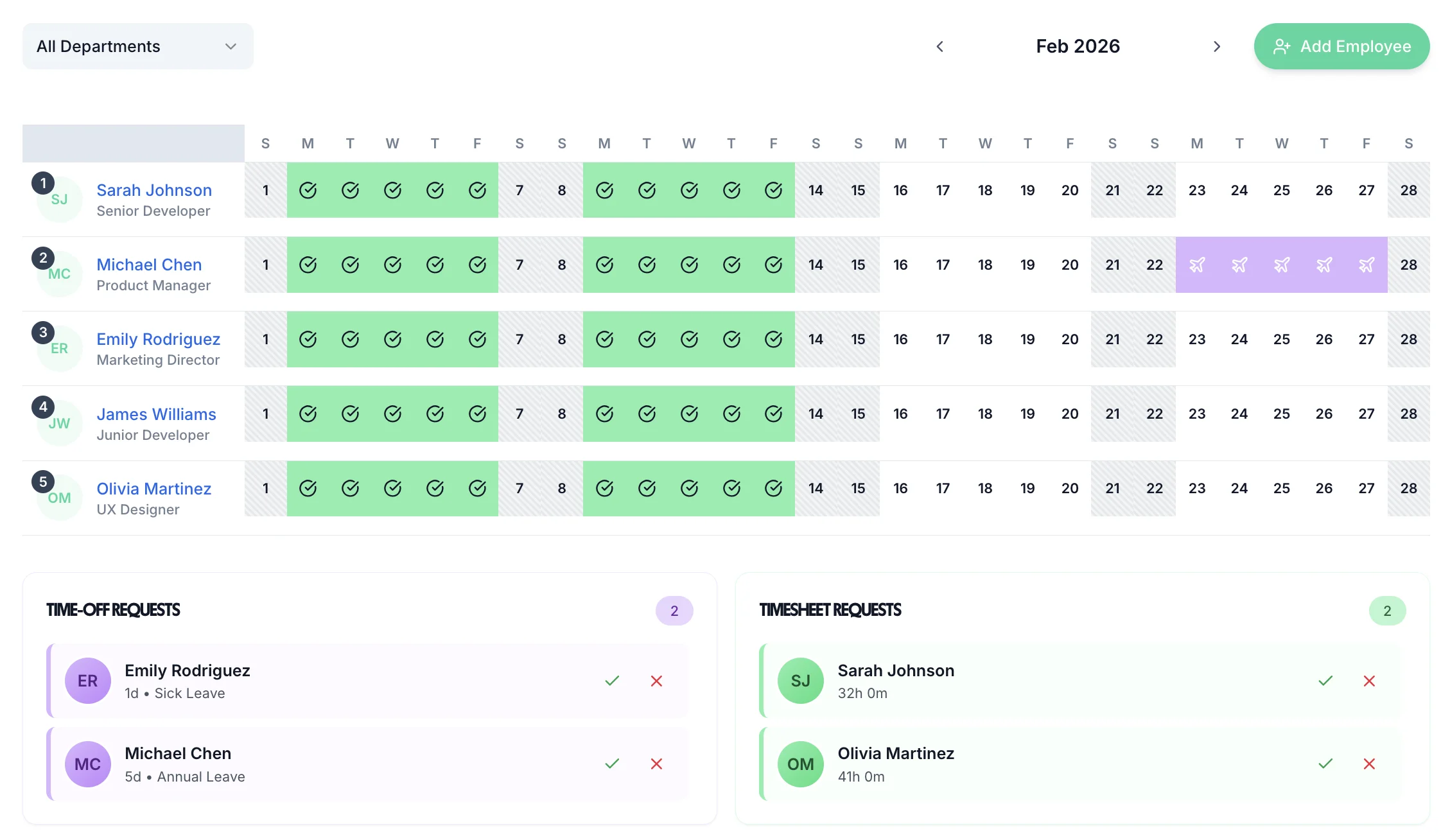
Employee scheduling software dashboard in TimeTally

Schedule around availability, not against it

TimeTally knows who's available before you schedule a single shift. Staff set their availability in the app. You build around confirmed free time — no more last-minute ‘I can't do that day’ messages.
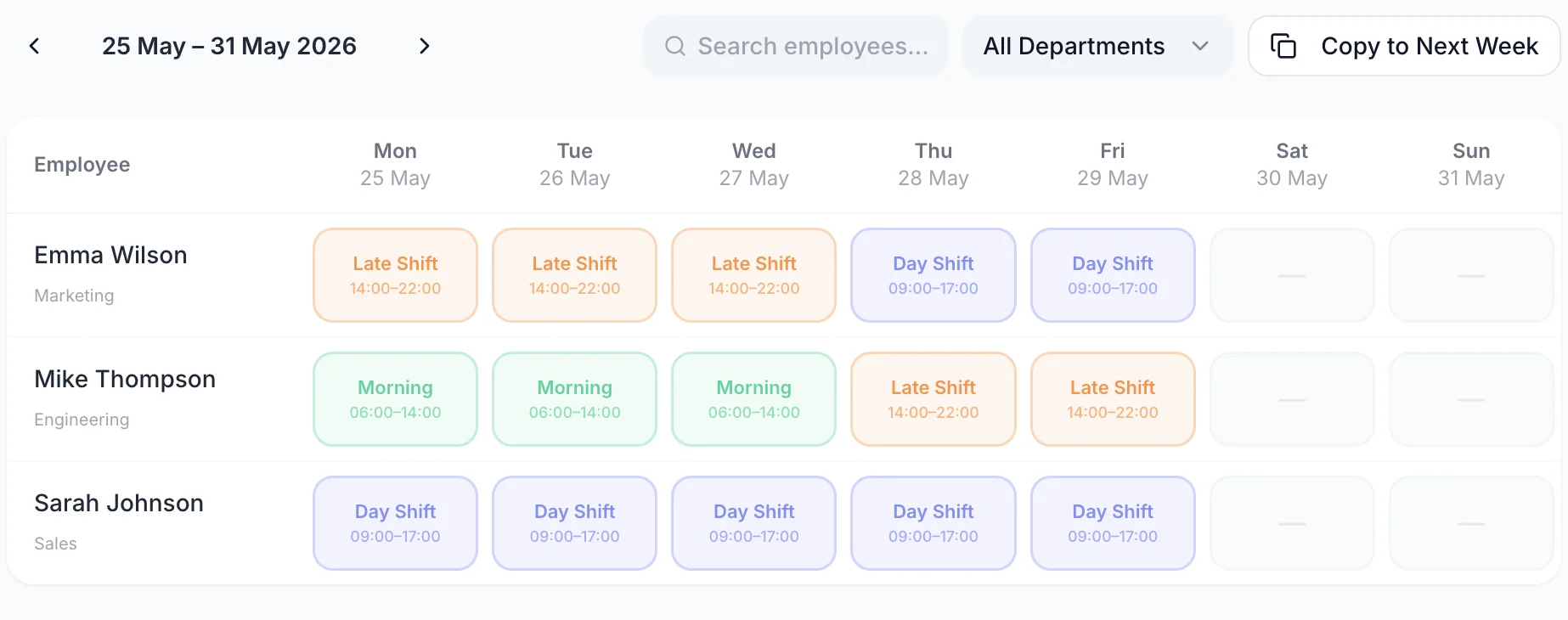
Availability-firstNo conflictsAuto-fill shiftsSkill matching
Employee scheduling software showing availability-based shift assignment

Staff see their schedule the moment you publish

Once you publish, every employee gets a notification with their upcoming shifts. No WhatsApp groups, no printed rotas on the wall.
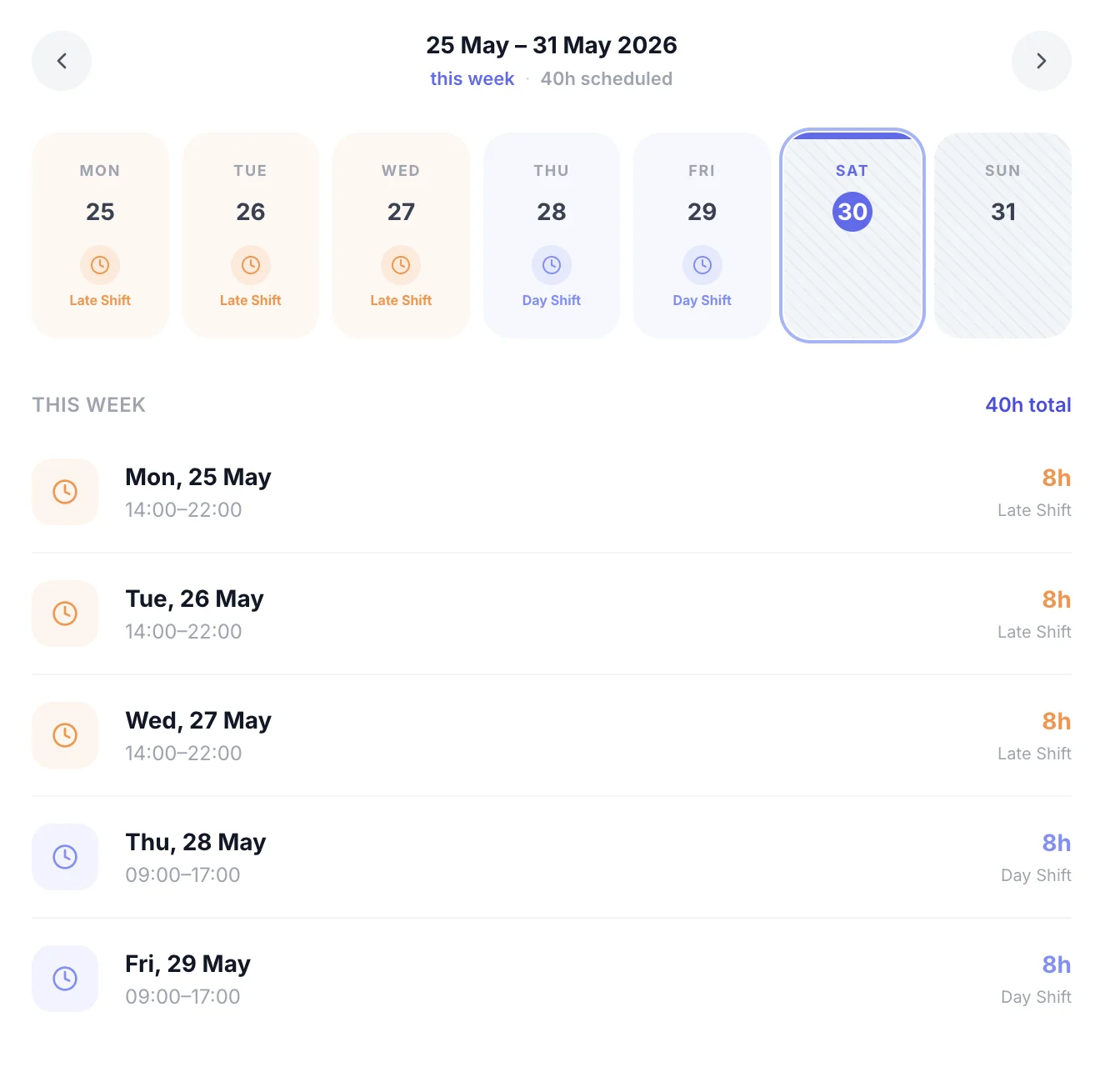
  • Instant push notification on shift publish
  • View shifts weeks ahead on iOS app
  • Shift change alerts sent automatically
  • No paper, no group chats
Employee viewing assigned shifts on mobile app

Leave and availability visible while you schedule

See approved holiday, sick leave, and TOIL all on the same calendar as your schedule. No more accidentally scheduling someone who's already booked off.
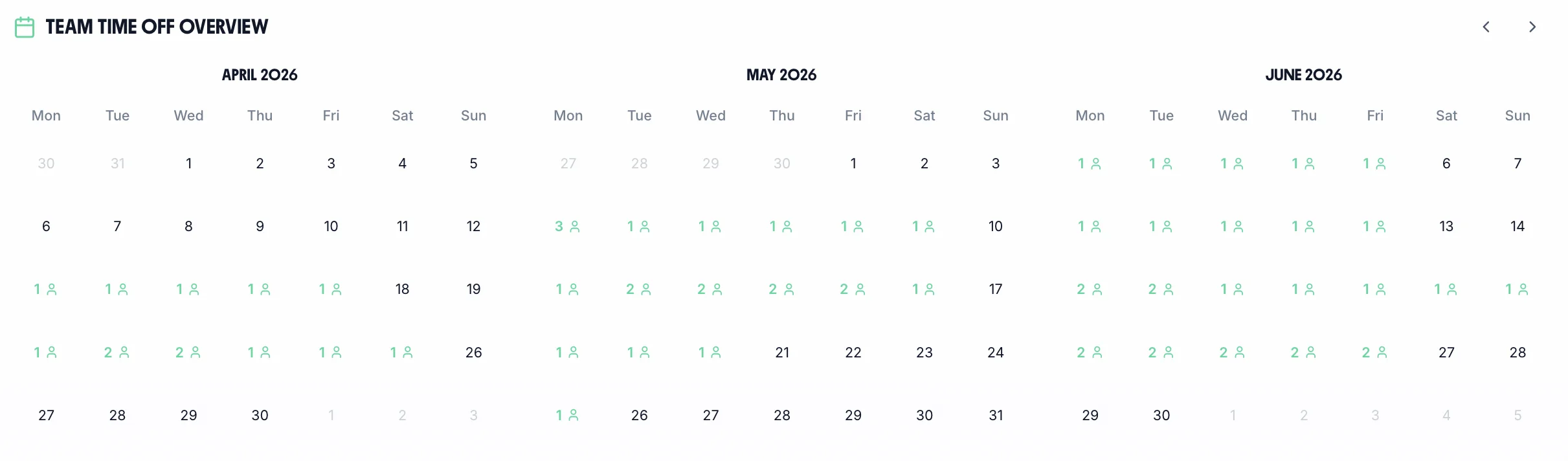
Holiday visibleTOIL shownSick leave flaggedReal-time calendar
Team leave and availability calendar alongside schedule

Scheduling that controls labour costs

Set weekly hour budgets per team. TimeTally flags when a schedule exceeds budget before you publish — giving you cost visibility before it hits the payroll.
  • Set hour budgets per department
  • Overtime warnings before publishing
  • Labour cost calculated per schedule
  • Export to Xero or QuickBooks
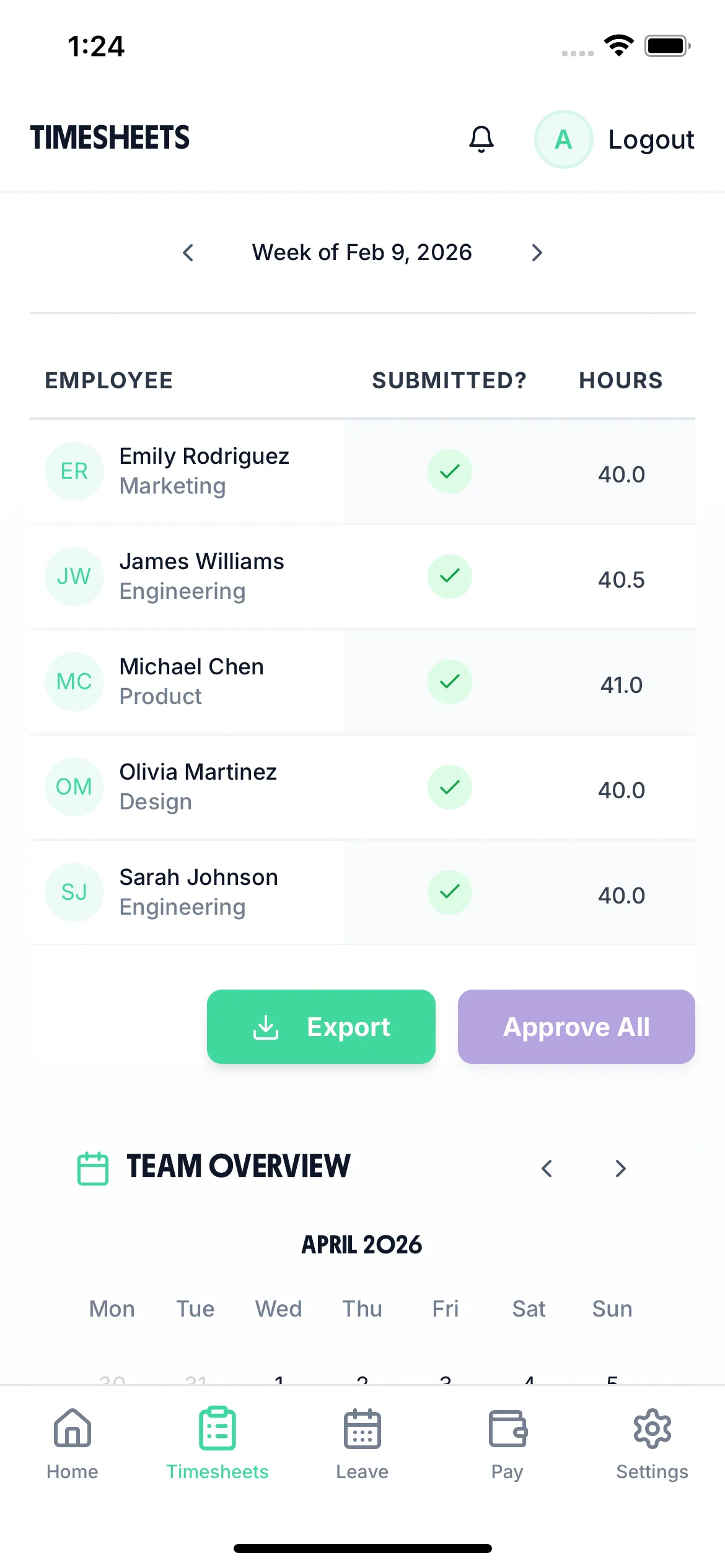
Mobile view showing schedule cost tracking and labour budget

Conflict-free every time

Availability, leave, and skills all checked before a shift is assigned

Minutes not hours

What used to take a Sunday evening now takes minutes

Costs under control

Hour budgets and overtime warnings built in before you publish

What managers say

from UK teams

Before, I'd publish the schedule and immediately get messages saying 'I can't do that'. Now I haven't had a single conflict in three months.

MT

Marcus T.

Retail manager

The fact that leave and the schedule are the same system is so obvious in hindsight. I can't believe we ever ran them separately.

JA

Jess A.

Care home coordinator

Scheduling 15 people used to take me 2 hours. It genuinely takes 20 minutes now.

PG

Paul G.

Logistics supervisor

Sound familiar?

These are the scheduling problems TimeTally is built to eliminate.

Someone calls in sick and you're scrambling to find cover because you don't know who's available

You schedule someone who's on holiday because your rota and your leave system don't talk to each other

You find out you've gone over your staffing budget AFTER payroll runs

Simple, Transparent Pricing

One price. Every feature. No surprises.

£2/employee/month

Billed monthly. Cancel anytime.

Availability-based scheduling and conflict detection
Leave and TOIL visible while scheduling
Labour cost tracking and overtime warnings
Instant staff notifications on publish
Payroll export — CSV, Xero, QuickBooks

Built for shift-based industries

TimeTally works wherever people work shifts — across hospitality, care, retail, and beyond.

Frequently Asked Questions

Common questions about employee scheduling software

What's the difference between scheduling software and rota software?
Rota software focuses on building and publishing a schedule. Employee scheduling software adds automation — it suggests who should work when based on availability, skills, and cost constraints. TimeTally combines both: you can build rotas manually OR let the system guide you based on who's available.
How does TimeTally know who's available?
Staff set their availability in the TimeTally app. You can also see approved leave, bank holidays, and TOIL all in one calendar — so you always know exactly who's free before you assign a shift.
Can scheduling software help reduce labour costs?
Yes. TimeTally shows you the labour cost of a schedule before you publish it, and flags when a team is approaching overtime. This gives you the information you need to schedule efficiently, not just conveniently.
Does it work for businesses with multiple departments or locations?
Yes. You can create separate schedules for each team, department, or location, with different managers having visibility of their own area. Senior managers see everything.
How much does employee scheduling software cost?
TimeTally costs £2 per employee per month, all features included — scheduling, time tracking, leave management, and payroll export. No setup fees.

Scheduling that works itself out.

Availability, leave, and costs all in one system. Conflict-free schedules in minutes.