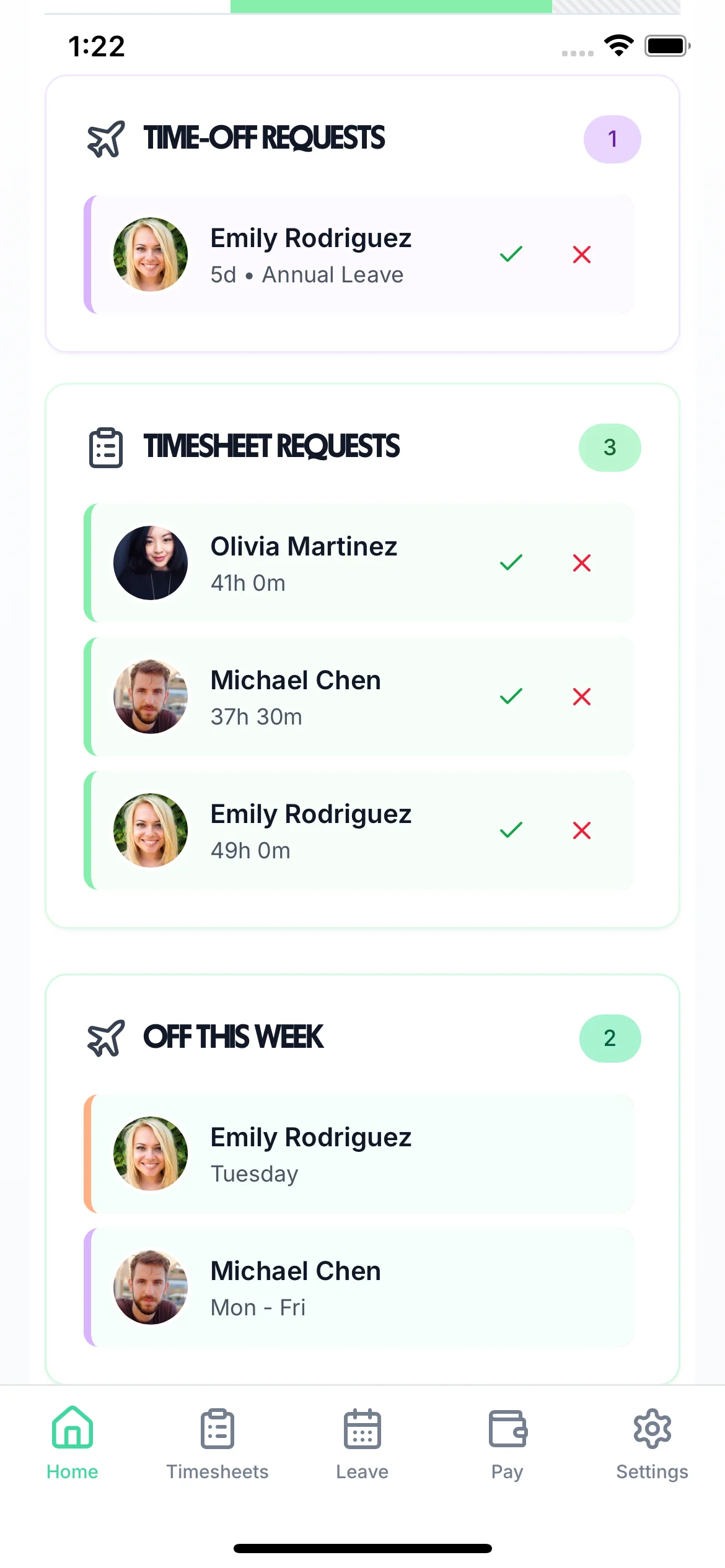
Track every TOIL accrual, booking, and balance automatically. See what every employee has earned and used — in real time, without spreadsheets.
TimeTally keeps TOIL tracking alongside annual leave and time tracking — one accurate record for every employee. Leave management and TOIL are fully integrated so there's no duplication of effort.
Click any feature to learn more.

14-day free trial · No credit card needed
The moment an accrual is approved or a booking is made, the spreadsheet is wrong — unless someone updates it immediately. Most don't.
Without a single source of truth, employees and managers have different records. Disputes take time to resolve and damage trust.
Informal systems have no mechanism to enforce expiry. Expired TOIL hangs around on spreadsheets for months, creating a misleading picture of liability.
Finance and HR have no clear view of how much TOIL is owed across the organisation — until someone leaves and the payout is unexpectedly large.
Without a system enforcing the policy, TOIL is approved inconsistently — some managers are generous, others strict. The result is grievances.
When employees move teams or managers change, the informal history of TOIL accruals goes with them — leaving new managers with no accurate starting point.
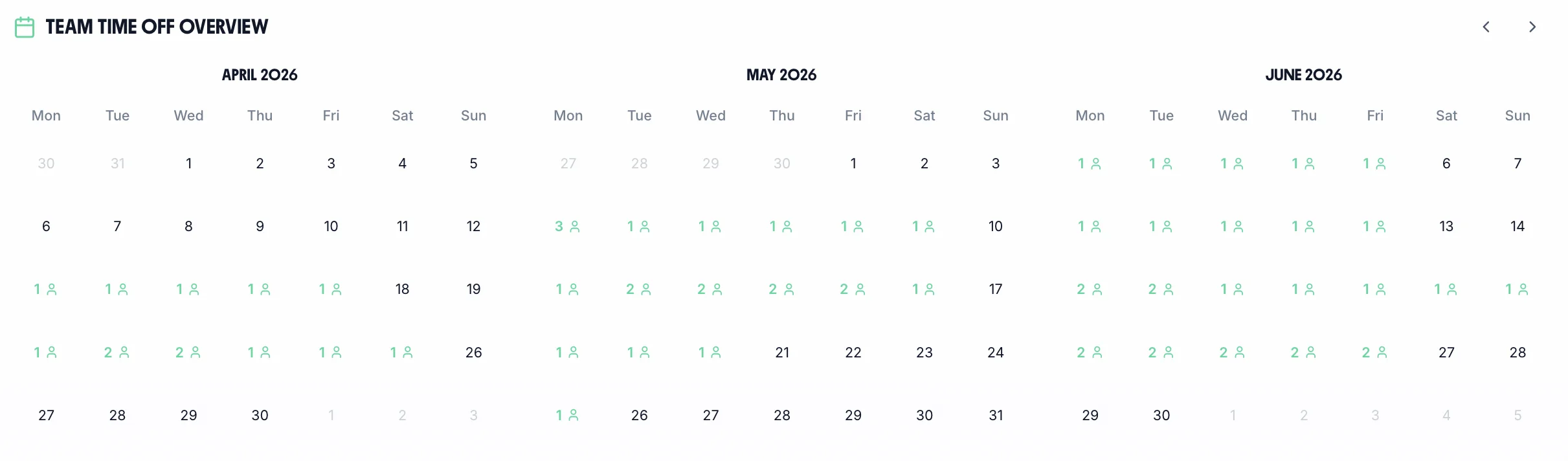
The team calendar shows TOIL bookings alongside annual leave and sick leave. Managers see the full team picture — accruals, bookings, remaining balances — all accurate in real time. TOIL data feeds directly into payroll exports so nothing is missed at month-end.
Every TOIL balance is updated immediately when accruals are approved or bookings made
See all TOIL balances, pending requests, and upcoming bookings across the whole team
Export TOIL data for HR reporting, payroll processing, or compliance records
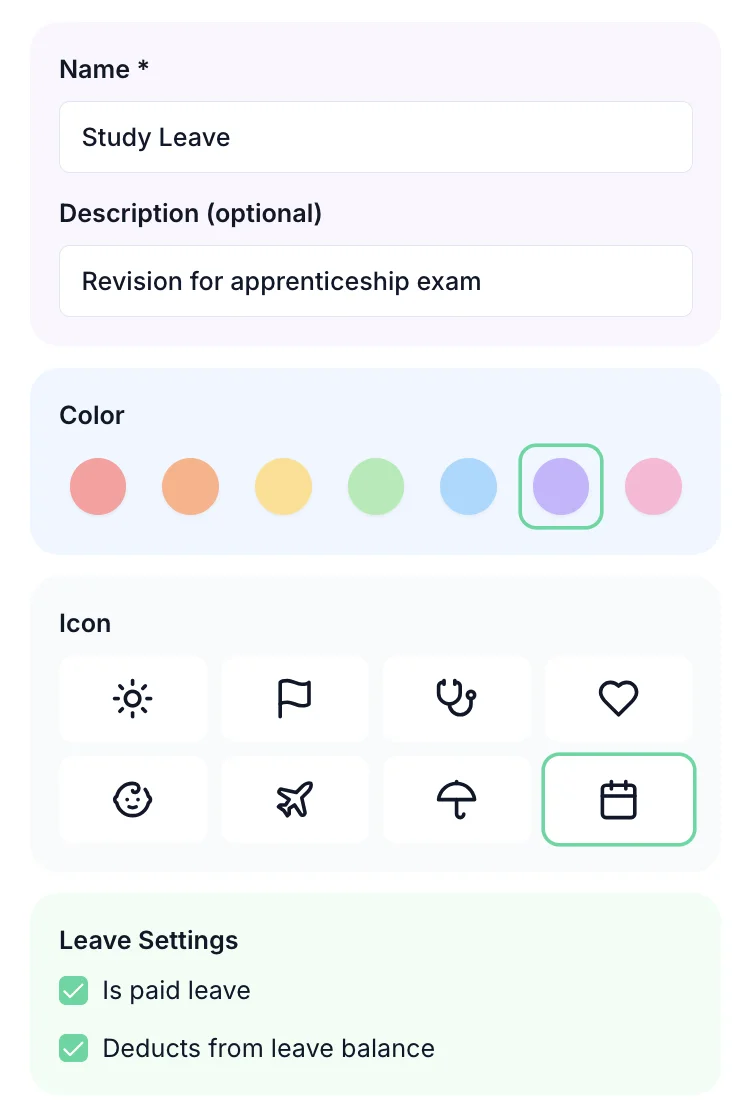
Set accrual rates, caps, and expiry periods that match your employment contracts and workplace policies. The system enforces these rules consistently for every employee — no more inconsistent manager decisions. When overtime is approved, TOIL is credited automatically and appears on the rota calendar so managers always know who has time to take.
One price. Every feature. No surprises.
Employees log their actual hours worked via the timesheet. When hours exceed contracted hours, the excess can be submitted as a TOIL accrual request. Once the manager approves it, the hours are added to the employee's TOIL balance automatically — no manual calculations needed.
Yes. The employer dashboard shows TOIL balances alongside annual leave balances for all employees. You can see at a glance who has accumulated TOIL, who has used it, and what the current liability across the team looks like.
Yes. You can create multiple TOIL leave types in your settings — for example, 'Standard TOIL' at 1:1, 'Weekend TOIL' at 1.5:1, and 'Bank Holiday TOIL' at 2:1. Each has its own rate, cap, and expiry period, and managers select the correct type when approving accruals.
Yes. TimeTally tracks both TOIL and paid overtime through the timesheet system. You can designate certain extra hours as TOIL and others as paid overtime — with separate records for each type.
You set the expiry period in your TOIL policy. When TOIL approaches its expiry date, managers have visibility to encourage employees to use it. Once expired, it is removed from the balance — a clear, auditable record is always maintained.
Yes. Every employee can see their own TOIL balance in real time through the TimeTally app or web browser. They can see accruals, bookings, and the current balance — full transparency reduces queries and disputes.
